ENEnglish
 LTLietuviškai
 DEDeutsch
 FRFrançais
 RUРусский
 ESEspañol
 PLPolski
 ITItaliano
 UKУкраїнська
 CSČeština
 PTPortuguês
 JA日本語
JA日本語 LVLatviešu valoda
 ETEesti
 HUMagyar
 IDBahasa Indonesia
 TRTürkçe
 HIहिन्दी
 ELΕλληνικά
 ARالعربية
 THไทย
THไทย VITiếng Việt
 RORomână
 MSBahasa Melayu
 BNবাংলা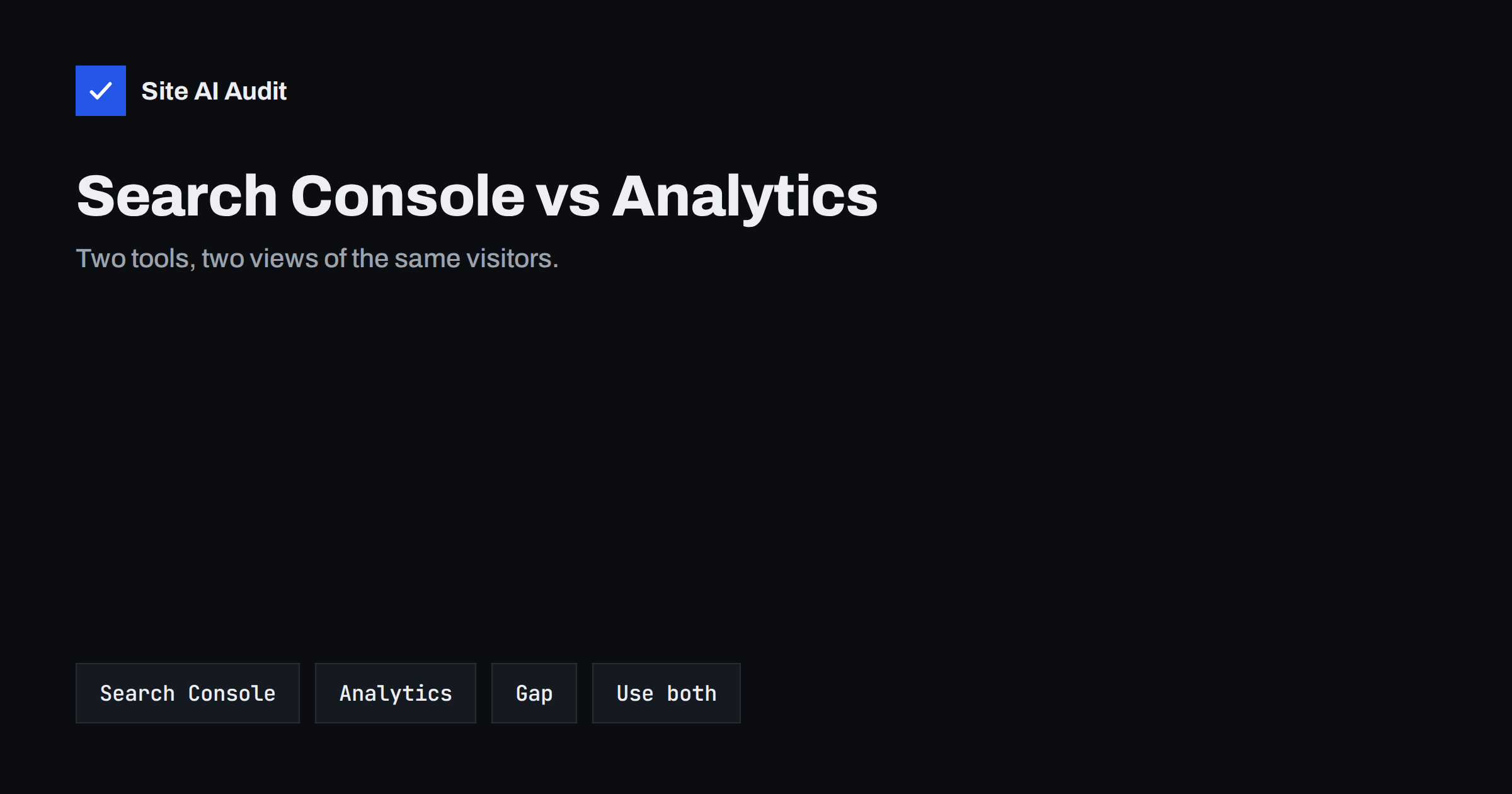
Short answer: Google Search Console and Google Analytics answer different questions. Search Console reports what happens in Google Search before a visit: impressions, clicks, queries and average position. Analytics reports what happens after the visit starts: sessions, engagement and conversions. Their numbers will not match exactly, and that is normal. Use Search Console to improve visibility and Analytics to judge what visitors do.
What Search Console measures
Search Console is a free tool from Google that shows how your site performs in Google Search. Its data comes from Google’s own systems, so you do not need to add code to your pages for the performance numbers. After you verify the site, you see:
- Impressions. How often a link to your page appeared in results.
- Clicks. How often someone clicked that link.
- Click-through rate. Clicks divided by impressions.
- Average position. Where your links appeared in the results.
- Queries and pages. The searches and the pages behind the numbers.
Search Console also reports on technical health: which pages are indexed, which have errors, how the Core Web Vitals look, and whether a manual action exists. Our guide on the Performance report explains how to read it in detail.
What Google Analytics measures
Google Analytics works from the other side. A small piece of code on your pages records what visitors do once they arrive: which pages they open, how long they stay, which actions they take and where they came from. In the current version, Google Analytics 4, almost everything is an event, and sessions group those events.
It covers all traffic sources, not only Google Search: other search engines, social networks, email campaigns, direct visits and links from other sites. It can also record goals, such as a form sent or a purchase made, and show how much of your business comes from each source.
Why the numbers do not match
People are often worried when Search Console shows 1,000 clicks and Analytics shows 800 organic sessions. Several normal reasons explain the gap:
- Different moments. Search Console counts the click on the search result. Analytics counts a visit only if the page loads and the tracking code runs. If the visitor leaves before that, only Search Console sees it.
- Consent and blockers. Cookie banners, privacy settings and ad blockers can stop the tracking code. Search Console is not affected by them.
- Different definitions. A click and a session are not the same thing. One person can click twice and create one session, or one click can start a session that ends later.
- Different traffic scope. Search Console includes only Google properties such as web search, images, video, news and Discover. Analytics may label some of that traffic differently.
- Attribution rules. Analytics decides which source gets the credit for a session using its own rules.
- Time zones and processing delays. The tools may cut days at different times and update at different speeds.
- Bots and filtered data. Analytics filters out many known bots. Search Console data is also privacy filtered, and rare queries are hidden.
A gap of ten to thirty percent is common and not a sign that something is broken. Compare trends, not exact totals.
Which tool to use for which question
Choosing the right tool saves time:
- “Which searches show my site?” Search Console, Performance report.
- “Why did my traffic from Google drop?” Start with Search Console, then confirm in Analytics. Our guide to diagnosing a traffic drop uses both.
- “Is my page indexed?” Search Console, URL inspection and page indexing reports.
- “Do visitors from search buy or sign up?” Analytics, with goals or key events.
- “Which pages keep visitors engaged?” Analytics.
- “Do my pages have speed problems?” Search Console shows field data on Core Web Vitals, as covered in the Core Web Vitals report.
Data limits you should know
Each tool has limits that affect how far back you can look. Search Console keeps about sixteen months of performance data. If you want to compare year over year, export the data regularly and store it yourself.
In Analytics, the retention period for detailed event data is set in the settings and the defaults are short, often two months, with an option of fourteen months. Standard reports are not limited in the same way, but custom explorations are. Check your setting early so that you do not lose history.
Also keep in mind that Search Console hides some queries for privacy reasons. The total of the listed queries can be lower than the total number of clicks. That is another reason why the sums do not match.
How to connect the two tools
You can link Search Console to Google Analytics. Once linked, you can see search data inside the analytics reports, for example the queries that led to a landing page next to the engagement figures for that page. The link does not merge the numbers, but it puts them side by side.
To set up the link, you need ownership of the Search Console property and edit access to the Analytics property. If you have not yet verified your site, start with setting up Google Search Console.
A simple monthly routine
You do not need to study both tools daily. A short monthly routine is enough:
- In Search Console, check clicks, impressions and the top pages compared with the previous period.
- Look for pages with many impressions and a low click-through rate, and improve their titles and descriptions. See fixing a low click-through rate.
- Check the indexing and errors reports for new problems.
- In Analytics, look at organic landing pages and what visitors do next.
- Write down one improvement for next month, and check the results then.
It helps to see a worked example. Imagine a small shop with a blog post that shows 2,000 impressions and 120 clicks in Search Console over a month, which is a click-through rate of six percent. In Analytics, the same page shows 95 organic sessions and two purchases. The 25 missing visits are not lost customers. Some people closed the tab before the page loaded, some declined tracking in the cookie banner and some used browsers that block analytics scripts. The two purchases are still real, and the trend from month to month is what you should watch.
Now look at the numbers for decisions. If impressions grow but clicks stay flat, improve the title and description. If clicks grow but purchases do not, look at the page content, the speed on mobile and the call to action. If both fall together, check for technical problems such as indexing errors, a broken redirect or a slow server. Each tool points to a different part of the chain, and together they tell you where the weak link is.
A few more habits keep your data clean. Use the same date ranges in both tools when you compare them, exclude your own visits from Analytics where possible, and add clear naming to campaigns so that traffic is not mixed up. If your site has several language versions or subdomains, verify each version in Search Console, so that you can see the data for each market on its own.
Finally, remember privacy rules. If you use tracking, you may need visitor consent in many countries, and your numbers will then depend on how many people accept. Search Console does not depend on consent, which makes it a good reference point when Analytics data looks lower than expected.
One last tip: keep a simple log of changes to your site, such as a new design, a changed title pattern or a moved page, with the date. When a line in either tool suddenly bends, the log shows what may have caused it, and you can decide whether to roll back or wait. Without a log, people often search for weeks for a cause that took ten seconds to remember.
What Site AI Audit can and cannot tell you
Site AI Audit does not replace either tool and does not read your Search Console or Analytics data. It checks the technical side that those tools depend on: titles and descriptions, headings, broken links, redirects, sitemap, robots.txt and noindex settings, speed and security. Fixing those basics often makes the other numbers improve. You can run a free check of your website or see the plans.
Related reading
- How to Set Up Google Search Console for a Small Business
- URL Inspection Tool in Search Console: How to Use It
- How Often Should You Audit Your Website’s SEO?
- SEO Audit Checklist for Small Business Websites
The bottom line
Search Console tells you how Google shows your site, and Analytics tells you what visitors do next. They count different things at different moments, so the totals will differ. Use both as a pair, compare trends rather than exact figures, and act on what each one is best at.
FAQ
Which tool is more accurate?
Neither is simply more accurate. They measure different events. Search Console is closer to what happens in Google Search, while Analytics is closer to what happens on your pages.
Why does Analytics show fewer visits than Search Console shows clicks?
Visitors may leave before the page loads, decline tracking or use blockers. A gap is normal. Look at the trend and not at the exact difference.
Do I need both tools?
For a business website, yes. Search Console is free and essential for search visibility. Analytics shows what visitors do and what brings results.
How far back can I see data?
Search Console keeps about sixteen months of performance data. Analytics depends on your retention settings, so check them and export key reports if you need a longer history.
Can I see search queries in Analytics?
Not directly. Link your Search Console property to Analytics to see query data next to engagement reports, or use Search Console on its own.