 ENEnglish
 LTLietuviškai
 DEDeutsch
 FRFrançais
 RUРусский
 ESEspañol
 PLPolski
 ITItaliano
 UKУкраїнська
 CSČeština
 PTPortuguês
 JA日本語
JA日本語 LVLatviešu valoda
 ETEesti
 HUMagyar
 IDBahasa Indonesia
 TRTürkçe
 HIहिन्दी
 ELΕλληνικά
 ARالعربية
 THไทย
THไทย VITiếng Việt
 RORomână
 MSBahasa Melayu
 BNবাংলা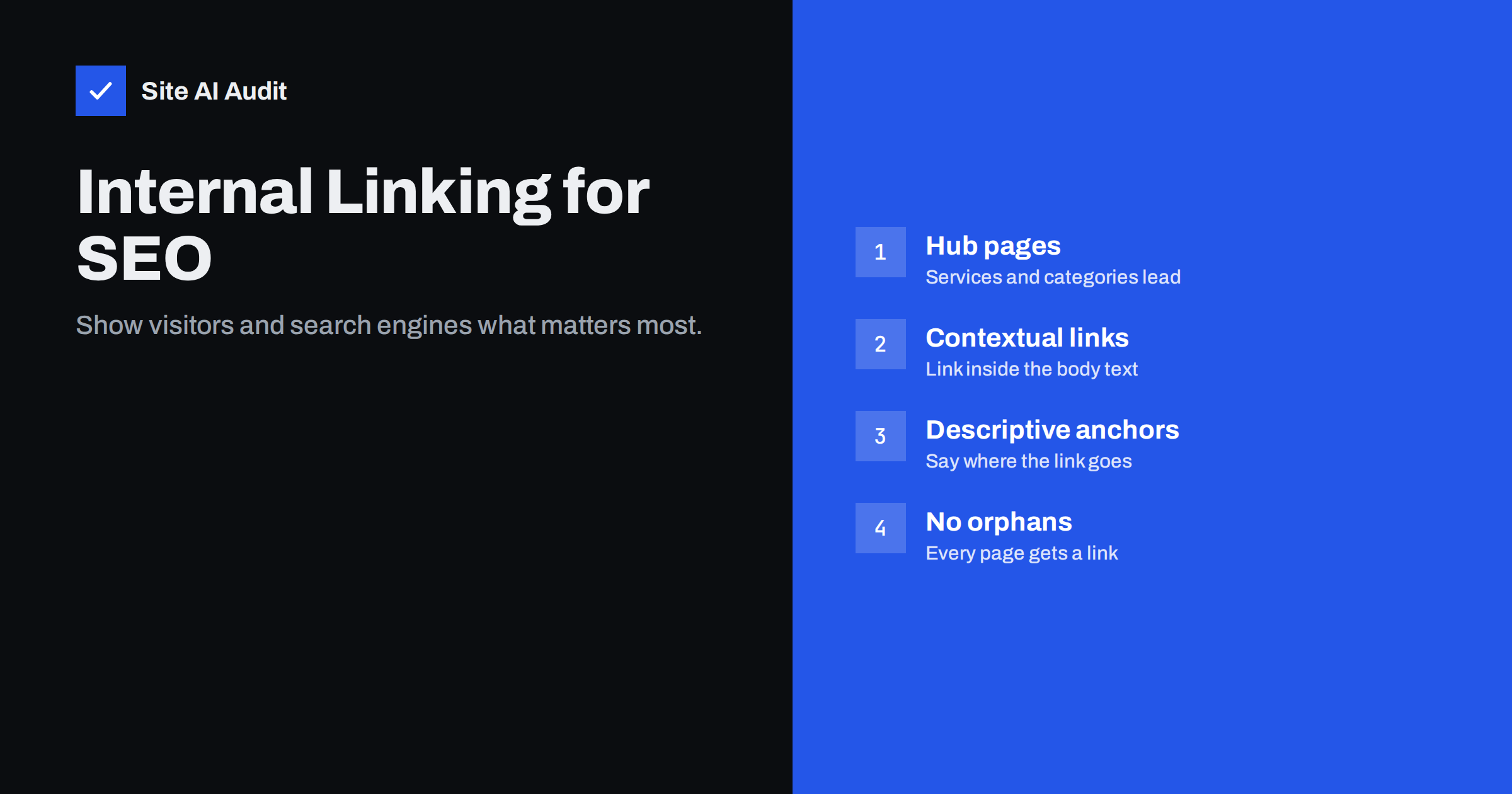
Short answer: Internal links are links from one page of your website to another. They help visitors find related information and help search engines discover pages, understand what each page is about and judge which pages matter most. A good internal linking structure keeps important pages within a few clicks of the home page, links related pages to each other from within the text, uses descriptive anchor text and leaves no page without links pointing to it.
What internal links are
Any link from a page on your domain to another page on the same domain is an internal link. They appear in several places:
- Navigation links in the main menu, header and footer, repeated on every page;
- Contextual links inside the body text, such as a sentence in a blog post that links to a relevant service page;
- Listing links on category, archive and blog index pages;
- Supporting links such as breadcrumbs, “related articles” blocks and “you may also like” product carousels.
External links, which point to other websites, and backlinks, which point to your site from elsewhere, get more attention in SEO discussions. But internal links are the ones you fully control, and on small sites they often make a bigger practical difference.
Why internal links matter for SEO
Internal links do four jobs at once:
- Discovery. Search engines find new pages mainly by following links. A page that nothing links to may never be crawled, or only through the sitemap, which is a weaker signal.
- Importance. Pages that receive many internal links, especially from strong pages such as the home page, are treated as more important. Your linking structure tells search engines which pages you care about most.
- Context. The anchor text of a link, meaning the clickable words, and the text around it tell search engines what the linked page is about. Ten links saying “bookkeeping for small businesses” send a clear message.
- Visitor journeys. People who read a guide about choosing an accountant are natural candidates for your accounting services page. Without a link, many of them never reach it.
Google’s own documentation on crawlable links stresses that links should be real HTML anchor elements with an href attribute, and that anchor text should be descriptive. Both points are easy to get right and easy to get wrong.
A simple structure for small business sites
You do not need a complex model. Most small business sites work well with a three-level structure:
- Level 1: the home page. Links to every main service, category or product group.
- Level 2: hub pages. Each service or category page links down to its detailed pages and across to closely related hubs.
- Level 3: detail pages. Individual products, sub-services, case descriptions and articles, each linking back up to its hub and across to a few related detail pages.
With this structure, every important page is two or three clicks from the home page. A common rule of thumb is that pages buried more than three or four clicks deep tend to be crawled less often and perform worse. That is not a hard limit, but it is a useful warning sign.
Blog articles fit into the same model. Group them by topic, link each article to the service or category it relates to, and link the service page back to its best guides. This creates small topic clusters in which the service page and the supporting articles reinforce each other.
How to write good anchor text
Anchor text is one of the clearest signals you can give about a linked page. Good anchor text:
- Describes the destination. “Our guide to choosing a heat pump” is better than “click here” or “read more”.
- Reads naturally. It should fit the sentence. Awkward exact-match phrases inserted only for search engines read badly.
- Varies a little. Different pages linking to the same target can use different but related wording, such as “heat pump installation”, “installing a heat pump” or “our installation service”.
- Is not too long. A few words, not a whole paragraph as a link.
Avoid using the same anchor text for different destinations. If “our services” links to five different pages across the site, the words carry no meaning. Also avoid linking image-only elements without alt text: the alt text of a linked image acts as its anchor text.
Where to add contextual links
Menus and footers take care of the main structure automatically. The biggest opportunity on most sites is contextual links inside the content, which are usually missing. Practical places to add them:
- Blog posts to services. Every article that relates to something you sell should link to that service or product at least once, where it naturally fits.
- Services to supporting guides. A service page can link to two or three guides that answer common customer questions.
- Related services to each other. Bathroom renovation links to plumbing and tiling; bookkeeping links to payroll and tax returns.
- New content from old content. When you publish a new article, go back to two or three older, relevant, well-visited pages and add a link to it. This is the fastest way to get a new page discovered and taken seriously.
- Product pages to categories and alternatives. Breadcrumbs, “see all waterproof boots” links and related products keep shoppers and crawlers moving.
There is no magic number of links per page. Add a link wherever a reader would benefit from going deeper, and stop before the text becomes a list of links.
Orphan pages and dead ends
An orphan page has no internal links pointing to it. It may be listed in the sitemap or reachable through internal search, but no normal navigation leads there. Orphans are common after redesigns, when old menus are replaced, and on sites that publish landing pages for ads.
Orphan pages are a problem because search engines see them as unimportant and may crawl them rarely, and because visitors never find them. The fix is simple: decide whether the page is still useful. If it is, link to it from its hub and from related pages. If it is not, redirect it to the most relevant page or remove it.
The opposite problem is a dead end: a page with no useful links out, such as a blog post with no link to any service, or a thank-you page with no way back. Every page should give the visitor a sensible next step.
Common internal linking mistakes
- Links that search engines cannot follow. Navigation built only with JavaScript click handlers or buttons, without real
<a href>links, may not be crawled. - Linking to redirected or broken URLs. After URL changes, internal links often still point to old addresses. Update them to the final URLs.
- Nofollow on internal links. Adding
rel="nofollow"to your own links, for example to login or legal pages, does not help and can stop discovery. Use noindex on pages you do not want indexed instead. - Too many menu links. Mega menus with hundreds of links dilute the importance of each and overwhelm visitors.
- Everything linked from the footer. Stuffing the footer with dozens of keyword links is an old tactic that adds clutter and little value.
- Important pages buried deep. A top-selling service reachable only through three levels of submenus.
How to audit your internal links
- Crawl the site. A crawler shows how many internal links each page receives, its click depth from the home page, and any links to broken or redirected URLs.
- Compare with your priority list. Your most important pages should be among the most linked and the least deep. If they are not, add links from the home page, hubs and related content.
- Find orphans. Compare the crawl with your sitemap or CMS page list. Pages in the sitemap but not found by the crawler are likely orphans.
- Fix broken and redirected links. Update each one to point directly to the final URL.
- Review anchors. Replace “click here” and “read more” on key links with descriptive text.
- Repeat after big changes. New menus, migrations and content clean-ups all change the link structure.
How Site AI Audit helps
Site AI Audit crawls your website by following its links, the same way a search engine does, and reports broken links and redirects along with titles, headings, alt texts and indexing rules. It lists the pages where each problem occurs, so you can fix internal links at the source rather than guessing. Start a free check of up to 50 pages.
Related reading
- How to Find and Fix Broken Links on Your Website
- SEO Audit Checklist for Small Business Websites
- Heading Tags for SEO: How to Use H1, H2 and H3 Properly
The bottom line
Internal links are one of the most controllable levers in SEO. Keep a simple structure from the home page to hubs to detail pages, add contextual links between related pages with descriptive anchor text, link new content from existing popular pages, and make sure no page is orphaned or linked through redirects. Review the structure after every major site change.
FAQ
How many internal links should a page have?
There is no fixed number. Link wherever it helps the reader go deeper, and keep the most important pages linked most often. A few relevant contextual links per article is a reasonable starting point.
Do footer links count as internal links?
Yes, they are internal links and search engines follow them. Because they repeat on every page, they carry less context than links inside the body text.
Should internal links open in a new tab?
Generally no. Visitors expect internal links to open in the same tab, and the back button works as they expect. New tabs are better reserved for external links or downloads, if at all.
Is it bad to use the same anchor text many times?
Using the same descriptive anchor for the same page is fine. Problems arise when identical anchor text points to different pages, or when every link is a forced exact-match keyword.
What is an orphan page?
An orphan page is a page with no internal links pointing to it. Search engines find it hard to discover and treat it as unimportant. Link to it from relevant pages or redirect it if it is no longer needed.


