ENEnglish
 LTLietuviškai
 DEDeutsch
 FRFrançais
 RUРусский
 ESEspañol
 PLPolski
 ITItaliano
 UKУкраїнська
 CSČeština
 PTPortuguês
 JA日本語
 LVLatviešu valoda
 ETEesti
 HUMagyar
 IDBahasa Indonesia
 TRTürkçe
 HIहिन्दी
 ELΕλληνικά
 ARالعربية
 THไทย
 VITiếng Việt
 RORomână
 MSBahasa Melayu
 BNবাংলা
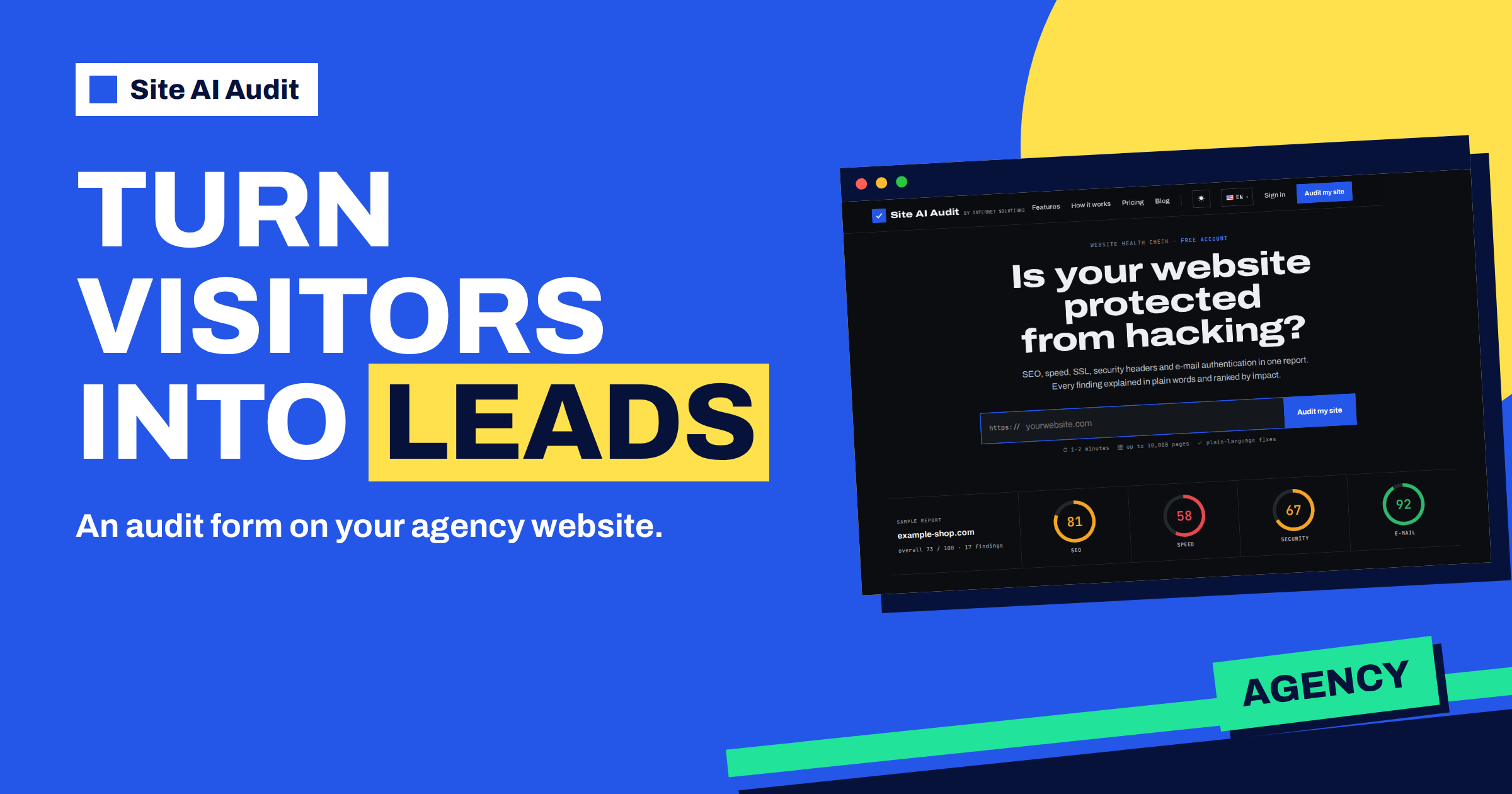
Short answer: On the Agency plan, Site AI Audit gives you a form that you can place on your own website. A visitor enters the address of their website and their e-mail, an audit runs, and the visitor sees a full report with your logo, colour and contact details. You receive the visitor’s details as a lead, by e-mail and in a list in your account. The form is added with a single line of code or a link, and it needs no coding skills.
The problem it solves
Agencies, freelancers and consultants who build and maintain websites have a common challenge: they need a reason for a stranger to start a conversation. “Contact us” is a weak reason. A useful insight with no strings attached is a better one. A form that tells a business owner how their own website performs, with a ranked list of what to fix, gives a visitor something of value in a minute and gives you a warm lead: a person who has just seen a list of problems and knows that you can solve them.
The audit form does exactly this under your name. The visitor never feels that they are using somebody else’s tool. They see your logo, your colours and your contact button, in a report that you did not need to write.
What the visitor experiences
- They find the form on your website, for example on a page called “Check your website” or on your services page.
- They type their website address, their name and their e-mail. The e-mail is required, so that the results can be sent.
- The audit starts at once, and they watch a progress page with your branding. A check takes about one to two minutes.
- They see the report: an overall score, four area scores for SEO, speed, security and e-mail, and the findings with explanations and fixes, ranked by impact.
- They can contact you with a button that opens an e-mail to you with the report link ready in the message, or download the PDF with your branding.
- They get an e-mail with the link to the report, so they can come back to it.
Reports from the form are shown in full. They are not locked like the report of a free account, because the form is meant to show your potential clients what a complete audit looks like.
What you receive
- An e-mail for every request, with the subject “New audit request” and the website. It lists the website, the visitor’s name and e-mail and the link to the report.
- A list of leads in your account, under “Branding and leads”. For each lead, it shows the date, the website, the name, the e-mail and the page from which the form was used. The list shows your most recent leads, up to 200.
With the website, the findings and the e-mail address in front of you, a follow-up message writes itself: “I looked at your report. Three of the findings are quick to fix, and I can do them for you.”
How to set it up
- Have an Agency plan. The pricing page lists “Embeddable audit form for lead generation” in this plan. The article on Site AI Audit for agencies describes the plan as a whole.
- Open “Branding and leads” in your account.
- Fill in your branding. Enter your company name, website, e-mail and phone, choose a colour and upload a logo. The logo can be a PNG, JPG or WebP image under 2 MB. Save.
- Copy the embed code. The page shows one line of script that you paste where the form should appear. A direct link to the form is also there.
- Preview the form with the preview link, and test it with your own website.
- Paste the code into your page. In WordPress, use a custom HTML block. In other builders, use an embed or code element.
The code creates a frame on your page with the form inside. The frame fills the width of the page up to a limit, so the form works on phones as well as on large screens. If you prefer not to embed anything, use the direct link: put it on a button, in a newsletter or in a message.
Branding: what your clients will see
The branding you set applies to the form, to the report page that the visitor opens and to the PDF that they can download. It includes your company name, logo, accent colour, website, e-mail and phone. That is why it is worth spending a few minutes on it. A clean logo and a correct e-mail address turn the report into a sales document for your services. The article on downloading and sharing the PDF report explains how the PDF is used.
Where to place the form
- A dedicated landing page, such as “Check your website”, linked from the main menu and from your ads.
- The home page, below the introduction, so that every visitor sees it.
- Blog posts about website problems, where the reader is thinking about the same topic.
- A thank-you page after a contact request, to give the person something to do.
- Your e-mail signature or newsletter, using the direct link.
Say what the visitor gets and what you do with their e-mail address. A short line under the form, such as “You will get the report on screen and by e-mail, and we may contact you about it”, respects the visitor and protects you. Handle the personal data that you receive according to your own privacy rules.
Following up well
- Reply within a day. The visitor has just seen the problems, and the interest fades quickly.
- Refer to the report with two or three concrete findings, not a generic message.
- Offer a next step, such as a call, a fixed-price fix of the most urgent items or a monthly maintenance plan.
- Use the same fixes list in your quote. The report already contains the explanations.
- Record the result, so that you learn which pages bring the best leads.
Privacy and trust
A form that collects names and e-mail addresses brings responsibilities. Tell visitors plainly what happens with their data: that the audit is run on the address they enter, that the results are shown on screen and sent by e-mail, and that you may contact them. Link your privacy policy next to the form. Keep the leads only as long as you need them, and respect any request to be removed. Do not add people who used the form to a newsletter without asking.
It also helps to be honest about what the report is. It is an automated technical check, not a full review of the business. Say so on the page that holds the form: “This check reads your website from the outside and lists technical findings. We are happy to go through them with you.” That sets the right expectations, and visitors who read it tend to reply with better questions.
Measuring what works
A lead form is worth keeping only if it brings business, so keep simple numbers. Count how many people use the form each month, how many of them you contacted, how many replied and how many became clients. The “From page” column in the leads list shows which pages bring the most requests. Move the form to the best pages, and try a different headline or a different place on the weaker ones. Compare the scores of the leads too: websites with a low score are better prospects than websites that are already in good shape, and a pattern in their findings tells you which service to offer first.
Good to know
- The form checks the website that the visitor enters. It accepts public web addresses only, as explained in the article on what the audit can reach.
- The form limits repeated requests from the same visitor within an hour, to protect against misuse.
- If you stop the Agency plan, the form stops working for new visitors.
A worked example
A two-person web studio adds the form to a page titled “How healthy is your website?” and links it from its blog posts. In the first month, 23 people use it. Eleven of them have a score below 60. The studio owner replies to each of them with the main finding and an offer. Four become paying clients: two ask for a fix of the e-mail findings, and two for a redesign. The studio spends an afternoon on setup and nothing on writing audit reports.
To learn how an audit looks from the visitor’s side, run one on your own site with a free account. The plans show what the Agency plan includes.
Related reading
- How Agencies Should Report Website Speed to Clients
- Email Deliverability for Agencies: Managing Client Domains
- Compare Two Audits: See What Is New, Fixed or Worse
- Site AI Audit Plans Compared: Free, Monitor, Business, Agency
The bottom line
The embeddable audit form on the Agency plan turns your website into a lead source: visitors get a branded report, you get their details. Set up your branding, paste one line of code and follow up quickly with the real findings.
FAQ
Which plan includes the audit form?
The Agency plan, which lists an embeddable audit form for lead generation and reports with your logo.
Does the visitor see my branding?
Yes. The form, the report and the PDF carry your company name, logo, colour and contact details.
Where do I find my leads?
In your account, under Branding and leads, and in an e-mail for every request.
Do I need to know how to code?
No. You paste one line into an HTML or embed block, or you use the direct link.
Is the visitor’s report locked?
No. Reports from the form show the full audit, so that your potential clients see its value.