ENEnglish
 LTLietuviškai
 DEDeutsch
 FRFrançais
 RUРусский
 ESEspañol
 PLPolski
 ITItaliano
 UKУкраїнська
 CSČeština
 PTPortuguês
 JA日本語
JA日本語 LVLatviešu valoda
 ETEesti
 HUMagyar
 IDBahasa Indonesia
 TRTürkçe
 HIहिन्दी
 ELΕλληνικά
 ARالعربية
 THไทย
THไทย VITiếng Việt
 RORomână
 MSBahasa Melayu
 BNবাংলা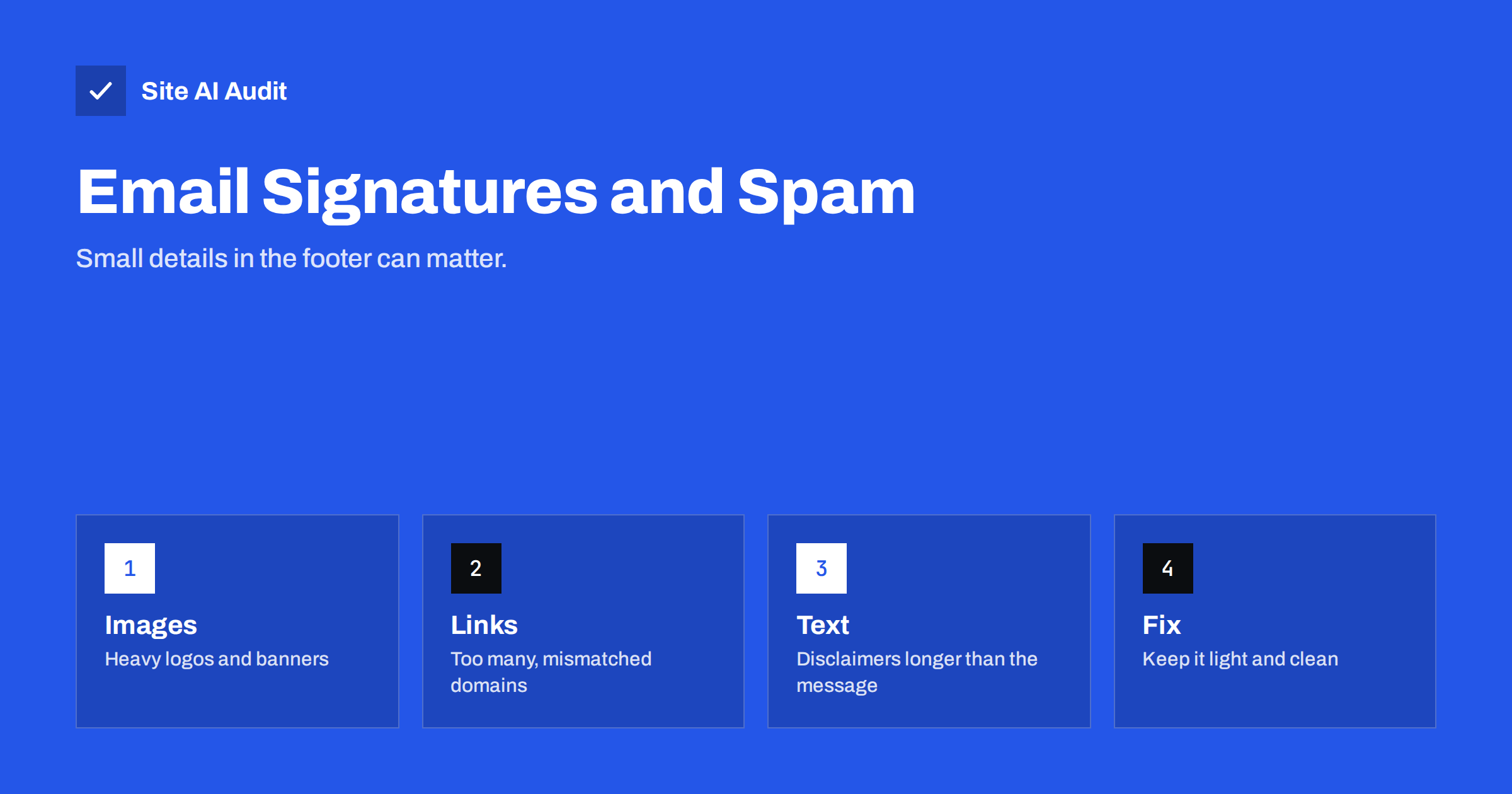
Short answer: A signature is part of every email you send, so a bad one repeats its problems thousands of times. Large images, many links, link shorteners, image-only designs and very long disclaimers all make a message look more like bulk mail or phishing. A short signature with plain text, one small logo hosted on your own domain and two or three links is safe and still looks professional.
Why the signature matters to filters
Mailbox providers do not judge only the words you typed. They look at the whole message: the sender, the domain, the links, the images, the ratio of text to pictures and the size. A short reply such as “Thanks, I will send the quote tomorrow” followed by a signature with a banner, six social icons and a long legal paragraph can contain more signature than message. To a filter, that is a pattern worth checking.
The signature is also added to every reply in a long thread. If it contains an image, the image is repeated again and again, and the message grows with every answer. A small flaw in one signature becomes a large flaw across a whole company. That is why a few minutes spent on it often pays back more than rewriting a single campaign.
None of this means that a signature will send your mail to spam by itself. Reputation and authentication matter far more, as we explain in our guide to what email deliverability is. But when your domain is in a borderline situation, a heavy signature can be the extra weight that tips a message into the junk folder.
Images: logos, banners and social icons
Images are the most common problem. Typical mistakes are:
- Very large logos. A logo that is 2000 pixels wide, shrunk by the email program to look small, still has to be downloaded at full size. Export it at about twice the displayed size at most, and keep the file small.
- Promotional banners. A big banner under the name turns a personal message into something that looks like marketing. Use banners in newsletters, not in daily correspondence.
- A row of social icons. Each icon is another image and usually another link. One or two are enough, and a text link to your website often does the same job.
- Image-only signatures. If the whole signature is one picture, the recipient cannot copy the phone number, a screen reader cannot read it, and filters see an image with no text. Always keep the important details as real text.
- Images from other people’s servers. A logo loaded from a free image host or a former agency’s server may disappear, load slowly or trigger a warning. Host it on your own domain over HTTPS.
Give every image a width, a height and alt text. Many programs block pictures by default, and alt text shows what the image should be. It also keeps the layout stable while the picture loads.
Links: how many and where they point
Every link in a signature is judged like any other link in the message. A few rules keep them safe:
- Use two or three links at most: your website, perhaps a contact page, and one social profile if it matters to you.
- Point the link text and the real address to the same place. A link that shows one domain but goes to another is a classic phishing trick, and filters look for it.
- Avoid URL shorteners. Shared shortener domains are used by many senders and can be blocklisted for reasons that have nothing to do with you. Our article about tracking domains and shorteners in email explains why.
- Do not add tracking parameters or click-tracking redirects to a personal signature. They add little value and add risk.
- Use the same domain as your sender address wherever you can. Consistency builds trust with filters and with people.
Legal disclaimers and confidentiality notes
Many companies add a long paragraph saying the message is confidential and must be deleted if it reached the wrong person. In many countries such notices carry little legal weight, but they add size and, if translated into several languages, they can double the length of every email. Check with your legal adviser what you truly need, and keep that text short.
Some countries do require business emails to show certain company details, such as a registered name and registration number. If that applies to you, place those details in plain text on one or two lines. Do not hide them in an image, because they must be readable and, in the worst case, printable.
A good habit is to put the legal text below the useful information and to keep it smaller than the message above. If the disclaimer is longer than a typical email, it is too long.
Size, formatting and the plain-text version
Signatures built in a design tool or pasted from a web page often carry hidden weight: dozens of lines of formatting code, nested tables and fonts that do not exist on the recipient’s device. This extra code increases the size of every message. Very large messages are clipped by some providers, as described in our article on the Gmail clipped message limit.
Keep the layout simple. Use one or two web-safe fonts, a few lines, and a table only when you really need columns. Test the signature on a phone, because many people read email there first.
Remember also the plain-text version. Most programs create it automatically from the HTML message. If the signature is an image, the plain-text part will be missing the contact details completely, and a mismatch between the text and HTML versions is another small negative signal. Read more about the topic in plain text versus HTML email.
A safe signature, step by step
- Write the information first. Name, role, company, phone and website as plain text.
- Add one small logo. Host it on your own domain over HTTPS, set the width and height, and add alt text.
- Limit the links. Two or three, no shorteners, and the visible text matches the destination.
- Shorten the disclaimer. Keep only what you need, in plain text, below the main details.
- Use one template for everyone. A single approved version prevents each employee from inventing a new design.
- Keep promotions out. Seasonal banners belong in marketing email, where you can manage consent and unsubscribe links.
- Test it. Send a normal reply to a Gmail and an Outlook address, and look at where it lands and how it looks on a phone.
Signatures and sender trust
A tidy signature cannot rescue a message from a domain that is not authenticated. The three records that prove who you are, SPF, DKIM and DMARC, come first. Without them, a message that looks perfect can still be rejected, and criminals can copy your signature design to send fake invoices in your name. Our overview of the differences between SPF, DKIM and DMARC is a good place to start if you are not sure where you stand.
Consistency also helps people. A clear name, a real phone number and a link to a site that matches the sender domain make it easier for a customer to decide that a message is genuine.
What Site AI Audit can and cannot tell you
Site AI Audit checks the email setup of your domain from the outside: SPF and its lookup limit, DKIM signatures, the DMARC policy and MX records. It does not read your messages or look at your signature, so it cannot say whether an image is too large. What it can show is whether the foundation is in place, so that your signature is judged by a sender with a clear identity. You can run a free check of your domain or look at the pricing page if you want regular re-checks.
Related reading
- Links in Emails: Tracking Domains, Shorteners and Deliverability
- From Name and Address: Email Sender Details That Build Trust
- Spam Trigger Words: What Really Gets an Email Filtered
The bottom line
A signature is a small piece of design that goes out with every message. Keep it light: real text for the details, one small logo on your own domain, two or three honest links, and a short disclaimer. Avoid banners, shorteners and image-only designs in daily email, and make sure the domain behind the signature is properly authenticated.
FAQ
Can an email signature cause emails to go to spam?
It can contribute, but it is rarely the only reason. Large images, many links, shorteners and a very long disclaimer add weight to a score that also includes your reputation and authentication. A clean signature removes one easy source of risk.
Should I put my logo in my email signature?
Yes, one small logo is fine. Host it on your own domain over HTTPS, set its width and height, add alt text and keep the file small. Do not make the logo the only place where your contact details appear.
How many links are too many in a signature?
There is no official number, but two or three is a sensible limit. Every extra link gives filters another address to check, and long lists of social icons look like marketing rather than personal correspondence.
Do I need a legal disclaimer in every email?
That depends on the country and your industry. Some places require company details in business email, while confidentiality notices often have little legal effect. Ask a legal adviser, and keep any required text short and readable.
Is it better to use an image or text for the signature?
Use text for all important details and an image only for a small logo. Text can be read by every program and screen reader, copied by the recipient, and understood by filters. An image-only signature fails on all of these points.