ENEnglish
 LTLietuviškai
 DEDeutsch
 FRFrançais
 RUРусский
 ESEspañol
 PLPolski
 ITItaliano
 UKУкраїнська
 CSČeština
 PTPortuguês
 JA日本語
JA日本語 LVLatviešu valoda
 ETEesti
 HUMagyar
 IDBahasa Indonesia
 TRTürkçe
 HIहिन्दी
 ELΕλληνικά
 ARالعربية
 THไทย
THไทย VITiếng Việt
 RORomână
 MSBahasa Melayu
 BNবাংলা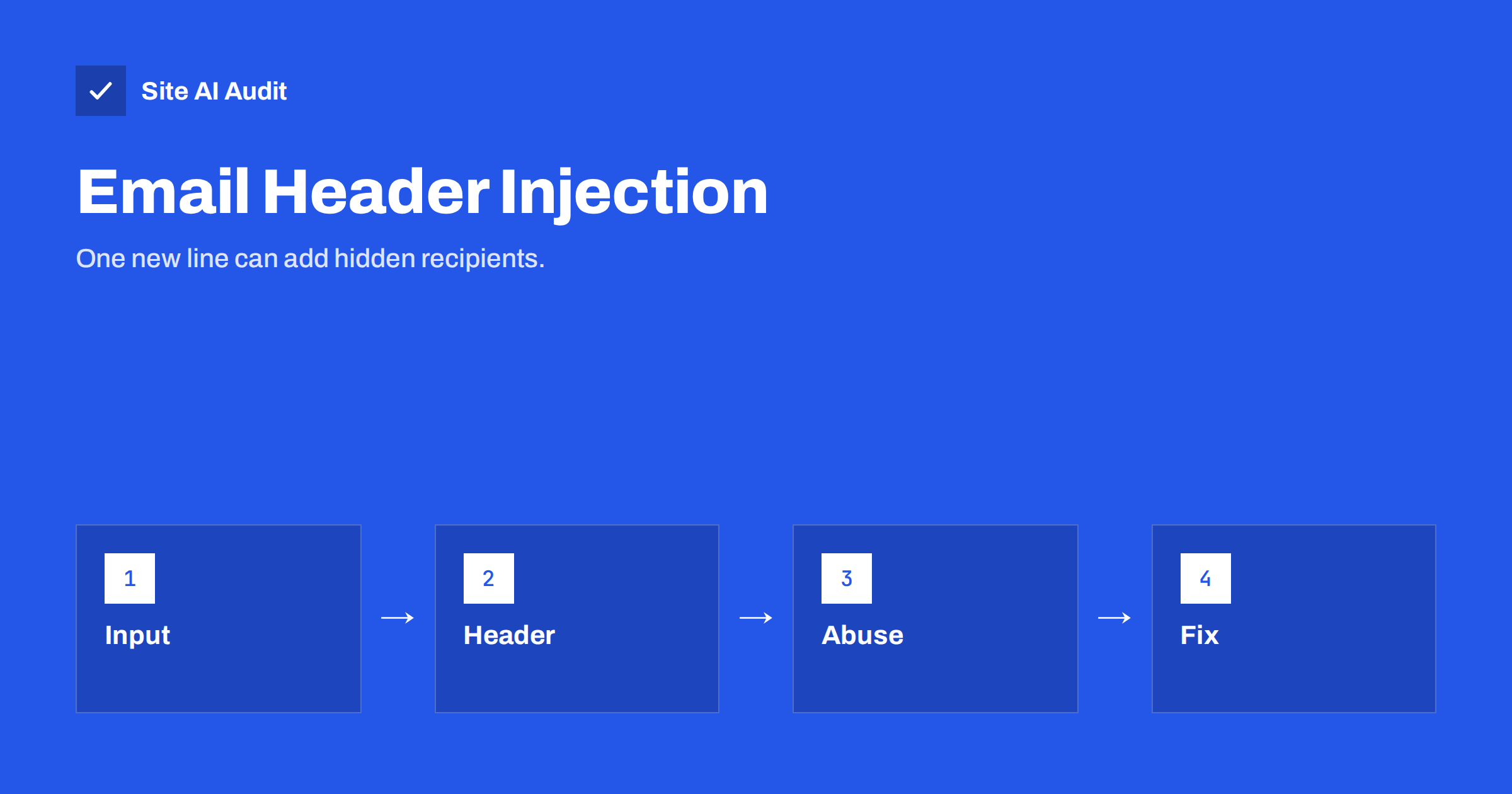
Short answer: E-mail header injection is an attack in which someone types line breaks and extra header lines into a form field, such as the name, e-mail or subject, so that the code behind the form adds hidden recipients to the message. Your server then sends the attacker’s spam in your name. The fix is to reject line breaks in anything that goes into a header, validate input on the server, use a fixed sender address and limit how often the form can be used.
What an e-mail header is
Every e-mail consists of two parts: headers and a body. The body is the message that people read. The headers are lines of text above it that tell mail systems what to do: who the message is from, who it is for, what the subject is and which address to use for replies. Each header sits on its own line, and a line break marks where one header ends and the next begins.
That small detail is what the attack depends on. If a program builds the headers by putting text from a form straight into them, then a line break typed by a visitor is read as the end of the header and the start of a new one. The program thinks it is writing one header, while the mail system sees two.
How the attack works
Consider a simple contact form that sends you an e-mail. The visitor types a name, an e-mail address and a message. The code puts the address into the Reply-To header so that you can answer with one click. A normal visitor types an address and everything works.
An attacker types an address followed by a line break and then something that looks like another header, for example a Bcc line with a long list of recipients. If the form does not check for line breaks, the finished message carries that Bcc header, and the mail server dutifully delivers a copy to everyone on the list. The attacker can also change the subject, add a new body or override the sender. Bots do this automatically at huge scale, testing thousands of forms to find those that allow it.
The attack is related to other injection problems in which untrusted input is treated as instructions. If you have read about command injection, the idea will be familiar: data crosses a boundary and becomes code.
Why it matters for your business
You may think that a form sending a few extra messages is a small matter. In practice the harm adds up.
- Your server becomes a spam relay. The mail comes from your server and often from your own domain, which reflects on you, not on the attacker.
- Your sender reputation falls. Receiving servers see a surge of unwanted mail and begin to distrust your domain and IP address. Real mail, such as quotes and invoices, then lands in spam folders. See domain and IP reputation for how this works.
- You may be blocklisted. If your IP address ends up on a blocklist, delivery can fail for everyone on that server. The steps in e-mail blocklist check and removal show the way out.
- Your host may suspend sending. Many hosts limit outgoing messages and stop the account when the limit is exceeded, as covered in e-mail sending limits and throttling.
- Your own mailbox may fill with bounces. Rejected spam returns to the sender address, and you receive the replies.
Signs that a form is being abused
The first sign is often indirect. You notice a spike in bounce messages for mail you never sent, a warning from the host about outgoing volume, or customers saying that your e-mails are going to spam. Other clues are worth checking:
- The outgoing mail queue is much larger than normal.
- The server log shows many requests to the form handler, often from a few addresses or with strange values in the fields.
- Messages sent by the form show odd recipients, subjects or bodies when you look at the full headers. The guide on reading e-mail headers shows where to find them.
- You receive a notice that your domain or IP address has appeared on a blocklist.
How to protect your forms
Good protection is layered, because no single check catches everything. The most important rules are simple.
Never put raw input into a header
Treat anything the visitor types as untrusted. Reject or remove carriage return and line feed characters in every value that is used in a header: name, e-mail, subject and anything else. Put free text only in the body of the message, where line breaks are harmless.
Validate the e-mail address properly
Use a proper validation function on the server, not just a pattern in the browser. A valid address never contains a line break. Browser checks can be skipped completely by a bot that sends requests directly.
Use a fixed From address on your own domain
Send the message from an address you control, such as a general website address on your domain, and put the visitor’s address only in the Reply-To header after validating it. This is also the better setup for deliverability, as explained in contact form e-mails from your own domain and the Reply-To header.
Use current libraries and plugins
Established mail libraries and form plugins reject line breaks in headers by default. Old, home-made scripts that call the basic mail function directly are the most vulnerable. If your form is a custom script written years ago, have it checked or replaced, and keep form plugins updated.
Limit how the form can be used
Add a rate limit, a hidden honeypot field or a challenge to slow bots down. Our article on contact form spam protection compares the options. Forms that send a confirmation to the address typed by the visitor can also be abused to send unwanted messages to third parties, which is described in subscription bombing.
Send through authenticated SMTP
Sending through a proper mail account with authentication, instead of a loose local mail function, gives you logs, limits and better reputation. See SMTP relay vs direct sending for the trade-offs.
What to do if you were already abused
If you suspect that the form was used, first disable it or put a simple holding message in its place. Look at the mail queue and the logs to confirm what was sent, and clear the queued spam so it does not continue to leave the server. Fix the vulnerability before you enable the form again, otherwise the attack resumes within minutes.
Then check your reputation. Look for your IP address and domain on blocklists, and ask for removal after the cause is fixed. Make sure that SPF, DKIM and DMARC are in place so that your genuine mail is recognised, and tell your host what happened if they sent a warning. If the abuse came through a hijacked mailbox and not a form, the steps in compromised e-mail account sending spam apply as well.
A short test you can do
If you maintain a form yourself and are comfortable with simple tests, try submitting a harmless value with a line break in the name field on a test copy of the site, and see whether the message that arrives has extra headers. Do this only on your own site and preferably on a staging copy. If the line break reaches the headers, the form needs fixing. If you are not comfortable testing, ask your developer to confirm in writing that header values are sanitised.
How Site AI Audit helps
Site AI Audit does not test your forms for injection and cannot see inside your mail scripts. It checks the e-mail records that protect your domain: SPF and its lookup limit, DKIM signatures, DMARC policy and MX records, each with a plain-language fix. These records do not stop abuse of a form, but a DMARC policy and valid SPF and DKIM help receiving servers recognise your genuine mail and spot messages that pretend to come from you. The Monitor plan repeats the check every week and sends e-mail alerts when something breaks. You can run a free check of your website or see the plans.
Related reading
- WordPress Emails Going to Spam or Not Sending? How to Fix It
- Email Spoofing: How to Stop People Sending Mail as Your Domain
- DMARC Explained: Policies, Alignment and a Safe Rollout
- Security Logging and Monitoring: What Small Sites Should Track
The bottom line
Treat every form field as untrusted. Reject line breaks wherever input reaches an e-mail header, send from a fixed address on your own domain, validate on the server and limit how often a form can be used. A few minutes of care protect you from the much longer job of repairing a damaged sender reputation.
FAQ
Can a contact form really send spam to other people?
Yes, if the code behind it lets visitors add header lines. The message is then delivered to recipients chosen by the attacker, using your server and often your domain.
Does a CAPTCHA stop header injection?
It slows bots but does not fix the underlying flaw. A determined attacker may still get through, so the form must also sanitise input on the server.
Are WordPress form plugins affected?
Well-maintained plugins protect against it by default. Old plugins, custom code and modified themes are the real concern, so keep them updated.
How do I know if my domain was used to send spam through a form?
Look for unexpected bounce messages, a large mail queue, a warning from your host or a blocklist listing. The full headers of a sent message show unusual recipients.
Should I send form e-mails from the visitor’s address?
No. Send from an address on your own domain and place the visitor’s address in Reply-To. Sending in someone else’s name breaks authentication and invites problems.