 ENEnglish
 LTLietuviškai
 DEDeutsch
 FRFrançais
 RUРусский
 ESEspañol
 PLPolski
 ITItaliano
 UKУкраїнська
 CSČeština
 PTPortuguês
 JA日本語
JA日本語 LVLatviešu valoda
 ETEesti
 HUMagyar
 IDBahasa Indonesia
 TRTürkçe
 HIहिन्दी
 ELΕλληνικά
 ARالعربية
 THไทย
THไทย VITiếng Việt
 RORomână
 MSBahasa Melayu
 BNবাংলা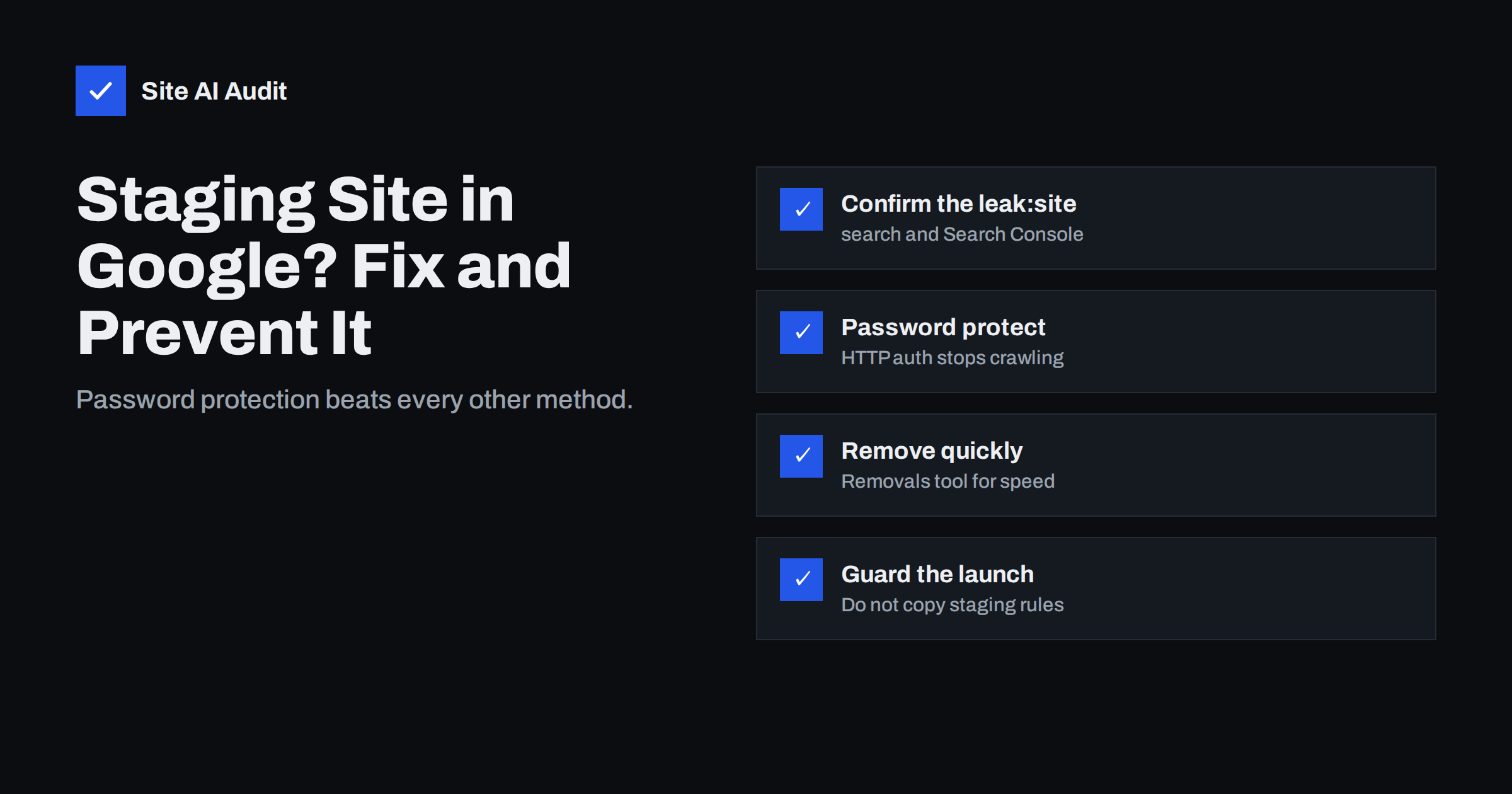
Short answer: If a staging or development copy of your website appears in Google, protect it with a password (HTTP authentication) or an IP allowlist, verify the staging host in Search Console and use the Removals tool to hide its URLs quickly, then let Google drop them as it sees they are no longer accessible. Do not rely on robots.txt alone: it stops crawling but does not remove pages that are already indexed. Finally, make sure staging settings never reach the live site at launch.
Why staging sites end up in Google
Staging sites are copies of a website used for testing changes before they go live. They usually live on a subdomain such as staging.example.com or a temporary host from the developer or hosting company. Search engines find them in several ways:
- Links. A developer shares a staging link in a public forum, a page on the live site accidentally links to staging, or a staging URL is left in a sitemap or canonical tag.
- Certificate Transparency logs. Every publicly trusted SSL certificate is recorded in public logs, including certificates for staging subdomains. These logs are widely monitored, as explained in Certificate Transparency logs.
- Browser and tool data. Visiting a URL with tools that share data, or submitting it to online services, can lead to discovery.
- Nothing stops the crawler. If a staging site is publicly reachable and has no noindex rule, search engines treat it like any other site.
The result is a duplicate copy of your website in search. It may show outdated prices, test content or placeholder text, it competes with the live site for the same queries, and it can expose unfinished work.
Step 1: confirm what is indexed
Search Google for site:staging.example.com (replace with your staging host). The results give a rough idea of how many pages are indexed; the count is an estimate, but the listed URLs are real. Also check:
- Whether the staging copy ranks for your brand name or important queries.
- Whether other temporary hosts exist, for example an old development domain or the hosting provider’s preview address.
- Whether the live site links to staging anywhere, including canonical tags, hreflang tags, sitemaps and hard-coded image URLs.
Links from the live site to staging are the first thing to fix, because they keep feeding the crawler. A quick way to find them is to search the live site’s HTML, database export or theme files for the staging host name. Content management systems often store full URLs in posts, menus and settings, so a single search-and-replace after the last migration may have missed some of them.
Step 2: lock the staging site
The most reliable fix is to make the staging site unreachable for anyone who is not authorised:
- HTTP authentication. A username and password prompt at the web server level. Crawlers receive a 401 status and cannot see any content. Most hosting control panels offer “password protect directory”; on Apache and Nginx it takes a few lines of configuration.
- IP allowlist. Allow only your office, VPN or developer IP addresses. Everyone else gets a 403 error.
- Hosting provider’s staging protection. Many managed hosts offer a switch that protects staging environments.
A login page inside the CMS is not enough if the front end is still public. The protection must apply to every URL, including images and files.
On Apache, HTTP authentication is typically configured with AuthType Basic, an AuthUserFile pointing to a password file stored outside the web root, and Require valid-user. On Nginx, the equivalent directives are auth_basic and auth_basic_user_file. If the staging site sits behind a CDN or proxy, check that the protection is applied at the origin or at the CDN for every path, and that cached copies are not served without the password.
Test the result from a private browser window and with a command such as curl -I https://staging.example.com/. You should see a 401 or 403 status for the home page, inner pages, images and uploaded files alike.
Once staging returns 401 or 403 for everything, Google gradually drops those URLs as it recrawls them.
Step 3: speed up removal
Dropping out of the index naturally can take weeks. To hide staging URLs faster:
- Verify the staging host in Google Search Console. You need access to the property to request removals. A DNS verification of the whole domain covers all subdomains.
- Use the Removals tool. Submit a temporary removal for the staging URL prefix. This hides the URLs from search results for about six months, which gives Google time to process the permanent change.
- Keep the protection in place. The Removals tool only hides results temporarily. If the site becomes public again after the removal expires, the pages can return.
If staging cannot be password protected for some reason, add a noindex rule instead. The X-Robots-Tag: noindex HTTP header applies to all files, including PDFs and images, while a meta robots tag covers HTML pages. Google’s documentation on blocking indexing with noindex explains both methods.
Why robots.txt alone is not enough
The most common reaction is to add Disallow: / to the staging robots.txt. It feels right, but it has two problems:
- It does not remove indexed pages. Robots.txt controls crawling, not indexing. Blocked URLs that are already known can stay in results, sometimes shown without a description.
- It hides the noindex tag. If a page is blocked from crawling, Google cannot fetch it and therefore never sees the noindex instruction on it.
The correct order is: allow crawling, serve noindex or authentication, wait until the pages drop out, and only then consider a robots.txt block. Our comparison of robots.txt and noindex explains the difference in more detail.
Which method to use
| Method | Stops crawling | Removes indexed pages | Protects unfinished work |
|---|---|---|---|
| HTTP authentication | Yes | Yes, over time | Yes |
| IP allowlist | Yes | Yes, over time | Yes |
| noindex (meta or header) | No | Yes, after recrawl | No, still publicly viewable |
| robots.txt Disallow | Yes | No | No |
| Search Console Removals | No | Hides for about six months | No |
For a staging site, authentication plus a temporary removal request is the combination that works in almost every case.
The opposite problem: staging settings on the live site
Launch day often brings the reverse mistake. The staging site had “discourage search engines”, a noindex header or a restrictive robots.txt, and the whole site was copied to production with those settings still active. The live site then slowly disappears from Google.
Add these checks to every launch and migration:
- View the live robots.txt and confirm it does not contain
Disallow: /. - Check the source and HTTP headers of the home page and a few inner pages for noindex. See the noindex tag guide for how.
- Confirm canonical tags, sitemaps and internal links point to the live domain, not staging.
- In WordPress, check that “Discourage search engines from indexing this site” is unticked.
- Search the database and files for the staging host name and replace any remaining references.
The new website SEO checklist includes these checks with the rest of the launch steps.
How to prevent it from happening again
- Protect staging by default. Make authentication part of how every staging environment is created, not something added later.
- Keep environment-specific settings out of the database copy. Configure noindex and robots rules through environment variables or server configuration, so a database copy cannot carry them to production.
- Do not share staging links publicly. Use screenshots or protected previews when working with clients and third parties.
- Remove old environments. Retire test hosts after a project and delete their DNS records, which also removes a target for subdomain takeover.
- Monitor. A periodic site: search for your staging hosts catches leaks early.
Where Site AI Audit helps
Site AI Audit checks what search engines see on your live site: robots.txt, the sitemap, noindex rules, titles, redirects and broken links, together with SSL and security basics. Running a check right after a launch or migration quickly shows whether staging settings such as noindex or a blocking robots.txt slipped into production. You can check your website for free in a couple of minutes.
Related reading
- Duplicate Content in SEO: Common Causes and How to Fix Them
- Canonical Tags Explained: How to Handle Duplicate URLs
- Website Migration SEO: How to Move a Site Without Losing Traffic
- How to Set Up Google Search Console for a Small Business
The bottom line
A staging site in Google is a duplicate you do not want. Lock it with HTTP authentication or an IP allowlist, hide it quickly with the Removals tool, and do not rely on robots.txt alone. Then make protection the default for every test environment and check at every launch that staging settings did not reach the live site.
FAQ
How do I remove my staging site from Google quickly?
Password protect the staging site, verify its host in Search Console and submit a temporary removal for the whole URL prefix. The removal hides results for about six months while Google drops the protected pages permanently.
Will blocking staging in robots.txt remove it from Google?
No. Robots.txt stops crawling but does not remove pages that are already indexed, and it prevents Google from seeing a noindex tag. Use authentication or noindex instead.
Can an indexed staging site hurt my live site’s SEO?
It can create duplicate content that competes with the live pages, show outdated information to searchers and confuse which version should rank. Removing it quickly limits the impact.
How did Google find my staging site if I never linked to it?
Common routes are accidental links, staging URLs left in canonical tags or sitemaps, links shared publicly, and SSL certificates for the staging subdomain appearing in public Certificate Transparency logs.
Should staging sites use noindex or a password?
A password is better. It keeps crawlers and the public out entirely, while noindex still leaves the content visible to anyone with the link.


