ENEnglish
 LTLietuviškai
 DEDeutsch
 FRFrançais
 RUРусский
 ESEspañol
 PLPolski
 ITItaliano
 UKУкраїнська
 CSČeština
 PTPortuguês
 JA日本語
 LVLatviešu valoda
 ETEesti
 HUMagyar
 IDBahasa Indonesia
 TRTürkçe
 HIहिन्दी
 ELΕλληνικά
 ARالعربية
 THไทย
 VITiếng Việt
 RORomână
 MSBahasa Melayu
 BNবাংলা
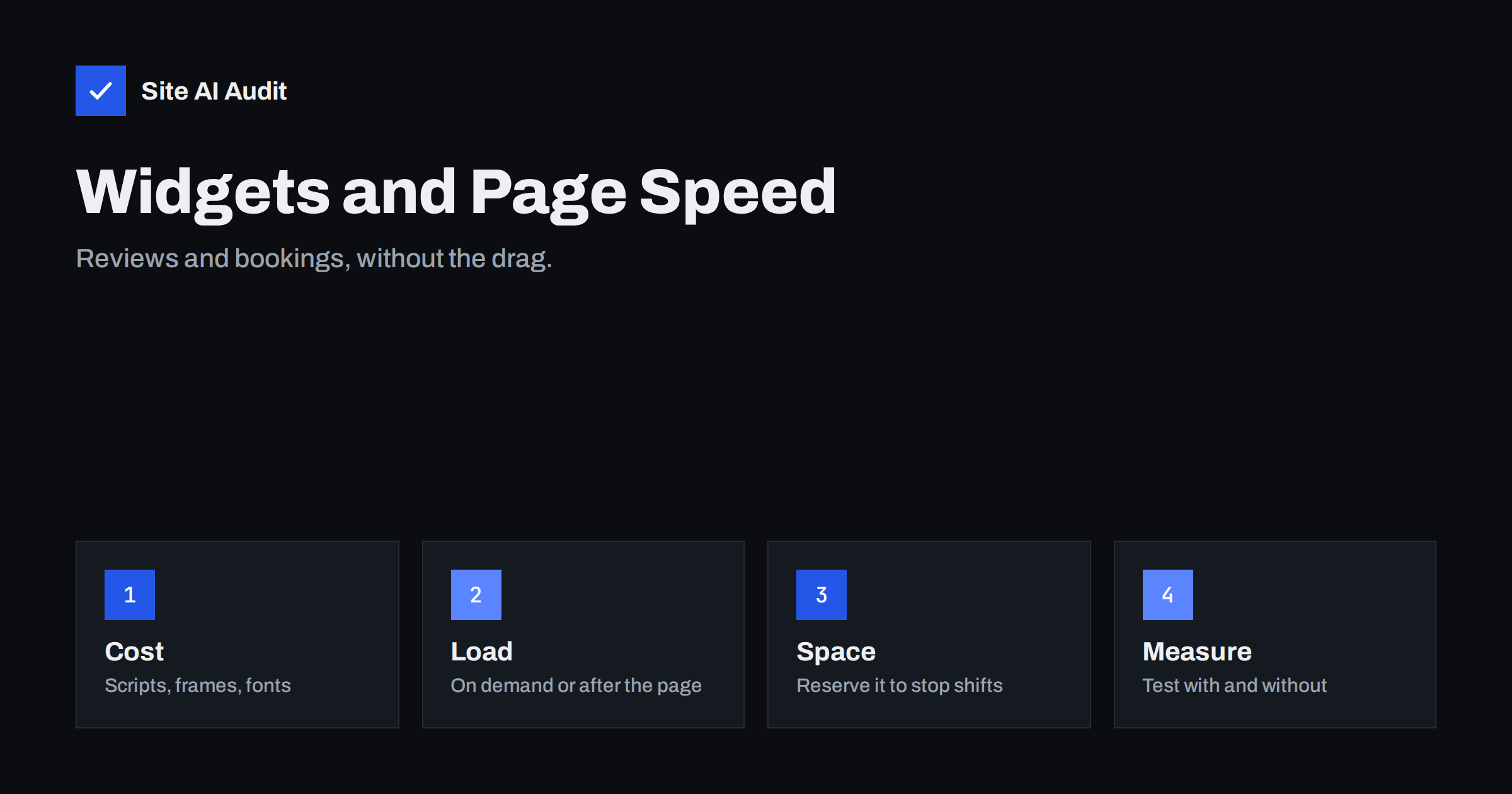
Short answer: Review carousels and booking forms are often embedded with a snippet that loads a script, a frame, fonts and sometimes tracking from another company’s server. Each of these costs time, and the widget can also push your content around as it appears. You do not have to remove them. Load them later, reserve their space, keep only the ones that earn their place and measure the page with and without them.
What these widgets load
A review widget shows star ratings and quotes from a platform where customers wrote them. A booking widget lets visitors choose a date or time without leaving your page. Both are usually added by pasting a snippet from the provider. Behind that snippet there is often more than you would guess:
- A JavaScript file that builds the widget in the page, sometimes several files.
- One or more frames that load whole pages from the provider.
- Fonts, icons and stylesheets that match the widget’s design.
- Requests to the provider’s servers for the data: ratings, availability, prices.
- Cookies, tracking and consent scripts that the provider uses for its own purposes.
Each outside request needs a connection, which means looking up the domain, opening a secure connection and waiting for the answer. This is the same pattern as in the article on third-party scripts and speed.
How widgets hurt the speed visitors feel
- Slower loading. Heavy scripts compete with your own content for the connection and the processor, especially on phones with a slow network.
- Layout shifts. A widget that appears after the text is already on screen pushes everything down. This is the cause of many high Cumulative Layout Shift scores, and the guide to fixing layout shift explains the measure.
- Slow reactions. A widget that runs a lot of code can make taps and clicks feel delayed, which affects Interaction to Next Paint. See the article on interaction to next paint.
- Unstable results. If the provider’s server is slow on a given day, your page is slow too, and you cannot fix it.
- Extra work for consent. Widgets that set cookies may need to wait for a visitor’s choice, which adds another script to the chain.
Decide whether each widget earns its place
Before tuning anything, ask what each widget does for you. Reviews can build trust on a service page, but a carousel on every page is rarely needed. A booking form is useful on the page where a visitor decides to book, and not on a blog article from 2019. Questions to ask:
- Does this page need the widget to do its job?
- Do visitors use it? Look at clicks, bookings and scroll depth.
- Can a simple link or button do the same thing?
- Is there a lighter option from the same provider, such as a smaller widget or a direct link?
If a widget has no clear job on a page, take it off that page.
Load widgets later
The most effective change is to stop the widget from loading before the visitor can see your main content. There are several ways, from simple to advanced.
- Move it below the fold. If the widget sits far down the page, load it only when the visitor scrolls near it. Many plugins and small scripts can do this with the browser’s intersection observer.
- Use the lazy attribute on frames. For widgets in an
iframe, addloading="lazy", which tells the browser to wait until the frame is close to view. - Load on click. Show a placeholder button such as “Book a time” and load the widget only when someone presses it. This is called a facade. It works well for booking forms, which people use only when they are ready.
- Load after the page is ready. Add the script so that it runs after the main content, using
deferor by starting it after the page’s load event. The article on defer and async explains the difference. - Warm up the connection only when needed. A preconnect hint to the provider’s domain helps if the widget is near the top, but it wastes effort if the widget is far down. See resource hints.
A small example shows the order of work. A dental clinic has a home page with a review carousel at the top, a booking widget in the middle and a map in the footer. The first step is to move the carousel below the fold and replace it with three static quotes at the top. The second is to turn the booking widget into a button that opens the form on demand. The third is to give the map a fixed frame. None of the three removes a feature, and together they usually cut the number of outside requests that run before the first screen is shown.
Reserve space so the page does not jump
A widget that appears later should not change the position of anything else. Give its container a fixed height, or at least a minimum height, close to what the widget will need. Use the real size from a test on a phone and on a desktop, because the two often differ. While the widget loads, show a calm placeholder with the same size, for example a grey box or a line of text. When the content arrives, nothing moves.
The same rule applies to a widget in a sticky bar or a floating button. Position it with fixed placement, so that it does not push the main content.
Show a static version of reviews
If you only want to display a few recent reviews and a rating, you may not need a live widget at all. Some platforms let you fetch review data through their official interface. Your site can store the most recent entries and show them as plain text with a small image, refreshed once a day. This removes the outside script from the page, keeps the page quick and gives you control over the design. Check the platform’s rules before you copy any text, make sure you show the source and the date honestly, and do not edit reviews. A static block is also easier for search engines to read than text drawn by a script.
Keep an eye on consent and privacy
Widgets are among the tools that set cookies or send visitor data to the provider. If your site operates under rules that require consent, the widget must wait for it. That is another reason to load on demand: if a visitor never opens the booking form, no data is sent. The guide to cookie banners and speed shows how to combine consent with fast loading. Read the provider’s documentation, so that your privacy policy describes what the widget does.
How to measure the effect
- Test the page twice. Run a speed test with the widget and then without, on the same connection and device settings.
- Look at the waterfall. A waterfall chart lists every request. Find the widget’s files and see how long they take. The article on reading a waterfall chart helps.
- Compare the key numbers. Largest Contentful Paint, layout shift and total blocking time often tell the story.
- Repeat several times. Single runs vary, as explained in the article on why PageSpeed scores change.
- Check real-user data if your site has enough visitors, to see how phones actually perform.
Pay attention to updates as well. Providers change their widgets from time to time, and a new version can be heavier than the old one. Test again after any update, and keep a note of the date you added each widget, so that you can spot which change made the page slower.
How Site AI Audit helps
Site AI Audit measures the page that visitors get, including the Google PageSpeed score, Core Web Vitals, server response time, compression and page weight. A big drop in the speed section after you add a widget is a sign that it deserves a closer look. The free check covers up to 50 pages and needs no sign-up. You can run a free check of your website and see the plans for weekly monitoring that shows when a page becomes slower.
Related reading
- Live Chat Widgets and Page Speed: Load Them Without the Cost
- Social Media Embeds and Feeds: How They Slow Your Page
- Embedding Google Maps Without Slowing Down Your Pages
- Core Web Vitals Explained for Small Business Websites
The bottom line
Widgets are useful, and visitors like to see reviews and book online. The cost is paid in loading time and layout changes, and it grows with every new snippet you paste in. Keep the ones that help, load them when they are needed, give them a fixed place on the page and check the speed numbers before and after. A fast page that lets people book beats a slow page with a clever widget.
FAQ
Are review widgets bad for SEO?
They are not bad in themselves. If they slow the page or shift the layout, they can hurt the experience, and speed is one of the signals search engines consider.
Should I embed a booking form or link to it?
Embedding is convenient, but a link to the provider’s booking page is lighter. A good compromise is a button that opens the form only when clicked.
Does lazy loading work for every widget?
It works for most frames and for scripts you control. Some widgets must load early to run properly, so test after each change.
How many widgets are too many?
There is no fixed number. When each additional widget makes a measurable difference to your speed scores, or when you cannot explain what it does, it is time to remove one.
Can I show reviews as plain text?
Often yes, if the platform allows it. Show the real text, name the source and keep it up to date. Plain text loads faster and is easier for search engines to read.