 ENEnglish
 LTLietuviškai
 DEDeutsch
 FRFrançais
 RUРусский
 ESEspañol
 PLPolski
 ITItaliano
 UKУкраїнська
 CSČeština
 PTPortuguês
 JA日本語
 LVLatviešu valoda
 ETEesti
 HUMagyar
 IDBahasa Indonesia
 TRTürkçe
 HIहिन्दी
 ELΕλληνικά
 ARالعربية
 THไทย
 VITiếng Việt
 RORomână
 MSBahasa Melayu
 BNবাংলা
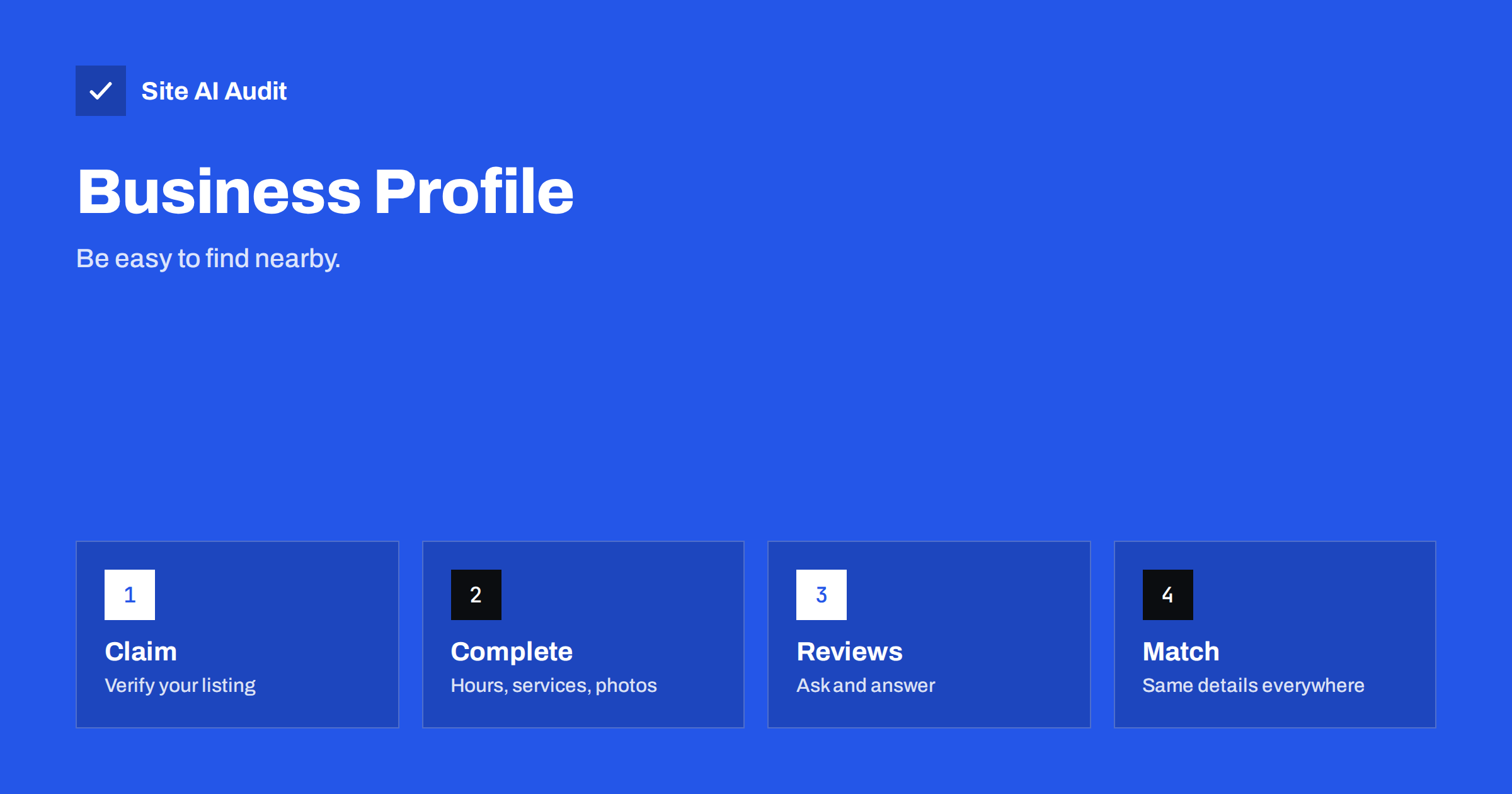
Short answer: A Google Business Profile is the free listing that can appear in Google Search and Maps when people look for a business near them. Claim it, verify that you own it, choose accurate categories, fill in every field that applies and keep your name, address and phone number identical to your website. Then collect honest reviews and answer them. It does not guarantee a place in the map results, but without it you are rarely in the running.
What a Business Profile is and where it appears
When someone searches for “dentist near me” or “bakery in Kaunas”, Google often shows a map and a short list of businesses above or beside the normal results. Those entries come from business profiles, not from web pages. Each profile shows a name, address, opening hours, phone number, photos, reviews and buttons for directions or calls. A profile can also appear when someone searches directly for your business name, in the panel on the right of the results or at the top of a mobile screen.
This matters because many local searches end without a visit to any website. The visitor sees your hours and phone number, taps the call button and the whole journey is over. For a business that serves customers in a particular place, the profile is as important as the home page, and sometimes more.
Who can have a profile
Google allows profiles for businesses that meet customers in person, such as shops, clinics and restaurants, and for businesses that travel to customers, such as plumbers and cleaners. The second group can hide their home address and list the areas they serve instead. A business that has no contact with customers in person, for example a purely online shop, is generally not eligible. Google also has rules against listing a virtual office, a mailbox service or an address where nobody from the business is present. Read the current guidelines before you create a listing, because breaking them can lead to a suspended profile, which is slow and tiring to fix.
Claim and verify the listing
- Search for your business first. A profile may already exist, created from public data or by a previous owner. Claim it instead of making a duplicate.
- Use a Google account that belongs to the business, not a personal account of one employee who may leave. Add a second owner or manager for safety.
- Enter the details exactly as the business is known. Use the real name that appears on your sign and invoices. Adding keywords such as “Best Cheap Plumber Vilnius” to the name is against the guidelines and can get the listing suspended.
- Verify. Google asks you to prove that you are connected to the business, using a method that depends on the business and the country. It can be a code by post, a call, a text, an e-mail or a short video. Follow the steps shown in your account.
Until verification is complete, you cannot control what the profile shows. Do it first, before spending time on photos and descriptions.
Choose categories and fill in the details
The main category is one of the strongest signals about what you do. Choose the most specific one that describes your core service, for example “Dentist” rather than “Health”, and add a few secondary categories for other services you really offer. Do not add categories that you do not match; they dilute the profile and can attract the wrong searches.
Then complete every field that applies to you:
- Opening hours, including special hours for holidays. Wrong hours are among the most common reasons for bad reviews.
- Phone number and website. Use the number you actually answer and a link to the page that is most useful for the visitor, often the home page or a location page.
- Services or products, with short, honest descriptions and prices where you can.
- Business description, written for people, not for keywords. Say what you do, for whom and where.
- Attributes, such as wheelchair access, outdoor seating or online appointments, where Google offers them.
- Photos, showing the entrance, the inside, the team and your work. Real pictures of your own place build more trust than stock images.
- Ask at a natural moment, right after good service, in person or in a short message with the link to your review page.
- Do not pay for reviews, offer discounts for positive ones or write them yourself. Google detects and removes such reviews, and it can penalise the profile.
- Reply to every review, short and polite. Thank people who praise you. For criticism, acknowledge the problem, offer to solve it and invite the person to contact you directly, without arguing in public.
- Report reviews that break the rules, such as spam or conflict of interest, through the profile. Do not report honest reviews just because you disagree.
- Creating several profiles for the same location, which confuses Google and splits reviews.
- Using a personal Google account as the only owner.
- Stuffing keywords into the business name.
- Leaving hours wrong after a change of schedule.
- Ignoring negative reviews for months.
- Listing an address that is not a real place where customers can be served.
- Local SEO Basics: How Small Businesses Get Found Nearby
- Local Citations and NAP Consistency: Keep Details Aligned
- Location Pages for SEO: How to Rank in Every Area You Serve
- Review Rich Results: Star Ratings in Google Search Explained
Return to the profile a few times a year. Businesses change, and an outdated listing is worse than a sparse one.
Keep your details consistent with your website
Google compares the profile with other sources, including your website and directory listings. If the name is “Rose Dental” in one place, “Rose Dental Clinic Ltd” in another and a different phone number in a third, it becomes harder for Google to be sure that these entries describe one business. Use the same name, address and phone number everywhere, in the same format. Put the details on the contact page and in the footer, as text and not only as an image. The article on NAP consistency and local citations explains how to find and fix mismatches, and the guide to local SEO basics places the profile in the wider picture.
If you have several locations, give each one its own profile and its own page on your website with unique content, as described in the guide to location pages. Do not point every profile at the same home page.
Reviews: ask, respond, never fake
Reviews influence both rankings and decisions. People read the star rating and a few comments before they choose. You cannot control what customers write, but you can make it easy for happy ones to do it:
Star ratings from reviews can also appear in some search results when the markup and the content meet the requirements. The article on review stars in search results explains the limits.
What helps a profile rank locally
Google describes three main factors for local results: relevance, distance and prominence. Relevance is how well your profile matches the search. Distance is how far you are from the searcher or from the place named in the search. Prominence is how well known you are, based on reviews, links, mentions and general reputation. You cannot change the distance, but you can improve the other two. A complete profile with accurate categories raises relevance. Good reviews, a solid website and mentions on trusted local sites raise prominence.
How to measure results
The profile dashboard shows how people found you and what they did: calls, direction requests, website clicks and searches that led to views. Check it monthly and compare with the previous period. Seasonal businesses should compare with the same month of last year. For visits that reach your website, use a tagged link and compare them with the data in Search Console. The guide to setting up Search Console shows how to connect the site, and the article on Search Console and Analytics explains which tool answers which question.
Common mistakes and a quick check
A quick audit of your website shows whether your contact details, titles and structured data are in order, which supports the profile. Run a free check with Site AI Audit and compare the address and phone number on your pages with the ones in your listing.
Related reading
The bottom line
A Business Profile is the most direct way to appear when local customers search. Claim and verify it, choose honest categories, complete every relevant field, keep the details identical to your website and treat reviews as a conversation. The effort is small compared with the number of people who see the listing.
FAQ
Is a Google Business Profile free?
Yes. Creating and managing the profile costs nothing. Be careful with companies that offer to “verify” or “rank” your listing for a fee, since the owner can do both for free.
Can I have a profile without a shop or an office?
If you travel to customers, you can create a service-area profile and hide your address. A business that never meets customers in person is generally not eligible, according to Google’s guidelines.
Why was my profile suspended?
Common reasons are a keyword-stuffed name, an address that is not a real location, a duplicate listing or misleading information. Fix the cause, then submit an appeal through the profile with proof that the business is real.
How long does verification take?
It depends on the method. A code by post can take several days, while a phone, text or video verification may finish the same day when offered. Check your account for the options available to you.
Do reviews affect my website rankings?
Reviews mainly affect your local listing and the decision of people who read them. They are not a direct ranking signal for your web pages, but a good reputation can bring more searches for your name and more links over time.


