 ENEnglish
 LTLietuviškai
 DEDeutsch
 FRFrançais
 RUРусский
 ESEspañol
 PLPolski
 ITItaliano
 UKУкраїнська
 CSČeština
 PTPortuguês
 JA日本語
JA日本語 LVLatviešu valoda
 ETEesti
 HUMagyar
 IDBahasa Indonesia
 TRTürkçe
 HIहिन्दी
 ELΕλληνικά
 ARالعربية
 THไทย
THไทย VITiếng Việt
 RORomână
 MSBahasa Melayu
 BNবাংলা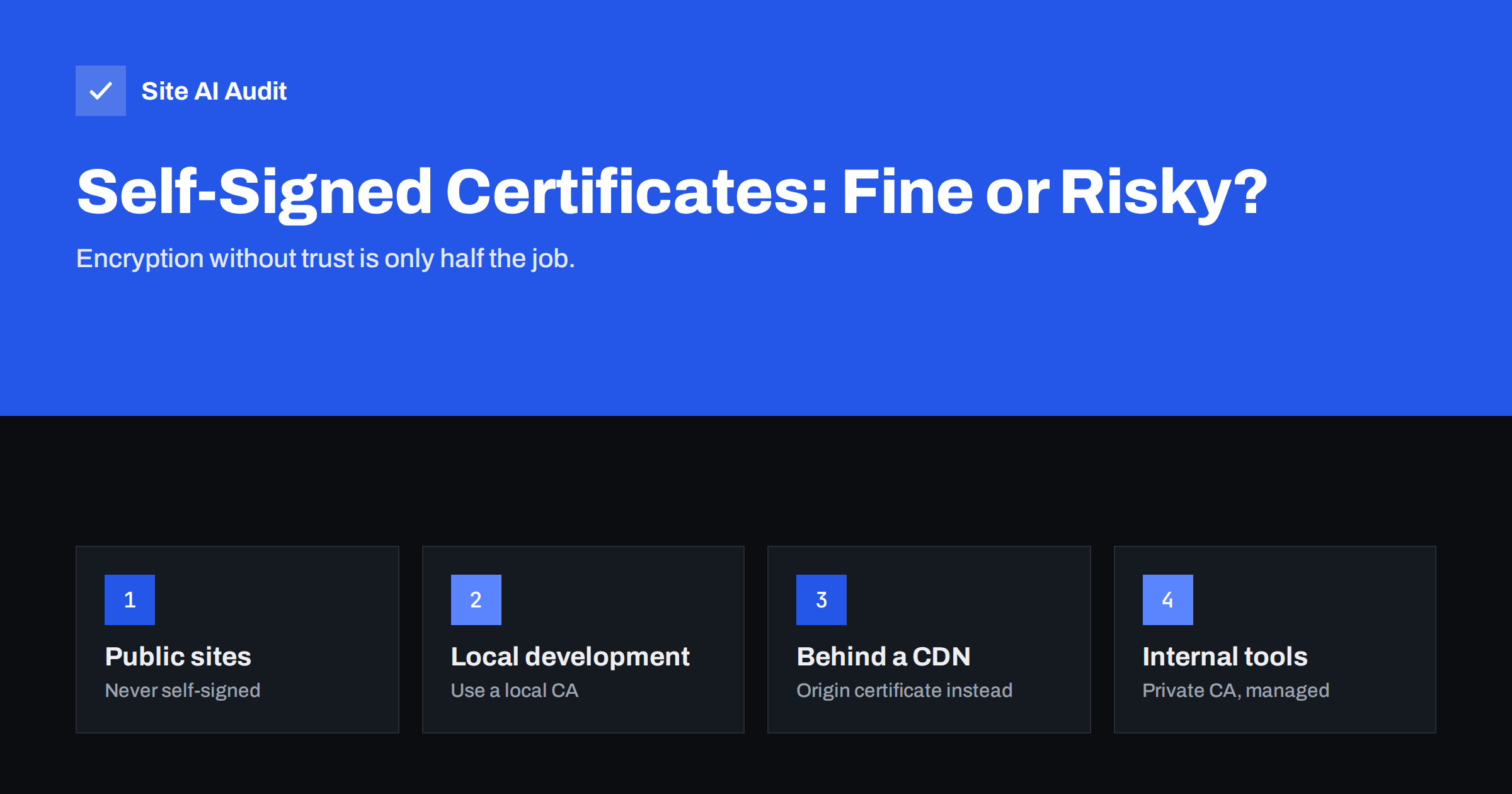
Short answer: A self-signed certificate encrypts the connection but is not vouched for by any trusted certificate authority, so browsers show a full-page security warning. It is never appropriate for a public website, where free trusted certificates are available. It can be acceptable for local development, lab equipment and some internal machine-to-machine connections where both sides are configured to trust that exact certificate, but even there a private certificate authority or a CDN origin certificate is usually the better choice.
What a self-signed certificate is
An SSL/TLS certificate does two jobs. It provides the public key used to set up an encrypted connection, and it proves that the key belongs to the domain name you are visiting. The proof comes from a certificate authority (CA): an organisation trusted by browsers and operating systems that checks you control the domain and then signs your certificate.
A self-signed certificate skips the second part. It is signed with its own private key rather than by a CA. Anyone can create one in seconds with a single OpenSSL command, for any name, including names they do not own. That is exactly why browsers do not trust it: nothing links the certificate to the real owner of the domain.
If you are new to certificates, our overview of what an SSL certificate is explains the basics of keys, chains and validation.
What visitors see
When a browser receives a self-signed certificate, it stops and shows a warning page such as “Your connection is not private” with an error code like NET::ERR_CERT_AUTHORITY_INVALID in Chrome or SEC_ERROR_UNKNOWN_ISSUER in Firefox. The page is designed to scare people away, and it works: most visitors leave immediately.
- Visitors who click through see a “Not secure” indicator on every page.
- If the domain uses HSTS, browsers do not offer a way to click through at all.
- Scripts, APIs, payment providers, webhooks and apps that connect to the site fail with certificate errors.
- Search engines and link preview services may fail to fetch the pages over HTTPS.
If you are seeing this error on your own site and are not sure why, the guide to fixing ERR_CERT_AUTHORITY_INVALID covers self-signed certificates along with the other common causes.
Why self-signed certificates are risky
People often argue that a self-signed certificate still encrypts traffic, so it must be better than nothing. The problem is that encryption without authentication does not protect against the attacks that matter most:
- Man-in-the-middle attacks go unnoticed. An attacker on the same network can present their own self-signed certificate. To the user, it looks exactly like the warning they always click through, so they accept it and the attacker reads everything.
- It trains people to ignore warnings. Staff who click “proceed anyway” on an internal tool every day will do the same on a phishing site.
- No revocation or expiry discipline. Self-signed certificates are often created with very long validity and forgotten. If the private key leaks, there is no authority that can revoke it.
- Hard to manage at scale. Each device or client that should trust the certificate has to be configured manually, and that configuration is rarely documented.
For a public website, the risk is simply not worth taking, because a trusted certificate costs nothing.
Where self-signed certificates can be acceptable
| Situation | Self-signed acceptable? | Better option |
|---|---|---|
| Public website or shop | No | Free trusted certificate with automatic renewal |
| Local development on your computer | Yes, with care | A local development CA trusted only on your machine |
| Origin server behind a CDN | Sometimes, depending on CDN mode | The CDN’s origin certificate or a trusted certificate, with strict validation |
| Internal tools used by staff | Not recommended | Trusted certificate on a real subdomain, or a managed private CA |
| Machine-to-machine links you control | Yes, if pinned on both sides | Private CA with documented rotation |
| Printers, routers, lab devices | Often unavoidable | Replace with trusted certificates where the device allows it |
The pattern is simple: self-signed certificates are tolerable only where a human is not asked to decide whether to trust them and where the other side has been explicitly configured to trust that one certificate.
The CDN case: flexible, full and strict
A common place to find self-signed certificates is between a CDN and the origin server. Some CDNs offer a mode that encrypts the connection to the origin but does not validate the origin’s certificate, which accepts a self-signed one. Visitors see a valid certificate from the CDN, so everything looks fine.
The weakness is that the connection from the CDN to your server is not authenticated. Someone able to intercept that path could impersonate the origin. The stronger setup is strict validation, with either a free trusted certificate on the origin or the CDN provider’s own origin certificate, which is trusted by that CDN but not by browsers. The difference between these modes is explained in CDN SSL modes: flexible, full and full (strict).
Better alternatives
- Free trusted certificates. Certificate authorities such as Let’s Encrypt issue domain-validated certificates at no cost, and most hosting panels install and renew them automatically. See free vs paid SSL certificates for when a paid certificate makes sense.
- Automatic renewal. Because trusted certificates now have shorter lifetimes, automate renewal with your host or a client such as Certbot, as described in automating SSL renewal with Certbot.
- Local development CA. Tools exist that create a small certificate authority trusted only on your own computer and issue certificates for local names. Browsers then show no warnings during development, and nothing is trusted outside your machine.
- Private CA for internal systems. Larger organisations can run an internal CA whose root is installed on company devices. This keeps certificates manageable, revocable and consistent.
- Real subdomains for internal tools. An internal dashboard at
tools.example.comcan use a trusted certificate obtained through a DNS challenge, even if the tool itself is only reachable from the office network.
How to tell if a certificate is self-signed
In a browser, click the warning or the padlock area and view the certificate details. If the “Issued to” and “Issued by” names are identical and there is no chain to a known authority, it is self-signed.
From a command line, run openssl s_client -connect example.com:443 -servername example.com and read the output. A self-signed certificate typically shows a verification error such as “self-signed certificate”, and the subject and issuer lines are the same. Note that a similar error can also appear when a site forgets to send an intermediate certificate; that is a different problem, covered in incomplete certificate chains.
Also check other services on the same domain: webmail, the hosting control panel, mail servers on submission ports and API endpoints. Self-signed certificates often survive there long after the main website moved to a trusted one.
Replacing a self-signed certificate
- Make sure the domain’s DNS points to the server that will hold the certificate.
- Request a trusted certificate through your hosting panel or an ACME client. Include every host name you use, such as the bare domain and www.
- Install the certificate together with its intermediate chain.
- Test in a private browser window and with an online SSL server test.
- Turn on automatic renewal and set up monitoring for expiry.
- Only after everything works, consider adding HSTS so browsers always use HTTPS.
If the self-signed certificate was used by other systems, such as an app, a monitoring tool or a partner’s integration, tell those owners before the switch. Some clients were configured to trust only the old certificate, known as pinning, and will reject the new one until their settings are updated. Removing that special trust afterwards is part of the job: a client that still accepts an old self-signed certificate is an open door for impersonation.
How Site AI Audit helps
Site AI Audit checks your website’s SSL certificate from the outside, the way visitors’ browsers see it, including whether it is valid and when it expires, and it verifies the HTTP to HTTPS redirect and security headers. An untrusted or expiring certificate is reported as a high-impact finding with a plain-language fix. Paid plans add monitoring and alerts before a certificate expires, as listed on the pricing page.
Related reading
- SSL Certificate Monitoring: How to Never Miss an Expiry Again
- HSTS Explained: How to Enable Strict-Transport-Security Safely
- Why Your Website Says “Not Secure” and How to Fix It
The bottom line
A self-signed certificate encrypts but does not prove identity, so browsers block it and attackers can imitate it. Never use one on a public site: free trusted certificates with automatic renewal are the standard. Keep self-signed certificates for local development or tightly controlled machine-to-machine links, and prefer a local or private CA even there.
FAQ
Is a self-signed certificate secure?
It encrypts traffic, but it does not prove who is on the other side, so a man-in-the-middle attacker can present their own certificate. For public websites that makes it unsuitable.
Why does my browser say the certificate is not trusted?
The certificate was not issued by an authority your browser trusts. The most common causes are a self-signed certificate, a missing intermediate certificate or a certificate from a private CA.
Can I use a self-signed certificate behind a CDN?
Some CDN modes accept it, but the connection to your server is then not authenticated. Use strict validation with a trusted certificate or the CDN’s origin certificate instead.
Are self-signed certificates free?
Yes, but so are trusted domain-validated certificates from authorities such as Let’s Encrypt, which browsers accept without warnings. There is no cost reason to use a self-signed certificate on a public site.
How do I check if a certificate is self-signed?
View the certificate in the browser or run openssl s_client. If the issuer and subject are the same and there is no chain to a known authority, it is self-signed.


