ENEnglish
 LTLietuviškai
 DEDeutsch
 FRFrançais
 RUРусский
 ESEspañol
 PLPolski
 ITItaliano
 UKУкраїнська
 CSČeština
 PTPortuguês
 JA日本語
JA日本語 LVLatviešu valoda
 ETEesti
 HUMagyar
 IDBahasa Indonesia
 TRTürkçe
 HIहिन्दी
 ELΕλληνικά
 ARالعربية
 THไทย
THไทย VITiếng Việt
 RORomână
 MSBahasa Melayu
 BNবাংলা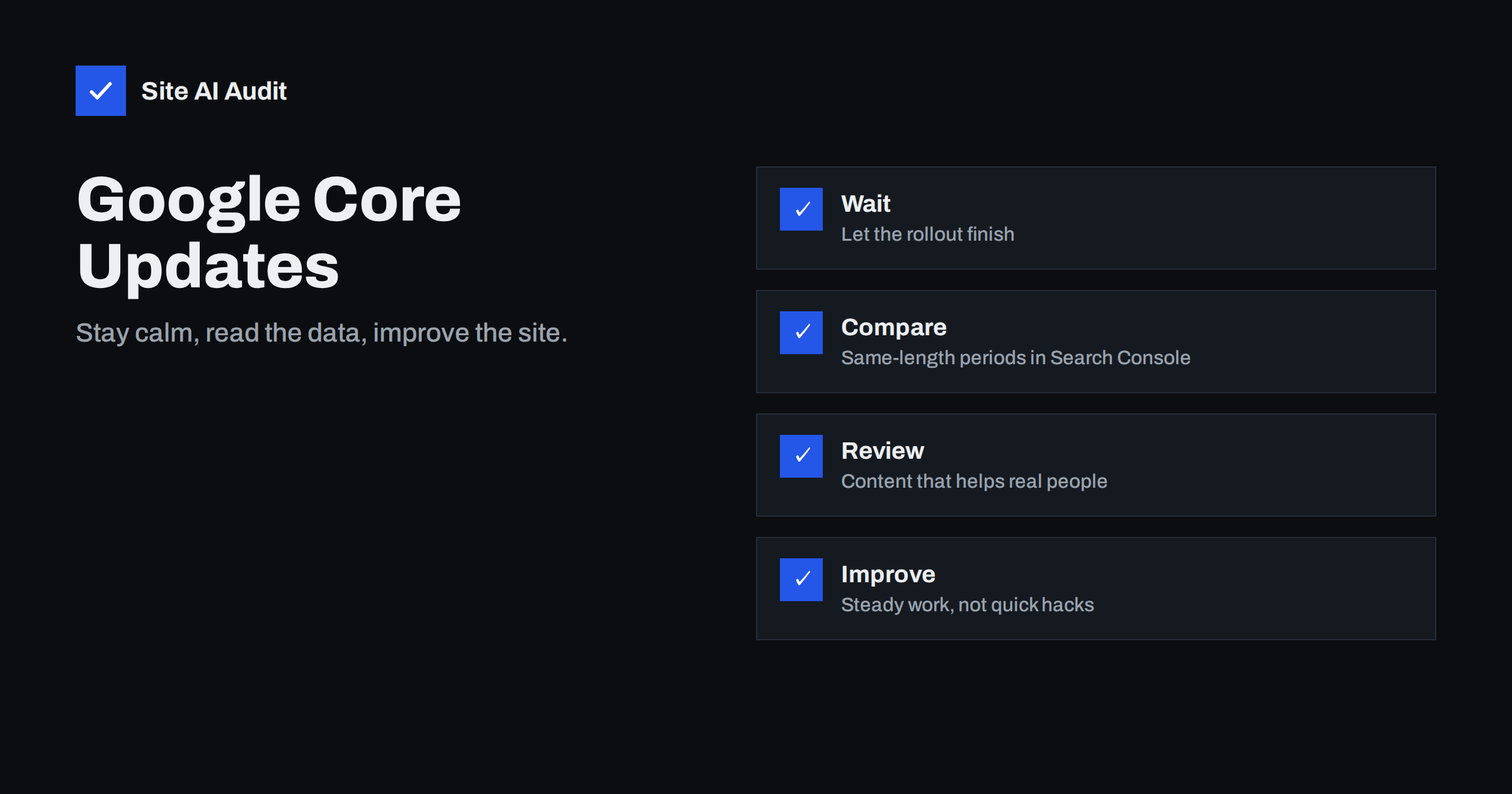
Short answer: A core update is a broad change to the systems Google uses to rank pages. It is not a penalty aimed at your website, and there is no switch to flip afterwards. When rankings move, wait until the rollout is complete, compare equal periods in Search Console, find which pages and queries changed, and then improve those pages so they are genuinely more helpful. Recovery, when it happens, is gradual.
What a core update is
Google changes its search systems all the time. Most changes are small and nobody notices them. A few times a year it announces a broad core update: an adjustment to how the ranking systems assess content as a whole. Google describes these updates as improving how it surfaces relevant and satisfying results, and it publishes announcements on its Search Central blog and on the Search Status Dashboard.
Because the change is broad, it does not target a specific tactic or a particular website. Pages are reassessed against all the other pages that could answer the same query. If a competitor’s page now looks more useful, it can move above yours without your page having done anything wrong. That is why a drop after an update does not mean the site was penalised.
Core updates are different from spam updates and from manual actions. Spam updates deal with policy violations in an automated way. A manual action is a decision by a human reviewer, and it appears in Search Console. If you are unsure which situation you are in, our guide on manual actions in Search Console shows where to look.
How to tell whether an update affected you
Do not react on the first day. A core update can take a couple of weeks to roll out, and rankings can swing while it happens. Check the Search Status Dashboard to see whether the rollout is marked as complete, and then follow a short routine:
- Note the dates. Write down the start and end of the rollout.
- Compare equal periods. In the Search Console performance report, compare the period after the update finished with the same number of days before it started. Compare the same weekdays so that weekends do not distort the result.
- Look at queries and pages. Sort by clicks lost. A drop across the whole site is a different story from a drop on three articles.
- Check for other causes. A tracking change, a seasonal pattern, a broken redirect or a technical error can look like an update effect. Our traffic drop diagnosis guide lists these causes in order.
If the change is small, within normal weekly variation, then it is probably noise. Only treat a clear, sustained change that begins at the time of the update as an update effect.
Read the data before changing anything
The performance report is your main source of evidence. Compare clicks, impressions, average position and click-through rate. Each tells a different story:
- Impressions and position down: your pages rank lower or appear for fewer searches. This is the typical ranking effect.
- Impressions steady, clicks down: you still appear, but searchers click less. Check titles and snippets, and look at whether new search features push your result down the page.
- Single page dropped sharply: inspect that page for technical problems before blaming the update.
- Brand queries stable, generic queries down: people who know you still find you, but you are less visible for broader searches.
Export the data for the affected pages and group them by type: product pages, service pages, articles, category pages. Patterns are far more useful than individual numbers.
What Google says to focus on
Google gives consistent advice after core updates: there is nothing specific to fix, and the best approach is to keep producing helpful, reliable, people-first content. Its guidance encourages site owners to ask questions about their own content, such as whether it provides original information, whether it shows real experience, and whether a reader would feel they had learned enough after reading it.
Translated into daily work for a small website, that means:
- Answer the question behind the search, not only the keywords. Our article on search intent shows how to match the page type to what people expect.
- Show who is behind the content and why they can be trusted. The article on E-E-A-T for small business websites gives practical ways to do that.
- Add something that other pages do not have: your own examples, photos, data, process or experience.
- Make the page easy to use, with clear headings, readable text and no intrusive pop-ups.
Practical improvements that are worth the effort
After you have identified the pages that lost the most, work through them in order of importance, starting with those that earned the most traffic or revenue.
- Read the page as a visitor. Does the opening answer the question? Is the information current? Remove padding, repeated sentences and vague claims.
- Compare with the pages that now rank. Do not copy them. Look at what they cover that you do not, what format they use and how deep they go.
- Update facts and examples. Old screenshots, old prices and out-of-date advice are common causes of a slow decline. See our guide on updating old content.
- Merge or remove weak pages. Several thin pages on the same topic compete with each other. Consolidating them often helps more than adding another page.
- Fix technical basics. Broken links, slow pages, duplicate titles and wrongly blocked pages hold back otherwise good content.
- Strengthen internal links. Point from related pages to the important ones with clear anchor text.
Change a few things at a time and write down the date of each change. That way you will know what to repeat and what to ignore.
A realistic timeline
It helps to plan in weeks and months, not days. In the first two weeks, you watch and collect data, and you fix only clear technical errors. In the next month, you review the pages that lost the most and make focused improvements. After that, you give the changes time to be recrawled and reassessed. Google needs to visit the updated pages, and its systems need to build confidence in the improved content before rankings reflect it.
Keep a simple log with the date, the page and the change. When the next update arrives, you can compare the results with your notes. Over a year, this habit teaches you far more about your own audience than any generic checklist, and it keeps the team calm when numbers move. It also protects you from a common mistake, which is to undo a good change because the numbers looked bad during a rollout.
What not to do
- Do not panic and rewrite the whole site. Large changes make it impossible to learn what worked.
- Do not chase “update checklists” from social media. No one outside Google knows the exact formula, and most such lists are guesses.
- Do not buy links or generate hundreds of thin pages. That is the quickest way to make things worse.
- Do not expect an instant return. Google has said that improvements may take months to be reflected, and in many cases a visible change comes with a later core update.
- Do not ask Google to reconsider. There is no reconsideration request for a core update, since it is not a penalty.
What Site AI Audit can and cannot tell you
Site AI Audit cannot tell you why Google changed rankings, and it does not read your Search Console data. It does check the technical foundation that every ranking page depends on: titles and descriptions, headings, alt texts, broken links, redirects, the sitemap, robots.txt and noindex tags on up to 50 pages. After an update, that gives you a quick way to rule out simple technical causes and to find pages that are weak on basics. You can run a free check of your website or look at the plans.
Related reading
- Google Traffic Dropped? How to Find the Cause Step by Step
- How to Update Old Content for SEO: Refresh, Merge or Remove
- Thin Content: What It Is and How to Fix It on Your Website
- E-E-A-T Explained: Showing Trust on a Small Business Website
The bottom line
A core update is a reassessment, not a punishment. Wait for the rollout to end, measure the change properly, look for patterns in the pages that moved and improve them for real readers. Steady work on useful content and a sound technical base is the only approach that keeps working from one update to the next.
FAQ
How long does a Google core update take?
Google has typically said that a core update can take around two weeks to finish rolling out. Rankings may fluctuate during that time, so wait for the Search Status Dashboard to show the rollout as complete before you draw conclusions.
Is a drop after a core update a penalty?
No. A core update changes how pages are assessed in general. It is not a penalty and it does not appear in Search Console as a manual action. Your pages may simply be judged less helpful than others for the same queries.
Can I recover from a core update drop?
Many sites do recover, but there is no guarantee and no quick fix. Improve the content that lost visibility, fix technical issues and be patient. Google has said it can take months, and some improvements show only after a later update.
Should I change my content straight away?
Wait until the rollout is finished and you have compared equal periods in Search Console. Then change the most affected pages first and record each change. Acting too early on partial data often leads to wrong conclusions.
Do small websites get hit harder than large ones?
Not by design. Any website can gain or lose after an update. Small sites often notice changes more because they depend on fewer pages and fewer queries, which makes a single lost ranking more visible.