 ENEnglish
 LTLietuviškai
 DEDeutsch
 FRFrançais
 RUРусский
 ESEspañol
 PLPolski
 ITItaliano
 UKУкраїнська
 CSČeština
 PTPortuguês
 JA日本語
 LVLatviešu valoda
 ETEesti
 HUMagyar
 IDBahasa Indonesia
 TRTürkçe
 HIहिन्दी
 ELΕλληνικά
 ARالعربية
 THไทย
 VITiếng Việt
 RORomână
 MSBahasa Melayu
 BNবাংলা
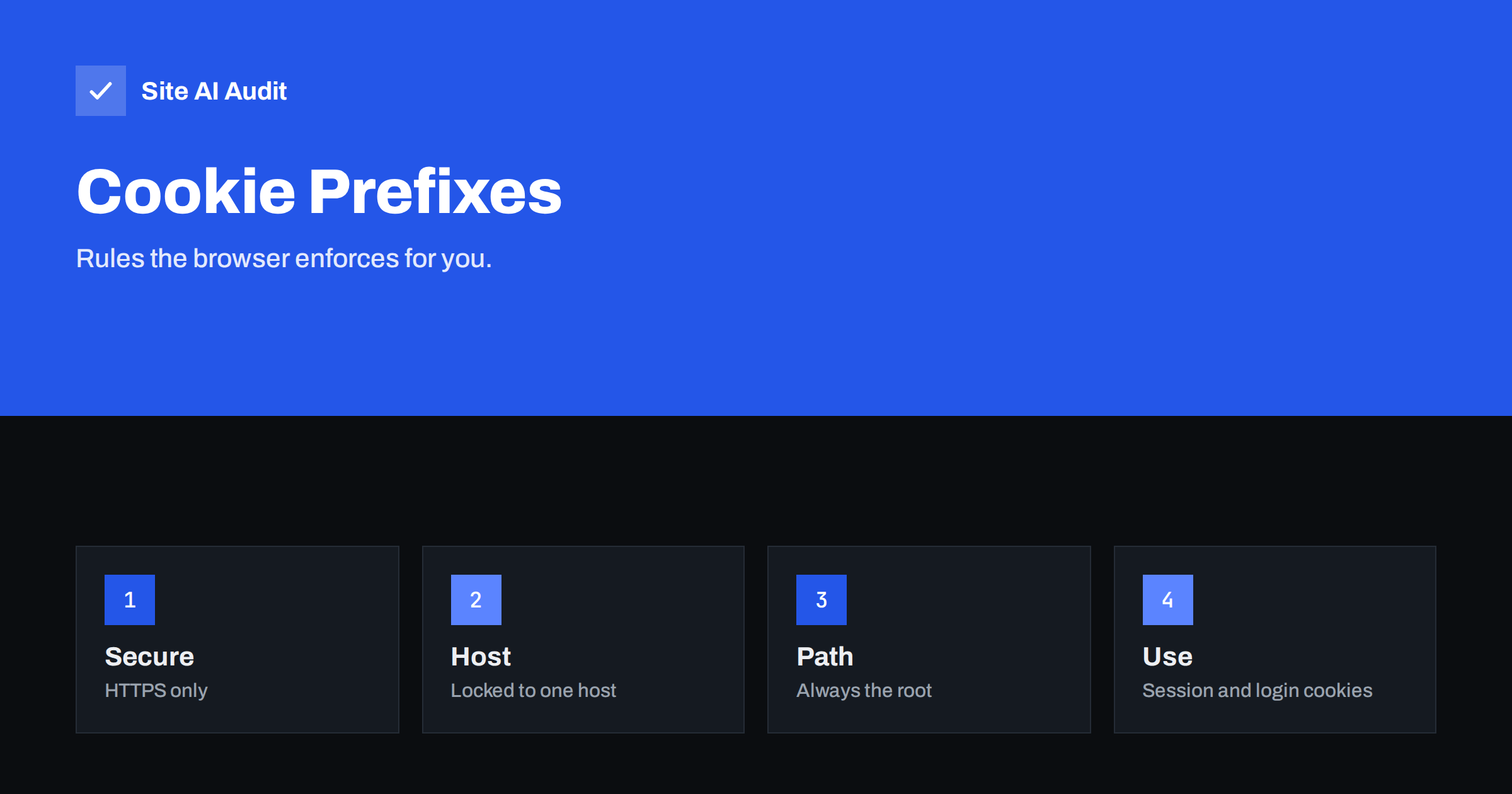
Short answer: A cookie prefix is a fixed start to a cookie name that makes the browser refuse the cookie unless it meets strict conditions. A cookie named __Secure- something must be set over HTTPS with the Secure attribute. A cookie named __Host- something must also have no Domain attribute and the path “/”, so it belongs to exactly one host and cannot be overwritten by a sibling subdomain. Use __Host- for session cookies where you can.
Why cookie names can protect you
Cookies carry sensitive state, such as the session that keeps a user logged in. Most protections are attributes you set on the cookie: Secure, HttpOnly and SameSite, which the article on secure cookie flags explains. But an attacker who controls another part of the cookie jar can sometimes plant or replace a cookie. For example, a weakness on a forgotten subdomain, or a page on plain HTTP, may let an attacker set a cookie with the same name for your whole domain. If the application then trusts that cookie, the attacker can fix a session or bypass a security check.
Prefixes close that gap by making the rules part of the name. The browser, not your application, checks the conditions. If a cookie with a prefixed name arrives without the right attributes, the browser simply rejects it. An attacker cannot set a cookie called __Host-session from a subdomain or over HTTP, because the browser will not accept it.
The __Secure- prefix
A cookie whose name starts with __Secure- is accepted only if:
- it is set with the
Secureattribute, and - it is set from a page that was loaded over HTTPS.
This stops a page on plain HTTP from creating or replacing such a cookie, because an attacker on the network could otherwise change responses on an unencrypted connection. The prefix does not limit which host or path may use the cookie, so a cookie set for the whole domain is still visible to its subdomains. It is a good choice when you need to share a cookie between subdomains and still want the HTTPS guarantee.
The __Host- prefix
A cookie whose name starts with __Host- must satisfy stricter conditions:
- it has the
Secureattribute and is set from a secure page, - it has no
Domainattribute, so it is bound to the exact host that set it, and - it has
Path=/.
Because there is no Domain attribute, the cookie is sent only to the host that created it and cannot be set by a sibling subdomain. This is the strongest protection and is meant for cookies that identify a login session. An example of a header is Set-Cookie: __Host-session=abc123; Secure; HttpOnly; SameSite=Lax; Path=/.
What prefixes do not do
- They do not encrypt the cookie. The value is still plain text. The prefix controls how the cookie is set, not what it contains.
- They do not replace HttpOnly and SameSite. Add those attributes as before. HttpOnly keeps scripts from reading the cookie, and SameSite limits cross-site sending, which helps against cross-site request forgery. See CSRF attacks.
- They do not stop cross-site scripting. If an attacker can run a script on your page, they can act as the user. Prevent that with output encoding and a content security policy. See XSS explained.
- They work only in browsers that support them. Modern browsers do. In an old browser the cookie is treated as a normal cookie with an unusual name, so you lose the extra protection but not the function.
How to roll out prefixes safely
- Confirm HTTPS everywhere. Prefixes need secure pages. Check that the site redirects from HTTP to HTTPS and that there is no mixed content. The guide to the HTTP to HTTPS redirect helps, and HSTS keeps browsers on HTTPS.
- List your cookies. Use the browser developer tools to see every cookie, its domain, path and attributes. Decide which ones identify a user: session, remember-me, CSRF token.
- Check subdomain use. If your session cookie is shared with subdomains, such as a shop and a blog on the same login, you cannot use
__Host-without redesigning the login. Use__Secure-for those cookies or consolidate the login on one host. - Rename in application code or configuration. Many frameworks let you set the session cookie name. Change it to
__Host-plus a name, and keep Secure, HttpOnly, SameSite and Path=/. - Handle the transition. The old cookie will still exist in browsers. Users will have to sign in again once, unless you accept both names for a short time. Remove support for the old name after a few weeks and expire the old cookie with a response header.
- Test. Sign in, sign out, reload, use a second tab and try the checkout or admin area. Verify in the developer tools that the cookie has the prefix and the right attributes.
Platform notes
Some frameworks and content management systems support prefixed cookie names with a setting, others need a small code change, and some plugins hard-code names. WordPress, for instance, sets its own cookie names and attributes, so changing them may require custom code and careful testing, and it is not something to try on a live site without a backup. If you are not sure, start with a less critical cookie, such as a preferences cookie, to learn how it behaves. Always check the documentation of your platform and test on a staging copy first.
Common mistakes
- Adding the prefix but forgetting the Secure attribute, so the browser silently drops the cookie and users cannot log in.
- Setting a Domain attribute on a
__Host-cookie, which makes it invalid. - Using the prefix on a development site over plain HTTP and then wondering why nothing works.
- Changing the name without planning for current sessions, which logs everyone out unexpectedly.
- Believing the prefix is a substitute for fixing weak subdomains. Remove forgotten subdomains, and see subdomain takeover prevention.
How an attack on an unprefixed cookie works
Imagine that your shop uses a session cookie called session for the whole domain. Your company also runs an old promotion page on a subdomain, which has a small flaw that lets a visitor set cookies. An attacker uses it to plant their own session cookie in the victim’s browser, with a value the attacker knows. The victim then logs in on the main site, and if the application keeps the session identifier it received from the cookie, the attacker now holds a logged-in session. This is session fixation, and the weakness lies not in the shop but in a neighbour. With a __Host- cookie the planted value is rejected, because a subdomain is not allowed to set that name. The article on session hijacking and fixation describes the pattern in detail, and the best defences are to issue a fresh session identifier at login and to use the prefix.
Quick test with the browser tools
Open your site, sign in and open the developer tools. In the storage or application panel, find the list of cookies for the site. For each login-related cookie, look at four columns: the name, whether Secure is ticked, the domain and the path. A cookie that is ready for the strict prefix has Secure ticked, a host-only domain (the exact host name, without a leading dot) and the path “/”. If any of these is different, the cookie cannot use __Host- without a change. Repeat the check on a second page and in a private window, to make sure that the cookie appears in the same form each time. Finally, try to set a cookie with the prefix from the console on a plain HTTP page and watch the browser refuse it. This small experiment shows what the prefix protects against better than any description.
How Site AI Audit helps
Site AI Audit does not log in to your site or inspect the cookies that your application sets for signed-in users, so it cannot check your session cookie names. It checks the public foundations that prefixes depend on: the SSL certificate and its expiry, the redirect from HTTP to HTTPS and security headers, together with exposed software versions, speed and email setup. If any of those basics fail, fix them first. The free check covers up to 50 pages and needs no sign-up. You can run a free check of your website or see the plans for re-checks and weekly monitoring.
Related reading
- Secure Cookies Explained: Secure, HttpOnly and SameSite Flags
- Session Hijacking and Fixation: Protect Logged-In Users
- HSTS Explained: How to Enable Strict-Transport-Security Safely
- CSRF Explained: How Cross-Site Request Forgery Works
The bottom line
Prefixes are a cheap way to make the browser enforce good cookie hygiene. Use __Host- for session cookies on a single host, __Secure- where cookies must be shared across subdomains, and keep HttpOnly and SameSite in place. Plan the rename so that users are not locked out.
FAQ
Can I use __Host- with a domain that has subdomains?
Yes, but the cookie works only for the exact host that set it. Subdomains will not receive it, which is the point of the prefix.
Do all browsers support prefixes?
Current major browsers do. Older ones ignore the special meaning and treat the cookie as an ordinary one, so the site still works but without the extra checks.
Do prefixes replace HttpOnly?
No. HttpOnly stops scripts from reading the cookie, while prefixes control where and how the cookie can be set. Use both.
Will renaming the cookie log users out?
Yes, unless you accept the old and new names for a short time. Plan the change for a quiet period and tell users if the site has accounts.
Is this relevant for small websites?
Yes, if you have logins, a shop or an admin area. It is a small configuration change that blocks a class of cookie-injection attacks.


