 ENEnglish
 LTLietuviškai
 DEDeutsch
 FRFrançais
 RUРусский
 ESEspañol
 PLPolski
 ITItaliano
 UKУкраїнська
 CSČeština
 PTPortuguês
 JA日本語
JA日本語 LVLatviešu valoda
 ETEesti
 HUMagyar
 IDBahasa Indonesia
 TRTürkçe
 HIहिन्दी
 ELΕλληνικά
 ARالعربية
 THไทย
THไทย VITiếng Việt
 RORomână
 MSBahasa Melayu
 BNবাংলা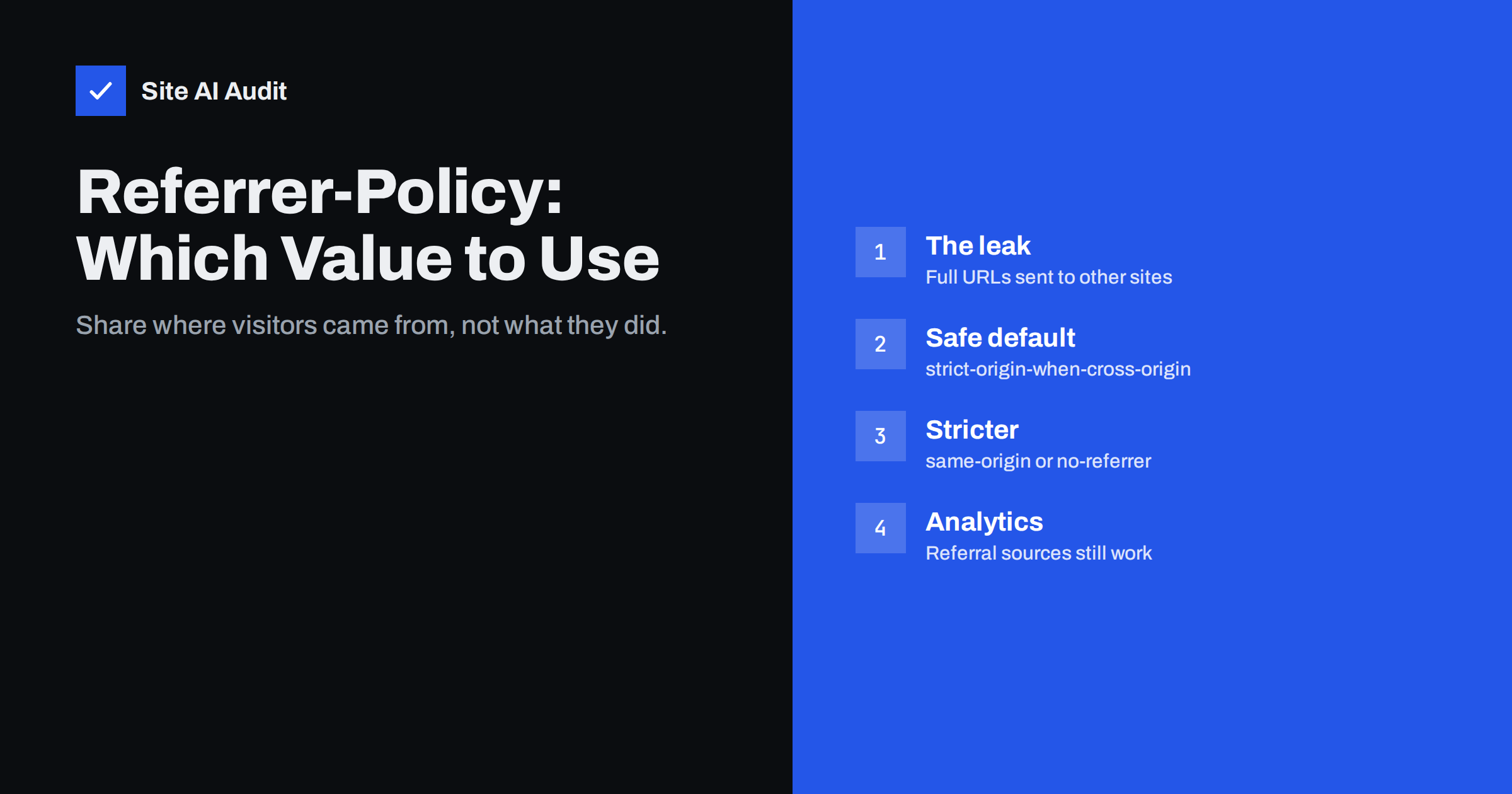
Short answer: The Referrer-Policy header controls how much information about the current page the browser sends to other websites in the Referer header when visitors click links or the page loads external resources. The recommended value for most sites is strict-origin-when-cross-origin: full URLs are sent within your own site, only your domain name is sent to other HTTPS sites, and nothing is sent to plain HTTP sites. It prevents leaking tokens, search terms and private paths while keeping referral analytics working.
Every time a visitor clicks a link from your site to another, or your page loads an image, font or script from another domain, the browser tells the other side where the request came from. That is useful – it is how analytics tools know which sites send you traffic – but by default it can also reveal more than you intend: full page paths, search queries, IDs in URLs, and sometimes secret tokens. The Referrer-Policy header lets you decide how much is shared. It is one of the simplest security headers to add, and one of the least risky.
What the Referer header contains
When a browser requests a page or resource, it may include a Referer header (the misspelling is historical and part of the standard) containing the address of the page that triggered the request. For example, if a visitor on https://example.com/account/orders/12345?token=abc clicks a link to a courier’s tracking page, the courier’s server could receive that full address. The same applies to every third-party resource the page loads: analytics scripts, embedded videos, chat widgets, fonts and advertising pixels.
What might be exposed through full URLs:
- password reset or e-mail confirmation tokens in query strings;
- order numbers, customer IDs or invoice references;
- internal search terms that reveal what a visitor was looking for, sometimes sensitive (health, legal, financial);
- paths of private areas such as admin pages, staging copies or unpublished content;
- campaign and tracking parameters you would rather keep internal.
Real-world leak scenarios
Referrer leaks are rarely dramatic, which is why they go unnoticed. A few typical situations show how ordinary pages can give away more than intended:
- Password reset pages with external resources. A reset page at
/reset?token=…that loads a web font, an analytics script or a chat widget sends the full URL, token included, to each of those providers with a permissive policy. Anyone with access to their logs could use a still-valid token. - Order and invoice pages. An order confirmation with the order number in the URL links to a courier or payment provider; the receiving site learns the order reference and your URL structure.
- Internal search. A visitor searches your site for a sensitive topic, then clicks an external link from the results page. The other site receives the search query in the referrer.
- Staging and admin areas. An editor previewing an unpublished page on a staging hostname clicks a link to a partner site, revealing the staging address and the unpublished page path.
With strict-origin-when-cross-origin, each of these would send only your domain name.
The available values
| Value | Same-site requests | Cross-site HTTPS | HTTPS to HTTP |
|---|---|---|---|
| no-referrer | Nothing | Nothing | Nothing |
| no-referrer-when-downgrade | Full URL | Full URL | Nothing |
| origin | Origin only | Origin only | Origin only |
| origin-when-cross-origin | Full URL | Origin only | Origin only |
| same-origin | Full URL | Nothing | Nothing |
| strict-origin | Origin only | Origin only | Nothing |
| strict-origin-when-cross-origin | Full URL | Origin only | Nothing |
| unsafe-url | Full URL | Full URL | Full URL |
“Origin” means scheme, host and port – for example https://example.com/ – without path or query string. MDN’s Referrer-Policy reference documents the exact behaviour of each value.
Which value to choose
Most websites: strict-origin-when-cross-origin
This is the balanced choice and the default in modern browsers when no policy is set. Your own analytics and internal navigation keep full paths; other sites learn only that the visitor came from your domain; nothing is sent to insecure HTTP sites. Setting it explicitly makes behaviour consistent across browsers, including older ones whose default was the more permissive no-referrer-when-downgrade.
Privacy-sensitive sites: same-origin or strict-origin
Healthcare, legal, financial and other sites where even the fact that a visitor came from you may be sensitive can use same-origin (nothing sent to other sites) or strict-origin (only the domain, even internally). Partners will see less referral data, so tell them if they rely on it.
Special pages: no-referrer
Pages that contain secrets in their URLs, such as password reset or unsubscribe links with tokens, can use no-referrer, set just for those pages or on specific links with rel="noreferrer".
Avoid: unsafe-url
As the name says, it sends full URLs everywhere, including to insecure sites. There is almost never a good reason to use it.
What it means for analytics and marketing
A common worry is that a stricter policy “breaks” analytics. In practice:
- Your own analytics are not affected by your Referrer-Policy for internal navigation, because same-origin requests keep full URLs with the recommended value.
- Sites you link to still see your domain as the referral source with
strict-origin-when-cross-origin; they just do not see which page. For most partners that is enough. - Your incoming referrals depend on the other site’s policy, not yours. Many large platforms already send only their origin.
- Campaign tracking should rely on UTM parameters in your own links rather than on referrer paths, which is more reliable anyway.
Why the browser default changed
For many years, browsers used no-referrer-when-downgrade as the default: full URLs were sent to every HTTPS site and nothing to HTTP sites. As more of the web moved to HTTPS, that default meant full URLs were shared almost everywhere. Privacy concerns led browser vendors to switch the default to strict-origin-when-cross-origin around 2020–2021. Most visitors now get the safer behaviour even on sites without the header. Setting it yourself still matters because some older browsers and embedded web views keep the old default, because a meta tag or script in your pages could weaken it, and because security audits and questionnaires look for an explicit policy as a sign that the site’s headers are deliberately managed.
How to set the header
Apache:
Header always set Referrer-Policy "strict-origin-when-cross-origin"Nginx:
add_header Referrer-Policy "strict-origin-when-cross-origin" always;You can also set it with an HTML meta tag, <meta name="referrer" content="strict-origin-when-cross-origin">, which is useful on platforms where you cannot change headers. Individual links and elements can override it with the referrerpolicy attribute, and rel="noreferrer" on a link sends no referrer at all for that click. In WordPress, many security and header plugins offer the setting; WordPress itself adds rel="noreferrer" only in specific cases.
How to check it
- Run
curl -sI https://example.com | grep -i referrer-policyand confirm the header appears once with the intended value. - Check several page types – home, content page, account area – in case different parts of the site are served differently.
- In the browser, open the Network tab, click a request to an external resource, and look at the
Refererrequest header: with the recommended policy it should show only your origin.
If the header appears twice with different values – for example once from the server and once from a plugin or CDN rule – browsers apply the last valid value they understand, which may not be the one you expect. Keep one source of truth, note where it is configured, and re-check after moving hosts or changing CDN settings, because header rules are easy to lose during migrations.
Keep secrets out of URLs in the first place
Referrer-Policy reduces leaks, but URLs also end up in browser history, server logs, analytics tools, proxy logs and screenshots. The better design is to avoid putting secrets in URLs at all: use short-lived, single-use tokens where a link is unavoidable (such as password resets), exchange them for a session immediately, and redirect to a clean URL. Avoid putting personal data like e-mail addresses or names in query strings, especially on pages that load third-party scripts. Combined with a sensible Referrer-Policy, that keeps private information where it belongs.
How Site AI Audit helps
Site AI Audit checks which security headers your site sends, including Referrer-Policy, as part of every report, together with the SSL certificate, HTTPS redirect and exposed software versions. Missing headers are explained in plain words with the exact line to add, and ranked by impact. Check your headers for free.
Related reading
- HTTP Security Headers Explained: What Each One Does
- Content Security Policy for Beginners: A Practical Setup Guide
- Clickjacking Protection: X-Frame-Options vs frame-ancestors
The bottom line
Referrer-Policy decides how much of your page addresses other sites see. Set strict-origin-when-cross-origin explicitly as a safe default, use stricter values for sensitive sites or pages, and avoid unsafe-url. It takes one line, rarely breaks anything, keeps referral analytics working, and stops tokens, search terms and private paths from leaking to third parties.
FAQ
Is Referrer-Policy still needed if browsers have a safe default?
Setting it explicitly is still recommended. It makes behaviour consistent across browsers and versions, documents your intent, and prevents a third-party script or meta tag from silently changing it.
Will Referrer-Policy affect my Google Analytics data?
Not for your own site with the recommended value, because internal navigation keeps full URLs. It limits what other sites see about your pages, not what you see about visitors.
What is the difference between Referer and Referrer-Policy?
Referer is the request header the browser sends, containing the source address; the misspelling dates back to the original HTTP specification. Referrer-Policy is the response header you send to control what goes into Referer.
Can I set a different policy for one page?
Yes. Send a different header for that page, add a meta tag, or use the referrerpolicy attribute or rel=”noreferrer” on specific links and resources.
Does no-referrer improve privacy for my visitors?
Yes, it sends no referrer information to anyone, including your own site. The trade-off is less useful referral data for sites you link to and for internal analytics that rely on referrers.


