 ENEnglish
 LTLietuviškai
 DEDeutsch
 FRFrançais
 RUРусский
 ESEspañol
 PLPolski
 ITItaliano
 UKУкраїнська
 CSČeština
 PTPortuguês
 JA日本語
 LVLatviešu valoda
 ETEesti
 HUMagyar
 IDBahasa Indonesia
 TRTürkçe
 HIहिन्दी
 ELΕλληνικά
 ARالعربية
 THไทย
 VITiếng Việt
 RORomână
 MSBahasa Melayu
 BNবাংলা
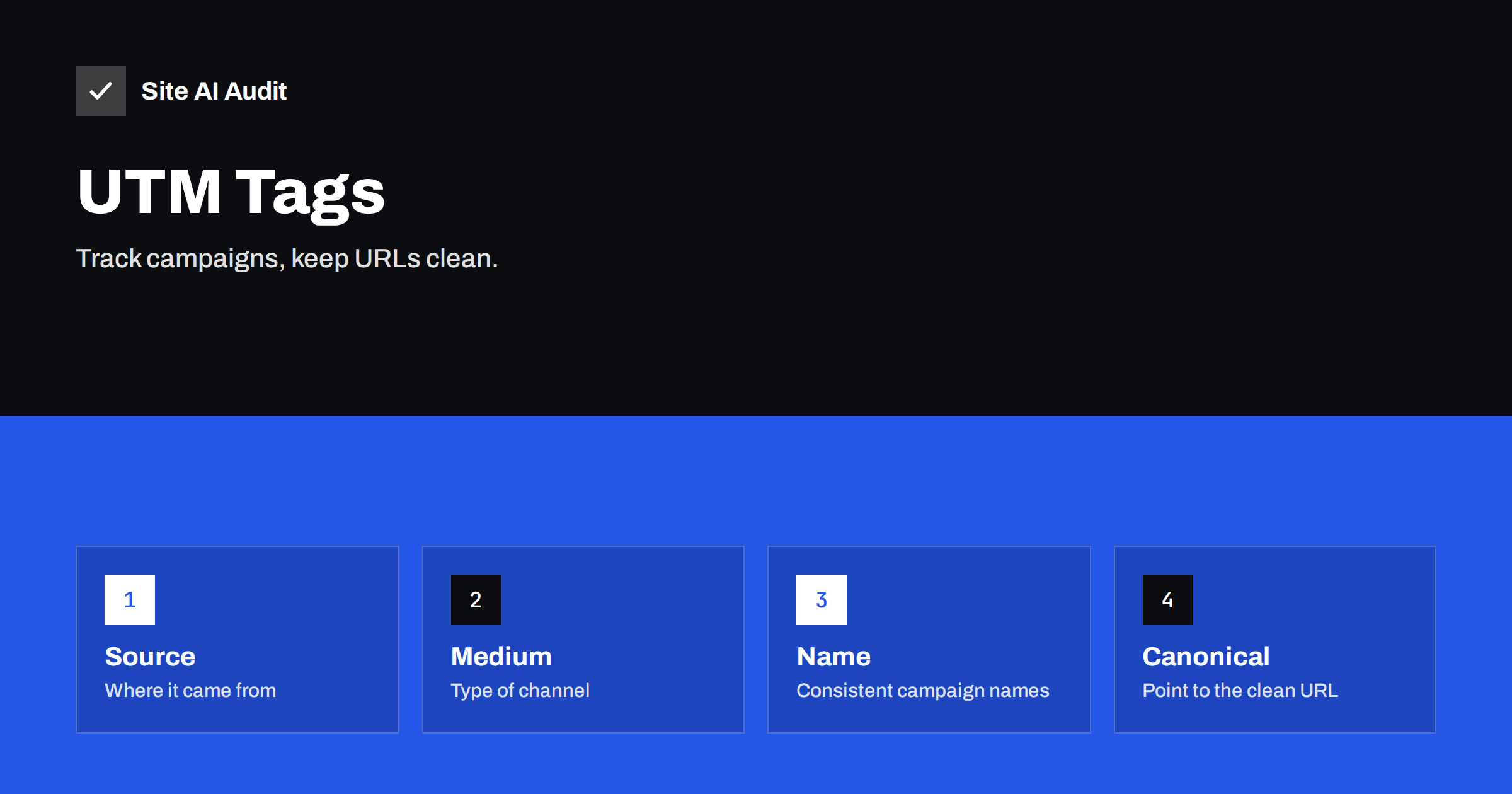
Short answer: UTM parameters are labels added to the end of a link, such as utm_source and utm_campaign, so that analytics can tell which campaign brought a visit. Use them on links you control in e-mails, ads and social posts, never on internal links, keep naming consistent and let pages declare a canonical address without the tags. Done well, they cost nothing in search visibility.
What UTM parameters are
A UTM parameter is a piece of text added to a web address after a question mark. A tagged link might look like this: example.com/offer?utm_source=newsletter&utm_medium=email&utm_campaign=spring-sale. When a visitor clicks it, the page loads as usual, and the analytics tool reads the tags and records that the visit came from the newsletter, through e-mail, as part of the spring sale. Without the tags, the same visit might be counted as direct traffic or as a vague referral, and you would not know which of your efforts worked.
The five common tags are source, medium, campaign, term and content. The first three are the ones most people need.
The three tags that matter
- utm_source says where the visitor came from: a newsletter name, a social network, a partner site.
- utm_medium says the type of channel: email, cpc, social, referral, banner.
- utm_campaign names the campaign or promotion: spring-sale, product-launch-2026.
Term is used for paid search keywords, and content separates versions of an ad or link inside one campaign, for example a button and a text link. Add them only if you will analyse them.
How UTM tags can affect SEO
Search engines treat a different address as a different page unless told otherwise. A page that can be reached at ten tagged addresses looks like ten copies. Usually Google works out that they are the same page and groups them under one canonical address, so a few tagged links will not harm you. Problems appear when tagged addresses are linked widely, get indexed, split link value or fill your crawl with near-duplicates. The general issue is explained in the article on URL parameters and SEO, and the grouping of duplicates in canonical tags.
A second problem is internal use. If you put UTM tags on links inside your own site, for example on a banner that points to another page, analytics treats every click as the start of a new session and overwrites the real source of the visit. Your reports then show your own banner as the source of sales, and the search or e-mail that brought the visitor disappears from the data.
Rules for safe use
- Tag only external links that you place in e-mails, ads, social posts, QR codes and partner pages.
- Never tag internal links. Use event tracking if you need to measure clicks on your own banners.
- Use a canonical tag on every page that points to the address without parameters, so that the tagged versions consolidate. See duplicate pages without a selected canonical.
- Do not block tagged addresses in robots.txt if you rely on the canonical tag, because search engines then cannot see it.
- Keep tags out of the sitemap. The sitemap should list only clean, canonical addresses. See XML sitemap guide.
- Do not use tags in links to your site from other websites you do not control, such as directory listings that you want search engines to follow, unless you must.
Naming conventions that save your reports
The most common reason for useless UTM data is inconsistent names. “Newsletter”, “newsletter”, “News-letter” and “e-mail newsletter” appear as four different sources. Agree on rules and write them down:
- Lowercase only. Analytics treats upper and lower case as different values.
- Hyphens instead of spaces. Spaces turn into odd characters in a link.
- A fixed list of media. For example email, social, cpc, referral, and nothing else without a decision.
- A pattern for campaigns, such as theme-month-year, so that they sort neatly.
- No personal data. Never put an e-mail address, a name or an ID of a person in a tag. Links are copied, logged and shared, and such data would end up in places you do not control.
A shared spreadsheet where everyone logs new tagged links keeps the system consistent, and a simple formula can build the final link from the parts. This avoids typing errors and lets you answer later what a particular campaign name meant.
Handling tagged addresses on your site
Check that the page you link to keeps working when tags are added. Some systems drop the tags in a redirect, for example from HTTP to HTTPS or from the non-www to the www address, and the analytics tool then never sees them. Test a tagged link in a private window and watch the address in the browser. If a redirect strips the parameters, the redirect needs to keep the query string. Case handling also matters: the article on uppercase and lowercase URLs shows how differences in the path create duplicates, and the same care applies to the tags.
In Search Console, tagged addresses can appear in reports as separate pages when they are crawled. If you see many, check that the canonical tag is present and correct. The reports described in pages indexed but not in the sitemap and in the guide to the URL inspection tool help you see which address Google chose.
Think about QR codes and printed material too. A leaflet or a poster with a QR code is a place where UTM tags are especially useful, because there is no other way to tell how many scans came from which printing. Use a short, clean address that redirects to the tagged one, so that the code stays simple and easy to scan, and make sure the redirect keeps the query string. Give each print run its own campaign name, such as flyer-march or poster-station, and you can later compare the cost of each with the number of visits and sales it produced.
Finally, review old tagged links from time to time. Links in archived newsletters, old social posts and partner pages stay alive for years, and they keep sending visits with the original tags. If a campaign page is removed, make sure the address redirects to a relevant page instead of showing an error, and keep the redirect in place. Otherwise the people who still click the old links meet a dead end, and your data shows a pile of failed visits that you did not expect.
Privacy and trust
Tags are visible in the address bar. Anyone who copies the link sees them, so use names you would be comfortable showing to customers. Avoid internal codes, discounts that you do not want shared or anything that reveals your strategy. If you use links in e-mails, remember that long tracking addresses can affect how filters see your message, see tracking domains in e-mail. Some browsers and privacy tools remove known tracking parameters automatically, so UTM data is never perfect. Treat it as a good guide, not an exact count.
It helps to build the habit of testing every new tagged link before you send it. Click it, check that the page loads without errors, confirm that the address bar still shows the tags and look in the real-time report of your analytics tool to see the visit arrive with the right source and campaign. This takes a minute and prevents the common disaster of sending ten thousand e-mails with a link that loses its tags or leads to a page that has moved. A second person checking the link is even better, because they will catch typing errors you no longer see.
A worked example
A small online shop sends a newsletter with a link to a sale page. The first month, the team writes the tags by hand and uses “Email”, “e-mail” and “newsletter” as the medium in three campaigns. The report shows three sources with a few visits each and the owner cannot tell which message worked. They adopt a simple naming sheet: medium is always email, source is the name of the list, campaign follows theme-month. They also notice that the banner on the home page, which points to the sale page, carries UTM tags, and every click appears as a visit from the banner and hides the original source. They remove the tags from the banner and use an event for it instead. A canonical tag on the sale page points to the clean address, and a Search Console check shows no duplicate indexing. In the next quarter, the report finally shows which campaign produced sales.
Check the SEO side of your site
Duplicate titles, missing canonical tags and indexing problems show up in an audit. Run a free check with Site AI Audit and look at the SEO findings before you launch a big campaign.
Related reading
- Search Console vs Google Analytics: Why the Numbers Differ
- Duplicate Content in SEO: Common Causes and How to Fix Them
- Google Traffic Dropped? How to Find the Cause Step by Step
- WWW or Non-WWW, Slash or No Slash: Pick One URL Version
The bottom line
UTM tags are a simple, free way to learn which campaigns work. Use them only on external links, keep names consistent, never include personal data and let your pages declare a clean canonical address. Then they help your reporting and leave your search visibility alone.
FAQ
Do UTM parameters hurt rankings?
Not by themselves. Problems arise if tagged addresses are widely linked or indexed without a canonical tag.
Should I use UTM tags on internal links?
No. They reset the session and hide the real source. Use event tracking for internal banners.
Are UTM tags case sensitive?
Yes. Analytics treats Email and email as different values, so use lowercase everywhere.
Can I use UTM tags for organic social posts?
Yes, for links you place yourself, as long as the naming is consistent.
Why are my UTM tags missing in analytics?
A redirect may be removing the query string, or a privacy tool may be stripping it. Test the link in a private window and check the redirect rules.


