 ENEnglish
 LTLietuviškai
 DEDeutsch
 FRFrançais
 RUРусский
 ESEspañol
 PLPolski
 ITItaliano
 UKУкраїнська
 CSČeština
 PTPortuguês
 JA日本語
JA日本語 LVLatviešu valoda
 ETEesti
 HUMagyar
 IDBahasa Indonesia
 TRTürkçe
 HIहिन्दी
 ELΕλληνικά
 ARالعربية
 THไทย
THไทย VITiếng Việt
 RORomână
 MSBahasa Melayu
 BNবাংলা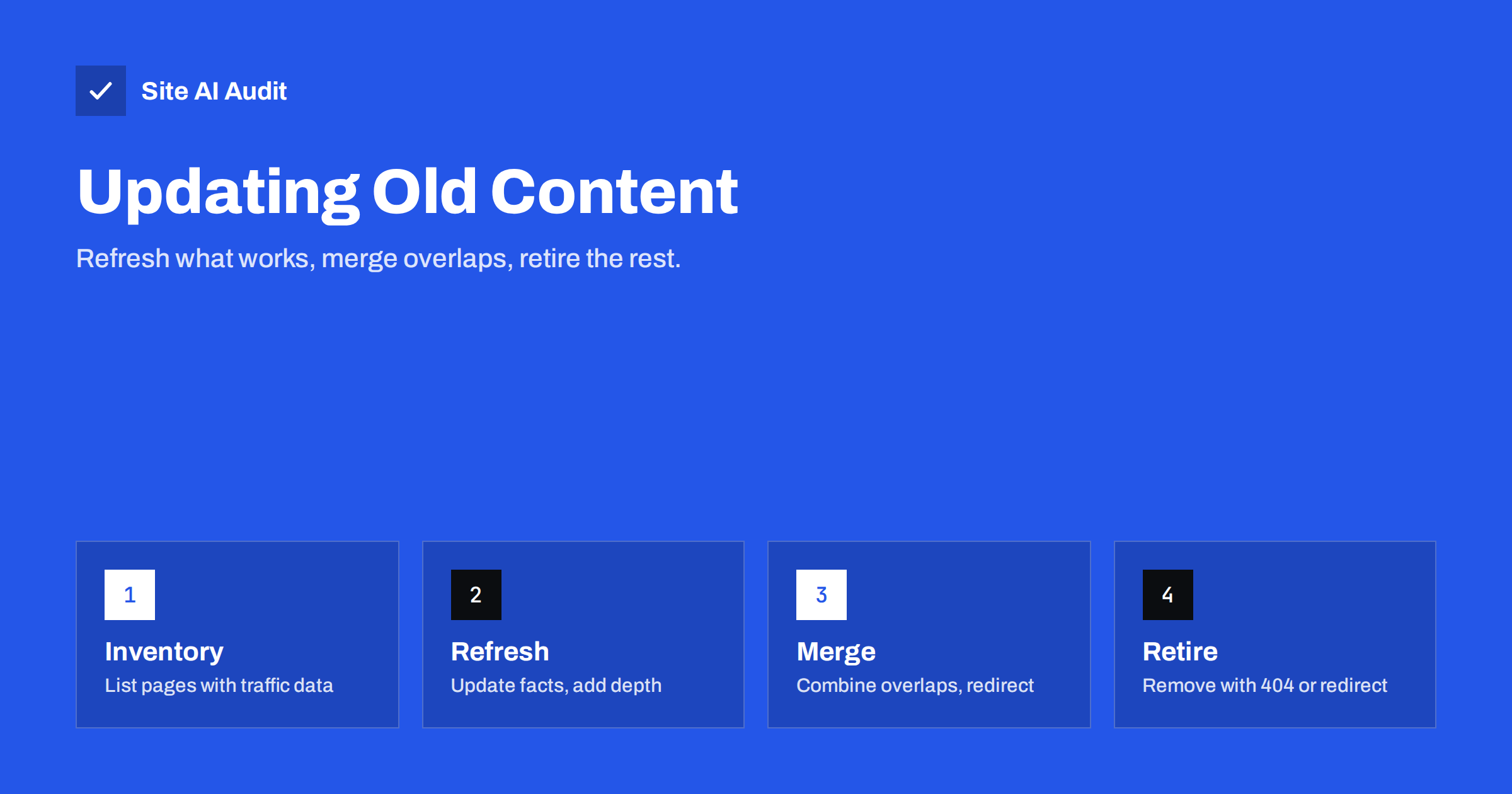
Short answer: Updating old content means reviewing existing pages and deciding for each one whether to keep it as is, refresh it, merge it with similar pages, or remove it. Refresh pages that still get impressions or matter to customers by correcting facts, adding missing information and improving titles; merge overlapping pages into one stronger page and redirect the rest; and retire pages that are outdated and unvisited. Keep the URL when refreshing, and never change dates without changing the substance.
Why old content needs attention
Most websites grow by adding pages. Few ever look back. After a few years, a typical business site carries blog posts about events long gone, service pages describing offers that changed, several short articles on the same topic, and guides with outdated screenshots, prices or rules. This matters for three reasons:
- Visitors lose trust when they find wrong prices, old team members or advice that no longer applies.
- Search engines see a weaker site. Many thin, overlapping or outdated pages can make it harder for your best pages to stand out, and some may not be indexed at all.
- Good pages decline slowly. A guide that once ranked well can lose ground as competitors publish more current and complete answers.
Updating is often more productive than writing new content, because old pages already have history, links and some visibility.
Step 1: Build a content inventory
List every indexable page and post with a few data points:
- URL and title;
- publication and last update date;
- search clicks and impressions over the last 12 months, from Search Console;
- visits and conversions, such as enquiries or sales, from analytics;
- external links pointing to it, if you have that data;
- topic or category.
A crawl of your site gives you the URL list and titles. Search Console and analytics exports fill in the numbers. For a small site, a spreadsheet is enough.
Step 2: Decide what to do with each page
Sort pages into four groups:
| Decision | Typical signs | Action |
|---|---|---|
| Keep | Accurate, performing well, still relevant | No change, review again next year |
| Refresh | Relevant topic, some impressions or business value, but outdated or incomplete | Update content on the same URL |
| Merge | Several pages cover the same topic, each thin | Combine into one page, redirect the others |
| Retire | Outdated, no traffic, no links, no business value | Remove with 404 or 410, or redirect if a close match exists |
Do not decide on traffic alone. A page with little search traffic may still be important for customers who arrive from your menu, such as a returns policy or a technical specification.
How to refresh a page properly
A real refresh improves the page for readers, not just its date. Work through it like an editor:
- Check the facts. Prices, product names, laws, deadlines, statistics, screenshots, contact details and links.
- Compare with current search results. Search the page’s main topic and look at what the top results cover. Note questions and subtopics your page misses.
- Check the queries in Search Console. The page may already appear for searches it does not properly answer. Add sections for them.
- Improve structure. Clear headings, a direct answer near the top, lists and tables where they help, and a short FAQ if customers ask the same questions.
- Update the title and description if they are vague or no longer match the content, keeping the main topic first.
- Refresh internal links. Link to newer related pages, and link to the refreshed page from newer content and relevant service pages.
- Replace broken or outdated external links.
- Update images and alt text if they show old products, interfaces or branding.
- Show the update date honestly when the changes are substantial.
Keep the same URL. Changing it resets some history and requires a redirect for no benefit.
How to merge overlapping pages
Overlapping pages are common: “How to choose a boiler”, “Choosing the right boiler for your home” and “Boiler buying tips” written years apart. They compete with each other and none is complete.
- Pick the strongest page as the destination, usually the one with the most clicks, links or the clearest URL.
- Combine the best, still-accurate content from the others into it, and rewrite into one coherent piece.
- 301 redirect the other URLs to the merged page.
- Update internal links across the site to point directly to the merged page.
- Remove the redirected URLs from your sitemap.
Merging often produces a page that performs better than any of the originals did, because signals and content are concentrated in one place.
How to retire pages safely
Some pages have no future: a news post about a closed promotion, an event from years ago, a service you no longer offer. Before removing them:
- check for external links and traffic; if a page has either, consider redirecting it to the most relevant current page;
- if there is no relevant replacement, let the page return a 404 or 410 rather than redirecting to the home page;
- remove internal links pointing to it, including from menus and old posts;
- keep a record of what you removed and why.
For discontinued services that people still search for, a short page explaining that you no longer offer it, with alternatives, can be more helpful than removal.
Refreshing without losing rankings
Site owners sometimes worry that changing a page that ranks well could harm it. Some caution is sensible:
- keep the URL and the main topic the same;
- keep sections that clearly satisfy the current searches, and add rather than remove;
- do not strip out the words people search for when rewriting in a different style;
- change one important page at a time, so you can see the effect;
- note the date of the change and compare performance four to eight weeks later.
Most careful refreshes lead to stable or better performance. Sudden drops usually come from removing content, changing the URL or shifting the topic.
Example: a small site’s first content review
A garden design company has 60 blog posts written over eight years. The inventory shows that ten posts bring almost all search clicks, twenty get a few impressions and no clicks, and thirty have had no visits from search in a year.
The review goes like this. The ten strong posts are refreshed one by one: plant prices and supplier links are updated, photos of recent projects are added and FAQs are written from real client questions. Among the twenty weak posts, twelve cover three topics repeatedly, such as several posts about small gardens, so they are merged into three thorough guides and redirected. The remaining eight are refreshed where the topic still matters. Of the thirty unvisited posts, most are announcements of past garden shows; they are removed and return 404, while a few with links from other sites are redirected to relevant guides.
The site ends up with around 35 posts instead of 60, each accurate and clearly focused. The owner also gains a list of topics customers ask about that no post covers yet, which becomes the plan for new content.
What not to do
- Do not change dates without real changes. Updating the published date to look fresh without improving the page misleads readers and does not fool search engines.
- Do not delete large numbers of pages at once without checking traffic, links and redirects.
- Do not rewrite everything with automatic tools without review; generic rewrites can remove the specific details that made the page useful.
- Do not refresh only for search engines. Write for the reader who arrives today.
How often to review content
A light review of key pages, such as services, pricing and contact information, every six months catches most factual errors. A fuller content audit once a year is enough for most small business sites. Fast-changing topics, such as regulations, software or pricing, deserve more frequent checks. Add a “review by” date to important guides so they do not slip through.
How Site AI Audit helps
A content review goes faster when technical issues are already visible. Site AI Audit crawls your pages and lists duplicate and missing titles, missing descriptions and headings, broken links and redirects, which often point straight to outdated or overlapping pages. Run a free check before your content review, and again afterwards to confirm redirects and links are clean.
Related reading
- Crawled or Discovered, Currently Not Indexed: How to Fix It
- Duplicate Content in SEO: Common Causes and How to Fix Them
- 301 vs 302 Redirects: Which One to Use and When
- How to Read the Search Console Performance Report
The bottom line
Old content is an asset if you look after it. Build an inventory, decide page by page whether to keep, refresh, merge or retire, and treat every refresh as genuine editing: correct facts, fill gaps, improve structure and links, keep the URL. Merge overlapping pages with redirects, retire dead pages cleanly, and repeat the review regularly so your site stays accurate and focused.
FAQ
Does updating old content help SEO?
Often, yes. Improving accuracy, completeness and structure can help a page perform better, especially when it already has some visibility. The improvement must be real, not just a new date.
Should I delete old blog posts?
Only those with no traffic, links or value. Refresh posts on relevant topics, merge overlapping ones, and redirect removed posts to close matches where they exist.
Should I change the URL when I update a post?
No. Keep the URL so the page keeps its history and links. If the URL contains an outdated year or wrong term, weigh the benefit carefully and use a 301 redirect if you change it.
Does changing the published date help rankings?
Not on its own. Search engines look at the content. Show an updated date when you have made substantial changes, so readers know the information is current.
How many pages should I update at once?
Start with a handful of important pages, measure the result after a few weeks, then continue. Changing everything at once makes it hard to know what worked.


