 ENEnglish
 LTLietuviškai
 DEDeutsch
 FRFrançais
 RUРусский
 ESEspañol
 PLPolski
 ITItaliano
 UKУкраїнська
 CSČeština
 PTPortuguês
 JA日本語
JA日本語 LVLatviešu valoda
 ETEesti
 HUMagyar
 IDBahasa Indonesia
 TRTürkçe
 HIहिन्दी
 ELΕλληνικά
 ARالعربية
 THไทย
THไทย VITiếng Việt
 RORomână
 MSBahasa Melayu
 BNবাংলা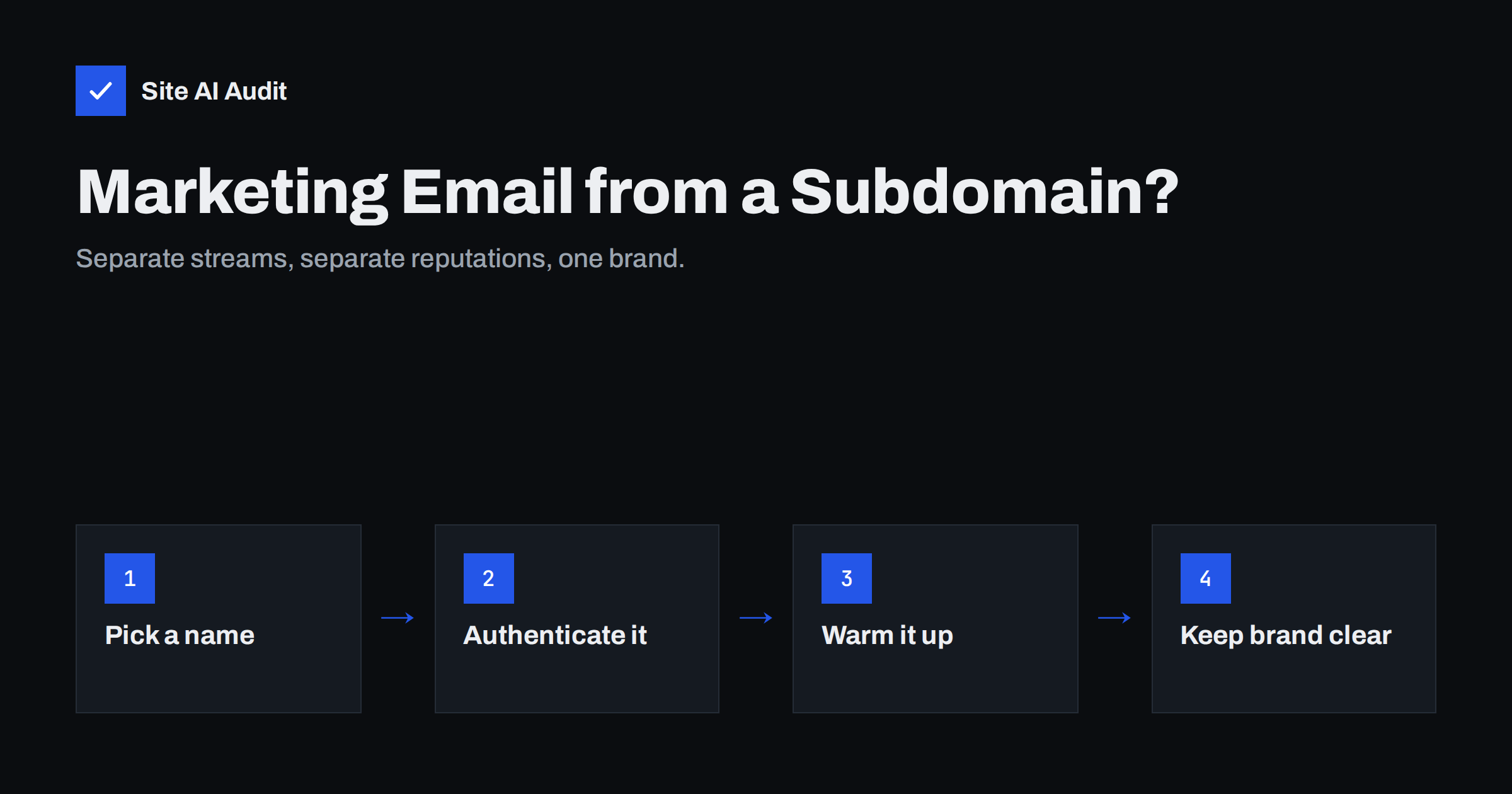
Short answer: Sending marketing e-mail from a subdomain such as news.yourdomain.com separates its reputation, authentication and DNS budget from the mail your staff and systems send from the main domain. That protects invoices and everyday correspondence if a campaign draws complaints. It is not a way to hide poor practices, because mailbox providers also consider the parent domain. Set it up with its own DKIM key, SPF or custom return-path, DMARC coverage and a gradual warm-up.
Why businesses split mail streams
A typical business domain carries very different kinds of mail. Staff send quotes and replies. Systems send invoices, order confirmations and password resets. Marketing sends newsletters and promotions. Recipients react to these differently: nobody reports an invoice as spam, but some people report newsletters they no longer remember signing up for.
Mailbox providers build reputation for sending domains based on those reactions. If everything shares one domain, a campaign with many complaints can affect how the provider treats the next invoice from the same domain. Separating streams by subdomain limits that spill-over, because providers can track the subdomain’s reputation separately from the rest.
There are also technical reasons. Each subdomain has its own SPF record with its own ten-lookup budget, its own DMARC reports if you choose, and its own DKIM keys. That keeps the main domain’s records short and easy to understand.
Finally, separation helps organisationally. Marketing teams can manage their platform and its subdomain without touching the records that the whole company’s e-mail depends on, and IT can review changes to the main domain more strictly.
Advantages of a marketing subdomain
- Reputation separation. Complaint spikes after a campaign mostly affect the marketing subdomain rather than the domain your staff and billing use.
- Cleaner SPF. The marketing platform’s include goes on the subdomain’s record, not the root, which helps with the ten-lookup limit.
- Clear diagnostics. DMARC reports, Postmaster Tools data and platform statistics for the subdomain relate only to marketing mail.
- Easier platform changes. Switching newsletter providers affects only the subdomain’s records.
- Flexible policies. You can tighten DMARC on the main domain while keeping the subdomain’s policy under separate control, or the other way round.
Limits and misconceptions
A subdomain is a partition, not a firewall. Mailbox providers know that news.yourdomain.com belongs to yourdomain.com, and they consider the organisational domain in their judgement. A seriously abused subdomain can still reflect on the parent. Some points to keep in mind:
- It does not fix bad practices. Buying lists or ignoring unsubscribes will damage the subdomain and eventually the brand.
- It starts without history. A new subdomain has no sending reputation and needs a warm-up.
- It must stay recognisable. Recipients should immediately see that the subdomain is yours; a confusing From address can increase complaints.
- Using a completely different domain is not the same. A separate domain with no visible connection to your brand looks suspicious to recipients and filters, and it has to build reputation entirely on its own.
Choosing the subdomain
Pick a short, clear name that signals the kind of mail: news., mail., info., updates. or hello. are common. Many businesses use one subdomain for marketing and a different one for transactional mail, for example:
| Stream | Example From address | Sending platform |
|---|---|---|
| Staff correspondence | [email protected] | Mailbox provider |
| Transactional (receipts, resets) | [email protected] or [email protected] | Transactional service |
| Marketing (newsletters, promotions) | [email protected] | Marketing platform |
Some businesses keep transactional mail on the main domain, because receipts are expected and rarely generate complaints, and move only marketing to a subdomain. Both approaches work; the important point is that marketing does not share a domain with critical mail.
Avoid names that look like phishing, such as secure-yourdomain or random strings, and avoid using the same subdomain for your website if its mail reputation might suffer.
Setting up authentication for the subdomain
- Add the subdomain in your marketing platform as a sending domain.
- Publish the DKIM records the platform provides for the subdomain, usually CNAME or TXT records at a selector under
_domainkey.news.yourdomain.com. - Set up SPF or a custom return-path. Many platforms ask you to point a bounce subdomain to them with a CNAME, which handles SPF and bounce processing. Otherwise publish an SPF record on the subdomain itself with the platform’s include.
- Check DMARC coverage. Subdomains inherit the organisational domain’s DMARC policy through the
sp=tag, orp=ifsp=is absent. You can also publish a separate DMARC record at_dmarc.news.yourdomain.comif the subdomain needs its own policy or report address. - Add MX records if needed. If recipients may reply to the subdomain address, it needs MX records, or set a Reply-To on the main domain.
- Verify with a test campaign to Gmail and Outlook.com: SPF, DKIM and DMARC should pass, with the DKIM domain matching the subdomain.
Warming up the new subdomain
Treat the first weeks as a warm-up. Start by sending to your most engaged subscribers, those who opened or clicked recently, and increase volume gradually over several weeks. Watch bounces, complaints and deferrals. If your marketing previously went out from the main domain, move it over in stages rather than all at once, so mailbox providers see a steady, positive pattern on the new subdomain.
Do not be discouraged if the first campaigns show slightly different open or placement numbers from what you were used to. A new subdomain needs some weeks of consistent sending before providers treat it as an established sender, and the numbers usually settle once that history exists.
Keep the From name identical to what subscribers know. The address changes slightly, but the name “Your Company” in the inbox should not.
Moving existing newsletters to the subdomain
If your newsletters currently go out from the main domain, the move needs a little planning so subscribers and mailbox providers are not surprised:
- Prepare authentication first. The subdomain’s DKIM and return-path records should be verified in the platform before any campaign uses it.
- Tell subscribers, briefly. A line in the next newsletter saying that future issues will come from a slightly different address helps people who filter or allowlist by address.
- Start with a split. Send one segment of engaged subscribers from the subdomain while the rest still receives mail from the main domain, then shift more of the list over each campaign.
- Keep the old setup working until the move is complete, including the main domain’s DKIM for the platform, so nothing fails in the middle.
- Clean up afterwards. Once all campaigns use the subdomain, remove the platform’s include from the root SPF record and retire DKIM selectors that are no longer used.
Watch replies during the transition. Subscribers who reply to newsletters are some of your most engaged readers, and their replies must still reach a monitored mailbox.
Keeping the setup healthy
- Document which subdomain belongs to which platform and who manages it.
- Read DMARC reports for the subdomain to spot unauthenticated sources.
- Remove records when a platform is retired, so an old provider can no longer send for the subdomain.
- Protect unused subdomains with
sp=rejecton the main DMARC record, so criminals cannot use invented subdomains likebilling.yourdomain.com. - Verify the subdomain in Google Postmaster Tools if you send enough volume to Gmail users.
When a subdomain is not worth it
If you send a small newsletter a few times a year to a few hundred subscribers, a separate subdomain adds setup work for little gain, provided the main domain is fully authenticated and the list is clean. The case for a subdomain grows with volume, frequency and the importance of the other mail on your main domain. Online shops, SaaS products and any business whose invoices depend on e-mail usually benefit early.
Site AI Audit checks SPF with its lookup limit, DKIM, DMARC and MX records for your main domain and explains each finding in plain words, which is a good first step before adding subdomains. Run a free check; paid plans repeat the checks and alert you when records change.
Related reading
- How to Warm Up a New Email Domain or IP Address Safely
- SPF Too Many DNS Lookups: How to Fix the 10-Lookup Limit
- Order Confirmation Emails Not Arriving? Fix Your Shop’s Mail
The bottom line
A marketing subdomain keeps campaign reputation, SPF lookups and DMARC data separate from the mail your business cannot afford to lose. Choose a clear name, authenticate it with its own DKIM and SPF or return-path, make sure DMARC covers it, and warm it up gradually. It protects good senders; it does not rescue bad practices.
FAQ
Does a subdomain have its own sending reputation?
Yes, mailbox providers can track subdomains separately, but they also consider the parent domain. A subdomain limits spill-over; it does not isolate completely.
Does my DMARC record cover subdomains?
Yes. Subdomains follow the sp= policy of the main domain’s DMARC record, or its p= policy if sp= is not set, unless the subdomain publishes its own DMARC record.
Do I need MX records on a marketing subdomain?
Only if mail will be sent to addresses on the subdomain, for example replies or bounces handled by you. Otherwise set a Reply-To on the main domain.
Should transactional e-mail use a subdomain too?
It can. Many businesses use one subdomain for transactional and another for marketing, or keep transactional mail on the main domain. The key is separating it from marketing.
Is a separate domain better than a subdomain?
Usually not. A separate domain has no visible connection to your brand and no reputation of its own, which can look suspicious. A subdomain keeps the brand recognisable.
Do I need to warm up a new marketing subdomain?
Yes. Start with engaged subscribers and increase volume gradually over several weeks while watching bounces and complaints.


