 ENEnglish
 LTLietuviškai
 DEDeutsch
 FRFrançais
 RUРусский
 ESEspañol
 PLPolski
 ITItaliano
 UKУкраїнська
 CSČeština
 PTPortuguês
 JA日本語
JA日本語 LVLatviešu valoda
 ETEesti
 HUMagyar
 IDBahasa Indonesia
 TRTürkçe
 HIहिन्दी
 ELΕλληνικά
 ARالعربية
 THไทย
THไทย VITiếng Việt
 RORomână
 MSBahasa Melayu
 BNবাংলা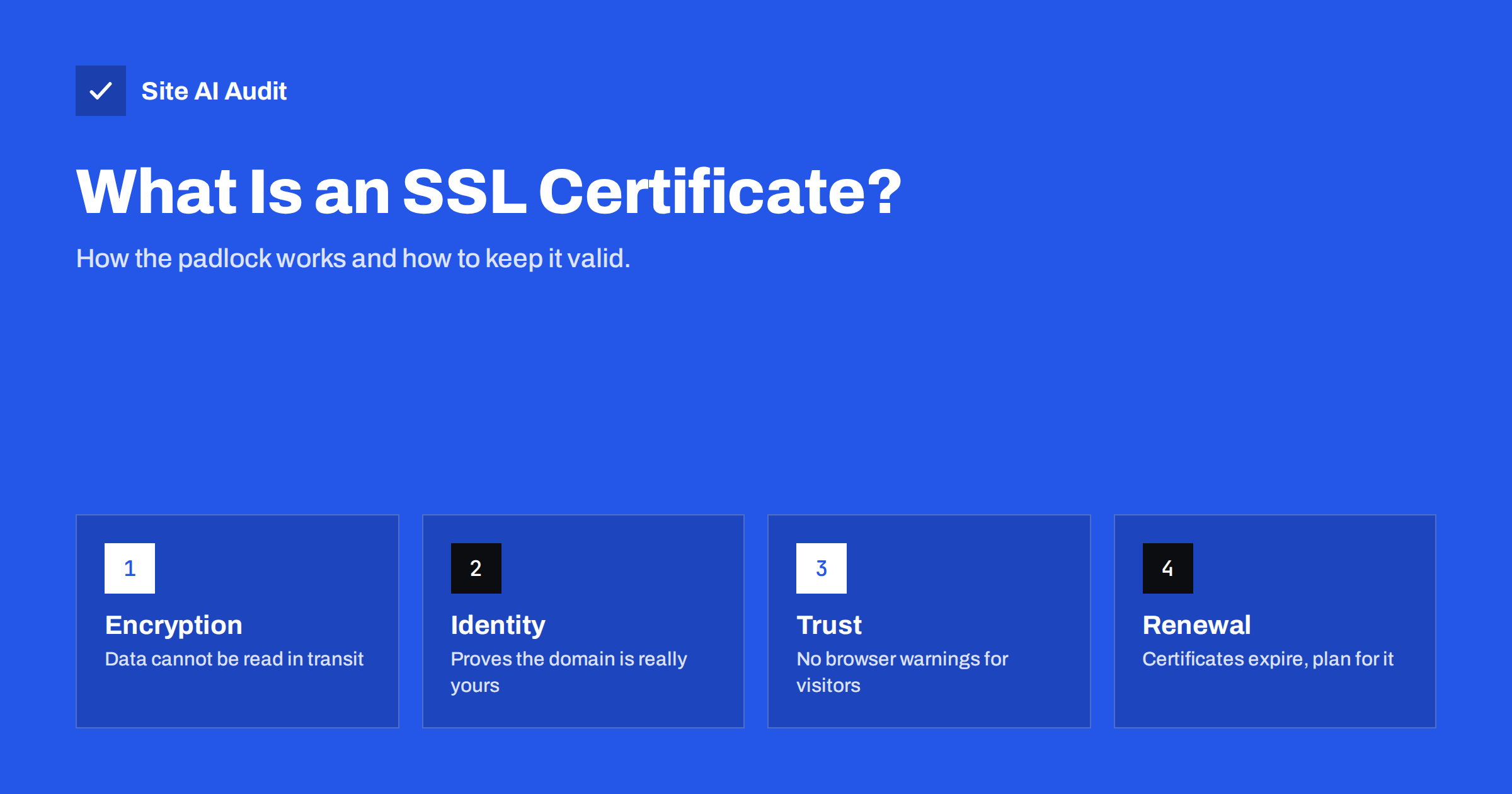
Short answer: An SSL certificate is a small data file, issued by a trusted certificate authority, that lets a website use HTTPS. It encrypts the connection between the visitor’s browser and your server and proves that the site really belongs to the domain in the address bar. Without a valid certificate, modern browsers label your site “Not secure” or block it with a full-page warning.
Almost every website owner has heard that they “need SSL”, but few know what the certificate actually does, why it expires, or why a site can have a certificate and still show warnings. This guide explains the whole picture in plain words, so you can check your own site and know what to ask your host or developer.
What an SSL certificate actually is
A certificate is a digitally signed statement. In simple terms it says: “The public key inside this file belongs to the domain example.com, and a certificate authority has checked that.” The certificate authority (CA) signs this statement with its own key. Browsers and operating systems ship with a list of CAs they trust, so when your server presents the certificate, the browser can verify the signature and decide whether to trust the connection.
A certificate contains a few key pieces of information:
- The domain names it covers – for example example.com and www.example.com. A certificate is only valid for the exact names listed in it.
- The public key – used during the connection setup so that browser and server can agree on encryption keys.
- The issuer – the certificate authority that signed it.
- Validity dates – a start date and an expiry date. After expiry, browsers reject it.
- The signature – the CA’s proof that nothing in the file was changed.
The matching private key stays on your server and must never be shared. If it leaks, someone else could impersonate your site, and the certificate should be revoked and replaced.
SSL or TLS: why the name is confusing
SSL (Secure Sockets Layer) was the original protocol from the 1990s. It was replaced by TLS (Transport Layer Security), and all SSL versions are now considered insecure and disabled in modern browsers. Today your site actually uses TLS, usually version 1.2 or 1.3. The certificates, however, are still commonly called “SSL certificates” out of habit. When a host sells you an “SSL certificate”, it is the same thing as a “TLS certificate”. What matters is that your server uses a current TLS version and a valid certificate.
What a certificate does for your website
A valid certificate delivers three things at once.
- Encryption. Everything sent between browser and server – passwords, contact form messages, payment details, cookies – is encrypted. Someone on the same public Wi-Fi, or anywhere along the network path, cannot read or change it.
- Authentication. The browser checks that the server it is talking to holds a certificate for the domain the visitor typed. This makes it much harder to impersonate your site through network tricks.
- Integrity. Data cannot be silently modified in transit. Without HTTPS, some networks inject ads or scripts into pages; with HTTPS they cannot.
There are also practical side effects. Browsers only allow many modern features, such as geolocation, service workers and HTTP/2 in practice, on secure pages. Google has confirmed that HTTPS is a lightweight ranking signal, and Chrome labels every plain HTTP page as “Not secure”. For a business site, that label alone is often enough to lose a customer’s trust.
Types of SSL certificates
Certificates differ in two ways: how much the CA checks about you (validation level) and how many names they cover.
| Type | What the CA checks | Typical use |
|---|---|---|
| Domain Validated (DV) | Only that you control the domain | Most websites, blogs, small shops |
| Organization Validated (OV) | Domain control plus the company’s legal existence | Businesses that want company details inside the certificate |
| Extended Validation (EV) | A stricter company verification process | Banks and large organisations, mostly for compliance reasons |
| Wildcard | Covers all first-level subdomains, such as *.example.com | Sites with many subdomains |
| Multi-domain (SAN) | Covers a list of different names | Several domains or subdomains on one server |
All of these use the same encryption. A free DV certificate encrypts traffic just as strongly as an expensive EV certificate. Browsers no longer show the company name in the address bar for EV certificates, so for most small and medium websites a DV certificate is the right choice.
Free vs paid certificates
Free certificates from Let’s Encrypt and similar authorities are trusted by all major browsers and are now used by a large share of the web. Many hosting companies and control panels issue and renew them automatically. Paid certificates make sense when you need OV or EV validation, a warranty required by a contract, or support from a vendor. For a typical business website, a free, automatically renewed certificate is perfectly adequate. The more important question is not “free or paid” but “who renews it, and how will I know if renewal fails?”
How the HTTPS connection is set up
When a visitor opens your site, a short exchange called the TLS handshake happens before any page content is sent:
- The browser connects and says which TLS versions and encryption methods it supports.
- The server replies with its choice and sends its certificate, plus any intermediate certificates.
- The browser checks the chain up to a trusted root, the domain name, and the validity dates.
- Both sides agree on session keys, and encrypted traffic begins.
With TLS 1.3 this usually takes only one network round trip, so HTTPS adds very little delay. If any of the checks in step 3 fails, the browser stops and shows an error page instead of your site.
Common certificate problems and what visitors see
Having a certificate installed is not the same as having a working one. These are the problems website audits find most often:
- Expired certificate. Browsers show a full-page warning such as “Your connection is not private”. Most visitors leave immediately. This is the most common failure, usually because automatic renewal broke silently.
- Name mismatch. The certificate covers example.com but not www.example.com, or the other way round. Visitors who use the uncovered name get an error.
- Incomplete chain. The server does not send the intermediate certificate. Some browsers fix this themselves, others – often mobile apps and older devices – fail.
- Self-signed certificate. Not signed by a trusted CA. Fine for internal testing, never for a public site.
- No HTTP to HTTPS redirect. The certificate works, but visitors who type the address without https:// still land on the insecure version.
- Mixed content. The page loads over HTTPS but pulls images or scripts over HTTP. Browsers block the scripts and may remove the padlock.
How to check your certificate in one minute
You do not need special tools for a first check:
- Open your site in a browser and click the icon to the left of the address. Choose the option to view the certificate.
- Look at the “Issued to” names. Make sure both the www and non-www versions you use are listed.
- Look at the expiry date. Free certificates typically last 90 days, paid ones up to about 13 months; the industry is moving toward shorter lifetimes.
- Type your address with
http://and confirm the browser ends up onhttps://. - Repeat on a phone using mobile data, which sometimes reveals chain problems a desktop hides.
Developers can use the command line as well: openssl s_client -connect example.com:443 -servername example.com shows the certificate chain and dates. The MDN documentation on Transport Layer Security is a good neutral reference if you want the technical details.
Keeping the certificate valid over time
The single biggest risk is not choosing the wrong type of certificate. It is an unnoticed expiry. Follow these rules to avoid it:
- Use automatic renewal wherever your host supports it, and confirm it is switched on for every domain and subdomain.
- Know who is responsible. If an agency, a freelancer or a CDN issued the certificate, write down who renews it.
- Watch after changes. DNS changes, server moves and CDN setup are the moments when automatic renewal most often breaks, because the CA can no longer verify the domain.
- Monitor from the outside. A check that connects to your site like a visitor will catch an expiring certificate even when the renewal job reports success.
How Site AI Audit checks your certificate
The first step of every Site AI Audit check connects to your website and tests the certificate: whether it is valid, when it expires, and whether HTTP visitors are redirected to HTTPS. The same report also covers security headers and exposed software versions, and each finding is explained in plain words with a fix. The free check shows where your site stands today. Paid plans add re-checks and monitoring with an alert when a certificate is about to expire, so renewal failures are found before visitors see a warning. You can run a free check of your website in about two minutes.
Related reading
- Why Your Website Says “Not Secure” and How to Fix It
- How to Redirect HTTP to HTTPS the Right Way (Without Loops)
- SSL Certificate Expired: What Happens and How to Fix It Fast
The bottom line
An SSL certificate is what makes HTTPS possible: it encrypts traffic, proves your site’s identity and keeps browsers from warning your visitors away. For most websites a free, domain-validated certificate with automatic renewal is enough. The real work is making sure it covers every name you use, is installed with its full chain, redirects all HTTP traffic, and never expires unnoticed.
FAQ
Do I need an SSL certificate if my site does not sell anything?
Yes. Browsers mark every HTTP page as not secure, regardless of what the site does. HTTPS also protects contact forms, logins and cookies, and it prevents networks from injecting content into your pages.
Is a free SSL certificate less secure than a paid one?
No. Free and paid certificates use the same encryption standards and are trusted by the same browsers. Paid certificates differ in validation level, warranty and support, not in how well they encrypt traffic.
How long does an SSL certificate last?
Free certificates from Let’s Encrypt are valid for 90 days and are meant to be renewed automatically. Paid certificates are currently issued for up to about 13 months, and the maximum lifetime is being reduced further in the coming years, which makes automatic renewal increasingly important.
What happens when my SSL certificate expires?
Browsers stop trusting the connection and show a full-page security warning instead of your site. Most visitors will not click through it, and some apps and services will refuse to connect at all until the certificate is renewed.
Does one certificate cover both www and non-www?
Only if both names are listed in the certificate. Most hosts include both automatically, but it is worth checking, because a missing name causes an error for everyone who uses that version of your address.


