 ENEnglish
 LTLietuviškai
 DEDeutsch
 FRFrançais
 RUРусский
 ESEspañol
 PLPolski
 ITItaliano
 UKУкраїнська
 CSČeština
 PTPortuguês
 JA日本語
 LVLatviešu valoda
 ETEesti
 HUMagyar
 IDBahasa Indonesia
 TRTürkçe
 HIहिन्दी
 ELΕλληνικά
 ARالعربية
 THไทย
 VITiếng Việt
 RORomână
 MSBahasa Melayu
 BNবাংলা
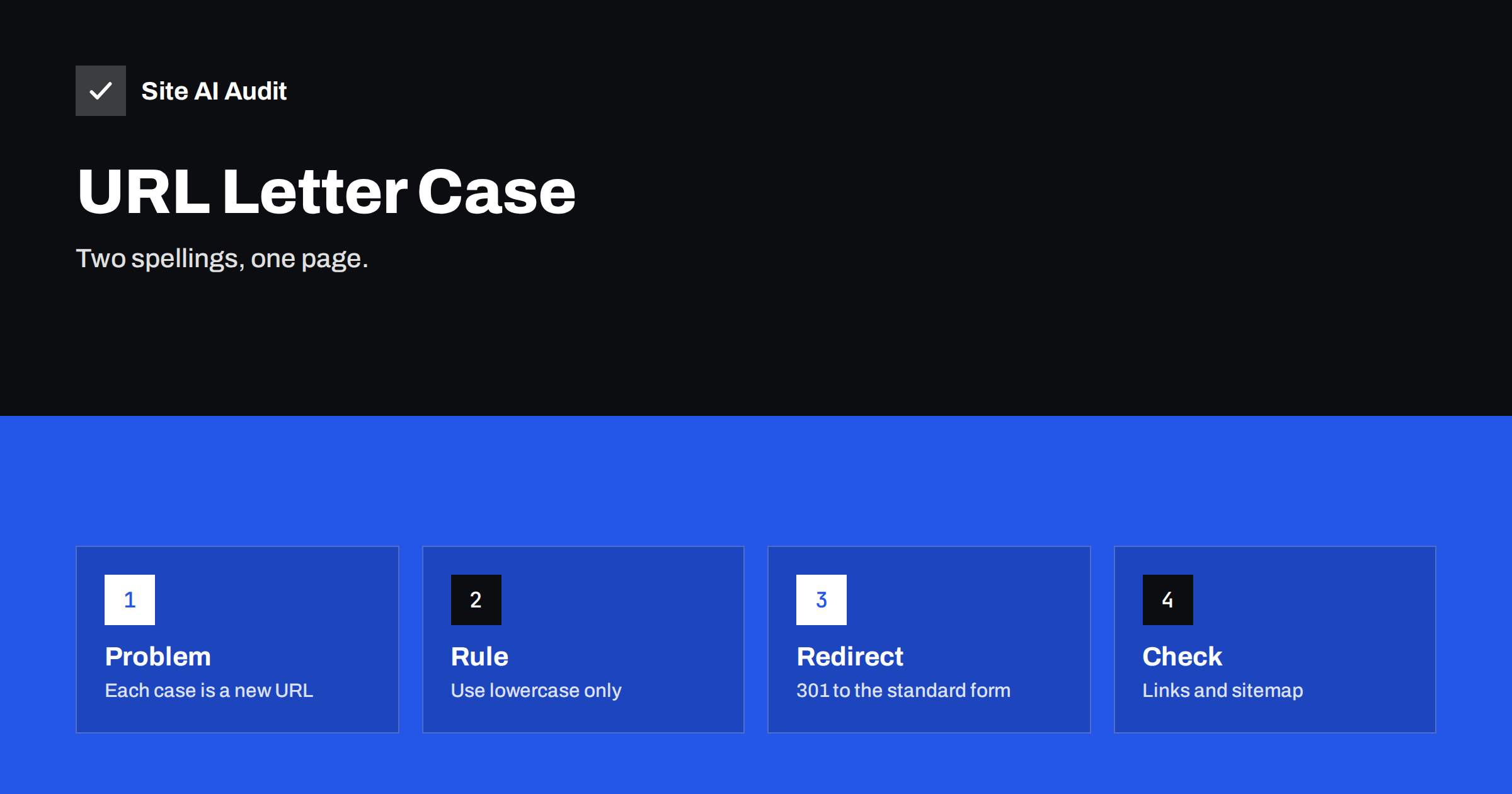
Short answer: To a search engine, the addresses /Contact-Us/ and /contact-us/ can be two different pages, and many servers will show the same content for both. That creates duplicates, splits links and wastes crawling. Pick lowercase as the standard, redirect every other spelling to it with a 301 redirect, and make sure that your links, sitemap and canonical tags all use the lowercase form.
Which parts of a URL are case sensitive
A web address has several parts, and they follow different rules. The scheme and the host name, for example https and example.com, are not case sensitive, so EXAMPLE.com and example.com reach the same site. The path, which is everything after the host name, and the query string can be case sensitive, depending on the software and the operating system of the server.
Servers that run on Linux treat files named About.html and about.html as different files, so the address with the wrong letter case often returns an error. Servers on Windows usually ignore case in file names. Content management systems add their own behaviour. WordPress, for example, tends to redirect a request with capital letters to the lowercase slug, but other systems, custom applications and some plugins do not. The result is a mix: some sites handle it well, some show the page under every spelling and some show an error for the wrong one.
Why this causes SEO problems
- Duplicate content. If both spellings return the same page with a 200 status, search engines see two copies. They normally choose one to show, but the choice may not be the one you want. The article on duplicate content explains the general effect.
- Split link signals. When other sites link to
/Pricingand some to/pricing, the value of those links is divided unless the engine consolidates them. - Wasted crawling. Bots spend time on duplicate addresses instead of your new content. See crawl budget.
- Confused analytics. Reports list the same page several times, so counts look lower than they are.
- Errors for visitors. A reader who types or copies an address with different capitals may land on a 404 page. The guide to a custom 404 page shows how to soften that.
Google can often work out that two addresses show the same page and choose a canonical version, but this is a decision made for you. The article on Google choosing a different canonical explains why it is better to state your preference clearly.
How mixed-case URLs appear
- Editors type links by hand. A capital letter at the start of a word, copied from a title, ends up in the link.
- Imported or migrated content. Old systems used mixed-case file names, and the new site keeps them or maps them badly.
- Third-party links. Other websites, newsletters and social posts write your address in their own way.
- Tracking parameters and campaign tools. Some tools change the case of the path or add upper case codes.
- Multiple tools generating sitemaps. One plugin writes lowercase addresses, another copies the case from the database.
How to find the problem
- Test by hand. Take five important pages, change one letter in the address to upper case and load it. Note whether you get the page, a redirect or an error.
- Crawl your site. A crawl that lists addresses with capital letters will show where your own links or sitemap use them.
- Search Console. The page indexing report shows “duplicate” statuses, and the performance report may list a page under two spellings. Read about duplicates without a user-selected canonical.
- Server logs. Filter requests that include capital letters in the path. They show which spellings bots and visitors actually use.
How to fix it
Step 1: choose lowercase
Lowercase is the common standard, easy to remember and the least likely to cause mistakes. Use it for new pages as well. Slugs created by your CMS from titles should be lowercase, with hyphens between words.
Step 2: redirect other spellings
Add a rule at the server or application level that sends any request containing capital letters in the path to the lowercase version, using a permanent 301 redirect. On Apache this can be done with a rewrite map, and on nginx with a small piece of configuration or a script, depending on your setup. In a CMS, look for a setting or a plugin that enforces lowercase. Avoid creating redirect chains. The article on redirect chains and loops shows what to watch for, and the guide to 301 and 302 redirects explains why the permanent type is the right one.
Step 3: update internal links, sitemap and canonical tags
Do not rely on redirects only. Change internal links so that they point to the lowercase address directly. Make sure the XML sitemap lists only lowercase addresses and that each page has a canonical tag with its lowercase URL. The guide to canonical tags covers the details.
Step 4: be careful with case-sensitive parts you cannot change
Some systems use case in query strings or file names on purpose, for example product codes or downloadable files. Do not force lowercase on those without testing, because it can break the page. Redirect only the parts that are meant to be case-insensitive, and test the result.
Check the result
After the change, request several pages with capital letters and confirm that you get a single 301 redirect to the lowercase page, and that the lowercase page returns 200. Check that your sitemap has no uppercase entries and watch Search Console for a few weeks. Duplicates should drop out of the reports as search engines recrawl the old spellings.
Server examples for lowercase redirects
The exact method depends on your server, so treat the following as an outline and test it on a copy of your site first. On nginx, one approach is to use a small block that checks whether the requested path contains capital letters and, if so, redirects to the lowercase version with a 301 status. On Apache, a rewrite map defined in the main server configuration can convert the path to lowercase and redirect to the result. In WordPress, many SEO and redirect plugins offer a setting for lowercase URLs, and the core software already redirects some wrong-case slugs. If your host uses a control panel, it may offer a toggle for the same purpose. Whatever you use, make sure that static files with capital letters in their names, such as an uploaded Brochure.pdf, still work, either by renaming them and updating the links or by excluding that folder from the rule.
What about existing backlinks and printed addresses
You cannot change links on other websites or on printed material. This is another reason to use a redirect and not only to correct your own links. A visitor who types the old capitalised address from a business card still reaches the right page, and the link value passes to the lowercase page through the 301. Keep such redirects in place for a long time, ideally for as long as the site exists, because they cost almost nothing.
Mixed case in other places
The same thinking applies to other parts of the address. The path may contain spaces or encoded characters, such as %20, which also create variants. Accented letters can be written in two forms that look the same but have different codes. Trailing slashes and index file names, for example /index.html, create further variants of the same page. A tidy site picks one form for each, states it in the canonical tag and redirects the rest. If you manage a multilingual site, check that language folders such as /en/ are also lowercase everywhere, because a wrong-case language code can break the pairing between translated pages. The guide to hreflang explains why those pairs must match exactly.
How Site AI Audit helps
Site AI Audit crawls up to 50 pages on the free check and reports problems that come from the way your pages are linked and indexed, such as duplicate titles, broken links, redirects, your sitemap and robots.txt. If mixed-case addresses create several pages with the same title, the report shows it as shared titles, which is a good clue. It does not test every spelling of an address by itself. The free check needs no sign-up. You can run a free check of your website or see the plans for re-checks after each fix.
Related reading
- Canonical Tags Explained: How to Handle Duplicate URLs
- 301 or 302? Choosing the Right Redirect for Your Website
- WWW or Non-WWW, Slash or No Slash: Pick One URL Version
- SEO-Friendly URLs: How to Structure Them the Right Way
The bottom line
Letter case in a URL path can create a second copy of every page. Choose lowercase, redirect everything else once, and keep your links, sitemap and canonical tags consistent. It is a small fix that removes a surprising amount of duplication.
FAQ
Are URLs case sensitive?
The host name is not, but the path often is, especially on Linux servers. The same text with different capital letters can therefore be a different address.
Will Google treat /Page and /page as the same?
It may treat them as duplicates and pick one, but it is not guaranteed which. State your preference with a redirect and a canonical tag.
Is uppercase in a URL bad for ranking?
No ranking penalty exists for capital letters as such. The problem is duplication and inconsistency, not the letters themselves.
Should I change old URLs that have capital letters?
Only if they cause duplicates or errors. If you do change them, add 301 redirects from the old spelling and update every internal link.
Does the query string matter too?
Yes, parameter names and values can be case sensitive. Keep them consistent, and see the guide to URL parameters for how parameters create duplicates.


