 ENEnglish
 LTLietuviškai
 DEDeutsch
 FRFrançais
 RUРусский
 ESEspañol
 PLPolski
 ITItaliano
 UKУкраїнська
 CSČeština
 PTPortuguês
 JA日本語
JA日本語 LVLatviešu valoda
 ETEesti
 HUMagyar
 IDBahasa Indonesia
 TRTürkçe
 HIहिन्दी
 ELΕλληνικά
 ARالعربية
 THไทย
THไทย VITiếng Việt
 RORomână
 MSBahasa Melayu
 BNবাংলা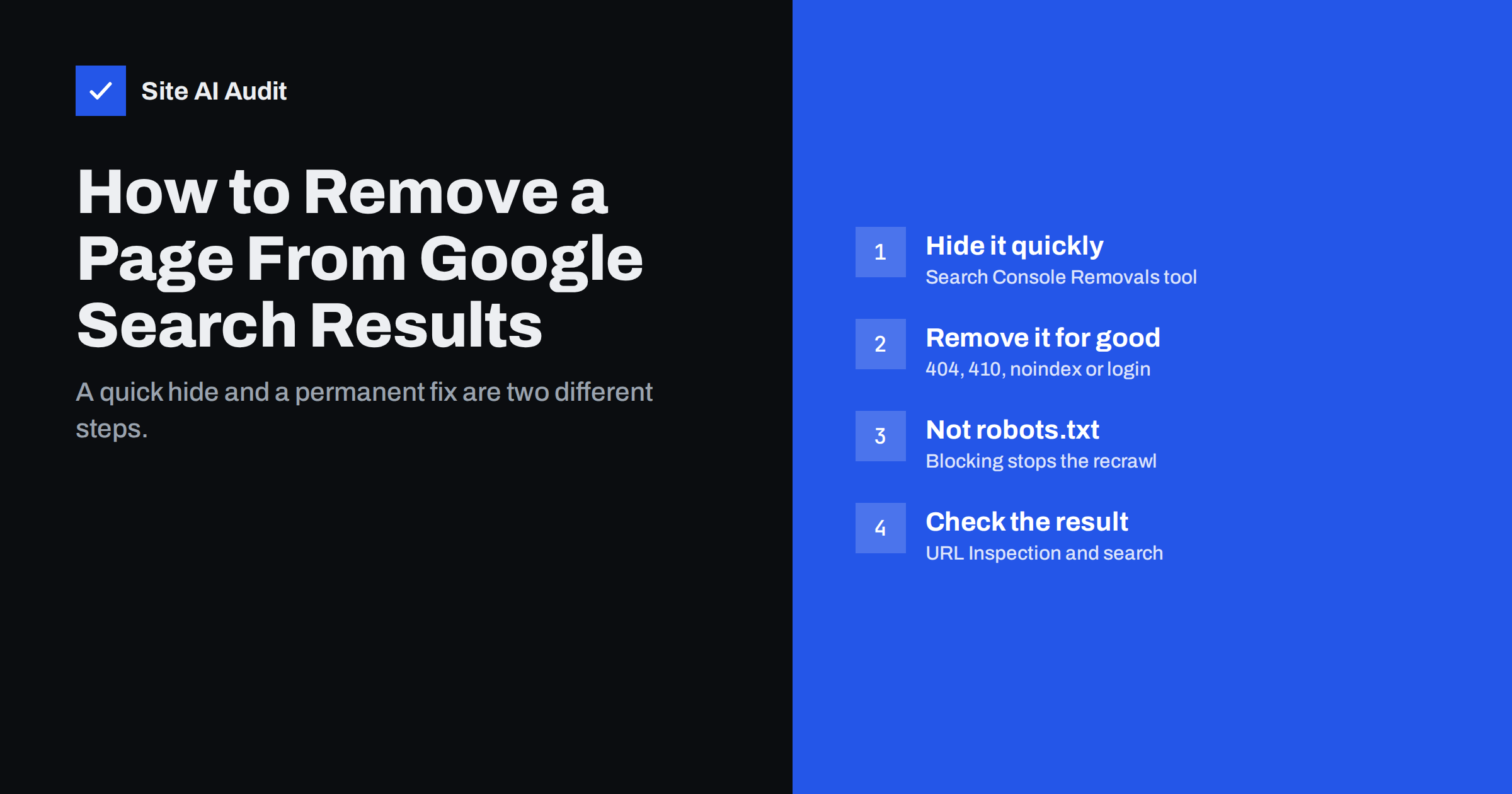
Short answer: To remove a page from Google permanently, make the page itself say it should not be indexed: delete it so it returns 404 or 410, add a noindex meta tag, or put it behind a login. Google drops it after it recrawls the URL. If it needs to disappear quickly, also use the Removals tool in Google Search Console, which hides the URL for about six months while the permanent fix takes effect. Do not block the page in robots.txt, because then Google cannot see the noindex or the 404.
First, decide what you actually want
“Remove from Google” can mean several different things, and each has a different solution:
- The page should no longer exist. An old offer, a discontinued product, a test page published by accident.
- The page should exist but not appear in search. A thank-you page, internal search results, a members-only resource or a staging copy.
- The page moved. The content now lives at another address, and you want the new URL to appear instead of the old one.
- The page is urgent. Sensitive or personal data was published by mistake and must disappear from results as soon as possible.
- The page is not on your website. Someone else published information about you or your content.
The methods below cover each case. For your own site, you always need a permanent signal on the page; the Removals tool only adds speed.
The permanent methods for your own pages
There are three reliable ways to tell Google that a page on your site should leave the index. Choose based on whether the page should still exist for visitors.
Delete the page (404 or 410)
If the page should not exist, remove it so the server returns a 404 Not Found or 410 Gone status code. When Google recrawls the URL and sees that status, it drops the page from the index. A 410 may be processed slightly faster, but both work.
Check the status code after deleting. Some sites show a “not found” message with a 200 OK status, or redirect all missing pages to the home page; Google may treat both as soft 404s, which is slower and less reliable. Google’s documentation on removing information from Google describes the accepted methods.
Keep the page but add noindex
If the page should stay available to visitors but not appear in search, add a robots meta tag in the page head:
<meta name="robots" content="noindex">
For files such as PDFs, which have no HTML head, send the equivalent HTTP header: X-Robots-Tag: noindex. Most CMS and SEO plugins offer a “hide from search engines” setting per page that adds the tag for you. Our guide to the noindex tag explains how to add and verify it.
Noindex only works if Google can crawl the page and read it, which is why the robots.txt mistake described below is so common.
Put the page behind a password
Pages behind a login cannot be crawled or indexed. For private documents, client areas and staging websites, password protection is the most reliable option, because it also keeps the content away from people, not just from search engines. After you add a login, the page returns an authentication error or login screen, and Google drops the old content from the index over time. For staging sites, server-level password protection is safer than noindex alone.
Why robots.txt does not remove pages
Blocking a URL in robots.txt tells Google not to crawl it. It does not tell Google to remove it. If the page is already indexed, or if other sites link to it, Google can keep the URL in results, sometimes shown without a description. Worse, the block prevents Google from seeing a noindex tag or a 404 status you added, so the page can stay in the index longer.
The correct order is: allow crawling, add noindex or delete the page, wait until it drops out, and only then block it in robots.txt if you have a separate reason to. Our comparison of robots.txt and noindex explains the difference in detail.
Moved pages: use a redirect instead
If the content moved to a new address, do not remove the old URL. Set up a 301 permanent redirect from the old address to the new one. Google then replaces the old URL with the new one in results and transfers signals such as links. See our guide to choosing the right redirect. Removing the old URL instead would throw away its accumulated value.
The Removals tool: fast but temporary
Google Search Console includes a Removals tool for sites you have verified. A temporary removal request hides a URL, or all URLs that start with a given prefix, from Google results for about six months, usually within a day. It is useful when a page must disappear quickly, for example after personal data was published by mistake. The Removals tool documentation covers the options.
Keep three things in mind:
- It is temporary. If the page still exists without noindex when the period ends, it can return. Always combine it with a permanent method.
- It hides, it does not delete. The page remains on your server and can still be visited directly by anyone who has the link.
- Use prefixes carefully. A prefix request for a folder hides everything under it. A mistake can hide important pages, so double-check before submitting.
If you have not set up Search Console yet, our guide on setting up Google Search Console walks through verification.
Special cases
| Situation | What to do |
|---|---|
| Spam pages created by a hack | Clean the site, make the spam URLs return 404 or 410, use the Removals tool with prefixes if the URLs share a pattern, and follow our recovery steps |
| Images | Delete the image file or block it for Googlebot-Image; the Removals tool also accepts image URLs |
| A page on someone else’s site | Ask the site owner to remove it; if it is already gone but Google still shows it, use Google’s public outdated content tool |
| Personal information about you | Google offers request forms for certain personal data, such as contact details and sensitive information |
| Copyright infringement | Use Google’s legal removal request process for copyright complaints |
| Outdated snippet or title | Update the page, then request indexing with the URL Inspection tool |
For hacked sites in particular, speed matters: spam pages in your results can lead to browser warnings and lost trust. Hide them with the Removals tool as soon as the site is clean, but only after the cause is fixed, otherwise new spam URLs will simply replace the old ones.
Other search engines have their own processes. Bing Webmaster Tools, for example, offers a tool to block URLs from Bing results for sites you have verified.
How long removal takes, and how to check
With the Removals tool, a URL is usually hidden within a day. Permanent removal through 404, 410 or noindex depends on when Google recrawls the page, which can take days for frequently crawled pages and weeks for rarely visited ones. You can speed this up by requesting a recrawl with the URL Inspection tool in Search Console.
To check progress:
- Use URL Inspection to see whether Google has recrawled the page and what status or noindex it found.
- Search for the exact URL or a distinctive phrase from the page.
- Watch the page indexing report, where removed pages move to reasons such as “Excluded by noindex tag” or “Not found (404)”.
- Remove the URL from your XML sitemap and from internal links, so you are not sending mixed signals.
Be patient with pages that are rarely crawled. Repeated removal requests or constant changes to the page do not speed things up, and a stable, clear signal is what Google needs to act on.
How Site AI Audit helps
Site AI Audit crawls your website like a search engine and checks indexing rules as part of its SEO checks: robots.txt, the sitemap, noindex tags, broken links and redirects. It shows, for example, when a page you meant to hide is still indexable, or when a page you want in search carries noindex by mistake, with an explanation and the fix. You can run a free check of your website.
Related reading
- Why Is My Page Not on Google? A Step-by-Step Checklist
- How to Update Old Content for SEO: Refresh, Merge or Remove
- Duplicate Content in SEO: Common Causes and How to Fix Them
The bottom line
Removing a page from Google takes a permanent signal on the page itself: a 404 or 410, a noindex tag, or a login. Use a 301 redirect instead when the content moved. The Search Console Removals tool is a fast, temporary cover while that signal takes effect. Never rely on robots.txt for removal, because it hides the very signal Google needs to see.
FAQ
How do I permanently remove a page from Google?
Delete the page so it returns 404 or 410, add a noindex tag, or put it behind a login. Google removes it after recrawling the URL.
How long does the Google Removals tool hide a page?
A temporary removal lasts about six months. Combine it with a permanent method, or the page may reappear after that period.
Can I use robots.txt to remove a page from Google?
No. Robots.txt blocks crawling, not indexing, and it prevents Google from seeing a noindex tag or 404 status. Allow crawling until the page has been removed.
How can I remove a page that is not on my website?
Ask the site owner to remove or change it. If the page is already gone but still appears, use Google’s outdated content tool, and for personal data or copyright issues use Google’s request forms.
How fast will a deleted page disappear from Google?
It depends on when Google recrawls it, from a few days to several weeks. Requesting indexing in URL Inspection or using the Removals tool speeds things up.


