 ENEnglish
 LTLietuviškai
 DEDeutsch
 FRFrançais
 RUРусский
 ESEspañol
 PLPolski
 ITItaliano
 UKУкраїнська
 CSČeština
 PTPortuguês
 JA日本語
JA日本語 LVLatviešu valoda
 ETEesti
 HUMagyar
 IDBahasa Indonesia
 TRTürkçe
 HIहिन्दी
 ELΕλληνικά
 ARالعربية
 THไทย
THไทย VITiếng Việt
 RORomână
 MSBahasa Melayu
 BNবাংলা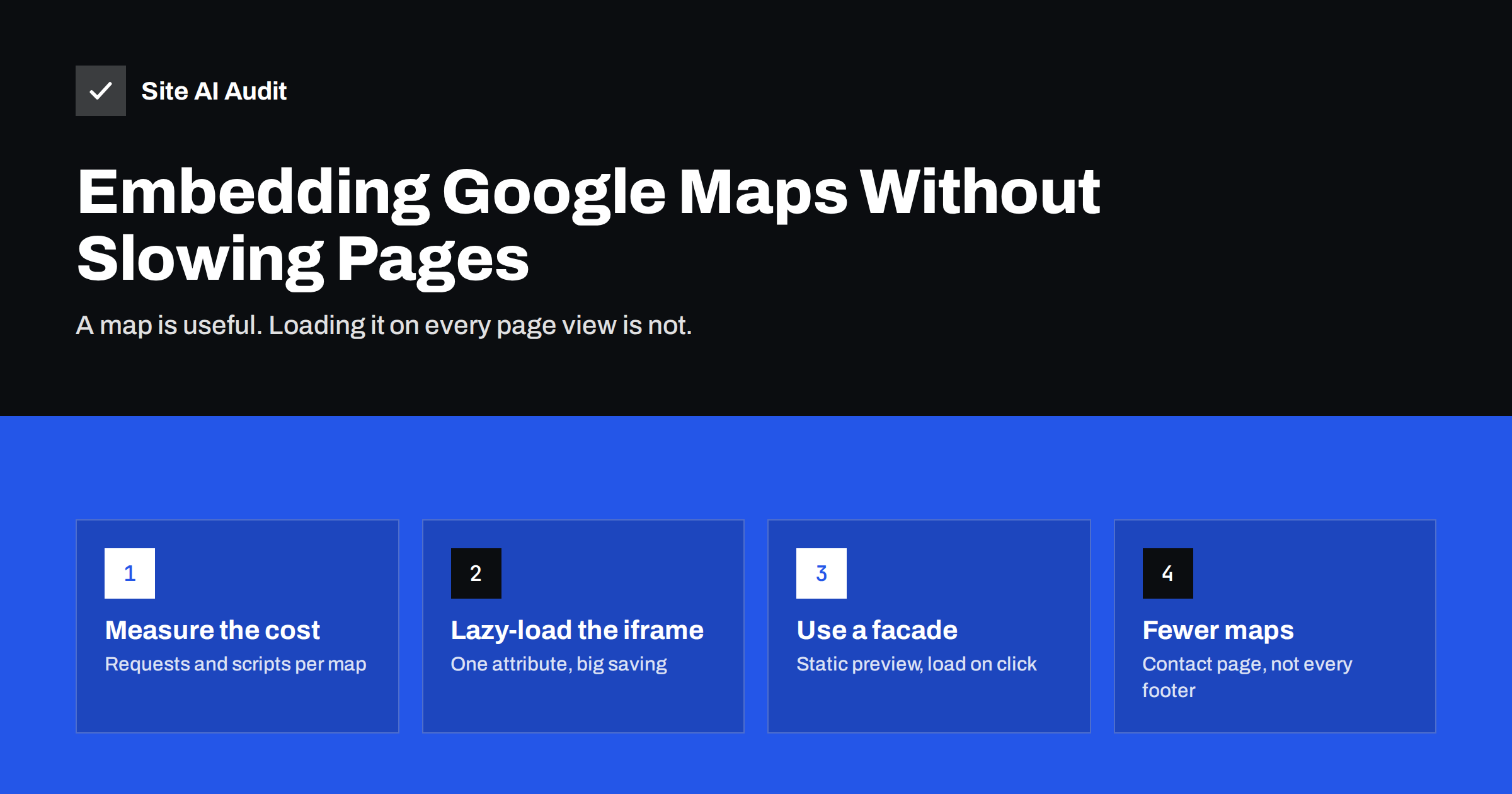
Short answer: An embedded Google Map loads its own scripts, styles, fonts and map tiles, which often adds hundreds of kilobytes and dozens of requests to a page, even if the visitor never looks at the map. To keep pages fast, show the map only where it is needed, add loading="lazy" to the map iframe, reserve its space to prevent layout shifts, and on important pages use a static preview image that loads the interactive map only when someone clicks it.
Why a map embed slows pages down
The standard way to add a map is to copy the embed code from Google Maps, which gives you an <iframe>. It looks like a single line of HTML, but an iframe is a complete web page inside your page. When it loads, the browser has to:
- Connect to several extra domains for the map page, scripts, fonts and map tiles, each with its own DNS lookup and connection.
- Download and run a considerable amount of JavaScript to make the map interactive.
- Download map tile images for the visible area.
- Do all of this on the same device and network connection as your own page.
On a fast desktop the extra work is easy to miss. On a mid-range phone with a mobile connection, the map competes with your own content for bandwidth and processor time. The result is often a slower Largest Contentful Paint, more main-thread blocking and a lower PageSpeed score, especially when the map sits near the top of the page.
The same principle applies to all embedded third-party content, which our guide on how third-party scripts slow down websites covers in more detail.
Measure the cost on your own site
Before changing anything, look at how much the map actually costs:
- Run a page with the map through PageSpeed Insights and note the mobile score, LCP and Total Blocking Time.
- In the report, look at “Reduce the impact of third-party code” and see how much time and data belong to Google Maps domains.
- Open the page in Chrome DevTools, go to the Network panel, reload and filter by “maps” or “google” to count the requests and the transferred size.
- Temporarily test a copy of the page without the map, or with the map lazy-loaded, and compare.
If the difference is large and the map is on many pages, it is worth optimising. If the map appears only on a contact page far below the fold, lazy loading alone may be enough.
Step 1: show the map only where it is needed
The cheapest map is the one that is not loaded. Many websites include a map in the footer or sidebar, which means every page view pays for it, including blog posts and product pages where nobody needs directions.
- Keep the full map on the contact or location page.
- In the footer, show the address as text with a link such as “Get directions” that opens Google Maps in a new tab or the maps app on a phone.
- For businesses with several locations, use a list of addresses with a direction link for each one, and one map on the locations page.
A text address is also better for visitors and search engines: it can be read, copied and understood, while a map image cannot. It supports your local visibility too, as our guide to local SEO basics explains.
Step 2: lazy-load the map iframe
Modern browsers support native lazy loading for iframes. Adding one attribute tells the browser to delay loading the map until the visitor scrolls near it:
<iframe src="https://www.google.com/maps/embed?pb=..." width="600" height="450" style="border:0" loading="lazy" referrerpolicy="no-referrer-when-downgrade" title="Map of our office location"></iframe>
Recent versions of the Google Maps embed code often already include loading="lazy", but older copies pasted years ago usually do not. MDN’s iframe reference documents the attribute and browser support.
Two cautions apply, just as with lazy loading images:
- Do not lazy-load a map that is visible on the first screen. It will load anyway, just a little later.
- Add a meaningful
titleattribute so screen reader users know what the frame contains.
Step 3: reserve space to avoid layout shift
If the map’s container has no fixed size, the page can jump when the map appears, which hurts Cumulative Layout Shift and annoys visitors who are trying to read or tap. Always give the map a known size.
- Set
widthandheightattributes on the iframe. - For responsive layouts, wrap it in a container with a CSS
aspect-ratio, for exampleaspect-ratio: 4 / 3, and make the iframe fill it withwidth: 100%; height: 100%. - Give the container a light background colour so the empty area does not look broken while the map loads.
Our guide to fixing Cumulative Layout Shift shows the same technique for other embeds.
Step 4: use a click-to-load facade
A facade is a lightweight placeholder that looks like the map but loads nothing heavy until the visitor asks for it. It is the most effective technique when the map is near the top of an important page.
- Take a screenshot of the map area you want to show, crop it and save it as a compressed WebP or AVIF image of the right size.
- Place the image in the container where the map will go, with alt text such as “Map showing our office near the central station”.
- Add a clear button over it, for example “Show interactive map”.
- When the button is clicked, replace the image with the iframe using a few lines of JavaScript.
- Next to the image, keep a normal link to open the location in Google Maps, which works even without JavaScript.
This keeps the initial page almost as light as a page without a map. Visitors who want to zoom or get directions get the full map with one click. Many sites find that most visitors never click it, because the address and the directions link are all they need.
If you use a static screenshot, check the map provider’s terms for how map images may be displayed and keep the attribution visible. An alternative is Google’s Maps Static API, which returns an image of a map for an address; it requires an API key and a billing account, so review the current terms and pricing before using it.
Other options and their trade-offs
| Option | Page cost | Visitor experience | Good for |
|---|---|---|---|
| Standard iframe, loaded immediately | High | Interactive at once | Rarely the best choice |
| Iframe with loading=”lazy” | Low until scrolled near | Interactive when reached | Maps lower on the page |
| Click-to-load facade | Very low | One click to interact | Maps near the top, important pages |
| Address text and directions link | None | Opens the maps app | Footers, mobile visitors |
| Maps JavaScript API | High unless loaded on demand | Custom markers and features | Store locators, many locations |
Store locators and other maps built with the JavaScript API follow the same rule: load the map library only when the visitor opens the locator or scrolls to it, not on every page.
Maps, cookies and consent
An embedded map loads content from Google as soon as it appears, which can involve cookies and sending the visitor’s IP address to a third party. In regions with strict privacy rules, many sites therefore block the map until the visitor consents. A click-to-load facade fits naturally here: it shows the placeholder, explains that clicking loads content from Google Maps and loads the map only after that choice. The same design solves the speed problem and the consent question at once.
If your consent tool already handles embeds, check that it does not load the map in the background before consent, and that the placeholder has a reserved size so the page does not jump when consent is given.
How Site AI Audit helps
Site AI Audit measures your pages with Google PageSpeed as part of every audit, including mobile speed and the Core Web Vitals LCP, CLS and INP, alongside server response time, compression and page weight. When an embed such as a map slows a page down, it shows up in these numbers, and each finding in the report is explained with how to fix it and ranked by impact. You can run a free website check and compare the results before and after changing your map.
Related reading
- How to Embed Videos Without Slowing Down Your Website
- Total Blocking Time Explained: What It Means and How to Cut It
- Why Your Website Is Slow on Mobile and How to Fix It
The bottom line
An embedded Google Map is a full web page inside yours, and it loads even for visitors who never use it. Keep maps on the pages that need them, use text addresses with direction links elsewhere, lazy-load iframes below the fold, reserve space for them and use a click-to-load facade when a map sits near the top of an important page. Measure before and after, and the map stops being a hidden cost.
FAQ
Does an embedded Google Map slow down my website?
Yes, often noticeably on mobile. The embed loads its own scripts, fonts and map tiles from several domains, which adds requests, data and processing time to the page.
Is loading=”lazy” enough for a map?
For a map below the first screen it usually is, because the map loads only when the visitor scrolls near it. For a map near the top of the page, a click-to-load facade saves much more.
Should I put a map in my website footer?
Usually not. A footer map loads on every page. Show the address as text with a directions link in the footer and keep the interactive map on the contact page.
Does removing the map hurt local SEO?
An embedded map is not a known ranking requirement. A clear, consistent address in text, a contact page and an accurate business profile matter more for local visibility.
What is a map facade?
It is a light static image of the map with a button. The real interactive map loads only when the visitor clicks, so the page stays fast for everyone who does not need it.


