 ENEnglish
 LTLietuviškai
 DEDeutsch
 FRFrançais
 RUРусский
 ESEspañol
 PLPolski
 ITItaliano
 UKУкраїнська
 CSČeština
 PTPortuguês
 JA日本語
JA日本語 LVLatviešu valoda
 ETEesti
 HUMagyar
 IDBahasa Indonesia
 TRTürkçe
 HIहिन्दी
 ELΕλληνικά
 ARالعربية
 THไทย
THไทย VITiếng Việt
 RORomână
 MSBahasa Melayu
 BNবাংলা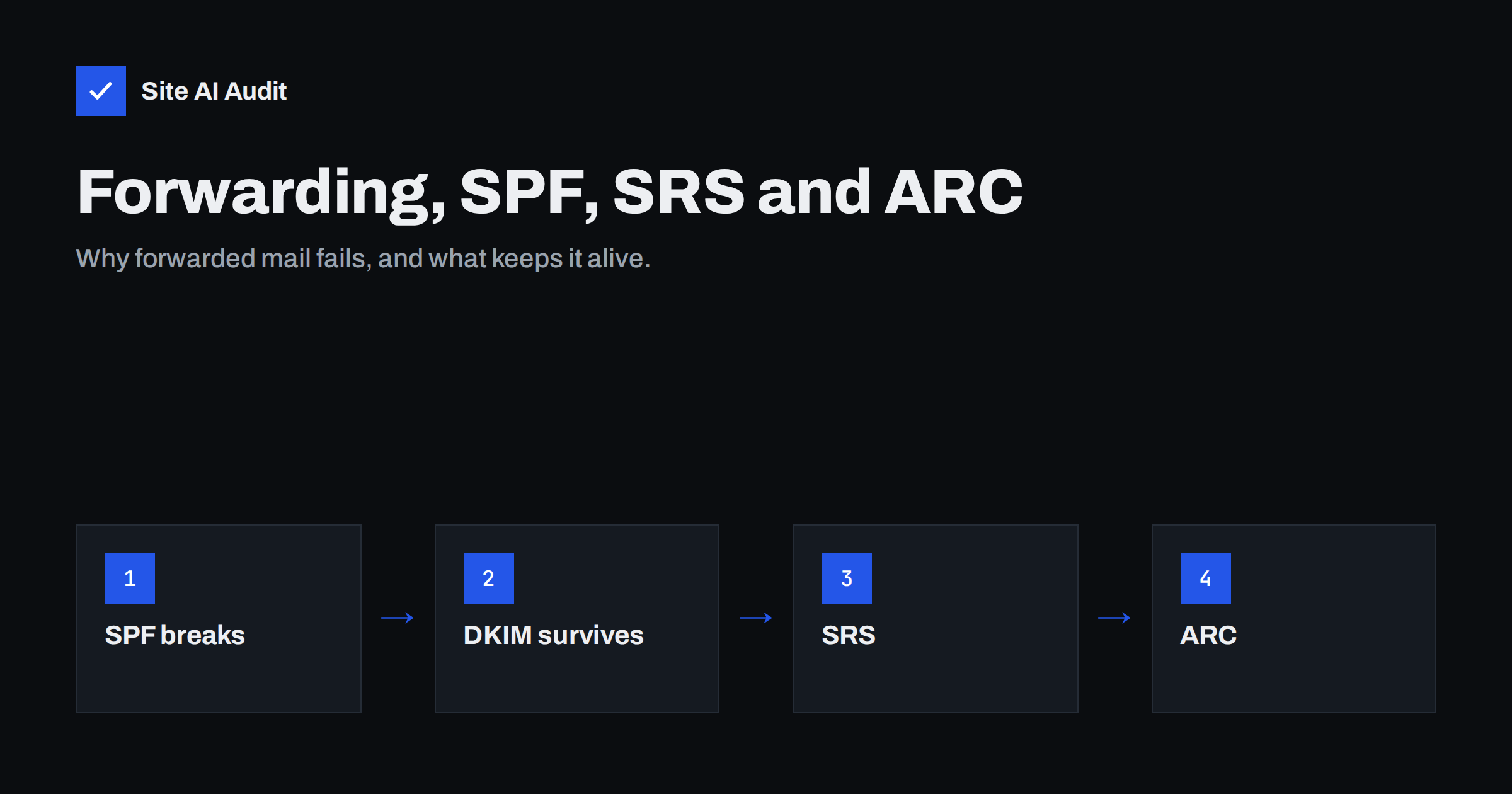
Short answer: When a message is forwarded automatically, the forwarding server delivers it from its own IP address, which is not in the original sender’s SPF record, so SPF fails. DMARC can still pass if the message carries an intact DKIM signature aligned with the From domain. Forwarders can rewrite the envelope sender with SRS so bounces work and SPF passes for the forwarder, and add ARC headers so receivers can see the authentication results from before forwarding. As a sender, the best protection is DKIM signing with your own domain on every message.
Why forwarding is a problem for authentication
Automatic forwarding is everywhere: an old university or association address forwarded to a personal mailbox, an info@ address forwarded to a staff member’s Gmail, a domain alias at a registrar that forwards to another provider, or mailing lists that redistribute messages to members. In each case, a server that is neither the sender’s nor the final recipient’s handles the message in the middle.
SPF was designed around the idea that the server delivering a message belongs to the sender. After forwarding, the final receiver sees a connection from the forwarder’s IP address, looks up the SPF record of the original envelope sender’s domain, and does not find the forwarder there. The result is SPF fail or softfail, even though the original message was perfectly legitimate.
Before DMARC, many receivers treated that as a minor signal. With DMARC enforcement, it matters more: if SPF is the only aligned check a message had, forwarding turns a DMARC pass into a DMARC fail, and a p=reject policy can cause the forwarded copy to be rejected.
What survives forwarding and what does not
| Check | After plain forwarding | After forwarding with modification |
|---|---|---|
| SPF | Usually fails (forwarder’s IP not authorised) | Usually fails |
| DKIM | Usually passes (content unchanged) | Often fails (signed content changed) |
| DMARC | Passes if DKIM is aligned | Often fails unless ARC is trusted |
“Plain” forwarding means the message is passed on as it is. “Modification” includes mailing lists that add footers or change the subject, security gateways that rewrite links or add banners, and forwarders that re-encode the message. DKIM signs the body and selected headers, so any such change breaks the signature.
The practical lesson is clear: DKIM is what keeps your mail deliverable through forwarding. A domain that relies on SPF alone for DMARC will see forwarded copies fail.
What senders should do
- Sign every message with DKIM for your own domain. Check every platform: mailbox provider, newsletter tool, CRM, shop and website mailer. A platform that signs only with its own domain leaves you dependent on SPF.
- Use 2048-bit keys and standard signing practices. Most providers sign the headers that forwarders rarely touch.
- Read DMARC reports with forwarding in mind. Small numbers of SPF failures from many unrelated providers, with DKIM passing, are typical forwarding. They do not need fixing.
- Consider
~allrather than-allin SPF. Some receivers reject on SPF hard fail before evaluating DKIM and DMARC. A softfail leaves room for DKIM to rescue forwarded mail. Once DMARC is enforced, the protection comes from DMARC anyway. - Expect some loss on mailing lists. Lists that modify messages without rewriting the From address may cause DMARC failures for members at strict receivers. Many list servers now handle this, as described below.
SRS: Sender Rewriting Scheme
SRS is a technique used by forwarding servers. Instead of keeping the original envelope sender, the forwarder rewrites it to an address on its own domain, encoding the original address inside it, for example [email protected].
This achieves two things:
- SPF passes for the forwarder’s domain, because the envelope sender now belongs to the forwarder, whose server is authorised in its own SPF record.
- Bounces still reach the original sender, because the forwarder can decode the rewritten address and pass the bounce back. The hash and timestamp prevent abuse of this as an open relay for bounces.
What SRS does not do is make SPF align with your From domain. The SPF pass is for the forwarder’s domain, so for DMARC purposes it does not count for you. DMARC still depends on your DKIM signature surviving. SRS mainly prevents forwarded mail from being penalised as an outright SPF failure and keeps bounce handling working.
SRS is a choice made by whoever runs the forwarding server. If you operate forwarding yourself, for example domain aliases on your own mail server, check whether your mail software supports SRS and enable it.
ARC: Authenticated Received Chain
ARC, standardised as an experimental protocol in RFC 8617, addresses the modification problem. An intermediary, such as a mailing list server or a forwarding service, evaluates SPF, DKIM and DMARC when it receives the message, records the results in a set of ARC headers and signs them. If it then modifies the message and passes it on, the final receiver can see what the authentication looked like before the change.
Three headers make up an ARC set:
- ARC-Authentication-Results contains the results the intermediary saw.
- ARC-Message-Signature is a DKIM-like signature of the message as the intermediary forwarded it.
- ARC-Seal signs the ARC headers themselves, chaining them to any earlier ARC sets.
The final receiver decides whether to trust an intermediary’s ARC seal, typically based on that intermediary’s reputation. Large providers such as Gmail and Microsoft sign ARC on mail they forward and use ARC from trusted intermediaries to override DMARC failures caused by forwarding. Google’s sender guidelines ask services that regularly forward mail, including mailing lists and inbound gateways, to add ARC headers.
How to recognise forwarding in message headers
When a recipient says your message was rejected or landed in spam, ask them for the headers of a copy that did arrive, or for the bounce text. Forwarding leaves clear traces:
- several
Receivedheaders from different organisations, one of which is the forwarder; - an envelope sender (Return-Path) beginning with
SRS0=orSRS1=, showing that the forwarder rewrote it; ARC-Sealand related headers added by the forwarder;- an
Authentication-Resultsline at the final receiver showingspf=failorspf=softfailfor your domain butdkim=pass.
If the chain shows that your DKIM signature failed after the forwarder, the forwarder modified the message. That is outside your control, but it tells you the problem is not your configuration.
Mailing lists and DMARC
Discussion lists were the first major casualty of strict DMARC policies. A list adds a footer, the DKIM signature breaks, the message arrives from the list server’s IP, SPF fails, and a domain with p=reject sees its members’ posts rejected at other members’ providers.
List software adapted in several ways:
- From rewriting: for senders whose domain has a strict DMARC policy, the list replaces the From address with its own and puts the original sender in Reply-To or in the display name.
- Not modifying messages: no footers or subject tags, so DKIM signatures stay valid.
- ARC signing: recording authentication results before modification.
If your staff participate in industry mailing lists, you may notice these rewritten From addresses. They are a sign the list is handling DMARC correctly, not that something is wrong with your domain.
Forwarding inside your own organisation
Businesses often create forwarding they later forget: a shared address forwarded to a personal mailbox, a former employee’s address redirected to a manager, or all mail for a secondary domain forwarded to a main one. When those forwards leave your mail system for an external provider, the problems above apply to every incoming message, including customer enquiries.
- Prefer aliases, shared mailboxes or groups inside the same mail system over forwarding to external accounts.
- Review forwarding rules regularly; they are also a data protection risk and a favourite trick of attackers who gain access to a mailbox.
- If external forwarding is necessary, use a provider that supports SRS and ARC.
Checking your side
The one thing senders fully control is whether their mail carries an aligned DKIM signature and whether their SPF and DMARC records are sound. Site AI Audit checks SPF with its lookup limit, DKIM, DMARC and MX records from the outside and explains each finding in plain words. A free check confirms the foundation; paid plans keep watching and alert you when a record changes.
Related reading
- What Is DKIM and How to Set It Up for Your Domain
- How to Read DMARC Aggregate Reports Without Getting Lost
- SPF Record Explained: What It Does and How to Set It Up
- DMARC Explained: Policies, Alignment and a Safe Rollout
The bottom line
Forwarding breaks SPF by design, and modification breaks DKIM. Senders protect themselves by signing all mail with DKIM for their own domain and reading DMARC reports with forwarding in mind. Forwarders help with SRS for the envelope and ARC for the authentication history. With both sides doing their part, forwarded mail keeps arriving even under strict DMARC policies.
FAQ
Why does forwarded e-mail fail SPF?
Because the forwarding server delivers the message from its own IP address, which is not listed in the original sender’s SPF record.
Does forwarding break DKIM?
Not if the message is forwarded unchanged. If the forwarder adds a footer, changes the subject or rewrites content, the DKIM signature fails.
What is SRS in e-mail?
The Sender Rewriting Scheme rewrites the envelope sender to the forwarder’s domain so that SPF passes for the forwarder and bounces can still be routed back to the original sender.
What is ARC in e-mail?
ARC lets intermediaries record and sign the authentication results they saw before modifying or forwarding a message, so the final receiver can take them into account.
Should I worry about DMARC failures from forwarding in my reports?
Small numbers of failures from many different providers, with DKIM passing, are normal forwarding noise. Focus on steady failures from sources that are your own platforms.
Is it safe to use p=reject if people forward my mail?
Yes, if all your mail is signed with aligned DKIM. Most forwarding keeps DKIM intact, and major providers use ARC to handle trusted intermediaries.


