ENEnglish
 LTLietuviškai
 DEDeutsch
 FRFrançais
 RUРусский
 ESEspañol
 PLPolski
 ITItaliano
 UKУкраїнська
 CSČeština
 PTPortuguês
 JA日本語
 LVLatviešu valoda
 ETEesti
 HUMagyar
 IDBahasa Indonesia
 TRTürkçe
 HIहिन्दी
 ELΕλληνικά
 ARالعربية
 THไทย
 VITiếng Việt
 RORomână
 MSBahasa Melayu
 BNবাংলা
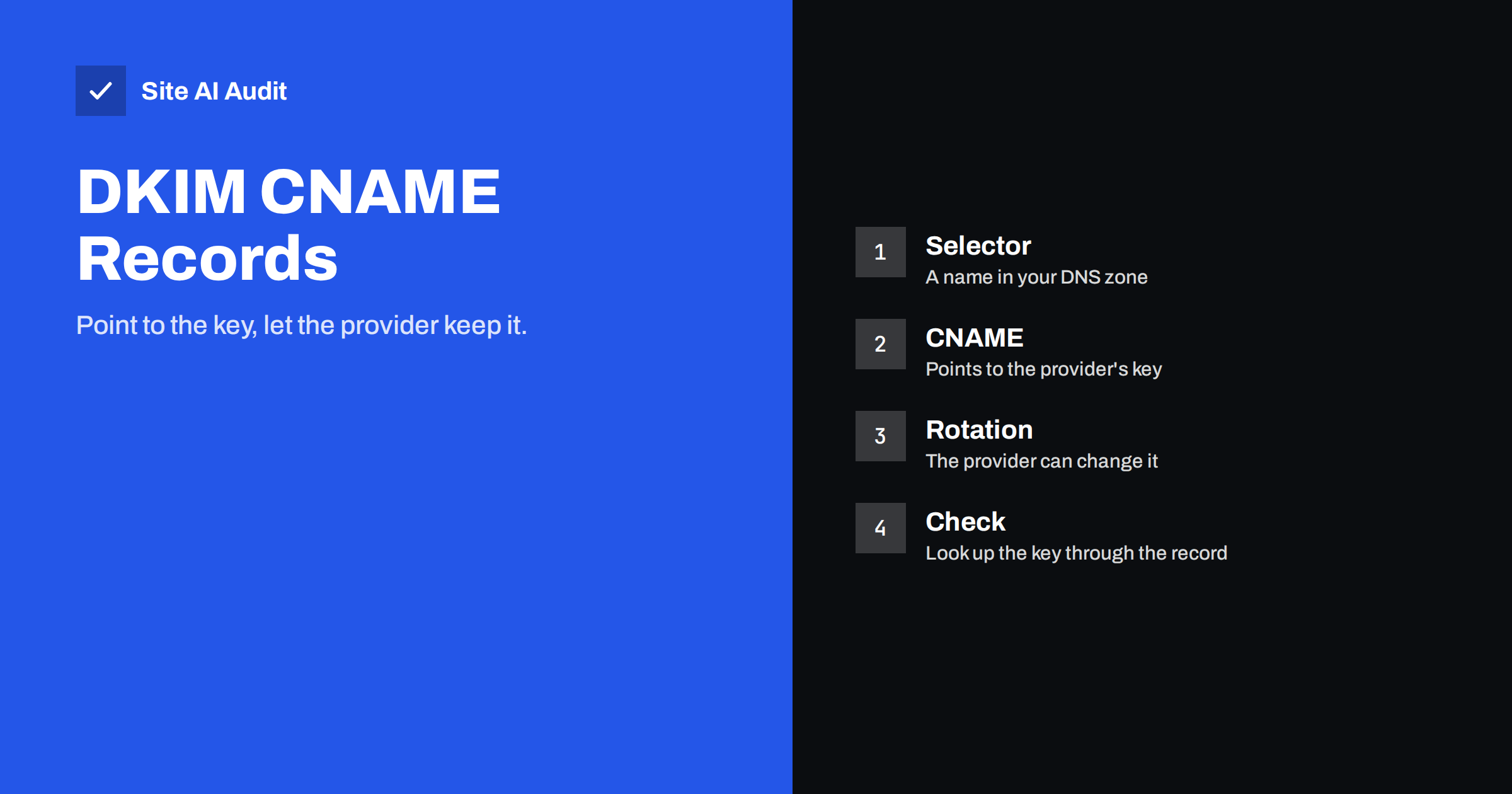
Short answer: A DKIM CNAME record is an alias in your DNS that points a DKIM selector name to a key that your email provider hosts. Receiving servers follow the alias to fetch the public key, so the provider can rotate keys without asking you to edit DNS. Add the records exactly as given, check that nothing else sits on the same names and keep them for as long as you send through that provider.
A quick reminder: how DKIM works
DKIM adds a digital signature to each message that you send. The signature uses a private key that stays with the sending system. The matching public key is published in your DNS, under a name made of a selector, the label _domainkey and your domain. When a receiving server gets a message, it reads the selector from the signature, looks up the public key and checks that the signature fits. If it does, the message has not been changed on the way and really came from a system that holds your key. The basics are explained in the guide to what DKIM is and how to set it up.
Normally the public key is a text (TXT) record. It can be long, and you copy it carefully from the provider into your DNS. The CNAME method is an alternative that avoids the copying.
What a DKIM CNAME is
A CNAME record says that one name is an alias for another. For DKIM, you create a record at the selector name, for example selector1._domainkey.yourdomain, with a value that points to a name under the provider’s domain. When a receiving server asks for the key at your name, DNS follows the alias and returns the key published by the provider. The server never sees the difference: it receives a valid DKIM key, as if it were stored in your zone.
Some providers use two or three selectors. Each one needs its own record. Microsoft 365 is a well-known example: it asks you to publish two selector records and then enable signing in its admin centre. Other services that send on your behalf work in a similar way, and each gives you exact names and values to use.
Why providers prefer it
- Key rotation without your help. Good practice is to replace DKIM keys from time to time. If the key lives at the provider, it can swap it without asking you to change your DNS, which removes a task that many people forget. The reasons for rotation are in the article on DKIM key rotation.
- No long text to paste. A strong key is long, and some DNS panels cut or split it badly. The problem is described in the guide to TXT records over 255 characters. An alias is short.
- Fewer copy errors. You paste a short name, not hundreds of characters.
- Stronger keys by default. The provider chooses the key length and can raise it later. See the article on DKIM key length.
How to set it up
- Start in the provider’s settings. Find the section for domain authentication or DKIM and add your domain. The service shows the records that you must create.
- Create each CNAME. Use the host name and the target exactly as shown. If your DNS panel adds your domain name automatically, enter only the part before it. If the panel does not add it, enter the full name.
- Keep it as a plain DNS record. If your DNS host offers a proxy or acceleration option for CNAME records, switch it off for these records. They must resolve as they are, not through another service.
- Wait for DNS to update. Allow time for propagation, as explained in the article on DNS propagation and TTL.
- Verify in the provider’s panel. Most services have a button that checks the records. Some also need you to enable signing after verification.
- Send a test message. Send mail to a mailbox that shows full headers and look for a DKIM result of pass, with your own domain in the signature. The guide to reading email headers shows how.
Why alignment matters
For DMARC, it is not enough that a DKIM signature passes. The domain in the signature should match the domain that people see in the From address. When you set up the CNAME records for your own domain, the provider signs with your domain, so the signature is aligned. If you skip this step, the provider signs with its own domain, and the message may pass DKIM but fail DMARC. The concept is covered in the article on DMARC alignment, and the full approach for outside senders in the guide to authenticating third-party email senders.
Common problems and fixes
- A TXT record already exists on the same name. A CNAME cannot share a name with other records. Remove the old TXT record for that selector if the provider is taking over, or use a different selector.
- The domain name appears twice. Panels that add the domain automatically can produce a name like selector1._domainkey.yourdomain.yourdomain. Edit the host field.
- A trailing dot problem. Some panels need the target to end with a dot, and others add one for you. If verification fails, compare how your panel shows the stored value.
- Proxy mode turned on. The record is hidden behind another service and does not resolve to the key. Use DNS only.
- Verification still pending. Check for typos, and wait for the caching time to expire. Look up the record from a public DNS tool to see what the world sees.
- Signing not enabled. With some providers the records alone do nothing until you switch on signing for the domain.
- A DKIM failure after a change. Use the steps in the guide to troubleshooting dkim=fail and dkim=none.
How to check the record from outside
A quick look at the DNS answer tells you whether the alias works before any message is sent.
- Query the selector name. Use a DNS lookup tool and ask for the selector name under your domain. First request the CNAME to see the alias, then request the TXT record at the same name. A working setup returns the alias and, after it, a text value that begins with v=DKIM1 and contains a public key.
- Query from different places. Use two public resolvers. If one shows the new record and the other does not, DNS is still updating.
- Compare with the provider’s panel. The target of the alias should match the value in the instructions, character for character.
- Look at a real message. In the headers, find the DKIM-Signature line. The d= value should be your domain, and the s= value should be the selector that you created.
If the lookup returns nothing for the TXT value, the provider has not yet published the key behind the alias, or the target name is wrong. Contact the provider with the exact names that you used, because they can see their own side.
Keeping the records tidy over time
CNAME records are easy to forget, and old ones can become a risk. When you stop using a provider, remove its DKIM records after you have confirmed that no mail is sent through it. A record that points at a service that you no longer control can be taken over by someone else, in the way explained in the article on subdomain takeover. Keep a short list that shows each sender, the selector names it uses and the date you set it up. Review the list once or twice a year, along with your SPF record and your DMARC reports.
When you move to a new mail provider, do not delete the old records immediately. Messages that are still in transit, or that were queued, may carry old signatures, and receivers check them when they arrive. A short overlap of a few days avoids unnecessary failures.
How Site AI Audit helps
Site AI Audit checks the e-mail records of your domain: MX records, SPF with its lookup limit, DKIM signatures and the DMARC policy. If a DKIM record is missing or does not resolve, the report shows it in plain words, so you can fix it before messages go to spam. It cannot see which selectors an outside provider uses unless they are published. The first check is free, covers up to 50 pages and needs no sign-up. You can run a free check of your website or see the plans for weekly monitoring and alerts.
Related reading
- DKIM Selectors Explained: How to Find Yours and Use Several
- SPF vs DKIM vs DMARC: What Each One Does and Why You Need All
- Microsoft 365 Email Authentication: SPF, DKIM and DMARC Setup
- What Is DKIM and How to Set It Up for Your Domain
The bottom line
A DKIM CNAME hands the job of storing and rotating the key to your provider while keeping your domain in the signature. Copy the names exactly, avoid conflicting records, switch off proxy features and test with a real message. Then keep the records for as long as the provider sends for you.
FAQ
Is a CNAME as secure as a TXT record for DKIM?
Yes. Receiving servers get the same public key either way. The security depends on the private key held by the provider and on the key length.
Why does my provider ask for two selectors?
Two selectors let the provider switch from one key to another without interruption. One is in use while the other waits for the next rotation.
Can I use both a TXT record and a CNAME on the same selector?
No. A CNAME cannot coexist with other records on the same name. Use one method per selector.
My records are correct but verification fails. What now?
Check for a doubled domain name, proxy settings and DNS caching. Look up the record with a public tool and compare it with the provider’s instructions.
Do I still need SPF and DMARC?
Yes. DKIM is one part. SPF and DMARC work together with it, and DMARC tells receivers what to do when checks fail.