 ENEnglish
 LTLietuviškai
 DEDeutsch
 FRFrançais
 RUРусский
 ESEspañol
 PLPolski
 ITItaliano
 UKУкраїнська
 CSČeština
 PTPortuguês
 JA日本語
JA日本語 LVLatviešu valoda
 ETEesti
 HUMagyar
 IDBahasa Indonesia
 TRTürkçe
 HIहिन्दी
 ELΕλληνικά
 ARالعربية
 THไทย
THไทย VITiếng Việt
 RORomână
 MSBahasa Melayu
 BNবাংলা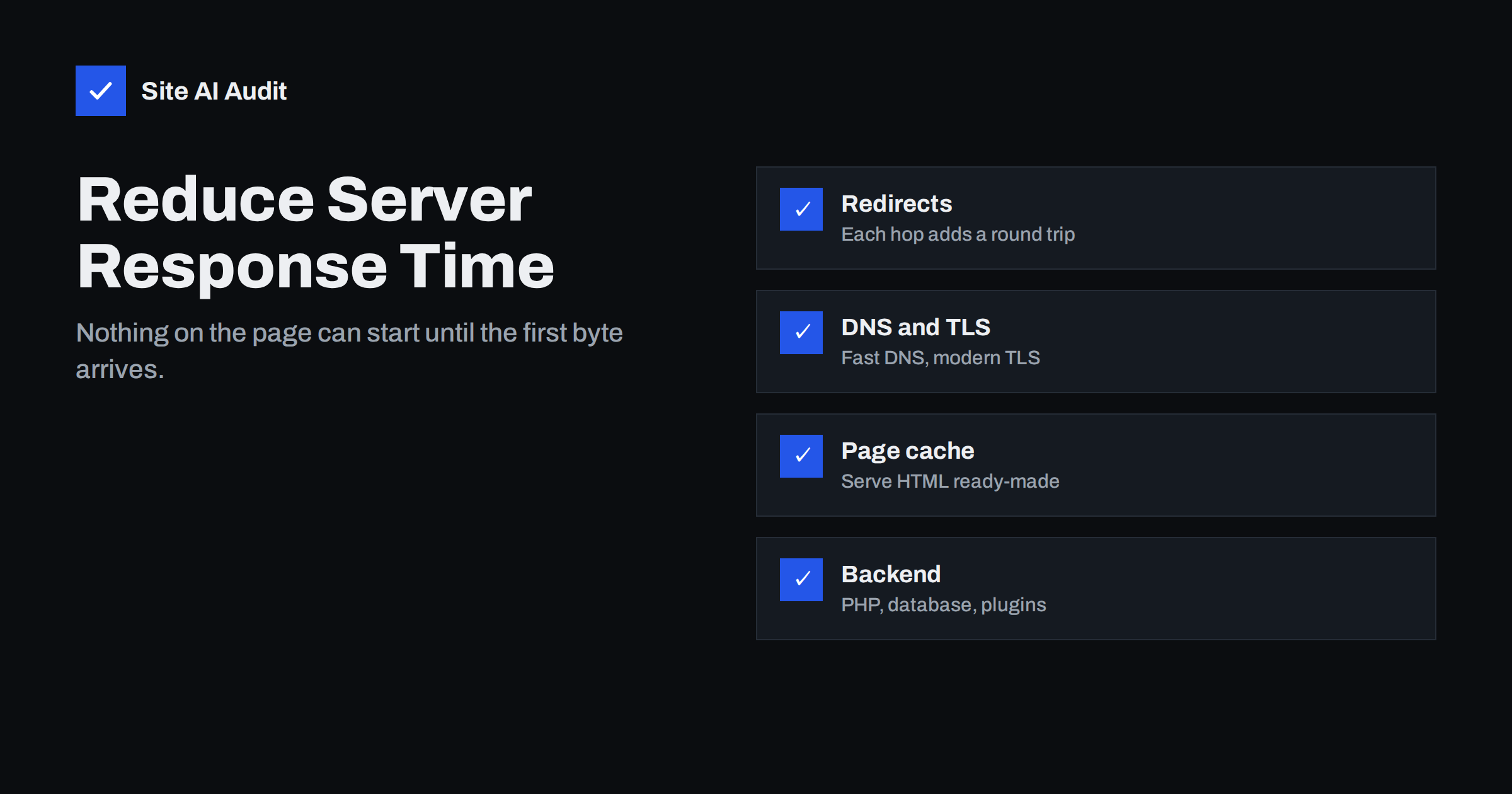
Short answer: Time to First Byte (TTFB) is the time from the browser’s request until the first byte of the page arrives, and it includes redirects, DNS lookup, connection and TLS setup, and the time the server spends building the page. Google’s guidance treats a TTFB of 0.8 seconds or less as good. The most effective ways to reduce it are full-page caching, removing redirect chains, a newer PHP version, fixing slow database queries and hosting closer to your visitors or behind a CDN.
Server response time is the foundation of page speed. The browser cannot download images, stylesheets or scripts until it has the HTML that tells it what to download, so every millisecond of TTFB delays everything else, including Largest Contentful Paint. The upside is that TTFB is one of the few speed metrics that you can often fix on the server alone, without touching the design or content of the site.
What TTFB actually includes
TTFB is not only “how fast the server thinks”. It is a sum of several steps, and any of them can be the slow one:
- Redirects. If the visitor requested
http://example.comand was sent tohttps://www.example.com/, each redirect is a full extra request. - DNS lookup. The browser has to find the IP address of your domain. Usually quick, but slow DNS providers or long chains of CNAME records add time.
- Connection and TLS. Opening a TCP connection and negotiating HTTPS takes a few round trips, which is expensive when the server is far away.
- Server processing. The web server receives the request, passes it to the application (PHP, Node, Python and so on), runs database queries and builds the HTML.
- First byte on the network. The response travels back to the browser.
Many tools show these steps separately. In Chrome DevTools, click the page’s HTML request in the Network panel and open the Timing tab: you will see “Waiting for server response” separately from DNS, connection and SSL. That tells you immediately whether the problem is the network path or the server’s work.
What is a good TTFB?
Google’s web.dev guidance describes a TTFB of 0.8 seconds or less as good and more than 1.8 seconds as poor, measured on real visits. TTFB is not a Core Web Vital itself, but because it comes before LCP, a slow TTFB makes a good LCP almost impossible.
As practical targets for small-business sites:
- A cached page from a well-configured server typically responds in well under 200 milliseconds of server time.
- An uncached dynamic page, such as a cart, is often acceptable at a few hundred milliseconds.
- If ordinary content pages take more than a second of server time, something is misconfigured or overloaded.
Remember that visitors far from your server will always see higher TTFB due to distance, even when the server itself is fast.
Step 1: Remove unnecessary redirects
Redirects are the cheapest TTFB problem to fix and very common. Typical chains include http to https, then non-www to www, then adding a trailing slash, sometimes followed by a language redirect.
- Make every redirect go directly to the final URL in one step.
- Update internal links, menus and canonical tags to the final version of each URL, so visitors never hit a redirect when clicking inside your site.
- Update links in ads, e-mail campaigns and social profiles to the final URL.
- Consider enabling HSTS once HTTPS works reliably, so browsers go to HTTPS directly on later visits.
Step 2: Cache full pages
For most content websites, the biggest TTFB improvement comes from not building the page for every visitor. A full-page cache stores the finished HTML and serves it directly.
- Server-level caching (for example Nginx FastCGI cache, Varnish or a host’s built-in cache) is usually the fastest option.
- Plugin-based caching in WordPress writes static HTML files and is a good choice on hosts without server caching.
- CDN edge caching can serve HTML from a location near the visitor, removing most of the distance penalty.
Make sure logged-in users, carts, checkouts and personalised pages are excluded, and that the cache is cleared when content is updated. Check the response headers of your page: many caches add a header such as x-cache: HIT so you can see whether a page was served from cache.
Step 3: Speed up the application
Some pages cannot be cached, and caches have to be filled at some point. For those requests, the application itself must be efficient.
- Upgrade PHP to a currently supported version. Newer PHP releases run typical WordPress code noticeably faster than old ones, and supported versions also receive security updates.
- Enable OPcache, which keeps compiled PHP code in memory. It is standard on good hosts but sometimes disabled or too small.
- Add an object cache such as Redis for sites with many logged-in users, shops and membership sites.
- Find slow database queries. On WordPress, Query Monitor shows queries per page and which plugin triggered them. Large
wp_optionsautoload data and unindexed custom queries are common culprits. - Look at external calls. Some plugins and themes call external APIs while building the page, for example to fetch social counts or exchange rates. If that API is slow, your page is slow.
Step 4: Check your hosting and its location
If TTFB is slow even for simple cached pages, the server itself may be the bottleneck.
- Overloaded shared hosting gives unpredictable response times, often fine at night and slow during the day.
- Resource limits on CPU or PHP workers cause requests to queue when several visitors arrive at once.
- Location matters. Host near the majority of your visitors, or use a CDN if your audience is spread across continents.
- HTTP/2 or HTTP/3 and modern TLS reduce connection overhead. Most good hosts support them; old server stacks sometimes do not.
Before moving hosts, measure TTFB for a cached page several times at different hours. If it stays high, the hosting is a likely cause. If it is low for cached pages but high for uncached ones, the application is the problem, and a new host alone will not fix it.
Step 5: Use DNS and a CDN sensibly
DNS is rarely the main issue, but a slow DNS provider can add noticeable time for first-time visitors. Reputable DNS providers answer quickly from many locations. A CDN helps in two ways: it terminates the connection close to the visitor, reducing TLS setup time, and it can cache static files and even HTML at the edge. For a local business serving one city, a CDN is optional; for an international audience, it is often the single biggest TTFB improvement.
Diagnosing TTFB: a quick reference
| Symptom | Likely cause | What to do |
|---|---|---|
| High TTFB only on first visit to the domain | Redirects, DNS, TLS | Remove redirect chains, check DNS provider |
| High TTFB on every page, even cached ones | Overloaded or distant server | Check hosting resources, add CDN |
| Cached pages fast, others slow | Application or database | Upgrade PHP, object cache, fix queries |
| Slow at busy times only | Resource limits, too few workers | Upgrade plan or tune server |
| Random slow requests | External API calls, cron tasks | Profile the page, move tasks to background |
How Site AI Audit helps
Server response time is one of the first things Site AI Audit checks: the run starts by connecting to your site, validating the SSL certificate and timing how fast the server answers, then crawls up to 50 pages on the free check and runs Google PageSpeed for mobile. The report ranks a slow response against your other speed, SEO, security and e-mail findings and explains how to fix it. Paid plans add re-checks and weekly monitoring, so you notice when the server gets slower after an update; see the plans.
Related reading
- How to Fix a Slow WordPress Site: A Step-by-Step Guide
- How to Improve Largest Contentful Paint (LCP) on Any Website
- How to Redirect HTTP to HTTPS the Right Way (Without Loops)
The bottom line
TTFB is the sum of redirects, network setup and server work. Split it into those parts before you fix anything. Remove redirect chains, cache full pages, keep PHP and the database efficient and host close to your visitors. Only upgrade hosting when cached pages are still slow, because that is the one case where the server itself is to blame.
FAQ
What is a good Time to First Byte?
Google’s guidance treats a TTFB of 0.8 seconds or less as good and more than 1.8 seconds as poor for real visits. For cached pages on a well-configured server, server processing time is usually far lower. Aim for consistently fast responses, not only a good average.
Is TTFB a Core Web Vital?
No, TTFB is not one of the three Core Web Vitals. However, it happens before Largest Contentful Paint, so a slow TTFB directly delays LCP. Improving TTFB is often a prerequisite for passing LCP.
Why is my TTFB slow only sometimes?
Intermittent slowness usually points to cache misses, busy periods on shared hosting, background tasks such as backups or scheduled jobs, or slow external API calls. Test several times at different hours and check whether slow responses coincide with uncached pages or specific times.
Will a CDN reduce TTFB?
A CDN reduces connection and TLS time by serving visitors from a nearby location, and it can cache HTML at the edge. If your HTML is not cached at the CDN, the request still has to reach your origin server. The benefit is largest for visitors far from your hosting location.
Does upgrading PHP really make a difference?
Yes, for uncached requests it often does, because newer PHP versions execute code more efficiently. It also keeps the server on a version that receives security fixes. Test your site on a staging copy first, since very old plugins may not be compatible.


