 ENEnglish
 LTLietuviškai
 DEDeutsch
 FRFrançais
 RUРусский
 ESEspañol
 PLPolski
 ITItaliano
 UKУкраїнська
 CSČeština
 PTPortuguês
 JA日本語
JA日本語 LVLatviešu valoda
 ETEesti
 HUMagyar
 IDBahasa Indonesia
 TRTürkçe
 HIहिन्दी
 ELΕλληνικά
 ARالعربية
 THไทย
THไทย VITiếng Việt
 RORomână
 MSBahasa Melayu
 BNবাংলা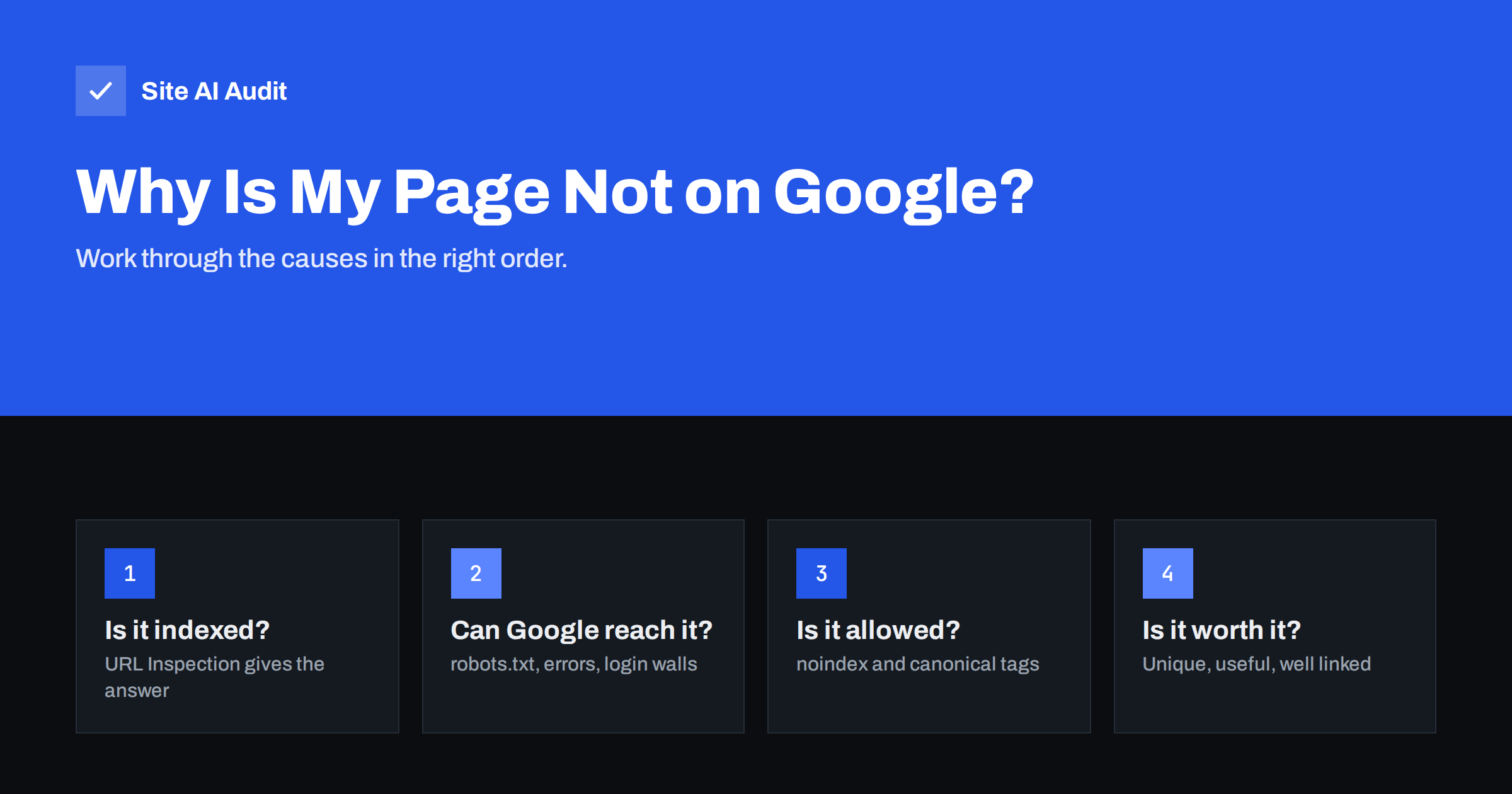
Short answer: A page can be missing from Google because it is not indexed, or because it is indexed but ranks too low to be seen. Start by checking the URL in Google Search Console’s URL Inspection tool. If it is not indexed, work through the usual causes in order: the page is too new or not linked, it is blocked by robots.txt, it carries a noindex tag, it declares another page as canonical, it returns an error, or Google judged it too thin or duplicate to index.
Step 1: Find out whether the page is indexed at all
“Not on Google” can mean two very different things, and the fix depends on which one applies:
- Not indexed. Google has not stored the page, so it cannot appear for any search.
- Indexed but not ranking. Google has the page, but it appears so far down for your target searches that nobody sees it.
The most reliable check is the URL Inspection tool in Google Search Console. Paste the full URL and it tells you whether the page is on Google, and if not, why. A quick informal check is to search Google for a distinctive sentence from the page in quotation marks, or to search for site:example.com/your-page/. The site: operator is not a complete index report, but if a page shows up there, it is indexed.
If you do not yet have Search Console set up, do that first. It is free and it is the only place where Google tells you directly how it sees your pages.
Step 2: Is the page new or hard to discover?
Google does not index pages the moment they are published. A new page on an established site may be indexed within days; a page on a brand-new site with no links from elsewhere can take weeks.
Check how Google could discover the page:
- Is the page linked from your menu, a category page or other relevant pages on your site? A page with no internal links, often called an orphan page, is hard for Google to find and signals that you do not consider it important.
- Is it in your XML sitemap, and is the sitemap submitted in Search Console?
- Does anything outside your site link to it?
If the page is new and well linked, patience is often all that is needed. You can use “Request indexing” in the URL Inspection tool to ask Google to crawl it sooner, but repeated requests do not speed things up further.
Step 3: Can Google actually reach the page?
Google needs to fetch the page successfully. Common obstacles:
- robots.txt blocks it. A Disallow rule covering the page or its folder prevents crawling. URL Inspection reports “Blocked by robots.txt”.
- Server errors. A 5xx error, a timeout or an overloaded server means Google cannot read the page. Repeated errors can slow crawling of the whole site.
- The page returns 404 or 410. Sometimes a page displays fine for logged-in editors but returns “not found” to everyone else, or the URL in the sitemap has a typo.
- Login walls or IP restrictions. Content behind a login, a password or a country block is invisible to Googlebot.
- Firewall or bot protection. Security plugins and CDN settings sometimes block or challenge Googlebot. The URL Inspection live test shows what Google receives.
- Content loaded only by JavaScript. Google can render JavaScript, but if key content depends on user actions such as clicks, or on scripts that fail to load, it may see an empty page. The live test includes a screenshot of the rendered page.
Step 4: Is the page telling Google not to index it?
Pages often exclude themselves without anyone noticing. Check for:
- A noindex tag. Look in the page source for
<meta name="robots" content="noindex">and in the response headers forX-Robots-Tag: noindex. SEO plugin settings, “hide from search” toggles and leftover launch settings are frequent causes. - A canonical pointing elsewhere. If the page’s canonical tag names a different URL, you are telling Google this page is a duplicate. Google will index the other URL instead.
- Site-wide “discourage search engines”. In WordPress, check Settings, Reading. If the box is ticked, every page carries noindex.
URL Inspection states these reasons plainly, for example “Excluded by ‘noindex’ tag” or “Alternate page with proper canonical tag”. If it lists a user-declared canonical different from the page, that is your answer.
Step 5: Did Google choose not to index it?
If Google can reach the page and nothing forbids indexing, but it is still not indexed, Search Console usually shows one of two statuses:
- Discovered – currently not indexed. Google knows the URL but has not crawled it yet. This is common on new sites, large sites with many low-value URLs, and slow servers.
- Crawled – currently not indexed. Google read the page and decided not to index it, at least for now. This usually points to quality or duplication: the page is thin, very similar to other pages, or does not add enough value compared to what is already indexed.
Google’s index is selective. It does not store every page it finds. Pages that tend to be skipped include near-empty category pages, product pages with only a manufacturer description, location pages that differ only by city name, auto-generated tag pages and short posts that repeat what other pages already say.
The fixes here are about the page itself: add genuinely useful, specific content; merge several weak pages into one stronger page; improve internal links from relevant, important pages; and remove or noindex low-value pages that dilute the site. After improving the page, request indexing again.
Step 6: If the page is indexed but you still cannot find it
If URL Inspection says “URL is on Google” but you cannot find the page for your target searches, the problem is ranking, not indexing. Common reasons:
- The page does not match what people searching that phrase actually want. For example, a sales page trying to rank for a question that searchers want a guide for.
- The title and headings do not use the words people search for.
- Stronger, more complete pages from other sites already cover the topic.
- Another page on your own site targets the same search, and Google shows that one instead.
- The page is very new and has few internal or external links.
The Performance report in Search Console shows which searches the page already appears for and in what position. That is a better guide than searching Google yourself, because personal results vary by location, device and history.
Special case: the whole site is missing
If not a single page of your site appears on Google, the cause is almost always site-wide and usually simple:
- The site is brand new. Verify it in Search Console, submit the sitemap and request indexing of the home page. Getting a link from a business directory, a partner or a social profile also helps discovery.
- Search engines are blocked globally. A
Disallow: /line in robots.txt or a site-wide noindex left over from development. Both are common right after a launch or a redesign. - The domain or hosting changed. The old site was indexed, but the new one has no redirects from the old URLs, so Google still holds old, broken addresses.
- A manual action. Rarely, Google applies a manual penalty for spam. Search Console shows it under Security and Manual actions, with an explanation and a way to request review.
- The site is only reachable with a login or from certain countries. Googlebot mainly crawls from the United States, so a country block can hide the whole site.
Check these before anything else, because each one affects every page at once and each can be fixed in minutes once found.
Quick reference: symptom and fix
| What Search Console says | Likely cause | What to do |
|---|---|---|
| URL is unknown to Google | Not discovered | Add internal links, include it in the sitemap, request indexing |
| Blocked by robots.txt | Disallow rule | Remove or narrow the rule |
| Excluded by ‘noindex’ tag | Noindex meta tag or header | Remove the noindex, request indexing |
| Alternate page with proper canonical tag | Canonical points elsewhere | Fix the canonical if this page should rank |
| Not found (404) or Server error (5xx) | Page broken for Googlebot | Fix the URL or server problem |
| Discovered – currently not indexed | Not crawled yet | Improve internal links, reduce low-value URLs, be patient |
| Crawled – currently not indexed | Judged low value or duplicate | Improve or merge content, strengthen links |
How Site AI Audit helps
Site AI Audit crawls your website like a search engine and lists everything that keeps pages out of search results: robots.txt rules, noindex tags, broken links, redirects and missing titles. Each finding names the affected pages and explains the fix in plain words, which makes steps 3 and 4 of this checklist quick to rule out across the whole site rather than one URL at a time. Check your website for free.
Related reading
- The Noindex Tag: When to Use It and How to Check It
- Robots.txt Explained: A Beginner’s Guide With Safe Examples
- Canonical Tags Explained: How to Handle Duplicate URLs
- XML Sitemaps Explained: How to Create and Submit One
The bottom line
When a page is missing from Google, first confirm whether it is indexed. If it is not, check discovery, access, noindex and canonical tags, in that order, because they are quick to fix. If none of them apply, Google has probably decided the page is not valuable enough yet, and the answer is better content and stronger internal links. If the page is indexed but invisible, you have a ranking problem, not an indexing one.
FAQ
How long does it take Google to index a new page?
It varies from a few hours to several weeks. Pages on established, well-linked sites are usually indexed faster. New sites with few links take longer.
Does requesting indexing guarantee my page will be indexed?
No. It asks Google to crawl the page sooner, but Google still decides whether to index it. Repeating the request does not help.
Why does the site: search show fewer pages than I have?
The site: operator gives only a rough sample and is not a reliable count. Use the page indexing report in Search Console for accurate numbers.
What does “Crawled – currently not indexed” mean?
Google fetched the page but decided not to index it for now. It usually indicates thin, duplicate or low-value content, so improving or merging the page is the best fix.
Can a page be indexed on Bing but not on Google?
Yes. Each search engine crawls and indexes independently. Check Bing Webmaster Tools separately if Bing traffic matters to you.


