ENEnglish
 LTLietuviškai
 DEDeutsch
 FRFrançais
 RUРусский
 ESEspañol
 PLPolski
 ITItaliano
 UKУкраїнська
 CSČeština
 PTPortuguês
 JA日本語
JA日本語 LVLatviešu valoda
 ETEesti
 HUMagyar
 IDBahasa Indonesia
 TRTürkçe
 HIहिन्दी
 ELΕλληνικά
 ARالعربية
 THไทย
THไทย VITiếng Việt
 RORomână
 MSBahasa Melayu
 BNবাংলা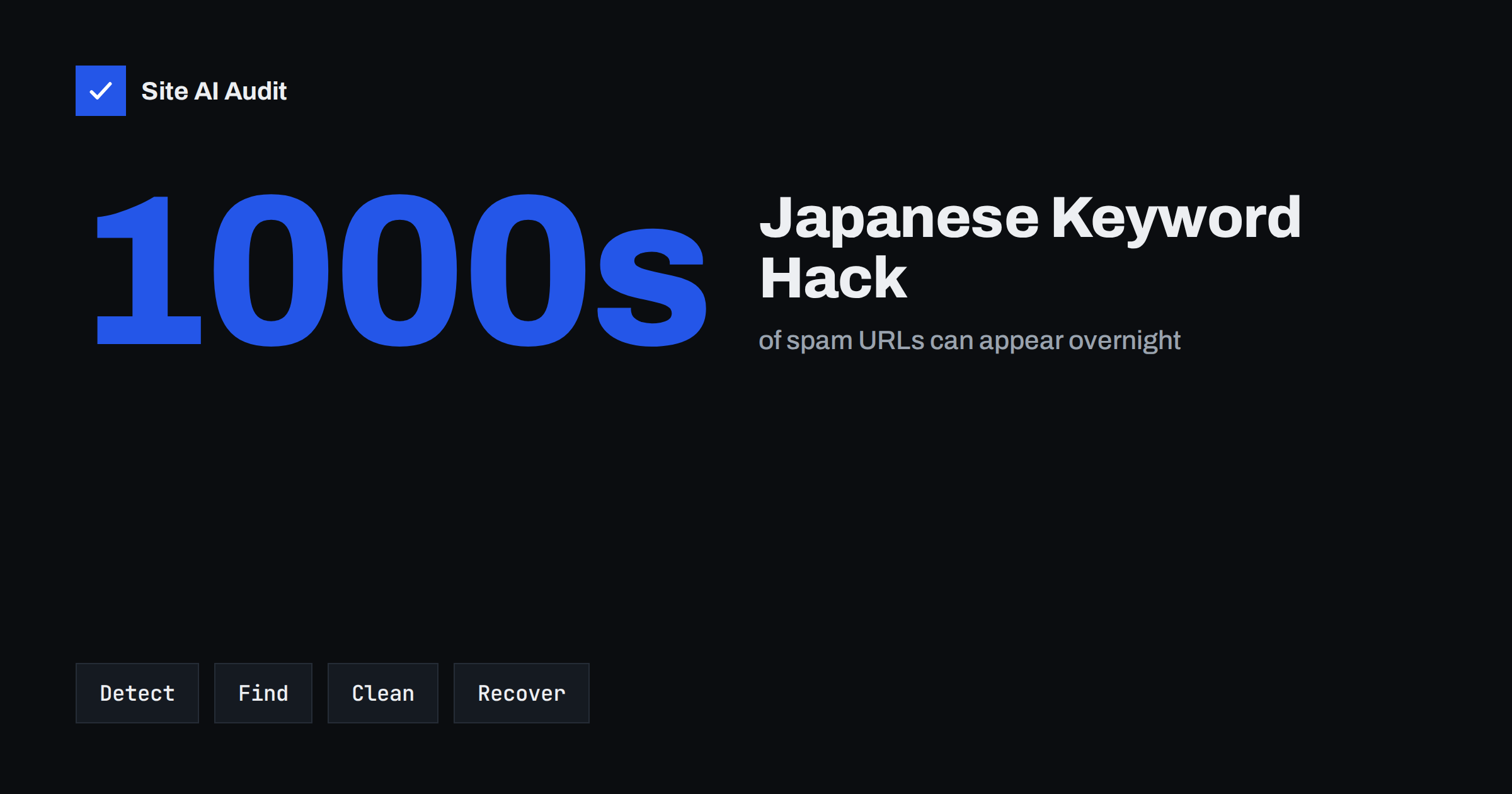
Short answer: The Japanese keyword hack is a type of SEO spam attack in which attackers create large numbers of pages on your website with Japanese text, usually advertising counterfeit goods, and get Google to index them under your domain. You often notice it first in search results or in Search Console, not on your own pages, because the spam is frequently shown only to search engines. To fix it, find and remove the injected files, database entries and rogue users, close the hole that let attackers in, remove unknown Search Console owners, and ask Google to recrawl the cleaned site.
What the Japanese keyword hack is
Attackers who break into a website do not always want to deface it or steal data. Often they want its reputation in search. An established small business domain is trusted by Google, so pages published on it can rank quickly. In this hack, the attacker generates pages, sometimes thousands of them, filled with Japanese keywords and links to shops selling fake brand products. Similar attacks exist in other forms, such as pharmacy spam or “gibberish” pages, but the Japanese variant is one of the most widespread.
The pages usually live under random-looking paths, for example a new folder with a nonsense name, or as URLs with odd parameters. They are linked from other hacked sites, so Google finds them, and they are often listed in a sitemap the attacker added.
How to tell if your site is affected
- Search for your own domain. In Google, search
site:yourdomain.comand look through the results, especially later pages. Japanese titles or descriptions that you never wrote are the clearest sign. Adding a common spam word, such as a luxury brand name, to the query can surface them faster. - Check Search Console. The Performance report may show impressions for Japanese queries. The Security issues report may list hacked content. The Page indexing report may show a sudden jump in indexed or discovered pages.
- Look for new owners. Under Settings, Users and permissions, check whether an unknown account has been added as an owner. Attackers verify themselves as owners to submit their own sitemaps.
- Check sitemaps. Look for sitemap files you did not create in Search Console and in the site’s root directory.
- Visit a spam URL. If the page shows normal content or a 404 to you but Japanese text in Google’s cache or in the URL Inspection tool, the site is cloaking: it shows different content to Googlebot.
The general warning signs of a compromise also apply; our list of signs your website has been hacked covers them.
Why you may not see the spam yourself
Many variants use cloaking. The injected code checks who is visiting. If the user agent or IP address belongs to a search engine crawler, it serves the spam page. If it is a normal visitor, it shows your page, a 404 or a redirect to the spam shop only when the visitor comes from a search result. Some versions hide the spam from logged-in administrators, so the site owner is the last to know.
This is why the URL Inspection tool in Search Console is so useful: its live test fetches the page as Googlebot and shows the HTML that Google receives. If that HTML contains Japanese text, the page is infected even when your browser shows nothing unusual.
Step 1: contain and back up
- Take a full backup of the infected site before you change anything, files and database. It helps the investigation and gives you a way back if a cleanup step breaks something. Store it outside the web root.
- Change passwords for hosting, FTP or SFTP, the database, every administrator account and the hosting control panel.
- Put the site in maintenance mode if the infection is severe, with a 503 status, so that visitors and crawlers do not receive more spam while you work.
Our step-by-step recovery plan for hacked websites covers this phase in more detail.
Step 2: find the injected code and content
The spam is generated by something on your server. Look in these places:
- Recently modified files. Sort files by modification date, or on a server run
find . -name "*.php" -mtime -30in the site directory. Pay attention to files in the uploads folder, theme folders and the root directory. - The main configuration and index files. Attackers often add a few lines to
index.php,wp-config.phpor.htaccessthat load a hidden script or rewrite spam URLs to it. - Unknown folders and files. Directories with random names, PHP files with names imitating core files, and large text or cache files containing Japanese strings.
- The database. Search post and option tables for Japanese characters, unfamiliar URLs or encoded scripts. Some variants store spam pages as posts or in options rather than files.
- Users. Check the list of administrators in your CMS and remove any you do not recognise.
- Scheduled tasks. Look at server cron jobs and CMS scheduled events for tasks that re-create the infection.
Compare core files against a fresh copy of your CMS version; in WordPress, wp core verify-checksums lists modified core files. A security plugin or a server-side malware scanner can speed this up, but treat its results as a starting point, not as proof that everything is clean.
Step 3: clean up and close the entry point
Removing the spam is not enough if the door stays open. The most common entry points are outdated plugins and themes, nulled software, weak or reused passwords and writable upload folders that allow PHP execution.
- Replace CMS core, plugins and themes with fresh copies from official sources rather than editing infected files one by one.
- Update everything to current versions and remove plugins and themes you do not use. See our safe update strategy.
- Block PHP execution in the uploads folder.
- Enable two-factor authentication for administrators.
- Remove spam entries from the database and delete the rogue sitemap files.
- Restore a clean backup only if you are sure it predates the infection, and then apply the updates before going live.
Watch the site for a few days afterwards. If spam files reappear, part of the infection is still present, often a backdoor in an unexpected place or a compromised account on the hosting level.
Step 4: clean up Google
- Remove unknown owners from Search Console and delete the sitemaps they submitted.
- Make spam URLs return 404 or 410. Once the generating code is gone, they usually do. Check a few with the URL Inspection live test.
- Submit your real sitemap again so that Google recrawls the legitimate pages.
- Request a review if the Security issues report lists a problem. Explain what you found and fixed.
- Use the Removals tool to hide the worst spam URLs from results temporarily while Google recrawls. It does not delete them from the index, it only hides them for a period, so the 404 or 410 status is what makes the removal permanent. Our guide on removing pages from Google explains the difference.
Do not block the spam URLs in robots.txt. Google then cannot see that they return 404, and they can stay indexed longer. With thousands of URLs, the cleanup in search results can take weeks, but it will happen once Google sees consistent 404 responses.
How Site AI Audit helps
Site AI Audit is not a malware scanner and does not look inside your server files. It does crawl your site from the outside and reports findings that often accompany a compromise or a weakness attackers use: a WordPress version that is publicly visible, a server that reveals its software version, missing security headers, and mixed content. Among the pages it crawls, it also lists duplicate or missing titles, pages with very little text and noindex rules, which can help you notice pages you did not create. Rechecking after the cleanup on a paid plan shows that the visible problems are gone. You can run a free check, and the pricing page lists the monitoring options.
Related reading
- “Deceptive Site Ahead” Warning: Causes and How to Remove It
- Nulled Themes and Plugins: The Real Cost of Free Premium
- WordPress Security Checklist: 20 Steps That Actually Matter
- Uploads Folder Security: How to Block PHP Execution
The bottom line
The Japanese keyword hack turns your trusted domain into a host for counterfeit spam, often invisibly to you because of cloaking. Check site: results and Search Console regularly, and if spam appears, back up, change every password, remove the injected files, database entries, users and sitemaps, close the entry point with updates and hardening, then let Google recrawl clean pages that return 404 for the spam. The search results recover; the important part is making sure the attackers cannot come back.
FAQ
Why do I not see the Japanese pages when I visit my site?
Many infections use cloaking: they show spam only to search engine crawlers or to visitors arriving from search results. Use the URL Inspection live test in Search Console to see what Google receives.
How long until the spam disappears from Google?
Once the spam URLs return 404 or 410, Google drops them as it recrawls. That can take from a few days to several weeks for large numbers of URLs.
Should I block the spam URLs in robots.txt?
No. Blocking prevents Google from seeing that the pages are gone, so they may stay indexed longer. Let them return 404 or 410 instead.
Will the hack hurt my rankings permanently?
Usually not, if you clean it up thoroughly and quickly. Rankings for your real pages typically recover after the spam is removed and Google has recrawled the site.
Can a backup restore fix the hack?
Only if the backup predates the infection and you also close the entry point. Otherwise the attackers can return through the same hole.