 ENEnglish
 LTLietuviškai
 DEDeutsch
 FRFrançais
 RUРусский
 ESEspañol
 PLPolski
 ITItaliano
 UKУкраїнська
 CSČeština
 PTPortuguês
 JA日本語
JA日本語 LVLatviešu valoda
 ETEesti
 HUMagyar
 IDBahasa Indonesia
 TRTürkçe
 HIहिन्दी
 ELΕλληνικά
 ARالعربية
 THไทย
THไทย VITiếng Việt
 RORomână
 MSBahasa Melayu
 BNবাংলা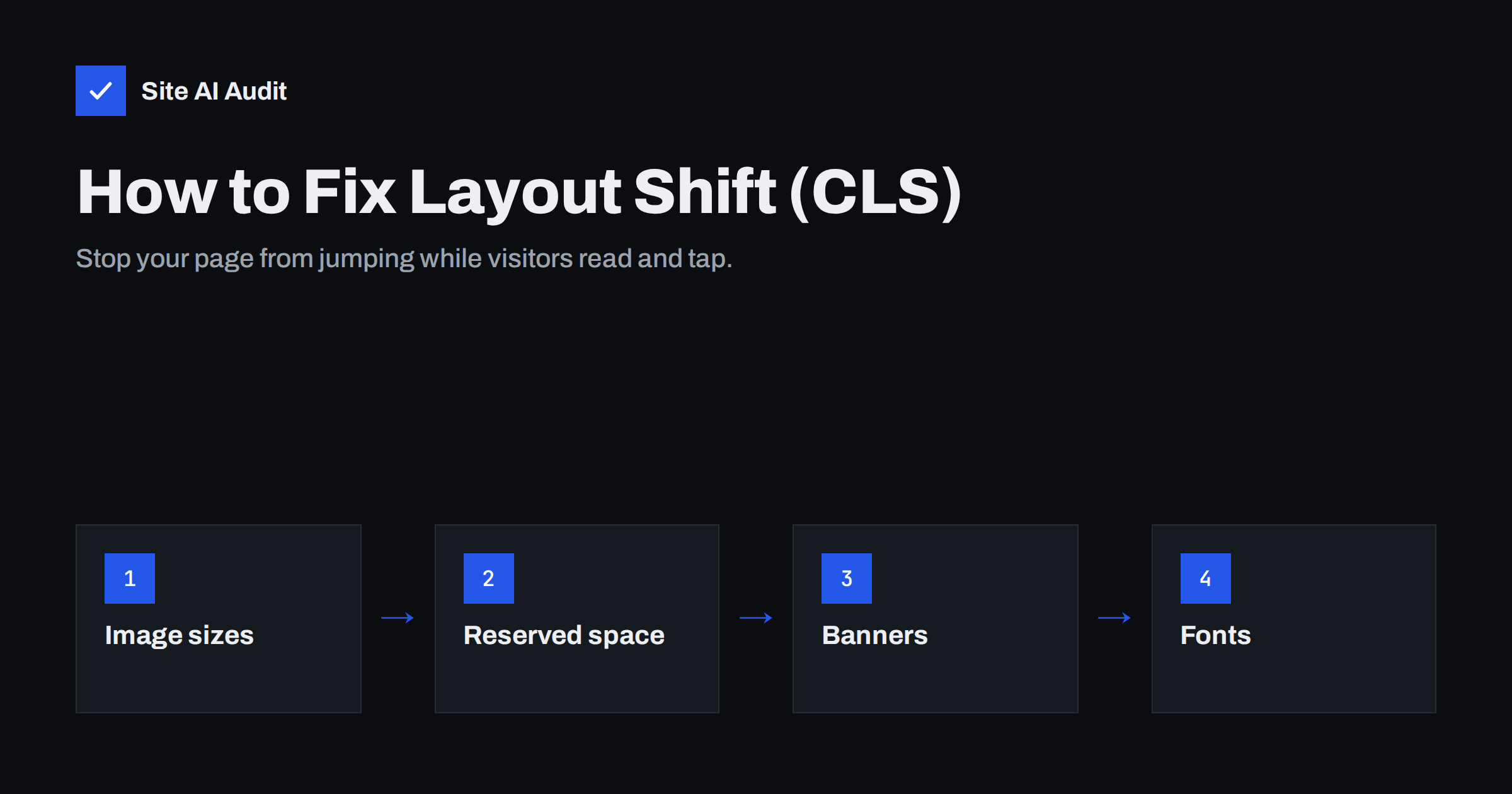
Short answer: To fix Cumulative Layout Shift, give every image, video, ad slot and embed a reserved size before it loads, never insert banners or notices above existing content, and make web fonts swap in without changing the text size much. A CLS score of 0.1 or less at the 75th percentile of visits is considered good. Most layout shift on small-business sites comes from images without dimensions, late cookie or promo bars and third-party embeds.
Layout shift is the most irritating speed problem for visitors, even though it is not strictly about speed. You start reading and the text jumps down. You try to tap “Add to cart” and hit an ad instead. Visitors rarely complain about it; they just trust the page a little less and sometimes leave. Cumulative Layout Shift (CLS) is the Core Web Vital that measures this, and fortunately it is often the easiest one to fix.
What CLS measures
CLS adds up unexpected movements of visible content during the life of a page. Each shift gets a score based on two things: how much of the viewport was affected (impact fraction) and how far the content moved relative to the viewport (distance fraction). Shifts are grouped into short windows, and CLS reports the worst window, so one bad burst of shifting is enough to fail.
- Good: 0.1 or less
- Needs improvement: 0.1 to 0.25
- Poor: more than 0.25
Only unexpected shifts count. If content moves within half a second after the user taps or clicks, for example when an accordion opens, that is treated as expected and ignored. Animations that use CSS transforms do not count either, because they do not move other elements in the layout.
How to find what is shifting
CLS can be tricky because the movement often happens in a fraction of a second on a fast connection, and you never see it on your own computer. Use tools to catch it:
- PageSpeed Insights lists “Avoid large layout shifts” in the diagnostics and names the elements that moved and how much each contributed.
- Chrome DevTools has a “Layout Shift Regions” option under Rendering that briefly highlights every shift in blue as you load the page.
- Throttle your connection. In DevTools, choose a slow network and a slower CPU. Shifts that are invisible at full speed become obvious.
- Scroll the whole page. Lab tools only measure the initial load, but real users scroll. Content that loads while scrolling, such as lazy images without dimensions or infinite-scroll lists, adds to field CLS.
- Compare with field data. If Search Console reports poor CLS but lab tests look fine, the shift probably happens after load, during scrolling or with a cookie consent choice.
Cause 1: Images and videos without dimensions
This is the classic cause. If an image has no width and height, the browser does not know how much space to reserve, so it lays out the text first and pushes it down when the image arrives.
- Add width and height attributes to every
<img>and<video>. Modern browsers use them to calculate the aspect ratio even when CSS makes the image responsive. - Use the CSS
aspect-ratioproperty for containers whose content arrives later, such as video embeds or image galleries. - Check your theme and builder. WordPress adds dimensions automatically for images inserted through the editor, but custom theme templates, sliders and some page builders do not.
- Watch lazy-loaded images. Lazy loading is fine for CLS as long as the space is reserved; without dimensions it causes shifts during scrolling.
Cause 2: Ads, embeds and iframes
Third-party content is often the biggest source of layout shift because its size is decided by someone else’s server at the last moment.
- Reserve space for ad slots with a minimum height based on the most common ad size for that position.
- Do not collapse empty slots suddenly after load; a placeholder that stays is better than content jumping up.
- Wrap embeds (YouTube, maps, social posts, booking widgets, review widgets) in a container with a fixed aspect ratio or minimum height.
- Place dynamic widgets lower on the page where possible, so a shift affects less of the visible area.
Cause 3: Banners, notices and injected content
Cookie banners, promotion bars, “free shipping” notices and newsletter boxes are frequently added by JavaScript after the page has rendered. If they are inserted at the top in the normal document flow, the whole page moves down.
- Use overlays for cookie and consent banners: fixed-position elements at the bottom of the screen do not push content.
- Render announcement bars in the HTML from the server rather than injecting them with a script later.
- Reserve space if something must appear in the flow, such as a “you might also like” block loaded by an API.
- Avoid inserting content above what the user is reading unless it is a response to their action.
Cause 4: Web fonts
When a web font replaces the fallback font, the size of the text can change. Lines get longer or shorter, paragraphs wrap differently and everything below them moves.
- Preload the most important font file so it arrives earlier and swaps in before much else has rendered.
- Use
font-display: optionalfor body text if you accept that very slow connections will keep the fallback font; it avoids late swaps entirely. - Match fallback metrics. The CSS descriptors
size-adjust,ascent-overrideanddescent-overridecan make the fallback font take almost the same space as the web font. - Limit the number of fonts and weights, which also improves loading speed.
Cause 5: Animations and late CSS
Animating properties such as top, height or margin moves other elements and can count as layout shift. Animate transform and opacity instead. Also check for CSS that arrives late, for example styles loaded by a plugin script, which can change the layout after the first render. Critical layout styles should be available when the page first paints.
Quick reference: causes and fixes
| Cause | How it shows | Fix |
|---|---|---|
| Images without size | Text jumps when pictures load | Width and height attributes, aspect-ratio |
| Ads and embeds | Blocks grow or collapse after load | Reserved minimum height |
| Injected banners | Whole page moves down | Overlay or server-rendered bar |
| Web fonts | Paragraphs rewrap | Preload, font-display, metric overrides |
| Layout animations | Neighbouring elements move | Animate transform and opacity |
A layout-stability checklist for new pages
Most layout shift is introduced when someone adds a new section, widget or campaign banner. A short checklist during publishing prevents it from coming back:
- Every new image and video has width and height, or sits in a container with a fixed aspect ratio.
- Every embed (video, map, booking form, reviews, social post) has reserved space before its script runs.
- Promotions and notices are part of the page template or appear as overlays, not injected at the top.
- New fonts are limited to one or two weights, preloaded if they are used above the fold.
- The page has been loaded on a phone with a slow network profile and scrolled from top to bottom.
- A lab test after publishing shows CLS well under 0.1.
Agencies and in-house teams can add this list to their definition of done for landing pages. It takes a few minutes per page and saves a month of waiting for field data to recover after a careless release.
How Site AI Audit helps
Every Site AI Audit check includes Google PageSpeed for mobile, with CLS reported next to LCP, INP, server response time and page weight. If layout shift is a problem, the report explains in plain words why it matters and how to fix it, and ranks it against your other findings so you can see whether it deserves attention before, say, an expiring SSL certificate. Paid plans let you re-check after every fix to confirm the score improved.
Related reading
- Core Web Vitals Explained for Small Business Websites
- How to Improve Largest Contentful Paint (LCP) on Any Website
- How to Fix a Slow WordPress Site: A Step-by-Step Guide
The bottom line
Layout shift happens when the browser does not know how much space something needs. Tell it in advance: set image and video dimensions, reserve space for ads and embeds, show banners as overlays and keep font swaps small. Test on a throttled phone connection and scroll the whole page, because that is where real visitors meet the shifts.
FAQ
What is a good CLS score?
A CLS of 0.1 or less is good, 0.1 to 0.25 needs improvement and above 0.25 is poor. Google evaluates it at the 75th percentile of real visits. Aim to be well below 0.1 so normal variation does not push you over.
Why is my CLS good in lab tests but poor in Search Console?
Lab tests only measure the initial page load without user interaction. Real visitors scroll, accept cookie banners and trigger lazy-loaded content, which can cause shifts later. Scroll through the page with a throttled connection to reproduce what users see.
Do cookie banners cause layout shift?
They do if they are inserted at the top of the page in the normal flow and push content down. Banners that appear as a fixed overlay, usually at the bottom of the screen, do not cause layout shift. Check your consent tool’s display settings.
Does lazy loading cause CLS?
Lazy loading itself does not, but lazy-loaded images without width and height attributes do. When they load during scrolling, the content around them moves. Always set dimensions or an aspect ratio on lazy images.
Do animations count as layout shift?
Animations that change position or size properties such as top, left, width or margin can cause layout shift. Animations using CSS transform and opacity do not, because they do not affect the layout of other elements. Prefer transforms for any motion.


