 ENEnglish
 LTLietuviškai
 DEDeutsch
 FRFrançais
 RUРусский
 ESEspañol
 PLPolski
 ITItaliano
 UKУкраїнська
 CSČeština
 PTPortuguês
 JA日本語
JA日本語 LVLatviešu valoda
 ETEesti
 HUMagyar
 IDBahasa Indonesia
 TRTürkçe
 HIहिन्दी
 ELΕλληνικά
 ARالعربية
 THไทย
THไทย VITiếng Việt
 RORomână
 MSBahasa Melayu
 BNবাংলা
#WordPress security
WordPress powers a large share of the web, which makes it a frequent target for automated attacks. Articles tagged here explain how to protect a WordPress site without turning it into a maintenance burden. They cover updates, plugins, themes, user accounts, login protection, file permissions and backups. Each guide separates the measures that really matter from the ones that only look reassuring. The advice works for small business sites, blogs and online shops alike. Read them before and after installing a new plugin or theme.
 2026. gada 15. sept. · Lasīšanas laiks: 8 min
How to Add Security Headers on Apache, Nginx, WordPress and CDNs
Copy-ready examples for adding HSTS, CSP, X-Frame-Options and other security headers on Apache, Nginx, WordPress hosting and CDNs, plus how to verify them.
 2026. gada 12. sept. · Lasīšanas laiks: 8 min
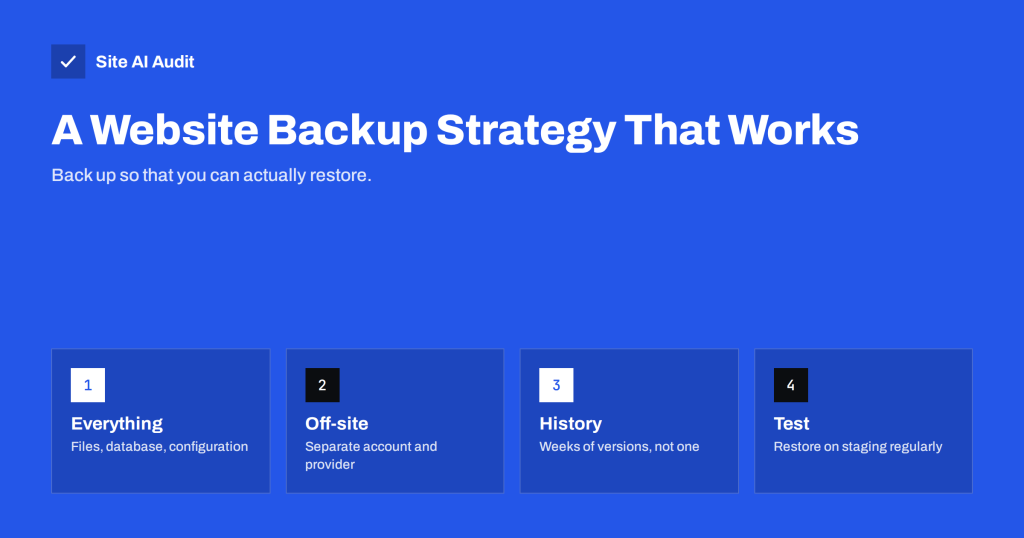
Website Backup Strategy: How to Back Up So You Can Restore
Backups only matter if you can restore them. Learn what to back up, how often, where to store copies and how to test restores…
 2026. gada 11. sept. · Lasīšanas laiks: 7 min
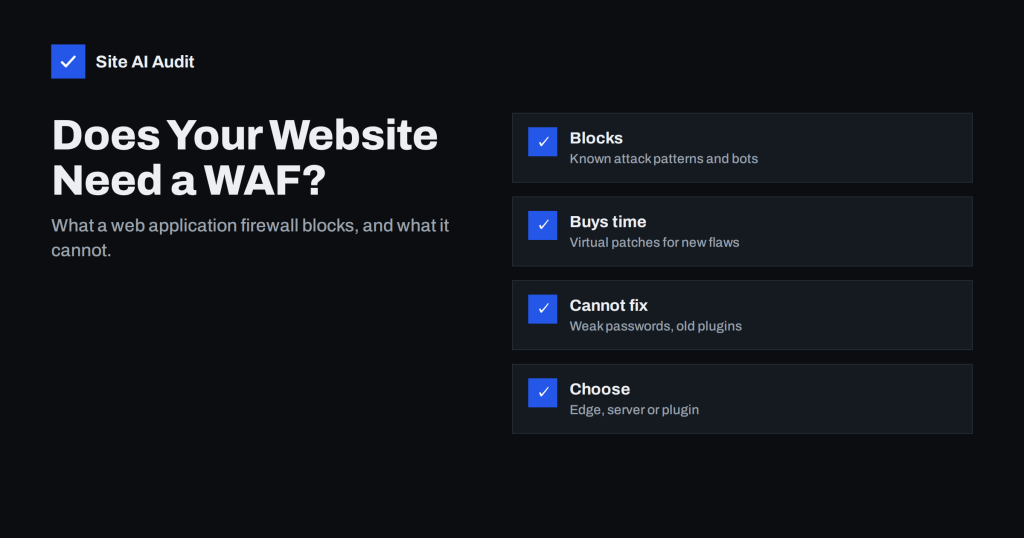
Web Application Firewall (WAF): Does Your Website Need One?
A web application firewall filters malicious requests before they reach your site. Learn what a WAF blocks, what it cannot do, and which type…
 2026. gada 9. sept. · Lasīšanas laiks: 7 min
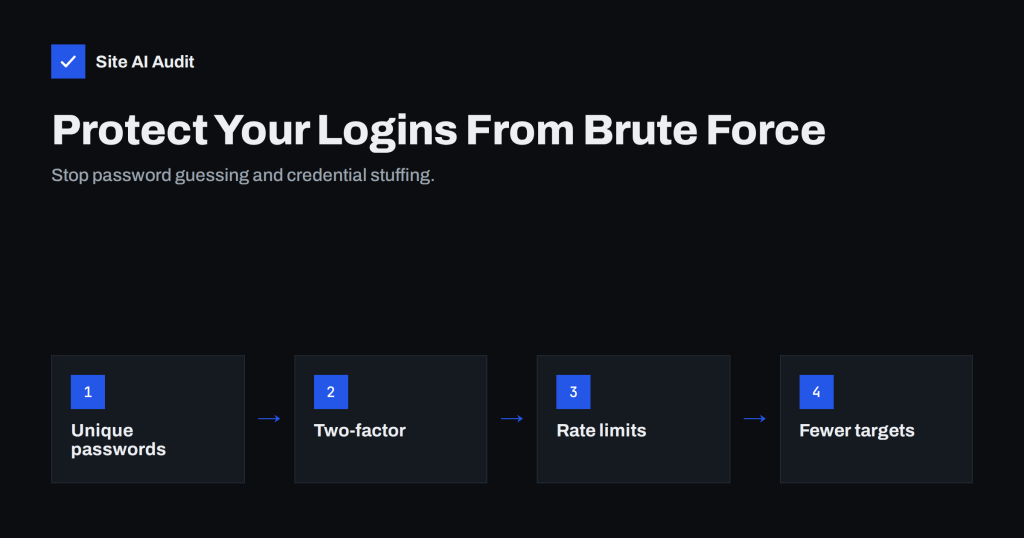
Brute-Force Login Attacks: How to Protect Your Website Logins
Bots try thousands of passwords on website logins every day. Learn how brute-force and credential stuffing work and which protections actually stop them.
 2026. gada 30. aug. · Lasīšanas laiks: 8 min
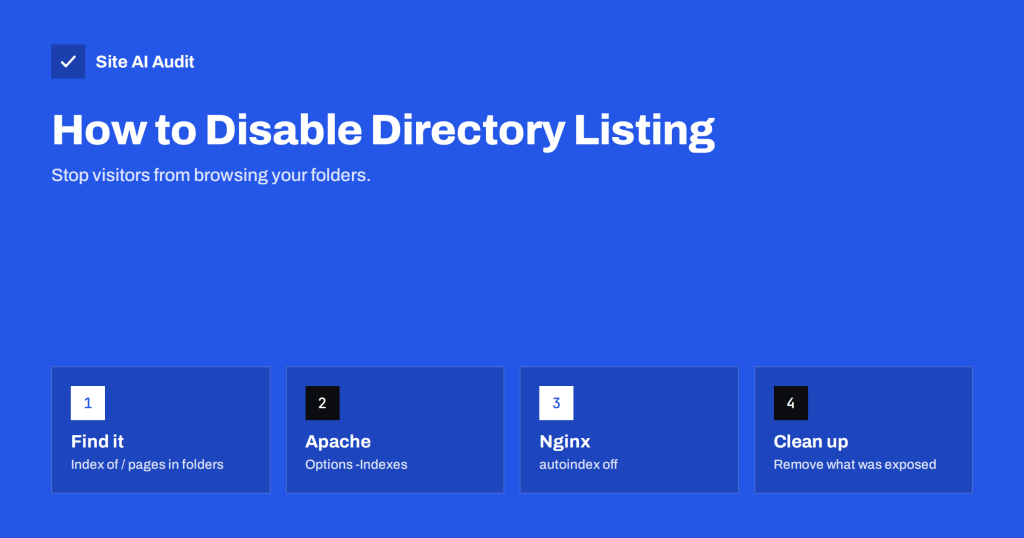
Directory Listing Enabled? How to Disable It on Any Server
Open directory listings let anyone browse your folders, backups and uploads. Learn how to find them and disable them on Apache, Nginx, IIS and…
 2026. gada 29. aug. · Lasīšanas laiks: 8 min
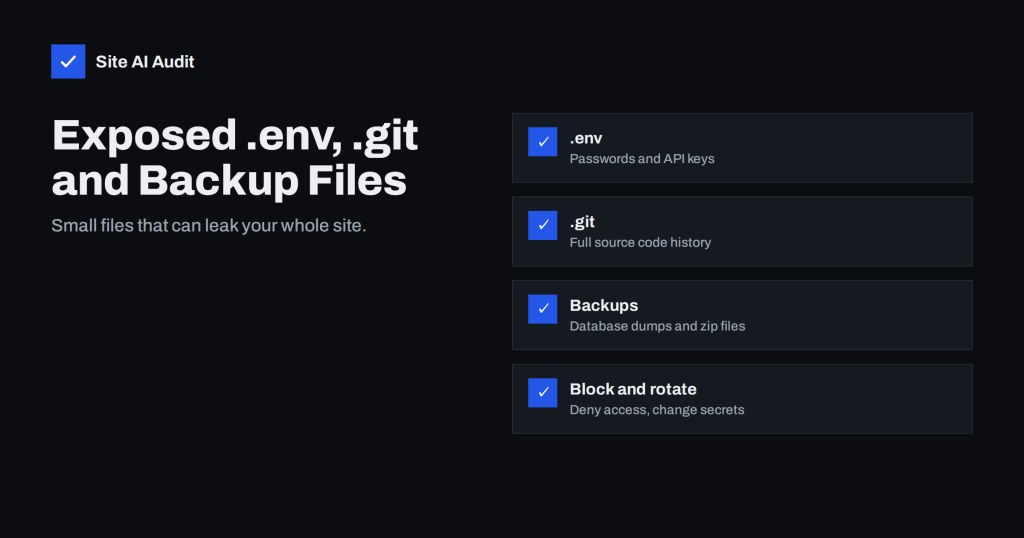
Exposed .env, .git and Backup Files: How to Find and Block Them
Publicly reachable .env files, .git folders and old backups can leak passwords and source code. Learn how to find them on your site and…
 2026. gada 27. aug. · Lasīšanas laiks: 8 min
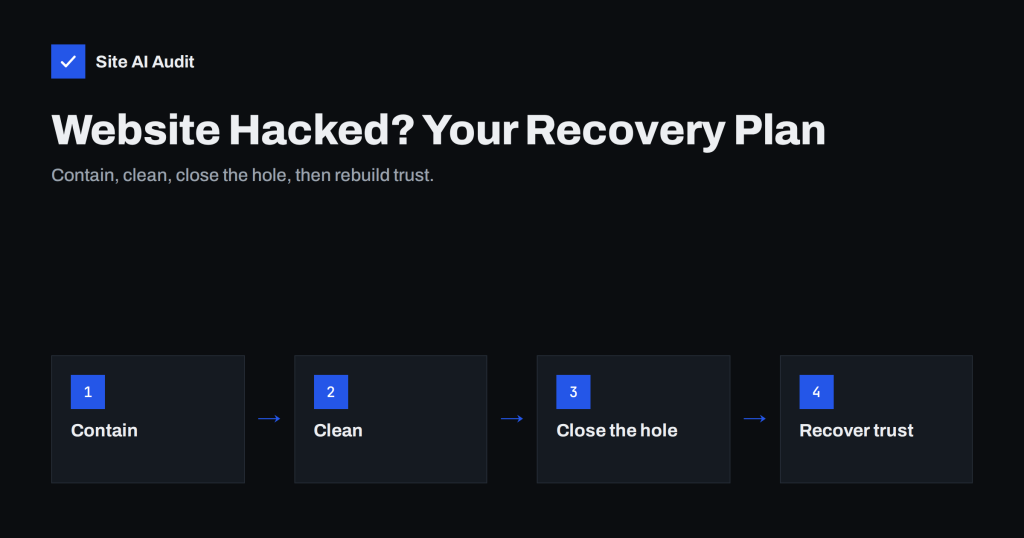
Website Hacked? A Step-by-Step Recovery Plan for Owners
A calm, ordered plan for recovering a hacked website: contain the damage, clean or restore, close the entry point, remove warnings and prevent a…
 2026. gada 25. aug. · Lasīšanas laiks: 8 min
9 Signs Your Website Has Been Hacked (and How to Check)
Hacked websites rarely announce themselves. Learn the nine most common warning signs, how to check each one in minutes, and what to do if…
 2026. gada 23. aug. · Lasīšanas laiks: 8 min
Secure Cookies Explained: Secure, HttpOnly and SameSite Flags
Cookie flags decide whether session cookies can leak over HTTP, be read by scripts or travel with cross-site requests. Learn what to set and…
 2026. gada 19. aug. · Lasīšanas laiks: 8 min
WordPress Security Checklist: 20 Steps That Actually Matter
A practical WordPress security checklist for owners and agencies: updates, plugins, logins, backups, HTTPS, headers and monitoring, ordered by real impact.
 2026. gada 16. aug. · Lasīšanas laiks: 8 min
Exposed Software Versions: How to Hide Server and CMS Details
Server, PHP and CMS version numbers in headers and page code help attackers pick targets. Learn where versions leak and how to hide them…
 2026. gada 9. aug. · Lasīšanas laiks: 8 min
Content Security Policy for Beginners: A Practical Setup Guide
Content Security Policy blocks injected scripts, but a bad policy breaks your site. Learn the key directives and a report-only rollout that works in…