 ENEnglish
 LTLietuviškai
 DEDeutsch
 FRFrançais
 RUРусский
 ESEspañol
 PLPolski
 ITItaliano
 UKУкраїнська
 CSČeština
 PTPortuguês
 JA日本語
JA日本語 LVLatviešu valoda
 ETEesti
 HUMagyar
 IDBahasa Indonesia
 TRTürkçe
 HIहिन्दी
 ELΕλληνικά
 ARالعربية
 THไทย
THไทย VITiếng Việt
 RORomână
 MSBahasa Melayu
 BNবাংলা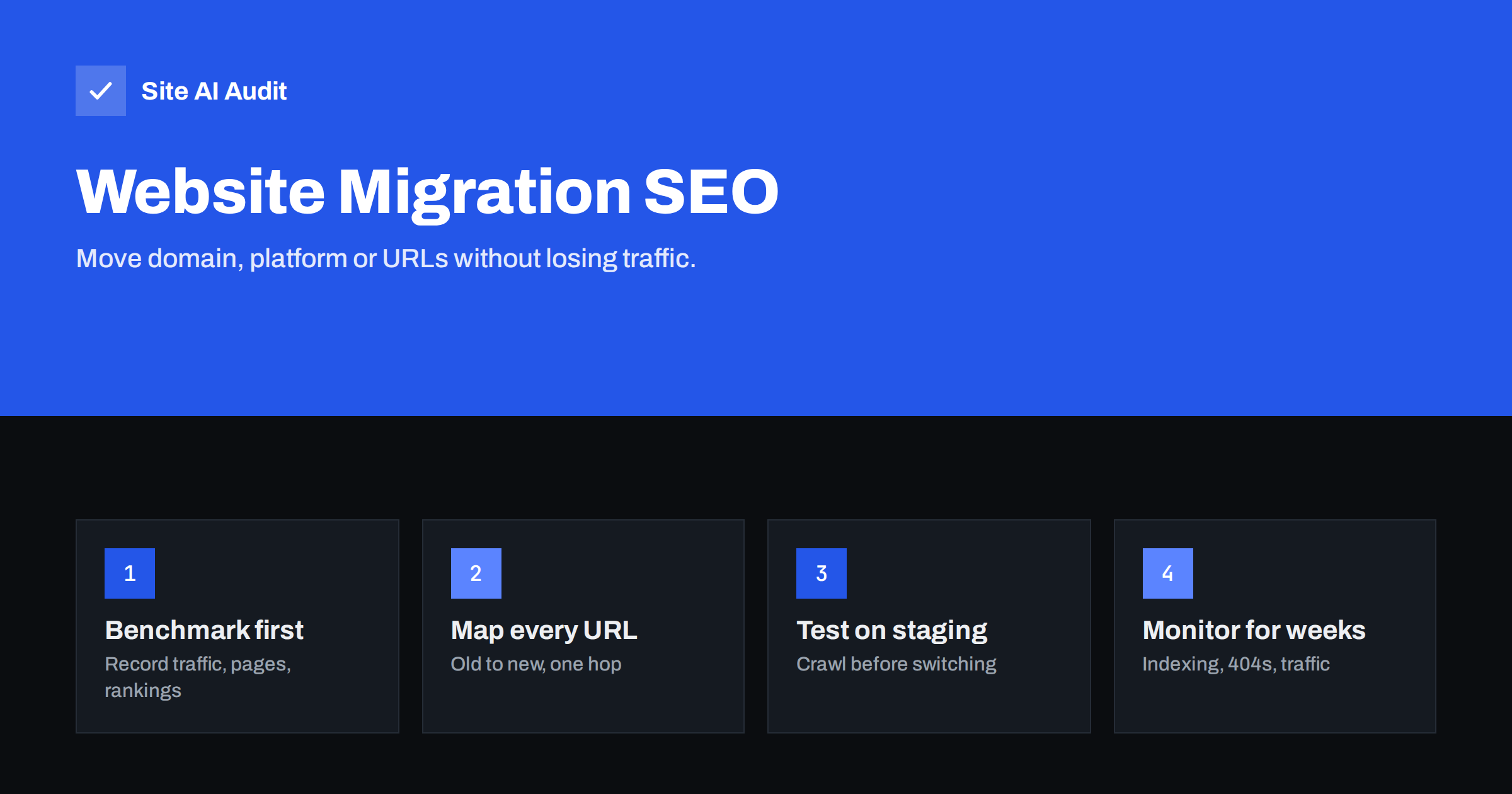
Short answer: A website migration is any big change to a site’s domain, platform, URL structure or protocol. To keep search traffic, benchmark current performance, crawl and list every existing URL, map each one to its new equivalent, set up page-to-page 301 redirects, keep content and metadata at least as good as before, test everything on staging, and monitor Search Console, 404s and traffic closely for several weeks after the switch. Most traffic losses come from missing redirects and removed content, not from the migration itself.
What counts as a migration
People often think of migration only as moving to a new domain, but several kinds of change carry similar risks:
- Domain change: moving from
oldbrand.comtonewbrand.com, or from a country domain to a global one. - Platform change: moving from one CMS or shop system to another, which usually changes URL patterns, templates and metadata handling.
- URL structure change: reorganising folders, removing dates from blog URLs, changing product URL formats.
- Protocol or host change: HTTP to HTTPS, or non-www to www.
- Merging sites: combining several websites or subdomains into one.
- Major redesign: new templates and navigation, even on the same URLs, can change internal linking, headings and content enough to affect visibility.
The more of these happen at once, the higher the risk and the harder it is to find the cause of any problem. Where possible, change one thing at a time: for example, move platforms first while keeping URLs, and restructure later.
Phase 1: Benchmark before you touch anything
You cannot judge a migration without knowing where you started. Before the project begins, record:
- Organic traffic by week and by landing page for the last 12 months, from analytics.
- Search Console performance: clicks, impressions and top queries per page. Export it, because you may lose easy access if the property changes.
- Indexed page count from the Page indexing report.
- Top pages by traffic, conversions and external links. These are the pages you must protect above all.
- A full crawl of the current site with titles, descriptions, H1s, canonicals, status codes and internal link counts.
Save everything with a date. After launch, this snapshot is what you compare against.
Phase 2: Build the URL inventory and redirect map
The redirect map is the heart of every migration. It lists every old URL and where it should go.
- Collect all old URLs from several sources: a crawl of the site, the XML sitemap, Search Console’s pages and links reports, analytics landing pages and server logs if available. Crawls miss orphan pages; logs and Search Console catch URLs that only external links point to.
- Decide the fate of each URL: kept (same URL), moved (new URL, same content), merged (content combined into another page) or removed (no equivalent).
- Map moved and merged URLs to their best single equivalent. The destination should satisfy the same need as the original.
- Accept 404 or 410 for removed pages that have no real equivalent, rather than sending them to the home page.
- Include non-HTML assets with value: PDFs, important images, downloadable files that have links.
- Cover old redirects too. Existing redirects on the old site should be updated so they point directly to the new final URLs, avoiding chains.
For large sites, redirects can often be expressed as patterns, for example every /products/item-name.html to /shop/item-name/. Test patterns carefully; one wrong rule can redirect thousands of pages to the wrong place.
Phase 3: Keep what made the old site work
Redirects preserve addresses; content preserves relevance. Many migrations fail because the new site is thinner than the old one. Check that:
- important pages keep their content, or improve it, rather than being shortened for a cleaner design;
- title tags, meta descriptions and H1s are carried over or deliberately improved, not replaced with template defaults;
- internal links to key pages remain strong; new navigation should not bury pages that used to be one click from the home page;
- structured data, such as product, breadcrumb and organisation markup, is recreated;
- image alt text and file names survive the move;
- hreflang annotations, if you have language versions, are updated to the new URLs;
- page speed and mobile usability are at least as good as before.
Phase 4: Test on staging
Before switching, test the new site in a protected staging environment:
- Crawl the staging site and compare it with the old crawl: missing pages, missing titles, broken links, changed H1s.
- Test a large sample of redirects, including the top traffic pages, the most linked pages and every pattern rule. Each should return a single 301 to the correct destination.
- Check canonical tags, which should point to the new production URLs, not the staging domain.
- Check that the staging site is protected by password and that this protection will not travel to production.
- Prepare the production robots.txt and XML sitemap in advance.
Phase 5: Launch day
- Switch on the new site and activate all redirects at the same time.
- Remove staging protections: noindex, passwords and restrictive robots.txt rules.
- Test the home page and top pages on every host and protocol variant: each should reach the final URL in one hop.
- Test a sample of old URLs from the redirect map.
- Submit the new sitemap in Search Console. For a domain change, verify the new domain and use the Change of Address tool from the old property.
- Keep the old sitemap available for a short time if it helps search engines discover the redirects faster, then remove it.
- Update your Business Profile, social profiles, ads, e-mail templates and any links you control.
Phase 6: Monitor for weeks, not days
Search engines need time to recrawl old URLs, follow redirects and move signals. Watch closely:
- Daily for the first week: server errors, 404s in logs or analytics, and Search Console coverage errors.
- Weekly for two to three months: organic clicks compared with the benchmark, indexed page counts on the new site, and the performance of your top pages.
- Look for patterns: if one section loses traffic while others hold steady, check its redirects and content first.
- Keep the old domain registered and redirecting for years, not months. Letting it expire breaks every old link and can let someone else take it.
Some fluctuation during the first weeks is normal, especially for domain changes. A sharp, lasting drop usually points to specific missing or wrong redirects, removed content or accidental noindex, all of which can be found and fixed.
Extra care for domain and platform changes
A few details are specific to the two most common migration types.
Domain changes. Redirects must be page to page: oldbrand.com/services/ to newbrand.com/services/, not every old URL to the new home page. Keep the old domain’s DNS, hosting of the redirect rules and SSL certificate running, because HTTPS requests to the old domain need a valid certificate before the redirect can even be delivered. Ask the most important sites that link to you to update their links to the new domain. Remember e-mail too: if your e-mail addresses move to the new domain, its SPF, DKIM and DMARC records must be set up before the switch.
Platform changes. New systems often generate URLs, titles and canonicals differently. Check how the new platform handles trailing slashes, uppercase letters, pagination, product variants and category paths, and adapt your redirect patterns accordingly. Export metadata such as titles, descriptions and alt text from the old system so it can be imported rather than rewritten by hand, and verify after import that nothing was truncated or replaced by template defaults.
Common migration mistakes
- No redirect map, or redirects only for the pages someone remembered.
- All old URLs redirected to the home page.
- Redirect chains built on top of older redirects.
- Staging noindex or robots.txt copied to production.
- Thinner content and weaker internal linking on the new design.
- Canonicals, hreflang or sitemaps pointing to old or staging URLs.
- Changing domain, platform, URLs and design all at once.
- Letting the old domain expire.
How Site AI Audit helps
Site AI Audit is useful before and after the switch. Run it on the old site to record a baseline of findings, then on the new site right after launch: it checks the SSL certificate and redirects, reads robots.txt and the sitemap, and crawls pages for titles, headings, broken links, redirects and noindex rules, explaining every finding in plain words. Paid plans add unlimited re-checks and weekly monitoring during the sensitive weeks after a migration; see the plans.
Related reading
- 301 vs 302 Redirects: Which One to Use and When
- Redirect Chains and Loops: How to Find and Fix Them
- New Website SEO Checklist: What to Do Before and After Launch
- SEO-Friendly URLs: How to Structure Them the Right Way
The bottom line
Migrations lose traffic when addresses break or content gets thinner. Benchmark first, inventory every URL, map each to its best new equivalent with single-hop 301s, carry over titles, content and internal links, test on staging, remove every staging barrier at launch and monitor for months. Change as few things at once as you can, and keep the old domain redirecting for the long term.
BUJ
Will I lose traffic when I migrate my website?
A temporary dip is common, especially with domain changes, but well-planned migrations usually recover. Lasting losses almost always trace back to missing redirects, removed content or indexing mistakes.
How long should redirects stay in place after a migration?
At least a year, and ideally permanently for URLs that still receive visits or have external links. Keeping redirects costs little; removing them breaks old links.
Should I change my URLs when changing platforms?
Keep them if you can. Changing platform and URLs at the same time increases risk. If the new platform forces different URLs, a complete redirect map is essential.
What is the Change of Address tool?
It is a Search Console feature that tells Google your site has moved to a new domain. Use it after setting up redirects and verifying both the old and new domains.
How long does a migration take to settle in search?
Often several weeks for smaller sites and longer for large ones. Search engines need to recrawl old URLs, follow the redirects and reprocess the new pages.


