 ENEnglish
 LTLietuviškai
 DEDeutsch
 FRFrançais
 RUРусский
 ESEspañol
 PLPolski
 ITItaliano
 UKУкраїнська
 CSČeština
 PTPortuguês
 JA日本語
JA日本語 LVLatviešu valoda
 ETEesti
 HUMagyar
 IDBahasa Indonesia
 TRTürkçe
 HIहिन्दी
 ELΕλληνικά
 ARالعربية
 THไทย
THไทย VITiếng Việt
 RORomână
 MSBahasa Melayu
 BNবাংলা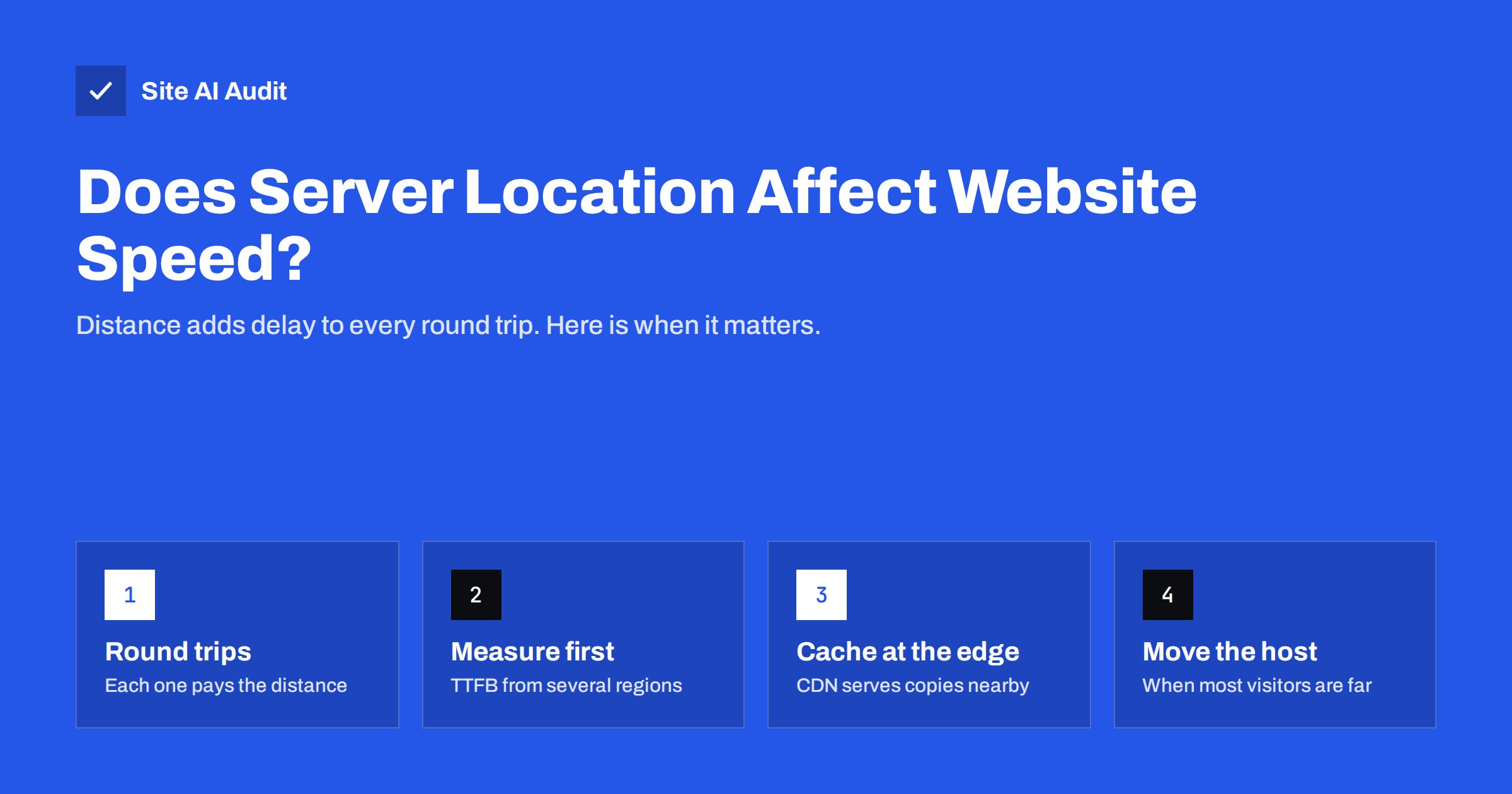
Short answer: Yes, server location affects website speed, because every request has to travel to the server and back, and a new HTTPS connection needs several of those round trips before the first byte arrives. For visitors in the same region the effect is small, but for visitors on another continent it typically adds a few hundred milliseconds per page. Host close to most of your visitors, and use caching and a CDN to serve everyone else from nearby.
Why distance slows a website down
Data on the internet travels through fibre-optic cables, and light in fibre moves at roughly two-thirds of its speed in a vacuum, about 200,000 kilometres per second. That sounds instant, but routes are never straight lines, and every router and exchange point along the way adds a little delay. The result is that a request from Europe to a server on the US West Coast and back often takes well over 100 milliseconds, while a request to a server in the same country may take 10 to 30 milliseconds.
That delay is called latency, and it is measured as round-trip time (RTT). The important point is that a web page does not pay it once. Before the browser receives the first byte of your HTML, it usually has to:
- Look up the domain name in DNS, which may itself involve a round trip to a distant name server.
- Open a TCP connection, which costs one round trip.
- Negotiate encryption with TLS, which costs one more round trip with TLS 1.3 and two with older versions.
- Send the actual request and wait for the answer, another round trip plus the time the server needs to build the page.
So a page served from 150 milliseconds away can lose half a second before anything is shown, even if the server itself is fast. Then the browser discovers CSS, scripts, fonts and images, and requests for those also travel the same distance unless they come from somewhere closer.
When server location matters, and when it does not
Distance is only one part of load time. It becomes important in some situations and barely noticeable in others.
- It matters a lot when most of your visitors are on a different continent from your server, when pages are not cached and every request goes to the origin, and when a page loads many resources from the same distant host.
- It matters moderately for mobile visitors, because mobile networks already add their own latency, and extra distance stacks on top of it.
- It matters little when the server is in the same region as the audience, or when a CDN already serves the HTML and static files from edge locations near visitors.
A local bakery with customers in one city should simply host in or near that country. An online shop that sells across Europe and North America needs a plan for both audiences, because no single location is close to everyone.
How to measure the effect of distance
Before moving anything, measure. The most useful number is Time to First Byte (TTFB), the time from the request until the first byte of the response arrives. It includes DNS, connection, TLS and server processing, so it shows distance and server slowness together. Google’s guidance on TTFB treats 0.8 seconds or less as good. Our guide on reducing server response time explains how to tell the two causes apart.
A practical way to measure:
- Test from several regions. Tools such as WebPageTest let you choose a test location. Run the same page from a location near your server and from one where many of your customers live.
- Compare the connection phases. In the waterfall, look at the DNS, connect and TLS bars of the first request. If they are several times longer from the far location, distance is the main cost.
- Compare the waiting time. If the server “wait” time is long from everywhere, the problem is the server or the application, not the location.
- Check field data. PageSpeed Insights shows real-user data from the Chrome UX Report when your site has enough traffic, including TTFB. Poor field TTFB with good lab TTFB near the server often points to distant visitors.
A quick command-line check also works. Running curl -o /dev/null -s -w "%{time_connect} %{time_appconnect} %{time_starttransfer}\n" https://example.com/ from machines in different regions prints the connect, TLS and first-byte times, which makes the difference easy to see.
Where your visitors are is the key question
The right server location follows your audience, not your office. Look at your analytics for the countries that bring visitors, and more importantly the countries that bring customers or leads. Then place the origin server as close as reasonably possible to the largest group.
| Audience | Sensible setup | Why |
|---|---|---|
| One country or city | Host in or near that country | Short round trips for everyone; a CDN is optional |
| One continent | Host in a central data centre of that continent | Most visitors within tens of milliseconds |
| Two continents | Host near the larger group, CDN for the rest | Cached pages and files come from nearby edges |
| Global | CDN with full-page caching, origin near the main market | Distance to the origin only matters on cache misses |
Hosting companies usually let you choose the data centre when you order a plan, and some cheap plans quietly place sites on another continent. It is worth checking where your site actually runs; an IP lookup of your domain shows the network and approximate location.
How a CDN reduces the distance problem
A content delivery network keeps copies of your files on servers in many cities. Visitors connect to the nearest edge, so the DNS, TCP and TLS round trips are short. For static files such as images, CSS and JavaScript, the edge answers directly. For HTML, it depends on configuration: many CDNs only cache static files by default, so every page view still travels to your origin. Our explainer on whether you need a CDN covers how to decide.
Even without caching HTML, a CDN helps a little, because the expensive connection setup happens with a nearby edge that often keeps warm connections to the origin. But the largest gain comes when pages that are the same for every visitor, such as blog posts and service pages, are cached at the edge as well.
Be careful with pages that must not be cached: shopping carts, checkout, account areas and anything personalised. Those still come from the origin, which is why the origin location matters even when a CDN is in front.
Other ways to reduce latency without moving
Moving a website to a different host takes planning and some risk. Before you do it, these steps often recover much of the lost time:
- Cache pages on the server. A cached page is answered in milliseconds, so the only cost left is the network. See our guide to page caching.
- Enable HTTP/2 or HTTP/3. They load many files over one connection, so fewer connection setups are paid. HTTP/3 also combines transport and encryption setup, which helps on long, lossy routes.
- Use TLS 1.3. It needs one round trip for the handshake instead of two.
- Reduce the number of hosts. Every extra domain for fonts, scripts or widgets needs its own DNS lookup and connection. Self-host fonts where the licence allows it.
- Use a fast DNS provider. A DNS service with a global anycast network answers lookups from nearby.
- Preconnect to critical third parties. A resource hint can start the connection earlier so the round trips overlap with other work.
When to move to a server in another region
A move is worth considering when measurements show that most of your customers pay a large distance penalty, when your pages cannot be cached at the edge because they are dynamic, and when the host offers no data centre near your market. Typical examples are an online shop hosted on another continent from its customers, or a booking system whose pages are personalised.
If you move, plan it like any migration: make a full backup, copy the site, test it on the new server under a temporary address, lower the DNS TTL a day before the switch, then change DNS and watch errors, forms and e-mail. Keep the old server running until traffic has fully moved. Also check that the new host has comparable performance, because a nearby slow server is not better than a distant fast one. Our comparison of shared hosting and VPS speed helps with that choice.
Data protection rules can also influence the location. Some organisations must keep personal data in a particular region, so check your obligations before choosing a data centre only on speed.
How Site AI Audit helps
Site AI Audit checks your website from the outside, the way visitors see it. The report includes server response time, compression and page weight, together with mobile speed and Core Web Vitals measured by Google PageSpeed. Each finding is explained in plain words and ranked by impact, so you can see whether a slow first byte is the main problem before you spend money on a new host or a CDN. You can run a free check of your website to see where it stands.
Related reading
- HTTP/2 vs HTTP/3: Do They Make Your Website Faster?
- PageSpeed Insights vs GTmetrix vs WebPageTest: Which to Use
- Why Your Website Is Slow on Mobile and How to Fix It
The bottom line
Server location matters because every connection pays the distance several times before a page starts to load. Host near the people who buy from you, measure TTFB from their regions, and use page caching, a CDN, modern protocols and fewer third-party hosts to cut the remaining delay. Move servers only when measurements show that distance, not the server itself, is holding the site back.
BUJ
How much delay does server distance add?
It depends on the route, but a request across an ocean and back often takes over 100 milliseconds, compared with tens of milliseconds within a region. Because a new HTTPS connection needs several round trips, the total cost before the first byte can reach several hundred milliseconds.
Should my server be in the same country as my visitors?
For a local business, hosting in or near the same country is the simplest way to keep round trips short. For an audience spread across countries, host near the largest group and use a CDN for the rest.
Does server location affect SEO?
Search engines use other signals, such as language, content and links, to decide which country a page is relevant for. Location affects SEO mainly through speed, because slow loading harms user experience and Core Web Vitals.
Is a CDN enough if my server is far away?
A CDN fixes the distance for files and pages it can cache. Pages that cannot be cached, such as checkout or account pages, still travel to the origin, so a far origin still affects them.
How can I find out where my website is hosted?
Your hosting control panel or contract usually names the data centre. You can also look up the IP address of your domain with a DNS lookup and an IP location service, which shows the network and approximate country.


