 ENEnglish
 LTLietuviškai
 DEDeutsch
 FRFrançais
 RUРусский
 ESEspañol
 PLPolski
 ITItaliano
 UKУкраїнська
 CSČeština
 PTPortuguês
 JA日本語
JA日本語 LVLatviešu valoda
 ETEesti
 HUMagyar
 IDBahasa Indonesia
 TRTürkçe
 HIहिन्दी
 ELΕλληνικά
 ARالعربية
 THไทย
THไทย VITiếng Việt
 RORomână
 MSBahasa Melayu
 BNবাংলা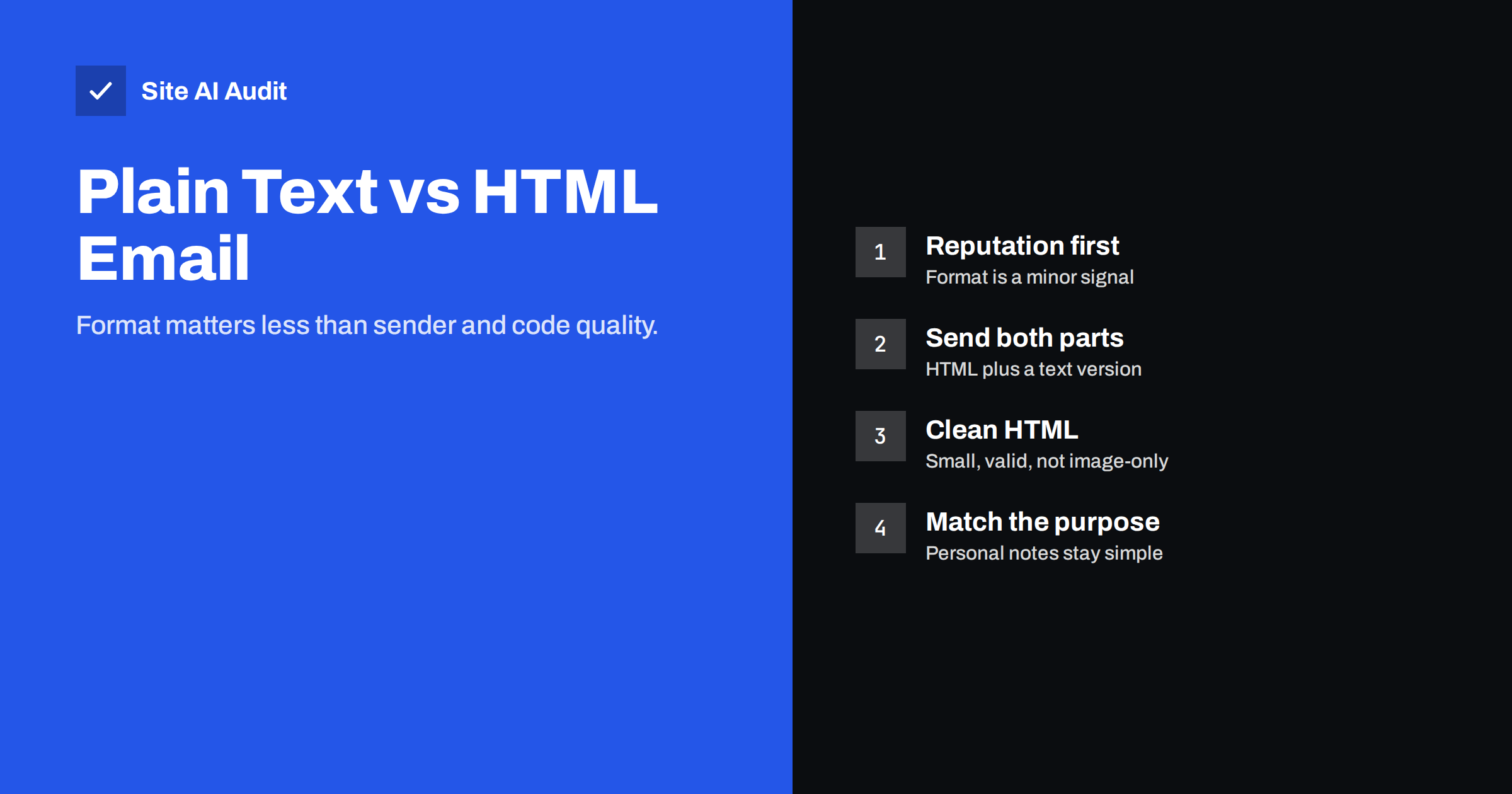
Short answer: Neither format is automatically better for deliverability. Mailbox providers decide mainly on authentication, sender reputation and how recipients react, not on whether a message is HTML. What hurts is badly built HTML: image-only messages, bloated code, hidden text, broken markup or many mismatched links. Send HTML messages as multipart with a plain text version included, keep the code small and clean, and use plain text where a personal, one-to-one tone fits the purpose.
Where the “plain text delivers better” idea comes from
The belief is common among people who send sales or outreach e-mail, and it has some basis. Plain text messages look like normal person-to-person mail. They cannot contain the tricks spammers once used in HTML, such as white text on a white background or a single large image with the whole message in it. Some senders also notice that simple messages are less likely to be sorted into promotional tabs.
But spam filtering has changed a lot. Today the biggest signals are about the sender, not the format: whether the message passes SPF, DKIM and DMARC, the reputation of the sending domain and IP, and whether recipients open, reply or complain. A plain text message from an unauthenticated domain with a bad reputation will still go to spam. A well-built HTML newsletter from a trusted, authenticated sender will usually reach the inbox.
For the full list of what drives spam placement, see why emails go to spam. Format is on that list, but far from the top.
How HTML e-mail can hurt deliverability
HTML is not a problem in itself, but it gives more room for mistakes that filters notice or that annoy recipients:
- Image-only messages. A newsletter that is one large image with no real text gives filters nothing to evaluate and shows nothing when images are blocked. It is also inaccessible to people using screen readers.
- Bloated code. Templates exported from design tools or pasted from word processors can contain huge amounts of repeated inline styles. Gmail clips messages whose HTML is larger than about 102 KB, hiding the rest behind a “View entire message” link, including the footer and unsubscribe link.
- Broken or unusual markup. Unclosed tags, scripts, forms and embedded objects are unusual in legitimate mail and are stripped or treated with suspicion.
- Hidden text. Text in tiny fonts or the same colour as the background was a spammer’s trick and is still a negative signal, even when used innocently for preheaders.
- Misleading links. Link text that shows one domain while the link goes to another looks like phishing.
- Many different link domains. Tracking domains, shorteners and third-party image hosts all add domains whose reputation affects yours. The guide on links, tracking domains and shorteners explains how to keep them under control.
Multipart: send both versions
Almost every e-mail platform sends HTML messages as multipart/alternative: one message containing both an HTML part and a plain text part. The recipient’s mail app shows whichever it prefers, usually HTML.
Including a proper text part is good practice for several reasons:
- Some filters treat HTML-only messages as slightly more suspicious, because legitimate senders normally include both.
- Some people and devices read in plain text, including certain smartwatches, accessibility tools and preferences in mail apps.
- It shows the message is built carefully rather than generated by a quick script.
Most platforms generate the text part automatically. Check it at least once: automatic conversion sometimes produces long tracking URLs, missing line breaks or leftover code. A readable text version with the key links is worth a few minutes of editing for important templates.
Plain text vs HTML at a glance
| Plain text | HTML (multipart) | |
|---|---|---|
| Looks like | A personal message | A designed newsletter or branded notification |
| Branding and layout | None | Full: logo, colours, buttons, images |
| Open tracking | Not possible (needs an image) | Possible, though less reliable today |
| Click tracking | Possible with redirected links | Possible |
| Risk of technical mistakes | Low | Higher: size, markup, images, links |
| Accessibility | Good by default | Good if built with real text and alt text |
| Best for | One-to-one mail, short updates, follow-ups | Newsletters, receipts, product and account e-mails |
When plain text is the better choice
- Personal and sales follow-ups where the message should read as if written by one person to another.
- Short service messages such as “your appointment is confirmed for Tuesday at 10:00”, where design adds little.
- Internal and B2B updates to audiences that prefer simple mail.
- Messages where replies matter, because simple messages tend to invite replies, and replies are a strong positive signal.
Note that plain text messages cannot carry an open-tracking pixel. Given that open rates have become unreliable anyway, as explained in how Apple Mail Privacy Protection affects open rates, that is a smaller loss than it used to be.
How to build HTML e-mail that delivers
If HTML suits your purpose, which it does for most newsletters and transactional mail, follow a few rules:
- Use real text for the message. Headings, paragraphs and buttons should be HTML text, with images supporting the content rather than replacing it.
- Add alt text to every meaningful image, so the message still makes sense with images blocked.
- Keep the HTML small. Aim well below Gmail’s clipping size. Avoid pasting from word processors and remove unused styles.
- Host images on your own domain or your platform’s reputable domain, not on random third-party hosts.
- Keep links honest and few. Make visible link text match the destination and avoid public URL shorteners.
- Put the unsubscribe link where it cannot be clipped, and support one-click unsubscribe headers as described in how List-Unsubscribe works.
- Include a good text part.
- Test before sending in several mail apps, with images off and in dark mode.
Transactional e-mails need the same care
Order confirmations, password resets and invoices are often sent from website plugins or shop platforms using default templates that nobody has looked at. They may lack a text part, include huge inline styles or be sent without proper authentication. Because these messages matter so much to customers, check them as carefully as your newsletters: send yourself a test order, view the raw message source and confirm that SPF, DKIM and DMARC pass and that both HTML and text parts look right. Our guide on testing email deliverability before you send explains how to check the raw headers and placement.
Should you switch format to fix a spam problem?
When messages start landing in spam, switching from HTML to plain text is a tempting quick fix. Sometimes it seems to work for a few sends, which reinforces the belief. Usually, though, the real cause lies elsewhere, and the improvement fades. Before changing format, work through the more likely causes in this order:
- Authentication. Check that SPF passes, that DKIM signs with your own domain and that DMARC is aligned for the platform that sent the message.
- List quality. Look at bounce and complaint rates for the affected campaign. Old, purchased or scraped addresses cause most sudden problems.
- Sending pattern. A large send after weeks of silence, or a sudden jump in volume, often triggers filtering.
- Links and domains. Check every domain in the message against blocklists, including tracking and image domains.
- Template changes. Only if everything above is fine, compare the problem message with earlier ones that delivered well: size, images, links and the text part.
If the format really is the issue, it will usually be one specific flaw, such as clipping, an image-only layout or a broken text part, and fixing that flaw is better than abandoning HTML altogether.
How Site AI Audit helps
Whatever format you choose, the foundation of inbox placement is authentication. Site AI Audit checks your domain’s SPF record and its lookup limit, DKIM signatures, DMARC policy and MX records, alongside website SEO, speed, SSL and security headers, and explains every finding in plain words, ranked by impact. You can see the results with a free check.
Related reading
- Email Deliverability Checklist: 20 Checks for Small Businesses
- How to Reduce Spam Complaints and Keep Your Spam Rate Low
- Order Confirmation Emails Not Arriving? Fix Your Shop’s Mail
The bottom line
Plain text is not a deliverability shortcut, and HTML is not a spam signal. Filters care most about who you are and how recipients react. Choose the format that fits the message: plain text for personal notes, clean multipart HTML for newsletters and transactional mail. Keep HTML small, real-text and honest in its links, include a text part, and make sure the domain behind it is fully authenticated.
BUJ
Do plain text emails have better deliverability?
Not automatically. Authentication, sender reputation and recipient engagement matter far more than format. Plain text avoids some HTML mistakes, but a well-built HTML message from a trusted sender delivers just as well.
Should I include a plain text version in HTML emails?
Yes. Sending multipart messages with both HTML and text parts is standard practice, helps some readers and devices, and avoids looking like carelessly generated mail.
Why does Gmail clip my emails?
Gmail clips messages whose HTML code is larger than about 102 KB. Reduce template code, avoid pasting from word processors and keep content focused to stay below the limit.
Do images in emails cause spam filtering?
Images themselves are fine. Messages that consist only of images, with little or no real text, are more likely to be filtered and are unreadable when images are blocked.
Can I track opens in plain text emails?
No. Open tracking needs an image, which plain text cannot contain. Clicks can still be tracked through redirected links, and replies and conversions are better signals anyway.


