 ENEnglish
 LTLietuviškai
 DEDeutsch
 FRFrançais
 RUРусский
 ESEspañol
 PLPolski
 ITItaliano
 UKУкраїнська
 CSČeština
 PTPortuguês
 JA日本語
JA日本語 LVLatviešu valoda
 ETEesti
 HUMagyar
 IDBahasa Indonesia
 TRTürkçe
 HIहिन्दी
 ELΕλληνικά
 ARالعربية
 THไทย
THไทย VITiếng Việt
 RORomână
 MSBahasa Melayu
 BNবাংলা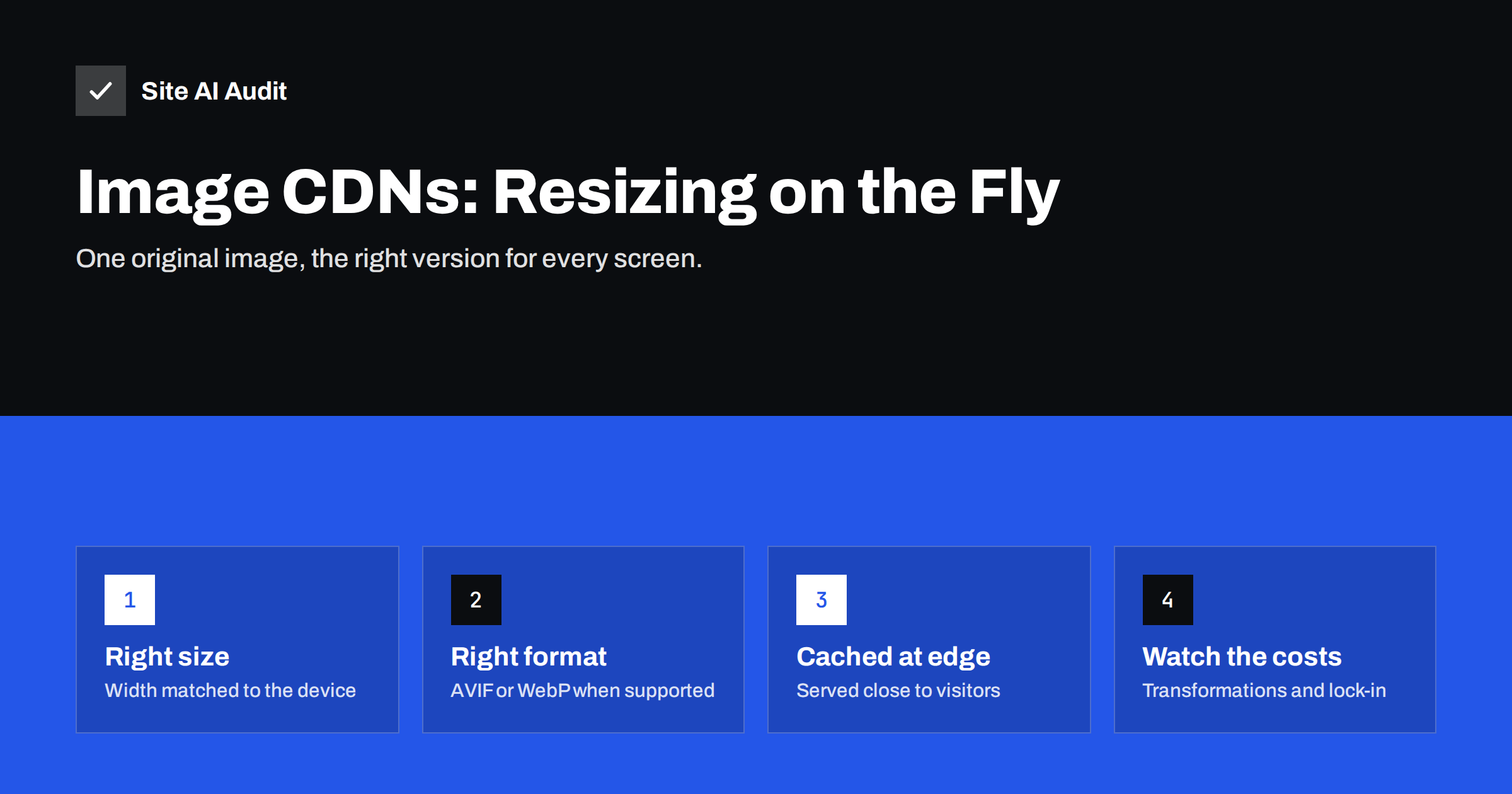
Short answer: An image CDN is a service that stores your original images and delivers optimised versions on request: resized to the width the page needs, compressed, and converted to modern formats such as WebP or AVIF when the visitor’s browser supports them. The versions are cached on servers close to visitors. It is most useful for sites with many images, frequent uploads or editors who upload large photos, and less necessary for small sites that already optimise images well at upload.
What problem an image CDN solves
Images are usually the heaviest part of a web page. Serving them well means doing several things at once:
- Scaling each image to the size it is actually displayed at, which differs between phones, tablets and desktops.
- Compressing it enough to be small without visible quality loss.
- Choosing the best file format the visitor’s browser supports.
- Delivering it quickly from a location near the visitor, with long cache lifetimes.
Doing all of that by hand, for every image, on every page, is a lot of work. Editors upload 5 MB photos straight from a phone, themes display them in a dozen different sizes, and a new format arrives every few years. An image CDN moves that work from people and build processes to a service that does it automatically.
For the basics of image optimisation, see our practical guide to image optimisation.
How an image CDN works
The typical flow looks like this:
- You keep one high-quality original of each image, either on your own server or uploaded to the service.
- Pages request images through the CDN with instructions in the URL, for example a width of 800 pixels and automatic format.
- The CDN checks the browser’s Accept header, which tells it whether the browser supports AVIF or WebP.
- On the first request, the CDN creates the version: resizes, compresses, converts and stores it.
- Later requests get the cached version from the nearest edge server, usually very quickly.
Because one URL can return different formats to different browsers, the service must send a Vary: Accept header or use format-specific URLs, so browser and intermediate caches do not mix them up. Good image CDNs handle this for you.
Combined with responsive image markup, the browser picks the right width from a list and the CDN produces exactly that size. The markup side is explained in responsive images with srcset and sizes.
Benefits
- Smaller downloads. Images are delivered at the displayed size and in efficient formats, which often reduces image weight considerably compared with unoptimised originals.
- Automatic modern formats. Visitors with supporting browsers get AVIF or WebP, others get JPEG or PNG, without you maintaining several copies. The trade-offs between formats are covered in WebP vs AVIF vs JPEG.
- No re-processing on redesign. When a new theme needs different image sizes, the CDN simply generates them; there is no need to regenerate thumbnails on your server.
- Less load on your server. Image traffic is served from the CDN, so your hosting spends its resources on pages.
- Protection from careless uploads. A huge photo uploaded by an editor is still delivered at a sensible size.
Costs and drawbacks
Image CDNs are not free of trade-offs:
- Price. Services typically charge by bandwidth, number of transformations, number of source images or a combination. Sites with large galleries or many product variants should estimate costs before committing.
- Lock-in through URLs. If image URLs contain the provider’s domain and parameter syntax, switching provider means rewriting every image reference. Using your own subdomain, for example
images.yourdomain.com, pointed to the service, keeps you more portable. - First-request delay. The first time a particular size and format is requested, it has to be generated. For most sites this is invisible, but pages with many uncached variants can feel slower right after a change.
- An extra connection. Images from a separate host need their own DNS lookup and TLS connection. For the main hero image this can delay Largest Contentful Paint unless you add a preconnect hint; see preload, preconnect and prefetch.
- Quality settings need attention. Automatic compression is usually good, but product photos, artwork and screenshots with text may need higher quality settings.
Image CDN, general CDN or plugin?
| Option | What it does with images | Best for |
|---|---|---|
| General CDN only | Caches and delivers existing files, no resizing or conversion unless added as a feature | Sites that already produce well-optimised images |
| Image CDN or CDN image feature | Resizes, compresses and converts on request, then caches | Image-heavy sites, shops, publishers, sites with many editors |
| Optimisation plugin on your server | Compresses and converts at upload, stores extra copies locally | Small to medium sites that want no external service |
| Build-time processing | Generates all sizes and formats during deployment | Developer-managed static or headless sites |
| Self-hosted image server | Transforms on request on your own infrastructure | Teams with operations skills and large volumes |
For a small business site with a few dozen images, an optimisation plugin or careful export is often enough. For an online shop with thousands of product photos, an image CDN usually pays for itself in saved time and faster pages. If you are unsure whether you need a CDN at all, read do you need a CDN first.
Setting one up without surprises
- Measure first. Note page weight and Largest Contentful Paint for a few key templates, so you can prove the benefit afterwards.
- Use your own subdomain for image URLs if the service supports it.
- Keep originals safe. The CDN is a delivery layer; your originals should remain in your own storage and backups.
- Configure sensible defaults: automatic format, automatic quality, a maximum width, and no upscaling beyond the original size.
- Update markup. Use
srcsetandsizesso the browser can request the right width, and keepwidthandheightattributes to prevent layout shift. - Treat the hero image specially. Add a preconnect to the image host, avoid lazy loading it, and consider high fetch priority.
- Check caching headers. Transformed images should have long cache lifetimes; see browser caching and Cache-Control.
- Test on real devices and compare the measurements from step 1.
Common mistakes
- Serving one large width to everyone. Routing images through a CDN without
srcsetstill sends a desktop-sized image to phones. The CDN can only create the right size if the page asks for it. - Double optimisation. Running an optimisation plugin that converts images to WebP and then letting the CDN convert them again wastes quality and can create confusing cache behaviour. Let one layer do the work.
- Uploading already over-compressed originals. The CDN cannot restore detail that was removed before upload. Keep good-quality originals and let the service compress for delivery.
- Forgetting CSS background images. Images set in stylesheets or inserted by page builders may bypass the CDN rewrite. Check the Network panel to confirm every large image comes from the CDN host.
- Ignoring the bill until it arrives. Set usage alerts. A viral page, a scraper or a badly configured gallery can generate far more transformations than expected.
- Breaking images when the service ends. If the account lapses, every image URL on the site may stop working at once. Keep a plan for switching back to locally served images.
SEO considerations
- Image search works with CDN URLs. Search engines index images from other hosts normally, as long as they are crawlable and referenced in the page.
- Do not block the image host in robots.txt. Otherwise images cannot be indexed and pages may not render fully for crawlers.
- Keep URLs stable. Changing image URLs often, for example by adding random parameters, makes indexing and caching less effective.
- Alt text still matters. An image CDN optimises files, not descriptions; alt text remains your job.
How Site AI Audit helps
Site AI Audit reports page weight, compression, server response time and Google PageSpeed data for mobile, including Largest Contentful Paint and Cumulative Layout Shift. It also checks image alt texts as part of the SEO crawl. That makes it easy to see whether images are a real bottleneck before investing in an image CDN, and whether the change helped afterwards. Plans with re-checks are listed on the pricing page.
Related reading
- How to Improve Largest Contentful Paint (LCP) on Any Website
- Page Weight: How Heavy Is Too Heavy and How to Trim It
- Lazy Loading Images: When It Helps and When It Hurts
The bottom line
An image CDN turns one original image into the right size and format for every visitor automatically and serves it from nearby servers. It is most valuable for image-heavy sites and teams without time to optimise each upload. Check the pricing model, use your own subdomain, handle the hero image carefully and measure before and after.
BUJ
What is an image CDN?
It is a content delivery service that resizes, compresses and converts images on request, then caches the results on servers near visitors. Pages request the size and format they need through the image URL.
Is an image CDN better than an image optimisation plugin?
For image-heavy sites, usually yes, because it creates any size on demand and offloads traffic. For small sites, a plugin that optimises images at upload is often enough and avoids an external service.
Does an image CDN help Core Web Vitals?
It can improve Largest Contentful Paint by delivering smaller images faster. It does not fix layout shift by itself, so keep width and height attributes on images.
Will images on a CDN domain hurt SEO?
No. Search engines index images from CDN hosts normally, as long as they are not blocked in robots.txt and are referenced in your pages with good alt text.
How do image CDNs decide between WebP and AVIF?
They read the Accept header sent by the browser, which lists the image formats it supports, and return the most efficient supported format, falling back to JPEG or PNG.


