 ENEnglish
 LTLietuviškai
 DEDeutsch
 FRFrançais
 RUРусский
 ESEspañol
 PLPolski
 ITItaliano
 UKУкраїнська
 CSČeština
 PTPortuguês
 JA日本語
JA日本語 LVLatviešu valoda
 ETEesti
 HUMagyar
 IDBahasa Indonesia
 TRTürkçe
 HIहिन्दी
 ELΕλληνικά
 ARالعربية
 THไทย
THไทย VITiếng Việt
 RORomână
 MSBahasa Melayu
 BNবাংলা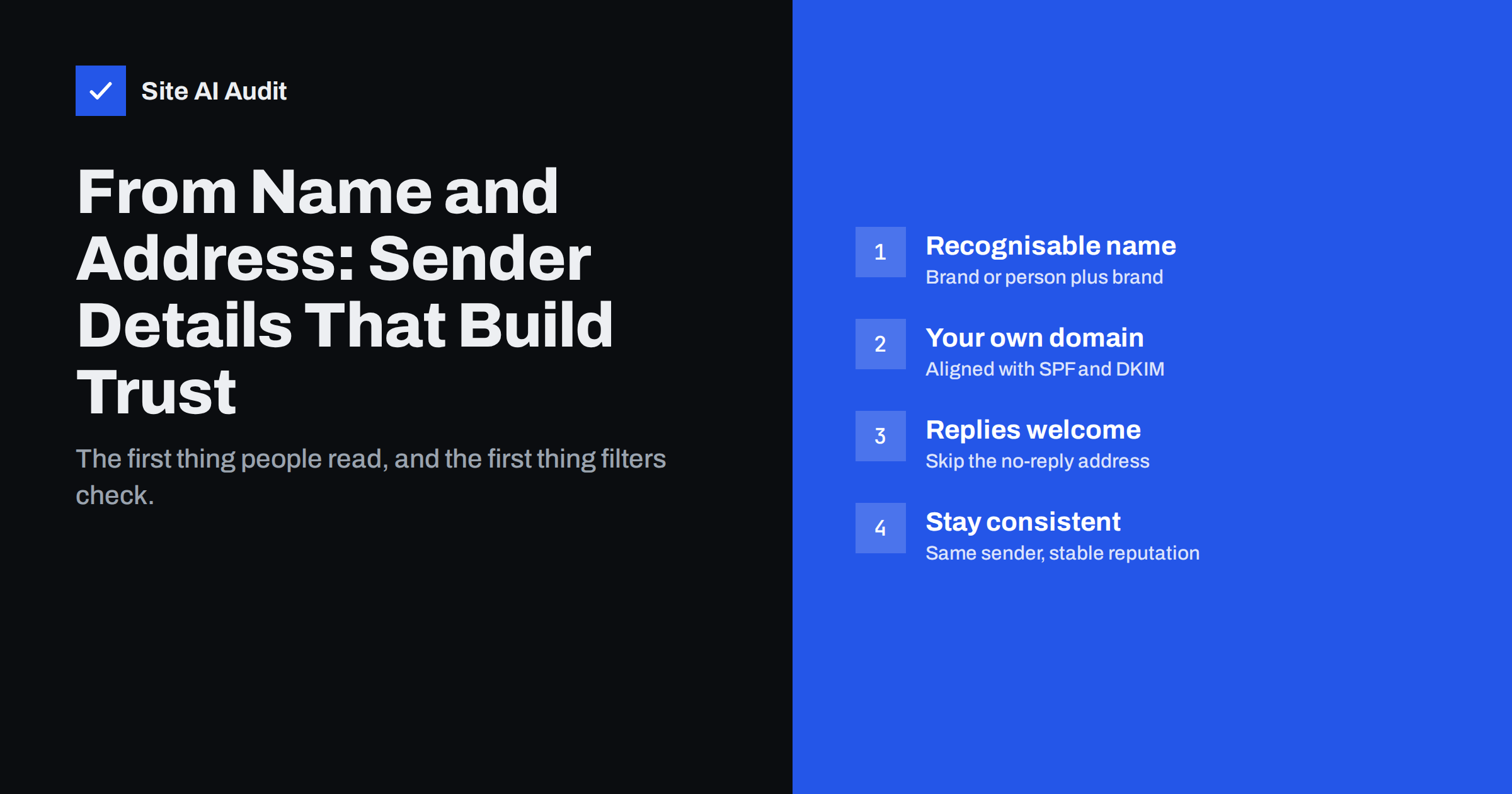
Short answer: Use a From name people instantly recognise, such as your brand or “Person at Brand”, and a From address on your own domain that is authenticated with SPF and DKIM and aligned with DMARC. Accept replies instead of using a no-reply address, keep separate but consistent senders for marketing and transactional mail, and do not change them often. Never send bulk mail with a From address at a free mailbox provider such as gmail.com, because it fails authentication and damages delivery.
Why sender details matter so much
In most inboxes, the sender name is the first and most prominent thing a person sees, often shown in bold before the subject line. People decide in a second whether a message is from someone they know. If they do not recognise the sender, they ignore it, delete it or mark it as spam.
Mailbox providers pay attention to the same details. The domain in the From address is the one that DMARC protects, the one users see and the one that collects reputation over time. Complaints, opens, replies and deletions are all linked to it. A stable, recognisable and authenticated sender builds a good history; a sender that changes often or does not match its authentication starts from zero each time.
The parts of the sender: From name, From address, Reply-To
An e-mail has several sender-related fields, defined in the Internet Message Format standard:
| Field | Example | What it does |
|---|---|---|
| From name (display name) | Anna at Greenleaf Garden | What most people read in the inbox list |
| From address | [email protected] | The visible sender address; the domain DMARC checks |
| Reply-To | [email protected] | Where replies go, if different from From |
| Return-Path (envelope sender) | [email protected] | Where bounces go; checked by SPF; usually set by the sending service |
You choose the first three directly. The Return-Path is normally handled by your mail provider or e-mail platform, but it matters for SPF alignment, which is covered below.
How to choose a good From name
The From name should answer the question “who is this?” instantly:
- Use the name people know you by. If customers say “Greenleaf”, do not send as “GL Horticultural Supplies Ltd”.
- Person plus brand works well for relationships. “Anna at Greenleaf” feels personal while keeping the brand visible. Use it for newsletters written by a real person or for account managers.
- Brand plus function works for service mail. “Greenleaf Orders” or “Greenleaf Support” tells the customer what kind of message it is.
- Keep it short. Mobile inboxes cut long names. Put the recognisable part first.
- Avoid tricks. Names such as “Your Invoice” or “Security Alert” without a brand look like phishing, and some filters treat them that way.
Test the name in the context where people will see it: a crowded inbox on a phone. If it is not obvious at a glance who sent the message, shorten it or put the brand first.
Once chosen, keep the From name stable. Frequent changes make it harder for people to recognise you and can look suspicious.
How to choose the From address
The From address should be on your own domain, authenticated and meaningful:
- Use your own domain. Mail from
[email protected]can be authenticated and builds your own reputation. Mail from a free mailbox cannot be properly authenticated by a third-party sending platform. - Make it readable. Addresses such as
news@,orders@,support@or a person’s name are clear. Random strings such asmailer-7263@look automated. - Separate the main types of mail. Use different addresses, and possibly a subdomain, for marketing and for transactional mail, so each keeps its own reputation.
- Make sure the address exists. Every From address should be a real mailbox or group, so replies and automated messages reach someone.
It helps to write the choices down in a short sender list: which address sends which kind of mail, from which service, and who reads the replies. Small businesses often discover that the shop, the booking system, the newsletter tool and the accounting software each send with different, half-configured sender details. A one-page list makes gaps obvious and keeps new tools consistent with the rest.
Why the From domain must match your authentication
DMARC checks that the domain in the visible From address matches, or aligns with, the domain verified by SPF (the Return-Path) or DKIM (the signing domain). If your e-mail platform sends with its own domain for both, your mail passes SPF and DKIM for the platform, but fails DMARC for your domain.
The fix is to authenticate each sending service with your domain: publish the DKIM record the service gives you, and where possible use a custom Return-Path on your domain. Our guide on authenticating third-party email senders walks through this for common tools, and DMARC alignment explained covers the difference between relaxed and strict alignment.
This is also why sending bulk mail “from” a gmail.com, yahoo.com or outlook.com address through a newsletter platform does not work. Those providers publish DMARC policies for their domains, and a third-party platform cannot sign with their keys, so the messages fail DMARC and are often rejected or filtered. Gmail’s sender guidelines explicitly ask bulk senders not to impersonate Gmail From headers.
The case against no-reply addresses
Many businesses send receipts and notifications from no-reply@ or donotreply@. It seems tidy, but it has real costs:
- Customers do reply. They answer receipts with questions, send changes of address, or report problems. With no-reply, those messages bounce or disappear, and the customer is frustrated.
- Replies are a positive signal. When people reply to your mail, mailbox providers see a real conversation. A no-reply address removes that possibility.
- It feels unfriendly. “Do not reply” tells customers you do not want to hear from them.
- Unsubscribe by reply is lost. Some people reply “unsubscribe” instead of using the link. If nobody reads it, they complain instead.
A better approach is to send from a real address, such as orders@, and route replies to a monitored mailbox or a support system with an automatic acknowledgement. If you must use an unmonitored sender, set a Reply-To pointing to one that is monitored.
Using Reply-To wisely
Reply-To is useful when the From address and the right reply destination differ. A newsletter might be sent from news@ with replies going to the editor, or order mail from orders@ with replies going to support. Keep Reply-To on your own domain. A Reply-To on an unrelated or free domain is a common trait of fraud, and filters and cautious recipients notice it.
The same caution protects you. Criminals imitate supplier and bank mail by changing the display name or Reply-To to steer payments elsewhere, as described in our guide to invoice fraud by email. Customers who know your usual sender details are harder to fool.
Consistency and changes
Reputation is built on the domain and, to a lesser extent, on the sender identity people recognise. Frequent changes reset familiarity and sometimes reputation too:
- Keep the same From name and address for each type of mail over time.
- When a change is necessary, for example after a rebrand, announce it in advance and change the name first, then the address.
- When moving to a new domain, authenticate it fully and increase volume gradually, as described in our guide to warming up a new email domain.
- Protect the domain itself with a DMARC policy so others cannot use your sender details, as explained in how to stop email spoofing.
Before any change goes live, send a test message to a few different mailboxes, such as Gmail, Outlook and a company mailbox, and check how the sender appears on a phone and a desktop. Open the message headers and confirm that SPF, DKIM and DMARC all pass for the new address. A few minutes of testing avoids a campaign that arrives with an unknown sender name or lands in spam.
How Site AI Audit helps
Site AI Audit checks the e-mail records behind your From domain as part of every website audit: SPF and its lookup limit, DKIM signatures, the DMARC policy and MX records. If the domain you send from is missing a record or has a weak policy, the report explains it in plain words and shows the exact fix. You can check your domain for free.
Related reading
- BIMI Explained: How to Show Your Logo in Recipients’ Inboxes
- How to Reduce Spam Complaints and Keep Your Spam Rate Low
- Should You Send Marketing Email from a Subdomain? Pros and Cons
The bottom line
Your From name and address are the first thing people and filters judge. Use a recognisable name, an address on your own domain that is authenticated and aligned with DMARC, and accept replies instead of hiding behind no-reply. Keep sender details consistent for each type of mail, use Reply-To only on your own domain, and never send bulk mail from a free mailbox address.
BUJ
What is the best From name for business emails?
The name customers know you by. For personal newsletters, “Person at Brand” works well; for service mail, “Brand Orders” or “Brand Support” makes the purpose clear.
Is it bad to use a no-reply email address?
It is not a technical violation, but it frustrates customers who reply and removes a positive engagement signal. Send from a real address and route replies to a monitored mailbox.
Can I send newsletters from my Gmail address?
Not through a newsletter platform. Gmail and other free providers publish DMARC policies, and a third-party platform cannot authenticate mail for their domains, so messages fail and may be rejected.
Does the From address affect deliverability?
Yes. The From domain is what DMARC protects and what builds reputation over time. An authenticated, aligned and stable From address on your own domain gives your mail the best chance.
Should Reply-To be different from the From address?
It can be, when replies should go to a different team. Keep it on your own domain, because a Reply-To on an unrelated domain looks like fraud.


