 ENEnglish
 LTLietuviškai
 DEDeutsch
 FRFrançais
 RUРусский
 ESEspañol
 PLPolski
 ITItaliano
 UKУкраїнська
 CSČeština
 PTPortuguês
 JA日本語
JA日本語 LVLatviešu valoda
 ETEesti
 HUMagyar
 IDBahasa Indonesia
 TRTürkçe
 HIहिन्दी
 ELΕλληνικά
 ARالعربية
 THไทย
THไทย VITiếng Việt
 RORomână
 MSBahasa Melayu
 BNবাংলা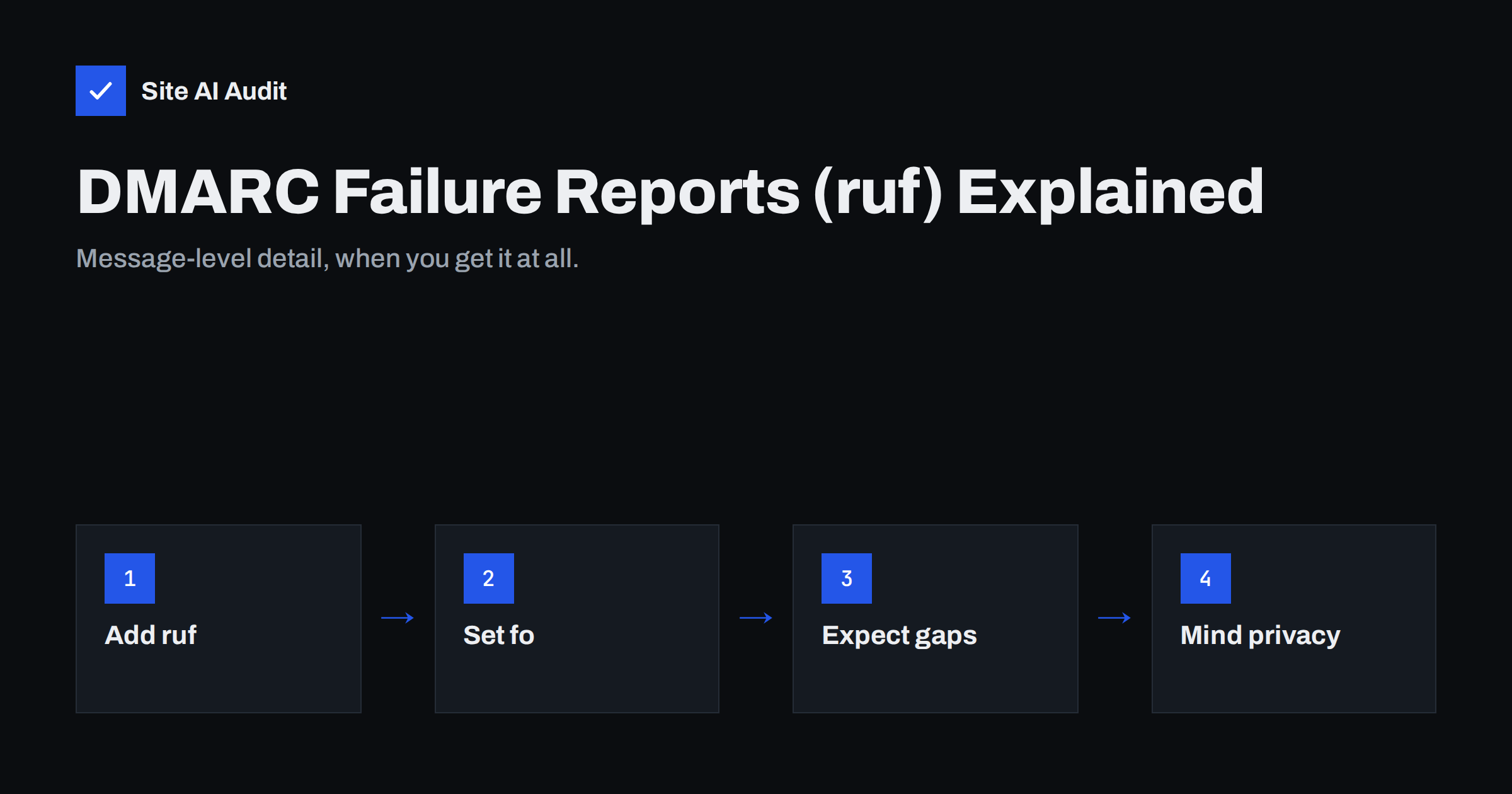
Short answer: DMARC failure reports, also called forensic reports, are messages that some receiving mail servers send when an individual e-mail using your domain fails DMARC. You request them with the ruf= tag in your DMARC record and control when they are generated with the fo= tag. They can show headers of spoofed or misconfigured messages, but most large mailbox providers send few or none for privacy reasons, and the reports may contain personal data. Treat them as an occasional debugging aid; rely on aggregate (rua) reports for monitoring.
Aggregate reports versus failure reports
DMARC defines two kinds of reports, and they are easy to confuse:
| Feature | Aggregate reports (rua) | Failure reports (ruf) |
|---|---|---|
| What they contain | Statistics: sending IPs, message counts, SPF and DKIM results | Details of one failing message, usually headers |
| When they are sent | Periodically, typically once a day | Shortly after an individual failure |
| Format | XML file, usually compressed | E-mail in the Abuse Reporting Format |
| Who sends them | Most major mailbox providers | A minority of receivers |
| Privacy concerns | Low: no message content | High: may include addresses, subjects and content |
| Main use | Ongoing monitoring and DMARC rollout | Investigating specific failures and spoofing |
Aggregate reports are the backbone of any DMARC setup, and our guide on reading DMARC aggregate reports explains how to use them. Failure reports are a supplement.
How to request failure reports
Failure reports are requested with the ruf tag in the DMARC TXT record at _dmarc.yourdomain.com:
v=DMARC1; p=none; rua=mailto:[email protected]; ruf=mailto:[email protected]; fo=1A few rules apply:
- Use a
mailto:address. Several addresses can be listed, separated by commas. - Use a dedicated mailbox. Reports can arrive in bursts during spoofing campaigns, and they contain data that should not sit in someone’s personal inbox.
- Authorise external addresses. If reports go to an address on another domain, such as a reporting service, that domain must publish a TXT record confirming it accepts reports for your domain. Otherwise compliant receivers will not send them. The same rule applies to aggregate report addresses.
The DMARC specification, RFC 7489, defines these tags and the external authorisation check. If you are still setting up DMARC itself, start with DMARC explained.
What the fo tag controls
The fo (failure reporting options) tag decides which failures trigger a report:
fo=0(the default): send a report only if all authentication mechanisms fail to produce an aligned pass, meaning both SPF and DKIM failed or were not aligned.fo=1: send a report if any mechanism fails to produce an aligned pass. This gives the most reports, including messages that still passed DMARC through the other mechanism.fo=d: send a report whenever the DKIM signature fails to verify, regardless of alignment.fo=s: send a report whenever SPF fails, regardless of alignment.
Values can be combined, such as fo=d:s. For troubleshooting a new setup, fo=1 is the most informative. Once everything works, the default is often enough, because it only reports messages that actually failed DMARC. The difference between passing and aligning is explained in DMARC alignment: relaxed vs strict.
What a failure report contains
A failure report is an e-mail with a short human-readable part and a machine-readable part in the Abuse Reporting Format. Depending on the sender, it may include:
- The reporting organisation and the reason for the report.
- The source IP address of the failing message.
- Authentication results for SPF and DKIM, and the domains checked.
- The original message headers: From, To, Subject, Date, Message-ID and the Received chain.
- Sometimes part or all of the message body, although many reporters remove or redact it.
The Received headers are the most valuable part. Read from the bottom up, they show the path the message took, starting with the server that first sent it. Comparing that server with the list of services you actually use tells you at once whether the failure comes from a forgotten legitimate sender or from someone impersonating your domain. The Subject and From display name also help: a real newsletter from your marketing tool looks very different from a fake payment request.
With headers in hand, you can see exactly which server sent the message and why it failed, using the same skills as in reading e-mail headers for SPF, DKIM and DMARC.
Why you may receive few or no reports
Many domain owners add a ruf address and then never receive anything. That is normal:
- Most large mailbox providers do not send them. Failure reports can expose the content and recipients of private e-mails, so many big providers have chosen not to send them at all.
- Some receivers send only redacted reports or apply their own rate limits.
- External destinations need authorisation. Without the confirming DNS record on the receiving domain, reports are silently skipped.
- fo=0 limits volume. With the default setting, messages that pass through one mechanism never trigger a report.
An empty ruf mailbox therefore does not prove that nothing is failing. Aggregate reports remain the reliable source for that.
Privacy and legal considerations
Because failure reports can contain e-mail addresses, subject lines and message content of third parties, they may count as personal data under laws such as the GDPR. A few precautions keep them manageable:
- Send them only to a mailbox you control or to a service with a proper data processing agreement.
- Limit access to the people who troubleshoot e-mail.
- Keep them only as long as needed and delete old reports on a schedule.
- Consider whether you need them at all. Many organisations run DMARC successfully with aggregate reports only.
When failure reports are genuinely useful
- Finding a misconfigured sender. A report showing that invoices from your accounting system fail DKIM tells you which service to fix, often faster than piecing it together from aggregate data. The DKIM troubleshooting guide then helps with the fix.
- Seeing spoofing campaigns. Reports with subjects like “Payment overdue” from unknown IPs show criminals using your domain, useful for warning staff and customers.
- Checking before moving to reject. A burst of failure reports after raising your policy can reveal legitimate mail you forgot, such as a booking system, a survey tool or a printer that e-mails scans.
- Confirming a fix. After correcting SPF or enabling DKIM for a service, the disappearance of its failure reports is quick confirmation that the change worked, often before the next aggregate report arrives.
If reports reveal active spoofing, tightening DMARC is the answer; see how to stop e-mail spoofing.
A step-by-step setup
- Make sure aggregate reports work first. Your DMARC record should already have a working
ruaaddress, and you should be receiving and reading daily reports. - Create a dedicated mailbox or alias, for example
[email protected], with restricted access and a retention rule that deletes old messages automatically. - Add the ruf tag to your existing DMARC record rather than creating a second record. A domain must have exactly one DMARC record; two records make receivers ignore both.
- Choose an fo value. Start with
fo=1if you are troubleshooting, or keep the default if you mainly want to see spoofing. - If using an external service, check that the service has published the authorisation record for your domain. The record lives in the service’s DNS, at a name like
yourdomain.com._report._dmarc.servicedomain.com, with the valuev=DMARC1. Reputable services handle this automatically when you add your domain. - Wait and review. Reports arrive only when failures happen at receivers that send them, so it may take days before the first one appears, or none may arrive at all.
Check the finished record with any DMARC lookup tool to confirm the syntax is valid. A typo such as a missing semicolon can invalidate the whole record, which would affect far more than reporting.
How Site AI Audit helps
Site AI Audit checks whether your domain publishes a DMARC record and which policy it sets, alongside SPF with its lookup limit, DKIM and MX records. Each finding explains what is missing and how to fix it, for example starting with p=none and a report address, then tightening the policy. You can run a free check to see where your domain stands.
Related reading
- DMARC for Subdomains: How the sp Tag Protects Your Domain
- SPF vs DKIM vs DMARC: What Each One Does and Why You Need All
- How to Authenticate Third-Party Email Senders for Your Domain
The bottom line
DMARC failure reports give message-level detail about e-mails that fail authentication, requested with ruf and tuned with fo. They are useful for troubleshooting and spotting spoofing, but few large providers send them and they may contain personal data. Use a dedicated, protected mailbox, and rely on aggregate reports for everyday monitoring.
BUJ
What is the difference between rua and ruf in DMARC?
The rua tag requests daily aggregate reports with statistics about all mail using your domain. The ruf tag requests individual failure reports with details about specific messages that failed.
Why am I not receiving any DMARC failure reports?
Many large mailbox providers do not send them for privacy reasons. Reports to external addresses also require a DNS authorisation record, and the default fo=0 setting only reports complete failures.
Which fo value should I use?
Use fo=1 while troubleshooting, because it reports any authentication mechanism that fails to align. Once everything works, the default fo=0 reduces noise.
Are DMARC failure reports a privacy risk?
They can be, because they may include e-mail addresses, subjects and message content. Send them only to a protected mailbox or a trusted service, and delete them when no longer needed.
Do I need ruf reports to use DMARC?
No. DMARC works fully without them. Aggregate reports are enough to monitor your senders and move safely to quarantine or reject.


