 ENEnglish
 LTLietuviškai
 DEDeutsch
 FRFrançais
 RUРусский
 ESEspañol
 PLPolski
 ITItaliano
 UKУкраїнська
 CSČeština
 PTPortuguês
 JA日本語
JA日本語 LVLatviešu valoda
 ETEesti
 HUMagyar
 IDBahasa Indonesia
 TRTürkçe
 HIहिन्दी
 ELΕλληνικά
 ARالعربية
 THไทย
THไทย VITiếng Việt
 RORomână
 MSBahasa Melayu
 BNবাংলা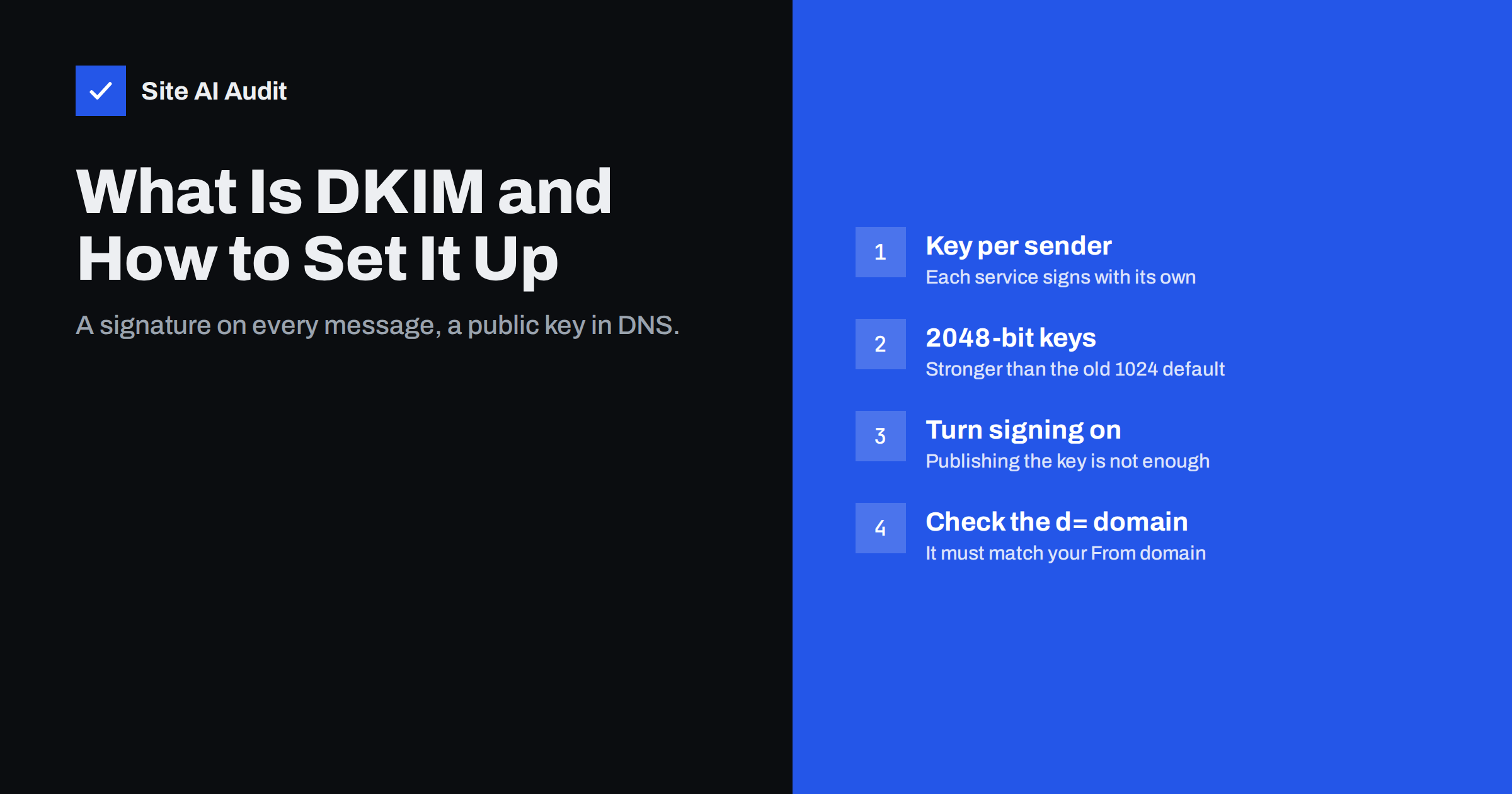
Short answer: DKIM (DomainKeys Identified Mail) adds a digital signature to every e-mail you send, and publishes the matching public key in your DNS. Receiving servers fetch the key, verify the signature and learn that the message really was sent by your domain and was not changed on the way. To set it up, generate a key in each service that sends mail for you, publish the DNS record it gives you, switch signing on and confirm dkim=pass in a real message header.
What DKIM does and why mailbox providers care
SPF answers the question “was this message sent from an approved server?”. DKIM answers a different one: “was this message signed by the domain it claims, and is it intact?”. The signing domain vouches for the message, and the signature covers the body and selected headers, such as From, Subject and Date.
That makes DKIM the most robust of the three authentication standards. SPF breaks when a message is forwarded, because the forwarding server is not on your list. A DKIM signature usually survives forwarding, as long as nobody rewrites the signed content. For this reason DKIM is the check that most often lets a message pass DMARC.
Large mailbox providers use DKIM as a basis for domain reputation. When your domain signs consistently, good sending history attaches to the domain itself, not only to the IP address of a shared server. Gmail and Yahoo require bulk senders to sign with DKIM, and a correctly signed message is simply easier to trust for any filter.
How DKIM works in plain terms
- Your mail service holds a private key that nobody else sees.
- When a message leaves, the service calculates a hash of the body and chosen headers and signs it with the private key.
- It adds a
DKIM-Signatureheader to the message. The header contains, among other things, the signing domain (d=), the selector (s=), the list of signed headers (h=) and the signature itself (b=). - The receiving server reads
d=ands=and looks up the public key atselector._domainkey.domainin DNS. - It verifies the signature. If the key matches and the content is unchanged, the result is
dkim=pass.
The selector is simply a label that lets one domain publish many keys. Google Workspace commonly uses google, Microsoft 365 uses selector1 and selector2, and newsletter platforms choose their own names. Because each service has its own selector, you can add as many DKIM keys as you have senders, without them interfering with one another. The full standard is described in RFC 6376.
Setting up DKIM step by step
The process is similar for every provider, with small differences in the admin screens:
- List your senders. Your mailbox provider, newsletter tool, CRM, helpdesk, e-commerce platform and website mailer. Every one that sends with your domain in the From address needs its own DKIM setup.
- Generate a key in the service. Look for “authenticate your domain”, “domain verification” or “DKIM” in its settings. Choose 2048-bit keys if you are given the option.
- Publish the DNS record. Some services give you a TXT record containing the key (
v=DKIM1; k=rsa; p=MIIB...). Others give you a CNAME that points to a key they host, which lets them rotate it without asking you. - Wait for DNS. The service usually checks the record automatically; this can take from a few minutes to a few hours.
- Turn signing on. In several admin consoles, publishing the key is not enough. Google Workspace, for example, requires you to press “Start authentication” after the record is visible, and Microsoft 365 requires DKIM to be enabled per domain.
- Verify with a real message. Send to an external mailbox, open the original source and look for
dkim=pass header.d=yourdomain.com.
A frequent surprise: many services sign by default with their own domain, so you see dkim=pass but with header.d= showing the platform’s domain. That passes DKIM but does not align with your From address, which matters for DMARC. Custom domain authentication fixes it.
Key length, key format and long records
RSA keys of 1024 bits were the norm for years and are still accepted, but 2048 bits is now the widely recommended length. Most providers default to it. A 2048-bit public key is longer than the 255-character limit for a single DNS string, so it must be split into several quoted strings inside one TXT record. Good DNS panels do this automatically. Poor ones may truncate the key or add extra quotes, which breaks verification silently.
If your DNS provider struggles with long records, a CNAME-based setup (where the service hosts the key) avoids the problem. Some services also support Ed25519 keys, which are much shorter, but support among receivers is not universal, so they are normally used alongside an RSA signature rather than instead of it.
DKIM and DMARC alignment
DMARC asks a simple question: does at least one passing authentication result belong to the same domain as the visible From address? For DKIM, that means the d= domain in the signature must match your From domain. In relaxed mode, which is the default, a subdomain is enough: a signature from mail.yourdomain.com aligns with yourdomain.com.
This is why the goal of DKIM setup is not just “a pass” but “a pass for your own domain”. Check every sending service. It is common to find that the mailbox provider is correctly aligned while the newsletter tool, invoicing system or booking software still signs with the vendor’s domain. Those messages will fail DMARC once you enforce a policy.
Common DKIM failures and how to fix them
| Symptom in headers | Likely cause | Fix |
|---|---|---|
dkim=none | The service is not signing at all | Enable DKIM signing in the service’s admin settings |
dkim=fail (no key for signature) | Record missing, wrong selector or wrong host name | Publish the key at selector._domainkey exactly as given; check the DNS panel did not add the domain twice |
dkim=fail (bad signature) | Message changed after signing, or key mismatch | Look for footers added by gateways, mailing lists or antivirus; regenerate and republish the key if it was replaced |
dkim=pass but DMARC fails | Signature uses the vendor’s domain | Set up custom domain authentication in that service |
dkim=permerror | Malformed record, broken quotes or truncated key | Re-enter the record; for long keys use proper string splitting or a CNAME |
A classic mistake in DNS panels is entering the host name as google._domainkey.yourdomain.com when the panel automatically appends the domain. The result is google._domainkey.yourdomain.com.yourdomain.com, and no receiver will ever find it. Always look the record up from outside after publishing.
Rotating DKIM keys safely
Keys should not live forever. Regular rotation limits the damage if a private key leaks and removes weak old keys. A safe rotation works like this:
- Publish a new key under a new selector.
- Switch the service to sign with the new selector.
- Keep the old key published for several days so messages still in transit or in queues can be verified.
- Remove the old key, or publish it with an empty
p=value to revoke it explicitly.
Services that use CNAME records, such as Microsoft 365 with its two selectors, rotate keys on their side, which is one of the reasons that design is convenient.
Checking DKIM from the outside
Unlike SPF and DMARC, a DKIM record cannot be discovered just from the domain name, because you need to know the selector. That is why the most reliable test is a real message: every DKIM-Signature header tells you the selector and the domain, and the Authentication-Results header tells you what the receiver concluded. For a quick overview, Site AI Audit checks DKIM together with SPF, DMARC and MX records as part of its e-mail section, and explains each finding in plain words. Paid plans keep checking, so a key removed during a DNS change does not go unnoticed. You can start with a free check of your domain.
Related reading
- SPF Record Explained: What It Does and How to Set It Up
- What Is an SSL Certificate and Why Does Your Website Need One?
The bottom line
DKIM is the signature that makes your mail verifiable. Set it up in every service that sends with your domain, use 2048-bit keys, make sure signing is actually switched on, and confirm that the signing domain is yours and not the vendor’s. Then add DMARC, which uses DKIM to protect your domain from spoofing.
BUJ
Can I have more than one DKIM record?
Yes. Unlike SPF, DKIM is designed for many keys. Each sending service uses its own selector, so every key lives at a different DNS name and they do not conflict.
Where do I find my DKIM selector?
Open the original source of a message sent by the service and look at the DKIM-Signature header. The value after s= is the selector and the value after d= is the signing domain. The service’s admin panel also shows it.
Is DKIM enough without SPF?
DKIM alone can satisfy DMARC, but SPF is still expected by mailbox providers and bulk sender rules ask for both. Publish both, then use DMARC to tie them to your visible From address.
Why does DKIM fail only for some messages?
Usually because those messages are modified after signing, for example by a mailing list that adds a footer or a security gateway that rewrites links. It can also mean one of several sending services is not signing correctly, so check which service sent the failing messages.
Should I use 1024-bit or 2048-bit keys?
Use 2048-bit keys wherever your provider and DNS host support them. 1024-bit keys still work, but they are considered weaker and many providers have moved their default to 2048 bits.


