 ENEnglish
 LTLietuviškai
 DEDeutsch
 FRFrançais
 RUРусский
 ESEspañol
 PLPolski
 ITItaliano
 UKУкраїнська
 CSČeština
 PTPortuguês
 JA日本語
JA日本語 LVLatviešu valoda
 ETEesti
 HUMagyar
 IDBahasa Indonesia
 TRTürkçe
 HIहिन्दी
 ELΕλληνικά
 ARالعربية
 THไทย
THไทย VITiếng Việt
 RORomână
 MSBahasa Melayu
 BNবাংলা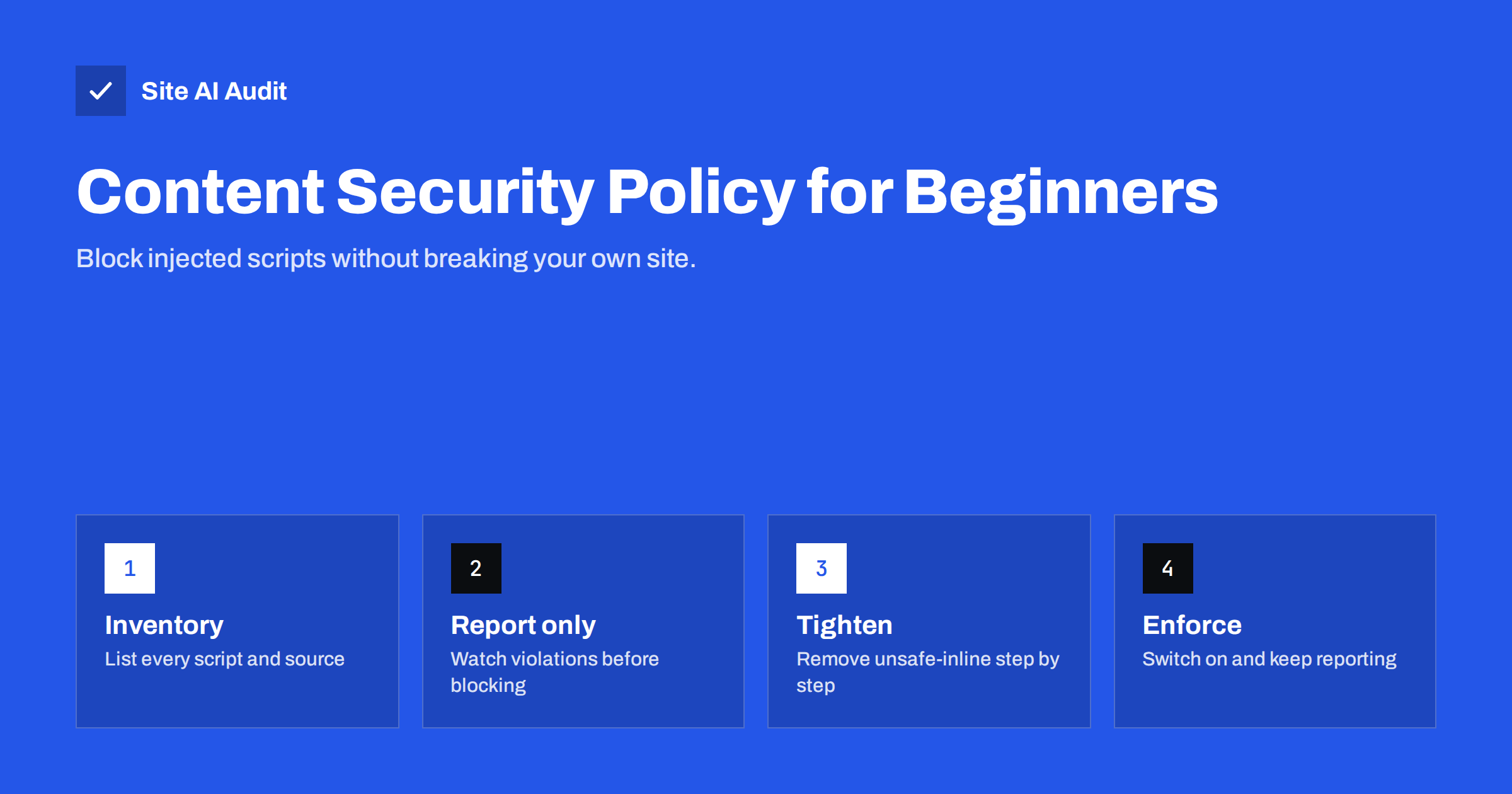
Short answer: Content Security Policy (CSP) is a security header that tells the browser which sources may load scripts, styles, images, fonts, frames and network requests on your pages; anything else is blocked. It is the strongest browser-side defence against cross-site scripting and injected content. Start with Content-Security-Policy-Report-Only, collect the sources your site really uses, build an allow-list, remove 'unsafe-inline' where you can with nonces or hashes, and switch to the enforcing header only when the reports are quiet.
Among all security headers, CSP has the biggest potential and the worst reputation. Many site owners add a policy copied from a blog post, watch their contact form, analytics and cookie banner stop working, and remove it again the same afternoon. That is a pity, because a well-built CSP turns many dangerous bugs – a vulnerable plugin, an injected script tag, a compromised third-party file – from a full site takeover into a blocked request. This guide explains CSP from the beginning and shows a rollout that works on real business websites.
What Content Security Policy does
Without CSP, a browser trusts every script that appears in your page’s HTML. If an attacker manages to insert <script src="https://evil.example/x.js"> through a form field, a comment, a vulnerable plugin or a hacked database, the browser runs it with full access to the page: it can read what visitors type, steal session cookies, redirect to phishing pages or add fake payment forms.
With CSP, you give the browser a list of allowed sources for each type of content. When the page tries to load something not on the list, the browser refuses and logs a violation. The injected script above would be blocked because evil.example is not allowed. Inline scripts, which attackers often inject, can be blocked entirely or allowed only when they carry a secret value (a nonce) that the attacker cannot guess.
CSP does not fix the vulnerability that allowed the injection. It limits the damage, which is exactly what you want from a second line of defence.
The directives you need to know
A policy is a list of directives separated by semicolons. Each directive names a content type and the sources allowed for it.
| Directive | Controls | Typical value |
|---|---|---|
| default-src | Fallback for any type not listed separately | ‘self’ |
| script-src | JavaScript files and inline scripts | ‘self’ plus analytics, tag manager, payment provider |
| style-src | CSS files and inline styles | ‘self’ plus font provider’s CSS host |
| img-src | Images | ‘self’ data: https: |
| font-src | Web fonts | ‘self’ plus font file host |
| connect-src | fetch, XHR, WebSocket, analytics beacons | ‘self’ plus analytics and API hosts |
| frame-src | What your page may embed in iframes | Video, maps and payment hosts |
| frame-ancestors | Who may embed your page | ‘self’ |
| form-action | Where forms may submit | ‘self’ plus any external form service |
| base-uri, object-src | Base tag and old plugins | ‘self’ and ‘none’ |
Source keywords are written in single quotes: 'self' means your own origin, 'none' blocks everything, 'unsafe-inline' allows inline code and 'unsafe-eval' allows code built from strings. Host names such as https://www.googletagmanager.com are written without quotes. The full list is documented on MDN’s Content Security Policy page.
Why ‘unsafe-inline’ matters
Most attacks inject inline code, not a new script file. A policy that allows 'unsafe-inline' in script-src therefore loses most of its protection against cross-site scripting. Unfortunately, many CMS themes, plugins, page builders and tracking snippets rely on inline scripts, so removing it is the hardest part of CSP.
There are two clean alternatives:
- Nonces – the server generates a random value for every page load, adds it to the header (
script-src 'nonce-R4nd0m') and to each legitimate inline script (<script nonce="R4nd0m">). Injected scripts do not know the value and are blocked. This requires server-side support, and page caching must not reuse the same nonce for everyone. - Hashes – the policy lists a SHA-256 hash of each allowed inline script. Suitable for a few static snippets that never change.
Adding 'strict-dynamic' alongside a nonce lets trusted scripts load further scripts they need, which makes policies for tag managers and widgets much easier to maintain. If removing 'unsafe-inline' is not realistic yet, a policy that still restricts external hosts, frame-ancestors, form-action, base-uri and object-src is still a clear improvement.
A rollout plan that does not break your site
- Inventory. Open your key pages – home, a content page, contact form, checkout, account area – with the browser’s developer tools and note every external host in the Network tab. Include analytics, tag managers, chat widgets, cookie banners, payment providers, video embeds, fonts and maps.
- Draft a policy. Start from
default-src 'self'and add each host to the matching directive. - Deploy in report-only mode. Send the draft as
Content-Security-Policy-Report-Only. The browser enforces nothing but reports every violation in the console and, if you configure it, to a reporting endpoint. - Collect reports for a while. Two to four weeks usually covers campaigns, rarely used pages and admin screens. Add legitimate sources; investigate anything unexpected.
- Enforce. Switch to
Content-Security-Policyonce the reports only show noise such as browser extensions. Keep the report-only header running in parallel with a stricter draft if you want to tighten further. - Maintain. Every new marketing tool or widget needs a policy update. Make CSP part of the checklist for adding third-party code.
A realistic example policy
This example fits a typical small business site with its own scripts, a tag manager, embedded videos and web fonts. It is a starting point to adapt, not a policy to paste blindly:
Content-Security-Policy-Report-Only:
  default-src 'self';
  script-src 'self' https://www.googletagmanager.com;
  style-src 'self' https://fonts.googleapis.com;
  font-src 'self' https://fonts.gstatic.com;
  img-src 'self' data: https:;
  connect-src 'self' https://www.google-analytics.com;
  frame-src https://www.youtube-nocookie.com;
  frame-ancestors 'self';
  form-action 'self';
  base-uri 'self';
  object-src 'none';
  upgrade-insecure-requests
In the real header everything is on one line. Tag managers are a special case: they load other scripts dynamically, so each tag you add through them also needs to be allowed, or you need a nonce with 'strict-dynamic'.
CSP on WordPress and other CMS platforms
On WordPress, inline scripts from themes and plugins are the main obstacle. Practical options:
- Start with a policy that keeps
'unsafe-inline'but restricts hosts, frames, forms and objects. It already blocks injected external scripts and clickjacking. - Use a security plugin or server module that supports nonces if your hosting and cache setup allow per-request values.
- Test the admin area separately. Many sites apply a looser policy to
/wp-admin/and a stricter one to public pages. - Recheck the policy after every plugin installation or update, since new versions may load code from new hosts.
Similar considerations apply to other CMS platforms and hosted shop systems. Where you cannot control the headers yourself, ask the platform which CSP options it offers.
Common beginner mistakes
- Allowing whole platforms with a wildcard, such as
https://*.example-cdn.comor simplyhttps:inscript-src. Public CDNs host code from anyone, so an attacker can often load their own file from the same host. - Forgetting connect-src. Analytics, live search and chat widgets send data with fetch or WebSocket requests, which are controlled by
connect-src, notscript-src. - Using two policies by accident. When the server and a plugin both send a CSP header, the browser enforces both, and content must pass every policy.
- Caching nonces. A full-page cache that stores the nonce in HTML serves the same value to every visitor, which defeats its purpose.
- Enforcing before a full business cycle. Seasonal campaigns, rarely used forms and the checkout often use sources that a single day of testing never sees.
Reading CSP violations
Violation messages in the browser console name the blocked URL, the directive that blocked it and the policy in force. When you see one, ask three questions: is this resource something we intentionally use; if yes, which directive should allow it; and if no, where does the reference come from? Unknown hosts in reports deserve attention, because they can be the first sign of an injected script or a compromised plugin. Violations caused by browser extensions (often with sources such as chrome-extension) can be ignored.
How Site AI Audit helps
Site AI Audit checks which security headers your site sends as part of every report, including whether a Content Security Policy is present, together with the SSL certificate, HTTPS redirect and exposed software versions. Findings come with an explanation of the risk and how to fix it, ranked by impact so CSP work can be planned alongside easier wins. Run a free check to see your current headers.
Related reading
- HTTP Security Headers Explained: What Each One Does
- Mixed Content Errors: How to Find and Fix Them on Your Site
- HSTS Explained: How to Enable Strict-Transport-Security Safely
The bottom line
Content Security Policy turns the browser into a gatekeeper that loads only what you allow. It is the best available defence against injected scripts, but only if it is built from your site’s real inventory and rolled out in report-only mode first. Start with host restrictions and the easy directives, move toward nonces to drop 'unsafe-inline', and treat the policy as a living document that changes with your marketing tools.
BUJ
Will a Content Security Policy break my website?
An untested policy often does, because it blocks every source you forgot to list. Running it in report-only mode first shows exactly what would be blocked, so you can complete the list before enforcing it.
Is a CSP with ‘unsafe-inline’ still useful?
Yes, although it protects less against cross-site scripting. It still blocks scripts from unknown hosts, prevents clickjacking with frame-ancestors, and restricts where forms submit, which are meaningful improvements.
Can I set CSP in a meta tag instead of a header?
Partly. A meta tag supports most directives, but not frame-ancestors or reporting, and it only applies from the point in the HTML where it appears. A response header is the recommended method.
How often should a Content Security Policy be updated?
Whenever you add or remove third-party code, such as a new analytics tool, chat widget, payment method or video platform. Reviewing violation reports regularly shows when the policy has fallen behind the site.
Does CSP replace keeping my software up to date?
No. CSP limits what an attacker can do after injecting content, but the vulnerability that allowed the injection still needs to be patched. Updates and CSP work together as layers of protection.


