ENEnglish
 LTLietuviškai
 DEDeutsch
 FRFrançais
 RUРусский
 ESEspañol
 PLPolski
 ITItaliano
 UKУкраїнська
 CSČeština
 PTPortuguês
 JA日本語
JA日本語 LVLatviešu valoda
 ETEesti
 HUMagyar
 IDBahasa Indonesia
 TRTürkçe
 HIहिन्दी
 ELΕλληνικά
 ARالعربية
 THไทย
THไทย VITiếng Việt
 RORomână
 MSBahasa Melayu
 BNবাংলা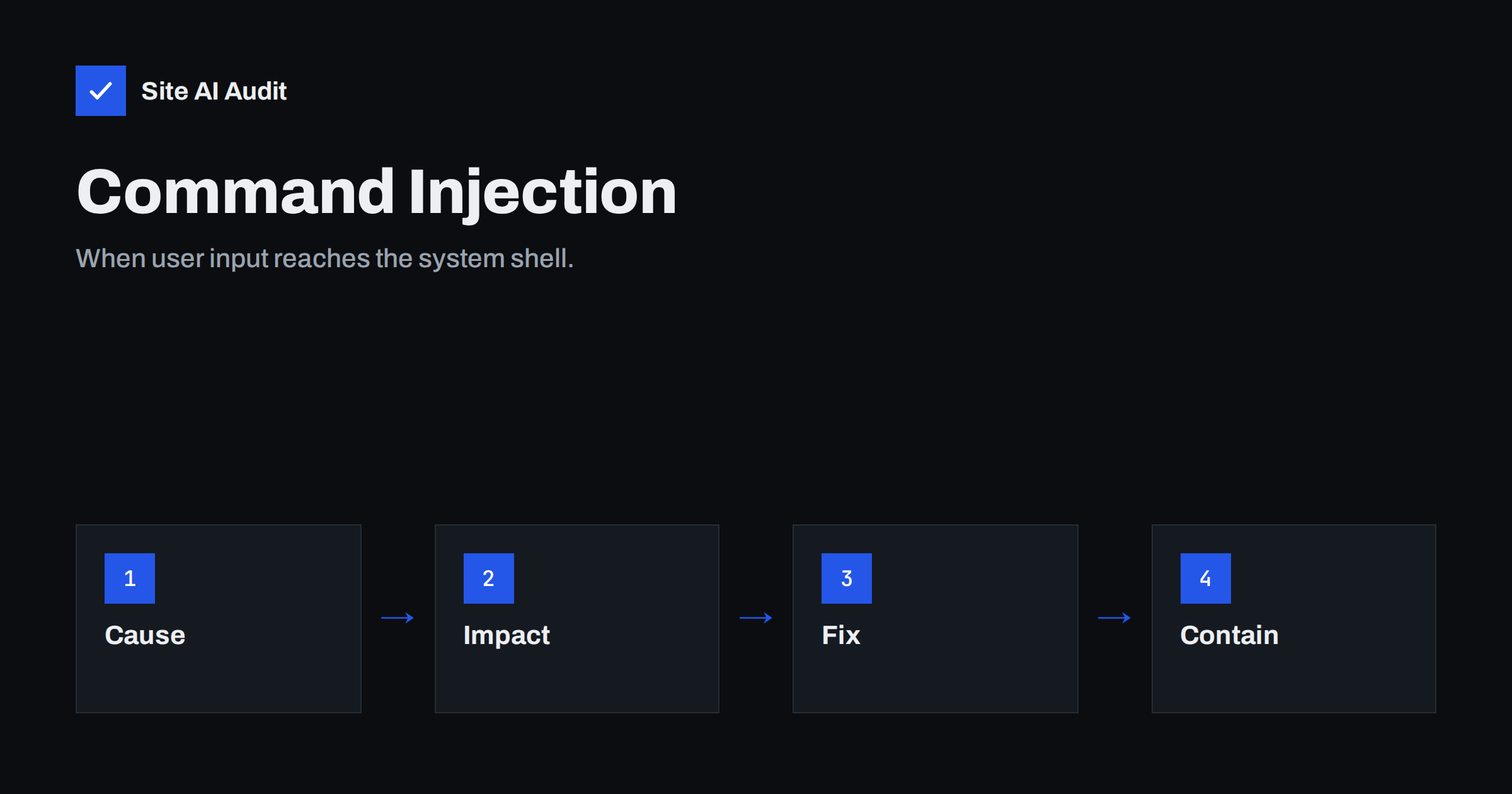
Short answer: Command injection happens when a website passes user input to the operating system shell without safe handling, so an attacker can add their own commands. The result can be full control of the server. Prevent it by avoiding shell calls, using built-in functions instead, validating input against a strict allow-list, escaping arguments when a command is unavoidable, and running the web server with minimal rights.
What command injection is
Some web applications run programs on the server. A script might convert an image, create a PDF, ping an address for a network tool, unpack an archive or check a domain name. To do that, the code builds a text command and hands it to the operating system.
If part of that command comes from a visitor, for example a file name or an address typed into a form, the visitor can try to add more than was intended. Shells treat certain characters as separators, so a value that contains one of them can end the first command and start a second one. The server then runs both, with the permissions of the web application.
This is a form of injection, like SQL injection, where input changes the meaning of a command. The difference is the target. SQL injection attacks the database, while command injection attacks the operating system itself, which often makes the consequences more serious.
A simple example in words
Imagine a page on a hosting tool that lets you test whether a server responds. You type an address and the application runs a network test with that text added to the end of the command. A normal visitor types a domain name and receives the result.
An attacker types a domain name, then a separator, then another command, such as one that lists files or downloads a script. If the application does not check the input, the shell runs the extra command as well. The attacker sees the output or causes changes on the server, and a short test page has become a remote control.
Common separators and tricks include the semicolon, the pipe, the ampersand, double ampersands, line breaks, backticks and the dollar sign with brackets, which runs a command inside another. You do not need to memorise them. The lesson is that you cannot make a shell command safe by removing a few bad characters.
What an attacker can do with it
- Read files that the web server user can access, such as configuration files with database passwords.
- Create or change files, including web shells that keep access after the first attack. See how to find and remove web shells.
- Download and run malware, for example a cryptocurrency miner or a spam sender.
- Reach other systems on the internal network that trust the server.
- Delete data or encrypt it for ransom.
The damage depends on what the web user may do. On a badly configured server, that can be nearly everything. On a well-contained one, it may be limited to the site’s own folder, which is why privileges matter so much.
Where it hides on real websites
Few small sites write shell commands by hand, but they still meet command injection in several ways.
- Plugins and extensions that call external programs for image processing, backups, PDF creation, video conversion, imports or exports. A flaw in one of them is a flaw in your site.
- Admin tools such as network checkers, file managers and server panels with weak access controls.
- Custom scripts written years ago by a developer who has left and that nobody reviews.
- File names and uploads that are passed to a converter. A file called with special characters in its name can become part of a command.
- Devices and appliances such as routers, cameras and old control panels. These are attacked in the same way.
Known flaws in popular software are exploited quickly after they are published. That is why a safe update strategy is among the best protections against this class of attack.
How developers prevent it
- Do not call the shell if you can avoid it. Most languages have built-in functions or libraries to resize images, create archives, send HTTP requests or resolve names. A library call has no shell to inject into.
- Pass arguments as a list. If you must start a program, use an interface that takes the program and its arguments separately and does not run through a shell.
- Validate with an allow-list. If you expect a domain name, accept only characters and patterns that are valid in a domain name and reject everything else. Check the length as well. Block lists of bad characters are easy to bypass.
- Escape arguments properly with the escaping function of your language when you cannot avoid the shell. This is the last line of defence and not a replacement for the steps above.
- Do not trust file names. Generate your own safe names for uploaded files and keep the original only as data.
- Keep dangerous functions disabled where they are not needed. In PHP, for example, hosting settings can disable functions that run system commands, which limits the damage of a flaw.
Code review and testing help. Ask your developer where the application calls external programs, and what input reaches them.
How site owners reduce the risk
You do not have to write code to protect yourself. Use these practical steps.
- Update everything. Core software, plugins, themes and server packages. Remove those you do not use, as abandoned code never gets fixed. See abandoned WordPress plugins.
- Use least privilege. The web server user should not own all files, must not be an administrator of the system and should not be able to write to code folders. Read the guide on file permissions on a web server.
- Block execution where it does not belong. For uploads, follow the advice in how to block PHP execution in the uploads folder.
- Add a web application firewall. A WAF can block many known attack patterns before they reach your code, although it is no substitute for fixing the flaw. See whether your website needs a WAF.
- Restrict admin tools. Put server panels and diagnostic scripts behind an IP restriction or a VPN, and remove the ones you do not use.
- Keep backups and logs. A tested backup lets you recover, and logs help you see what happened. Our article on reading access logs shows what to look for.
Signs that something has been injected
- Unknown files in web folders, especially recently changed PHP files.
- Unexpected processes, high CPU use or outgoing connections from the server.
- Requests in the logs that contain separators, shell words or encoded characters in parameters that should hold a simple value.
- New admin users, changed settings or scheduled tasks that you did not create.
- Your host warning about spam or malware sent from the account.
If you suspect an attack, follow a recovery plan: take the site offline if needed, preserve logs, restore from a clean backup, patch the entry point and change every password and key. Our recovery plan for hacked websites lists the steps in order.
What Site AI Audit can and cannot tell you
Site AI Audit looks at your website from the outside. It checks the SSL certificate, the HTTP to HTTPS redirect, security headers and exposed software versions, which help you see old software that attackers search for. It does not test for command injection, read your code or send attack payloads to your forms. Use it for the outside basics, and rely on updates, code review and security testing for injection flaws. You can run a free check of your website or see the plans.
Related reading
- SQL Injection Explained: How Sites Get Breached and Protected
- File Inclusion Attacks (LFI and RFI) Explained Simply
- Path Traversal Attacks Explained: How to Stop Them
- Cross-Site Scripting (XSS) Explained for Website Owners
The bottom line
Command injection turns a harmless-looking input field into a way to run commands on your server. The best defence is to avoid the shell entirely, validate input strictly, and limit what the web server can do. As a site owner, keep software updated, remove unused code and tools, and make sure that a single flaw cannot become full control.
BUJ
What is the difference between command injection and SQL injection?
SQL injection changes the queries sent to a database, while command injection changes the commands sent to the operating system. Both come from unsafe handling of input. Command injection often has a bigger impact, because it can give control of the whole server.
Can a WordPress site be affected by command injection?
Yes, usually through a plugin, theme or admin tool that runs system commands. WordPress core rarely has this problem, so keeping plugins updated, removing unused ones and limiting server privileges are the most effective protections.
Is filtering dangerous characters enough?
No. Lists of blocked characters are easy to bypass, because shells offer many ways to chain commands. Prefer functions that avoid the shell, and validate input against what is expected, such as a valid domain name format.
How do I know if my site has this problem?
Look for features that run external programs, review them with a developer and test them with security tools in a safe environment. Watch your logs for odd characters in parameters. Remember that an external audit will not show injection flaws.
Will a firewall protect me from command injection?
A web application firewall can block many known patterns and gives useful time to patch, but it is not complete. Fix the cause in the code or the plugin, and use the firewall as an additional layer of protection.