 ENEnglish
 LTLietuviškai
 DEDeutsch
 FRFrançais
 RUРусский
 ESEspañol
 PLPolski
 ITItaliano
 UKУкраїнська
 CSČeština
 PTPortuguês
 JA日本語
JA日本語 LVLatviešu valoda
 ETEesti
 HUMagyar
 IDBahasa Indonesia
 TRTürkçe
 HIहिन्दी
 ELΕλληνικά
 ARالعربية
 THไทย
THไทย VITiếng Việt
 RORomână
 MSBahasa Melayu
 BNবাংলা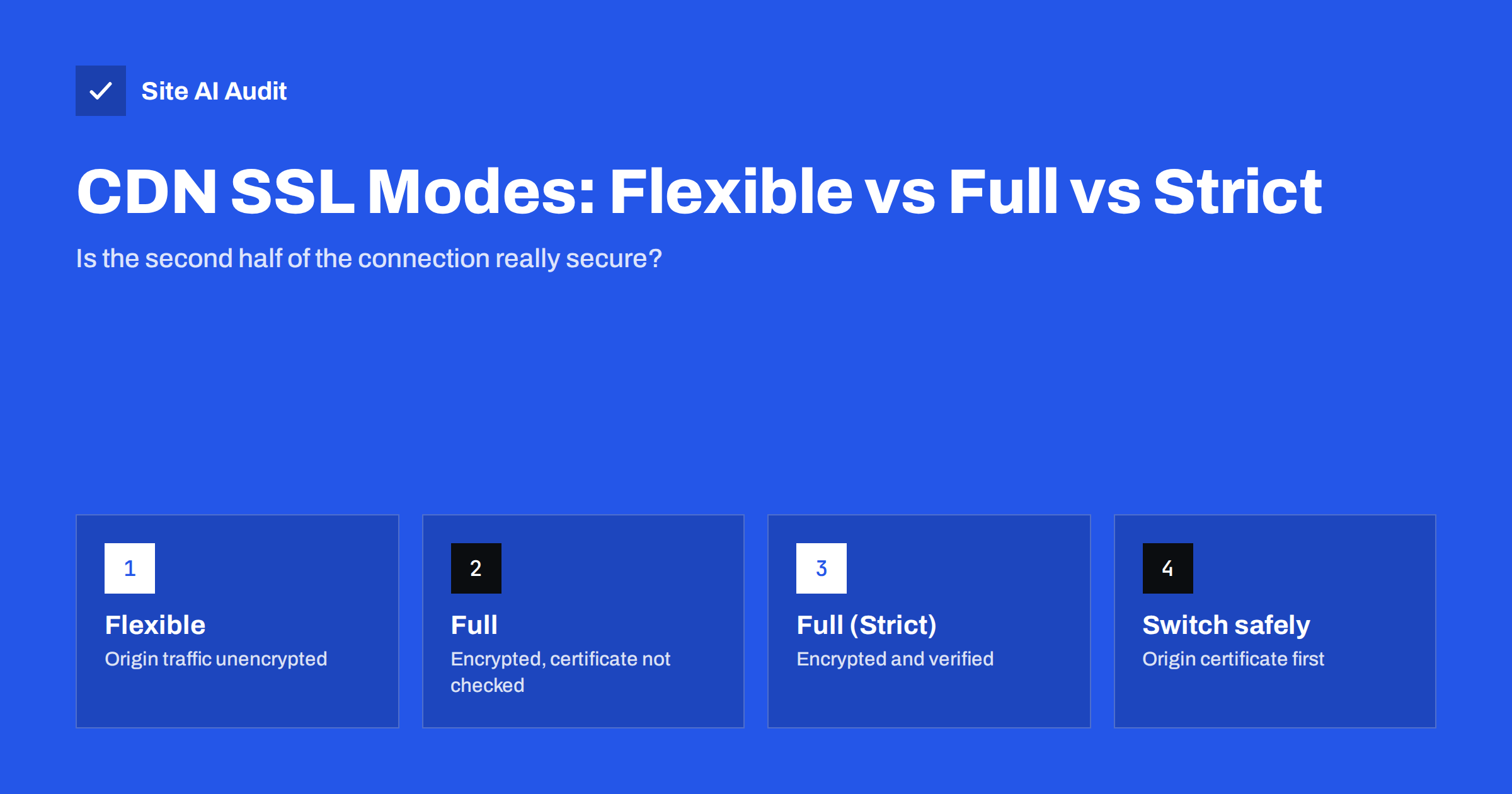
Short answer: When a CDN or proxy such as Cloudflare sits in front of your site, there are two connections: visitor to CDN, and CDN to your server (the origin). The SSL mode decides how the second one works. Flexible sends traffic to your server unencrypted, Full encrypts it but accepts any certificate, and Full (Strict) encrypts it and verifies a valid certificate for your hostname. Only Full (Strict) gives real end-to-end protection. Install a valid certificate on the origin (a free public one or the CDN’s origin certificate), then switch to Strict.
CDNs made HTTPS easy for millions of sites: turn on the proxy, and visitors see a padlock within minutes. But the padlock only describes the connection between the visitor and the CDN. What happens between the CDN and your server is invisible to visitors and depends on a setting many owners never look at again. This guide explains the modes using Cloudflare’s widely known names – other CDNs and reverse proxies offer equivalent options under different labels – and shows how to move to the secure setting without breaking the site.
Two connections, one padlock
Without a CDN, the browser connects directly to your server, and the certificate on your server protects the whole path. With a CDN proxying traffic, the browser connects to the CDN’s edge server, which terminates TLS using the CDN’s edge certificate. The CDN then opens its own connection to your origin server to fetch content. That second connection can be unencrypted, encrypted without verification, or encrypted and verified. The visitor sees the same padlock in all three cases.
The modes compared
| Mode | Visitor to CDN | CDN to origin | Origin certificate needed | Protection |
|---|---|---|---|---|
| Off | HTTP | HTTP | No | None |
| Flexible | HTTPS | HTTP (unencrypted) | No | Only the first half |
| Full | HTTPS | HTTPS, certificate not validated | Any, even self-signed or expired | Encrypted, but open to impersonation of the origin |
| Full (Strict) | HTTPS | HTTPS, certificate validated | Valid, trusted, matching hostname | End to end |
Cloudflare’s documentation on encryption modes describes each option in detail.
Why Flexible is risky
Flexible mode was designed as a stepping stone for sites whose servers could not serve HTTPS at all. It has real drawbacks:
- Unencrypted traffic on the internet. Form submissions, logins and cookies travel from the CDN to your server in plain text, across networks you do not control.
- A false sense of security. Visitors, and often owners, believe the site is fully protected because of the padlock.
- Redirect loops. If your server redirects HTTP to HTTPS – which it should – every request from the CDN arrives over HTTP, gets redirected, and the CDN fetches over HTTP again. The result is
ERR_TOO_MANY_REDIRECTS. - Mixed signals for applications. The CMS thinks requests arrive over HTTP and may generate HTTP links, causing mixed content.
Today, with free certificates available for any server, there is rarely a good reason to stay on Flexible.
Why Full is better, but not enough
Full mode encrypts the CDN-to-origin connection, which protects against passive eavesdropping. But the CDN accepts any certificate the origin presents – self-signed, expired or for a different domain. An attacker who can redirect traffic between the CDN and your server, for example through a DNS or routing attack, could present their own certificate and the CDN would accept it. Full is a reasonable transition step while you set up a proper origin certificate, but not a final state.
Full (Strict): what it requires
Strict mode requires the origin to present a certificate that is:
- unexpired;
- issued by a publicly trusted CA, or by the CDN’s own origin CA (Cloudflare offers free “Origin CA” certificates that its edge trusts);
- valid for the hostname the CDN requests – typically your domain name.
Your options for the origin certificate:
A public certificate on the origin
Issue a Let’s Encrypt or similar certificate on the server, as you would without a CDN. It works with any CDN and remains valid if you ever disable the proxy. Renewal needs a validation method that works behind the CDN – HTTP validation usually works through the proxy, and DNS validation always works.
The CDN’s origin certificate
Cloudflare and some other CDNs can issue long-lived certificates that are trusted only by their own edge. They are easy to install and do not need frequent renewal, but browsers do not trust them. If you turn off the proxy or the CDN is bypassed, visitors will see certificate errors.
How to switch to Full (Strict) safely
- Check the origin today. Connect to the server directly, bypassing the CDN, for example with
curl -v --resolve example.com:443:ORIGIN_IP https://example.com/. Note whether HTTPS works and what certificate is presented. - Install a valid origin certificate for every hostname proxied through the CDN (bare domain, www, subdomains).
- Configure the web server to serve HTTPS with that certificate, including the full chain, and reload.
- Repeat the direct test until it succeeds without certificate warnings (for a CDN origin certificate, use the CDN’s CA file to verify).
- Switch the mode to Full (Strict) in the CDN dashboard.
- Test the site through the CDN: home page, forms, logins, checkout, admin area. If you see 526 or similar “invalid SSL certificate” errors, the origin certificate is not accepted – recheck names, chain and expiry.
- Remove workarounds that were needed for Flexible, such as plugins that force HTTPS detection or special redirect rules.
Many CDNs also let you set the mode per hostname or path with rules, which helps when migrating complex sites gradually.
The same question with other CDNs and proxies
The mode names above are Cloudflare’s, but every setup with something in front of your server faces the same choice. Look for the equivalent setting wherever TLS is terminated before your server:
- Other CDNs usually have an “origin protocol” or “origin SSL” option: HTTP only, HTTPS, or match the visitor’s protocol, plus a separate switch for verifying the origin certificate. HTTPS with verification is the equivalent of Full (Strict).
- Cloud load balancers can forward to backends over HTTP or HTTPS. Traffic inside a private network is lower risk, but encrypting it is still recommended for sensitive data.
- Reverse proxies you run yourself, such as Nginx in front of an application server, should use HTTPS to backends on other machines and enable certificate verification (in Nginx,
proxy_ssl_verify on;with a trusted CA file). - Hosting platforms with built-in proxies often handle this for you; their documentation states whether traffic to your application is encrypted.
Whatever the product, ask two questions: is the connection to my server encrypted, and does the proxy verify that it is really talking to my server? Two yes answers mean you are in the equivalent of Strict mode.
Protecting the origin itself
Once traffic is encrypted and verified, consider limiting who can reach your origin at all. If attackers find your server’s real IP address, they can bypass the CDN’s protections. Options include allowing HTTP(S) connections only from the CDN’s published IP ranges, using authenticated origin pulls (the CDN presents a client certificate that your server verifies), or tunnels that connect the origin to the CDN without opening public ports. Also avoid leaking the origin IP through DNS records such as a direct. subdomain or old records pointing straight to the server.
Finally, keep monitoring certificate expiry on the origin as well as on the public site. With Strict mode, an expired origin certificate makes the CDN refuse to connect, and visitors see an error page from the CDN even though the edge certificate is fine.
How Site AI Audit helps
Site AI Audit checks your site as visitors reach it – usually through the CDN – verifying the SSL certificate, its expiry, the HTTP to HTTPS redirect, security headers and exposed software versions. Redirect loops and HTTPS problems caused by the wrong SSL mode show up in the report with a plain-language explanation. Monitoring on paid plans alerts you when something breaks after a CDN or server change. Run a free check.
Related reading
- How to Redirect HTTP to HTTPS the Right Way (Without Loops)
- ERR_SSL_PROTOCOL_ERROR: What It Means and How to Fix It
- Mixed Content Errors: How to Find and Fix Them on Your Site
The bottom line
A CDN padlock only protects half the journey unless the CDN-to-origin connection is encrypted and verified. Flexible leaves that half unencrypted and often causes redirect loops; Full encrypts without checking identity; Full (Strict) is the only mode that protects end to end. Put a valid certificate on your origin, switch to Strict, test, and keep monitoring both certificates.
BUJ
Why do I get “too many redirects” with Cloudflare?
Most often because the SSL mode is Flexible while your server redirects HTTP to HTTPS, so every request loops. Switching to Full (Strict) with a valid origin certificate usually fixes it.
Is Full mode safe enough?
It encrypts traffic to your server, which is much better than Flexible, but it accepts any certificate, so it does not protect against someone impersonating your origin. Use it only as a transition to Full (Strict).
Can I use a free certificate on my origin server?
Yes. A Let’s Encrypt certificate works for Full (Strict), and so does the free origin certificate some CDNs provide. The CDN’s own origin certificate is trusted only by that CDN, not by browsers.
What does a 526 error mean?
With Cloudflare, error 526 means the SSL mode is Full (Strict) but the origin’s certificate could not be validated – it may be expired, self-signed or issued for another name. Fix the origin certificate and the error disappears.
Do visitors see a difference between the modes?
No. Visitors see the CDN’s edge certificate in every mode. The difference is in how securely data travels between the CDN and your server, which is why it is easy to overlook.


