 ENEnglish
 LTLietuviškai
 DEDeutsch
 FRFrançais
 RUРусский
 ESEspañol
 PLPolski
 ITItaliano
 UKУкраїнська
 CSČeština
 PTPortuguês
 JA日本語
JA日本語 LVLatviešu valoda
 ETEesti
 HUMagyar
 IDBahasa Indonesia
 TRTürkçe
 HIहिन्दी
 ELΕλληνικά
 ARالعربية
 THไทย
THไทย VITiếng Việt
 RORomână
 MSBahasa Melayu
 BNবাংলা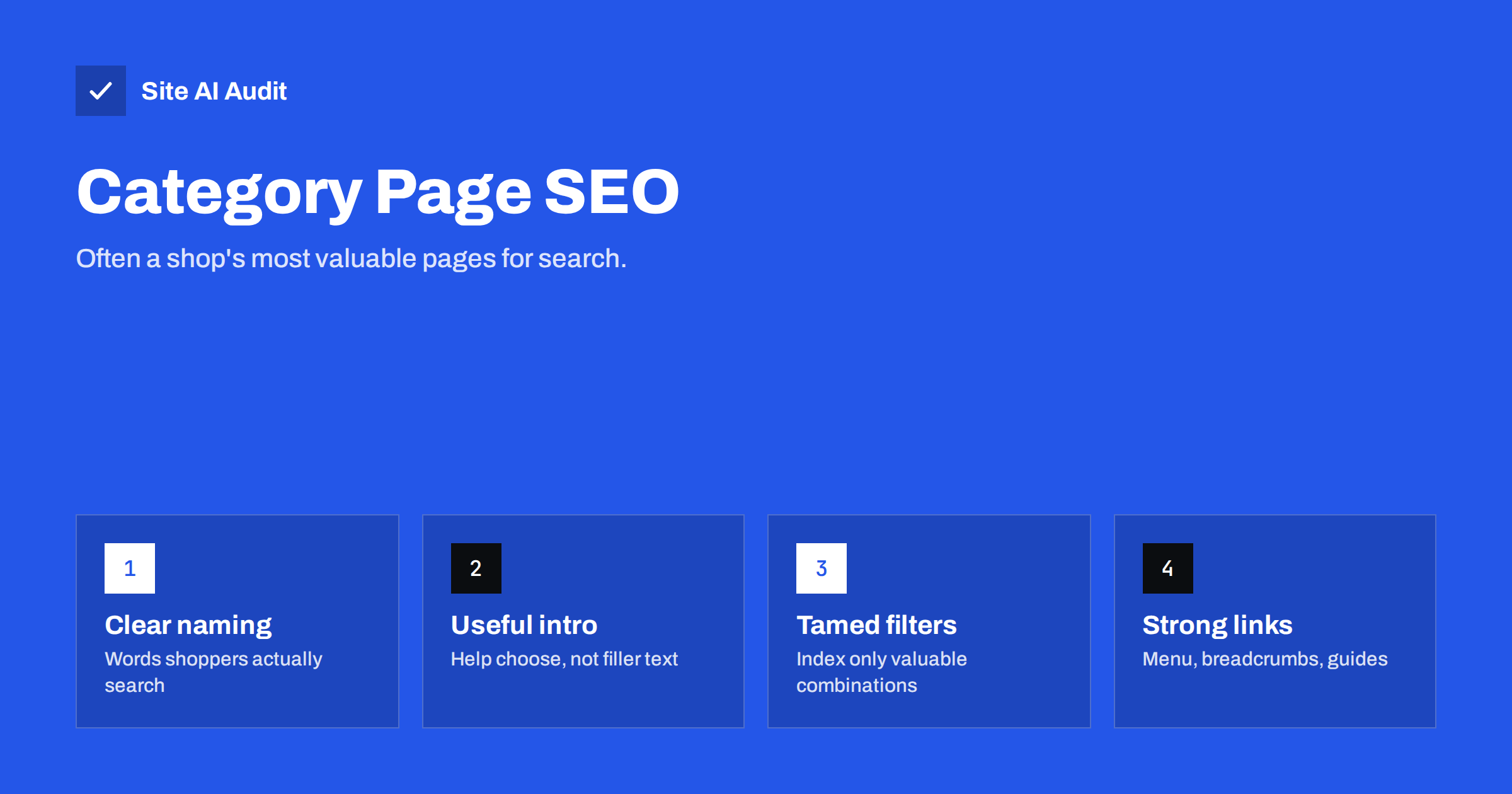
Short answer: Category pages often have the most search potential in an online shop, because they match broad buying searches such as “women’s hiking boots”. To help them rank, name categories in shoppers’ words, give each a unique title, H1 and short helpful introduction, list products with crawlable links, keep filters and sorting from creating thousands of duplicate URLs, handle pagination properly, and link categories strongly from menus, breadcrumbs, related categories and guides.
Why category pages matter
A shopper searching for a specific model will land on a product page. But many buying searches are broader: “waterproof hiking boots”, “oak dining tables”, “kids’ bike helmets”. For those, searchers want to see a range and compare. Search engines usually show category pages from shops and marketplaces for such searches.
Category pages also have structural advantages. They are linked from the main menu and breadcrumbs, they collect links from every product in them, and they change less often than individual products, which come and go. That makes them stable, strong pages, if they are set up well.
Name categories the way shoppers search
Category names drive the title, H1, URL, menu labels and breadcrumbs, so they matter more than they seem. Check that they:
- use the words shoppers type, such as “Running shoes” rather than “Performance footwear”;
- are specific enough to match a real search, such as “Women’s waterproof hiking boots” as a subcategory;
- do not overlap so closely that two categories compete for the same search;
- reflect how customers think, not how your warehouse or supplier organises stock.
Keyword research and the queries in Search Console show which terms people actually use. Sometimes a simple renaming improves a category’s visibility more than any other change.
Title, H1, URL and description
- Title tag: category name first, then a qualifier and the brand. “Women’s Waterproof Hiking Boots – Free Returns | TrailShop”.
- H1: the category name, clear and specific.
- URL: short and readable, such as
/hiking-boots/womens/, without IDs or parameters. - Meta description: range, key brands or features, and a shop benefit such as delivery or returns.
Make sure paginated pages and filtered versions do not all share the same title as the main category.
Add a helpful introduction
Category pages that are nothing but a product grid give search engines little context and shoppers little guidance. A short introduction helps both, if it is genuinely useful:
- two to four sentences above the products explaining what the category contains and who it suits;
- optionally, a longer section below the products with buying advice: how to choose the right size, material differences, care tips, links to guides;
- answers to common questions about the category, possibly as a short FAQ.
Avoid long blocks of keyword-heavy text pushed below the products purely for search engines. Write what a knowledgeable shop assistant would tell a customer standing in front of that shelf.
Make the product listing crawlable
- Each product in the grid should link to its product page with a normal HTML link, using the product name as anchor text.
- Product images should have alt text, usually the product name.
- If products load through scripts, make sure they are also present in the rendered HTML that search engines see.
- Show enough products per page to be useful, and put best sellers or the most relevant items first.
Control filters and sorting
Filters for size, colour, brand, price and material are essential for shoppers but can create a huge number of URLs. A controlled approach:
- Decide which filter pages deserve to be indexable. Usually only combinations with real search demand, such as “brown leather boots” or a major brand within a category.
- Give those pages proper treatment: a clean URL, a unique title, H1 and short introduction, and links from the parent category.
- Canonicalise other filter combinations to the main category.
- Keep sort orders and view options out of the index, and consider blocking them from crawling if they generate many URLs.
- Avoid linking to every filter combination as plain links from every page, which invites crawlers into endless variations.
Handle pagination properly
Large categories span several pages. Give each page its own URL, link the pages with normal links, and give each a self-referencing canonical rather than pointing them all to page one. Keep the introduction only on page one and add the page number to later pages’ titles. This lets search engines reach every product while page one remains the main ranking page.
Internal links to category pages
- Main menu: important categories should be reachable from the main navigation.
- Breadcrumbs: every product links back up through its categories.
- Related categories: link sideways, such as from hiking boots to hiking socks.
- Buying guides and blog posts: link to the relevant category with descriptive anchor text.
- Home page: feature top categories.
Example: improving one category
A small outdoor shop has a category called “Footwear – Ladies – Outdoor”, with the URL /cat/12/, the title “Ladies Outdoor | TrailShop” and a grid of 60 boots, 24 per page. There is no text, every page of the series has the same title and canonical, and filters for size, colour and brand each create their own URLs linked from the sidebar.
The improvements are straightforward. The category is renamed “Women’s hiking boots”, which is what customers search for, with the URL /hiking-boots/womens/ and a redirect from the old address. The title becomes “Women’s Hiking Boots – Waterproof and Leather | TrailShop”. A three-sentence introduction explains the range and links to a guide on choosing hiking boots, and a short section below the grid covers fit, waterproofing and care. Paginated pages get their own canonicals and “Page 2” in the title. Size and colour filters canonicalise to the main category, while “Waterproof” becomes its own indexable subcategory because many shoppers search for it. Finally, the hiking boots guide, the home page and the socks category all link to the new category.
No product changed, but the category now clearly matches the searches it should win, and search engines can understand and reach every product in it.
Measuring category performance
In Search Console, filter the Performance report by category URLs to see which searches they appear for and whether page one or a filtered or paginated URL is shown. In analytics, compare revenue and conversion rate from organic visitors by landing category. Categories with many impressions but few clicks may need better titles; categories with traffic but few sales may need better product selection, sorting or introductions.
Empty and seasonal categories
A category with no products is a poor page for visitors and may be treated as a soft 404. If a category will be restocked, keep it with a note, alternatives and a notification option. If it is gone for good, redirect it to the closest parent or related category. For seasonal categories, such as Christmas decorations, keep the same URL each year so the page builds history, and show useful content even out of season.
Category structure and depth
Keep the category tree shallow and logical. Two or three levels, such as Footwear › Hiking boots › Women’s, are enough for most shops. Very deep trees bury products and split demand across too many thin categories, while a single flat list of hundreds of categories overwhelms shoppers. Each category should contain enough products to be worth browsing; merge categories with only a handful of items into their parent.
Structured data for categories
Category pages usually benefit from BreadcrumbList markup. Product markup belongs on product pages rather than on listings. If you use ItemList markup for the product grid, keep it consistent with what is visible. Check that your platform does not output conflicting markup from several sources.
Common category page mistakes
- Internal category names that nobody searches for.
- No text at all, or long, generic text written only for search engines.
- Every filter and sort combination indexable.
- All paginated pages canonicalised to page one.
- Duplicate categories covering almost the same products.
- Empty categories left live with no products or explanation.
- Products loaded only by script, invisible to crawlers.
How Site AI Audit helps
Site AI Audit crawls your shop like a search engine and reports the category issues that are easy to miss: duplicate titles across categories and paginated pages, missing descriptions and H1s, images without alt text, broken links to removed products, redirects and noindex rules, plus mobile speed. Each finding comes with a plain-language fix. Check your shop for free, or see the plans for larger audits and monitoring.
Related reading
- Product Page SEO: A Checklist for Online Shops
- Pagination and SEO: How to Handle Page 2, 3 and Beyond
- Crawl Budget Explained: Does It Matter for Your Website?
- Breadcrumbs for SEO: Why They Help and How to Add Them
The bottom line
Category pages are often the strongest pages an online shop has for search. Name them in shoppers’ words, give each a unique title, H1 and helpful introduction, make product links crawlable, keep filters and sorting under control, handle pagination with self-referencing canonicals and link categories from menus, breadcrumbs and guides. Treat them as landing pages, not just product grids.
BUJ
Should category pages have text?
Yes, a short, genuinely helpful introduction helps shoppers and gives search engines context. Longer buying advice can sit below the products. Avoid generic filler written only for search engines.
Should filtered category pages be indexed?
Only those with real search demand and distinct content. Most filter and sort combinations should canonicalise to the main category or be kept out of crawling.
Are category pages more important than product pages for SEO?
For broad buying searches, often yes. Product pages matter for specific model searches. A healthy shop needs both.
What should I do with an empty category?
If products will return, keep it with an explanation and alternatives. If not, redirect it to the closest related category.
How many products should a category page show?
Enough to be useful without slowing the page. Many shops show 24 to 48 products per page, with proper pagination for the rest.


