 ENEnglish
 LTLietuviškai
 DEDeutsch
 FRFrançais
 RUРусский
 ESEspañol
 PLPolski
 ITItaliano
 UKУкраїнська
 CSČeština
 PTPortuguês
 JA日本語
JA日本語 LVLatviešu valoda
 ETEesti
 HUMagyar
 IDBahasa Indonesia
 TRTürkçe
 HIहिन्दी
 ELΕλληνικά
 ARالعربية
 THไทย
THไทย VITiếng Việt
 RORomână
 MSBahasa Melayu
 BNবাংলা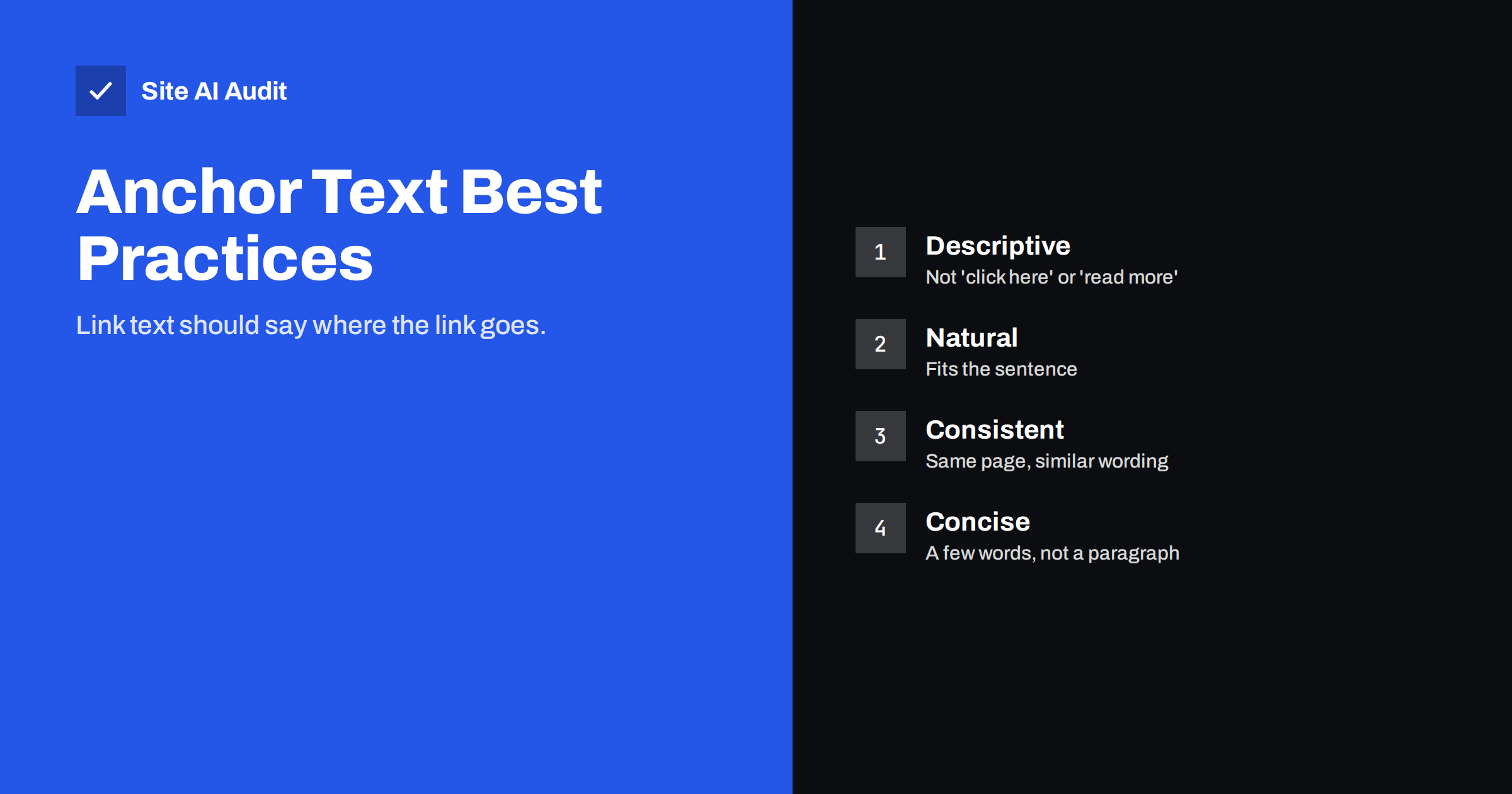
Short answer: Anchor text is the visible, clickable text of a link. Search engines use it to understand what the linked page is about, and screen reader users rely on it to decide which links to follow. Good anchor text describes the destination in a few natural words, such as “our guide to boiler pressure” rather than “click here”, fits the sentence, and stays consistent for the same page. Avoid vague anchors, stuffing exact keywords everywhere and using the same text for different destinations.
What anchor text is
In HTML, a link looks like this: <a href="/boiler-repair/">boiler repair in Leeds</a>. The words between the tags, “boiler repair in Leeds”, are the anchor text. When the link is an image, the image’s alt text plays the same role.
Anchor text appears everywhere: in menus, buttons, footers, breadcrumbs, body text and on other websites that link to you. Each instance tells people and search engines something about the page behind the link.
Why anchor text matters
- Search engines use it as context. Anchor text is one of the oldest signals search engines use to understand a linked page. If many links to a page say “bookkeeping for small businesses”, that is a strong hint about its topic. Google’s link guidance recommends descriptive, reasonably concise anchor text.
- Visitors decide whether to click. Clear link text sets expectations. “Delivery times and costs” tells a shopper exactly what they will find; “more info” does not.
- Accessibility depends on it. Screen reader users often pull up a list of all links on a page. A list of ten “click here” links is useless; a list of descriptive links works like a mini table of contents.
- It shapes how your content reads. Well-integrated links make text flow; awkward keyword links make it feel written for machines.
Types of anchor text
| Type | Example | When it fits |
|---|---|---|
| Descriptive | our guide to choosing a heat pump | Most internal links; the default choice |
| Exact match | heat pump installation | Occasionally, where the exact phrase reads naturally |
| Partial match | installing a heat pump in an older home | Varied, natural links to the same page |
| Branded | Smith Heating | Links to your home page or about page |
| Naked URL | example.com/heat-pumps | Citations and plain-text contexts |
| Generic | click here, read more, this page | Best avoided |
| Image | linked image with alt text | Logos and banners; alt text acts as anchor |
Rules for writing good anchor text
- Describe the destination. The anchor should make sense on its own and tell the reader what they will get. “Read our winter tyre storage checklist” beats “Read our checklist here“.
- Keep it concise. Usually two to six words. Linking an entire sentence dilutes the meaning and looks cluttered.
- Make it fit the sentence. Write the sentence naturally first, then link the words that best describe the target.
- Be consistent, not identical. Links to the same page can use similar but varied wording: “boiler repair”, “repairing your boiler”, “our boiler repair service”.
- Use unique anchors for unique pages. Do not use the same text, such as “our services”, for links to different pages.
- Match the page. The anchor should reflect what the page actually covers. Misleading anchors frustrate visitors.
- Front-load key words. Screen reader users and skimmers read the start of a link first.
A simple writing habit
The easiest way to get anchor text right is to write the sentence first, without thinking about links, and only then decide which words to link. Ask: if a reader saw only these linked words, would they know where the link goes? If yes, the anchor is good. If you find yourself rewriting a sentence just to squeeze in a keyword, stop and choose the most natural descriptive words instead.
Internal vs external anchor text
Internal links are fully in your control, so this is where anchor text practices matter most. Plan anchors when you write, and review them when you update content.
Links from other websites are mostly out of your control. Other sites choose their own anchor text, and most of it will be your brand name, a URL or a description of your content. That is normal and healthy. Trying to control external anchor text, for example by asking for exact-match keyword links, is a pattern associated with manipulative link building and can create risk.
Links you place to other websites should follow the same rules: describe the source, such as “Google’s documentation on title links”, rather than “this article”.
Common anchor text mistakes
- “Click here” and “read more” everywhere. Common in blog listings and buttons. Where a “Read more” button is needed for design, add the post title to the accessible name or make the post title itself the link.
- Keyword stuffing. Every link to a service page uses the same exact phrase, often awkwardly. It reads badly and adds nothing.
- Over-linking. Linking every other phrase in a paragraph makes the text hard to read and makes each link less meaningful.
- Linked images without alt text. The link then has no text at all, for search engines or screen readers.
- Anchors pointing to redirects or broken pages. Descriptive text is wasted if the link is dead.
- Identical anchors for different pages. Such as “learn more” linking to five different services on one page.
- Button text that describes the action poorly. “Submit” or “Go” instead of “Request a quote” or “Check my website”.
Examples: before and after
- Before: “To learn how to lower your heating bill, click here.” After: “Our guide to lowering your heating bill covers ten simple steps.”
- Before: “We offer plumber Leeds plumbing Leeds cheap plumber.” After: “We offer emergency plumbing across Leeds, day and night.”
- Before: A blog listing with “Read more” under each post. After: The post title is the link, and “Read more” is either removed or includes the title for screen readers.
- Before: A logo image link without alt text. After: The logo has alt text such as “Smith Heating home”.
Anchor text in menus, buttons and footers
Navigation links are anchor text too, and they repeat on every page:
- Use the names customers understand: “Boiler repair” rather than “Solutions”.
- Keep menu labels short but specific.
- Make button text describe the outcome: “Get a free quote”, “See delivery options”, “Book a visit”.
- Avoid stuffing the footer with long lists of keyword links; a few clear links to key pages are enough.
Anchor text and AI answer engines
Search features that summarise answers and cite sources read pages much like a careful reader. Descriptive links help them in two ways. Links inside your content show which of your pages covers a related subtopic in more depth, and consistent anchors reinforce what each page is about. A site where the guide on boiler pressure is always linked as “fixing low boiler pressure” gives a clearer picture than one where it is linked as “here”, “this post” and “read more”.
Anchor text on e-commerce sites
Shops have thousands of links generated automatically, so templates decide most anchor text. Check that product cards link with the product name, not an image with no alt text and a separate “View” button. Category links should use the category name customers search for. Filter links, pagination links and “sort by” controls are functional and do not need descriptive keywords, but they should still be understandable, such as “Next page” rather than an arrow icon with no label. Related product blocks and breadcrumbs add many useful, descriptive internal links when their labels are clear.
How to review anchor text on your site
- Crawl the site and export internal links with their anchor text and destination.
- Filter for generic anchors like “click here”, “read more”, “here” and “this”.
- Check links to your most important pages: are the anchors descriptive and reasonably varied?
- Look for links with empty anchor text, often images without alt.
- Fix links that point to redirects or broken pages at the same time.
How Site AI Audit helps
Site AI Audit follows the links on your pages and reports broken links and redirects, as well as images without alt text, which include linked images whose alt text serves as the anchor. Findings list the pages affected and explain the fix in plain words. Run a free check alongside your anchor text review.
Related reading
- Internal Linking for SEO: A Practical Guide for Small Sites
- Image Alt Text: How to Write It for SEO and Accessibility
- Nofollow, Sponsored and UGC Links: When to Use Each One
- How to Find and Fix Broken Links on Your Website
The bottom line
Anchor text is a small detail that carries a lot of meaning. Describe the destination in a few natural words, keep links to the same page consistent without repeating exact phrases mechanically, use distinct anchors for distinct pages, give linked images alt text, and replace generic “click here” links. Your visitors, screen reader users and search engines will all understand your site better.
BUJ
Does anchor text affect SEO?
Yes. Search engines use anchor text as a hint about the linked page’s topic. Descriptive internal anchors help them understand your pages, while generic anchors give them nothing.
Is it bad to use exact-match anchor text?
Not on its own, especially for internal links where it reads naturally. Problems arise when every link uses the same forced phrase, particularly in links from other websites.
Why is “click here” bad anchor text?
It says nothing about the destination. Screen reader users hear a list of identical links, and search engines get no context. Describe the destination instead.
How long should anchor text be?
Usually two to six words. It should be long enough to describe the destination clearly and short enough to read as part of the sentence.
Can I control the anchor text of links from other sites?
Mostly not, and you should not try to force it. Most natural links use your brand name or a description of your content, which is healthy.


