 ENEnglish
 LTLietuviškai
 DEDeutsch
 FRFrançais
 RUРусский
 ESEspañol
 PLPolski
 ITItaliano
 UKУкраїнська
 CSČeština
 PTPortuguês
 JA日本語
 LVLatviešu valoda
 ETEesti
 HUMagyar
 IDBahasa Indonesia
 TRTürkçe
 HIहिन्दी
 ELΕλληνικά
 ARالعربية
 THไทย
 VITiếng Việt
 RORomână
 MSBahasa Melayu
 BNবাংলা
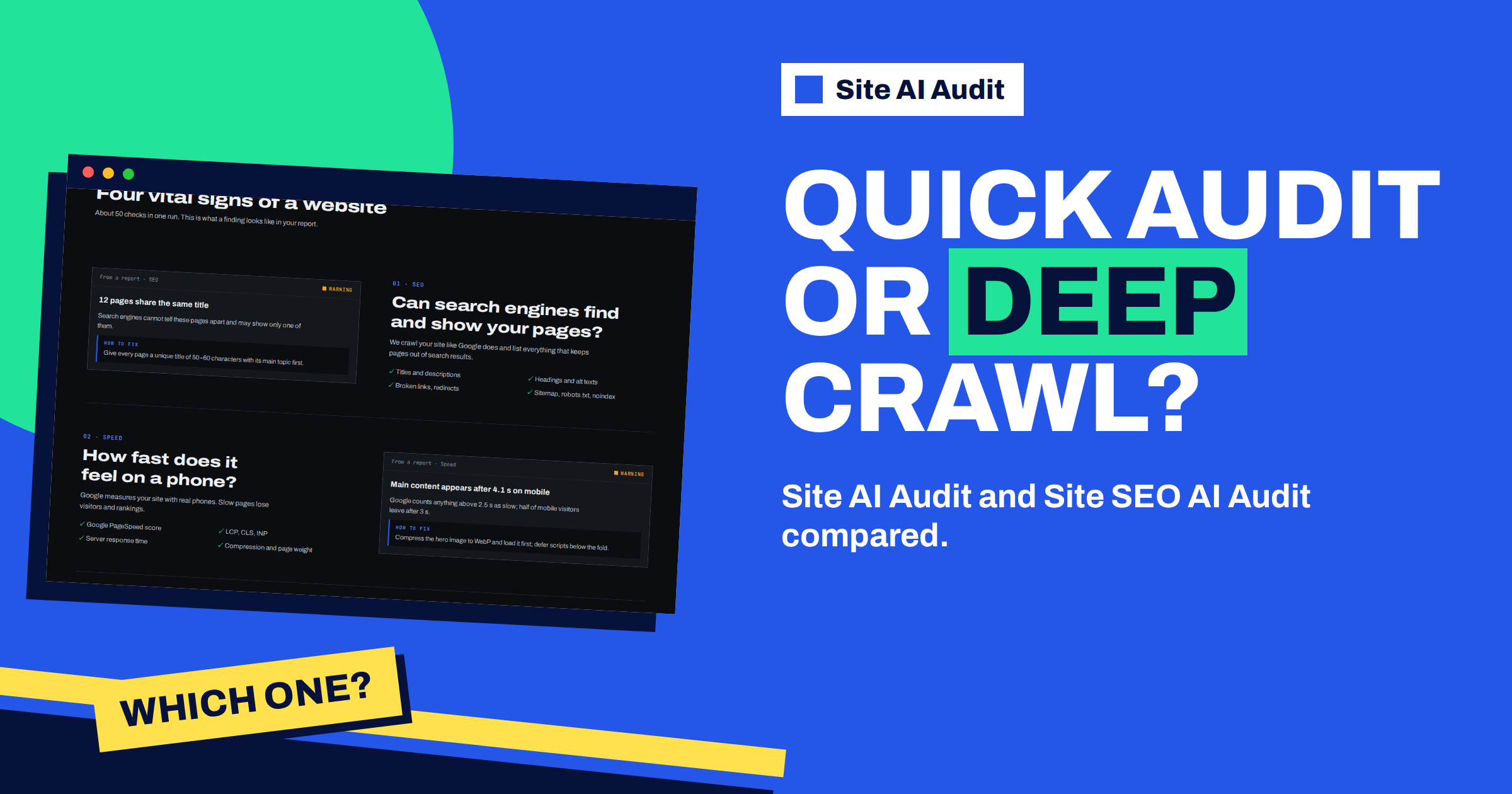
Short answer: Site AI Audit is a broad health check: about 50 checks across SEO basics, speed, security and e-mail in one report, ranked by severity. Site SEO AI Audit is a deep search crawl: seven SEO areas, including visibility in AI search, with every issue weighed by how many of your pages it affects. If you want to know whether the whole website is in good shape, start with Site AI Audit. If search visibility is the main goal, use Site SEO AI Audit, or use both.
Two tools from the same team
Both products come from Internet Solutions, and both work in the same simple way: you enter the address of a website, a crawler reads it from the outside, and you get a score out of 100 with a ranked list of what to fix. Neither requires you to install anything on the website. Both read up to 10,000 pages in one check, both start with a free account that runs one check with a locked report, and both unlock the full report on a paid plan.
The difference is in what they look at and how they weigh it. One covers the whole website with a few checks of each kind. The other goes deep on one topic, search visibility, and looks at it page by page.
What Site AI Audit covers
Site AI Audit looks at four areas that together describe whether a site is healthy:
- SEO basics. Titles, descriptions and headings, broken links, redirects, sitemap, robots.txt and noindex rules.
- Speed. The Google PageSpeed mobile score, Core Web Vitals, server response time, compression and page weight.
- Security. The SSL certificate and its expiry, the redirect to https, security headers and exposed software versions.
- E-mail. MX records, SPF with its lookup limit, DKIM and the DMARC policy.
The scoring is by severity: every finding costs 22, 9 or 3 points in its area, and the four areas are weighted into one overall score, as described in the article on how the score is calculated. It is made for owners of small and medium sites, freelancers and agencies who want a clear to-do list rather than a technical dump.
What Site SEO AI Audit covers
Site SEO AI Audit is built around search. According to its own pages, it crawls the whole website like a search engine and scores it across seven areas:
- Crawl and index: status codes, robots.txt, noindex, canonical tags, the sitemap, redirect chains, orphan pages and click depth.
- On-page: titles, descriptions, H1, thin and duplicate content, image alt text.
- Links: broken internal and external links, links to redirects, weakly linked pages, nofollow and empty anchors.
- Speed and Core Web Vitals.
- Structured data: schema.org on each page, invalid JSON-LD, Open Graph and share images.
- Languages: hreflang return links, language versions, x-default and lang attributes.
- AI visibility: AI crawlers in robots.txt, llms.txt, content that needs JavaScript, and the structure and dates that AI answers quote.
Its score weighs each issue by how many of your pages it affects: one forgotten page barely counts, while a problem on a large share of pages counts a lot. It also gives a full page list and, on WordPress sites, step-by-step fixes in the admin. You can read more on its own website.
Side-by-side
- Question it answers. Site AI Audit: “Is my website in good shape overall?” Site SEO AI Audit: “Does Google, and now AI search, see and understand my pages?”
- Breadth. Site AI Audit includes security and e-mail authentication. Site SEO AI Audit does not list them among its seven areas.
- Depth on search. Site SEO AI Audit has more checks on indexing, links, structured data, languages and AI visibility.
- How issues are weighed. Site AI Audit by severity of each finding. Site SEO AI Audit by the share of pages affected.
- Typical user. Site AI Audit: owners, freelancers and agencies who want a clear overview. Site SEO AI Audit: people who work on search visibility, larger sites and multilingual sites.
The overlap is real but limited. Both look at titles, headings, broken links, redirects, robots.txt and the sitemap, so a basic SEO issue will show up in either.
Which one to choose
Choose Site AI Audit if
- You are a small business owner and want one report that tells you what is wrong with the website, whatever the area.
- You worry about security basics or about e-mail that lands in spam. Only this tool checks the SSL certificate, security headers and SPF, DKIM and DMARC.
- You are an agency and want a simple, branded report for clients on the Agency plan. The article on Site AI Audit for agencies shows how.
- You want a first look at a website you have just taken over or built.
Choose Site SEO AI Audit if
- You work on search visibility every week and need depth: canonical problems, orphan pages, click depth, hreflang.
- Your site is large or multilingual.
- You care about how AI assistants see your site, including crawler access and llms.txt.
- You want a full list of pages with the issues for each.
Use both if
You run a business website where search matters. A common pattern is to start with Site AI Audit to fix the basics of speed, security and e-mail, and to use Site SEO AI Audit for the deeper search work. Each report ends with a ranked list, so you can combine them into one plan, as described in the guide on prioritising audit findings.
A simple way to decide in five minutes
- Write down your main worry. If it is “Will my site be found?”, lean towards the SEO audit. If it is “Is everything OK?”, lean towards the broad audit.
- Run a first check of the broad audit on a free account. It takes one or two minutes and shows the area scores.
- Look at the weakest area. If it is SEO and the findings point to deeper indexing or link problems, add the deep crawl. If it is security, e-mail or speed, you have your plan.
- Keep the cost in mind. Each tool has its own plans, listed on its own pricing page, so choose the one whose plan fits the number of checks you need.
What neither tool does
It helps to be clear about the limits of both. Neither tool changes anything on your website, because they read it from the outside. Neither writes your content or decides what your business should say. Neither can see what is behind a login, such as a customer account, or inside your own analytics. And neither promises a ranking: a good score means that the known technical problems are under control, not that a page will be first in search results.
What both do give you is a repeatable measurement. You can run a check today, fix a set of findings, check again and see the change in numbers. That habit, rather than any single report, is what keeps a website healthy over the years. It also means that you can start small. Run one check, fix the top three findings and see how it feels, before you decide whether you need the second tool.
If you are unsure, remember that both begin with a free account and one check, so trying the broad health check first costs nothing but a couple of minutes, and the result will tell you whether a deeper search crawl is worth adding.
A worked example
A solicitor’s office has a ten-page website and a mailbox that sometimes loses messages to spam. It runs Site AI Audit. The report shows a critical e-mail finding, a missing DMARC record, and a warning about the home page weight. The office’s web designer fixes both within a week. A year later the firm adds a blog and a second language, and the partner asks why the new pages do not appear in search. For that question, the designer runs Site SEO AI Audit, which finds that the language versions do not point to each other and that a few posts are not linked from anywhere. The two tools answered two different questions, one after the other.
To start with the broad health check, run a Site AI Audit with a free account. The plans unlock the full report with every finding.
Related reading
- Site AI Audit vs a Manual Website Check: Time and Coverage
- Site AI Audit Plans Compared: Free, Monitor, Business, Agency
- llms.txt Explained: Does Your Website Need One?
- Hreflang Explained: SEO Basics for Multilingual Websites
The bottom line
Use Site AI Audit for a broad health check of SEO basics, speed, security and e-mail, and Site SEO AI Audit for a deep look at search visibility. If search matters to your business, use both, one after the other.
BUJ
Do I need both tools?
Not necessarily. Many small sites are well served by the broad health check alone. Add the deep crawl when search visibility is a main goal.
Which one checks my SSL certificate and e-mail records?
Site AI Audit. Its security and e-mail areas cover the certificate, security headers, SPF, DKIM and DMARC.
Which one looks at AI search visibility?
Site SEO AI Audit has an AI visibility area, covering AI crawlers in robots.txt, llms.txt and content structure.
Where do I find the plans of each tool?
Each product has its own website and its own pricing page, so compare the plans there.
Will two reports give me conflicting advice?
They overlap on basic SEO items and agree there. Differences come from the different scoring: by severity in one, and by the share of affected pages in the other.


