 ENEnglish
 LTLietuviškai
 DEDeutsch
 FRFrançais
 RUРусский
 ESEspañol
 PLPolski
 ITItaliano
 UKУкраїнська
 CSČeština
 PTPortuguês
 JA日本語
JA日本語 LVLatviešu valoda
 ETEesti
 HUMagyar
 IDBahasa Indonesia
 TRTürkçe
 HIहिन्दी
 ELΕλληνικά
 ARالعربية
 THไทย
THไทย VITiếng Việt
 RORomână
 MSBahasa Melayu
 BNবাংলা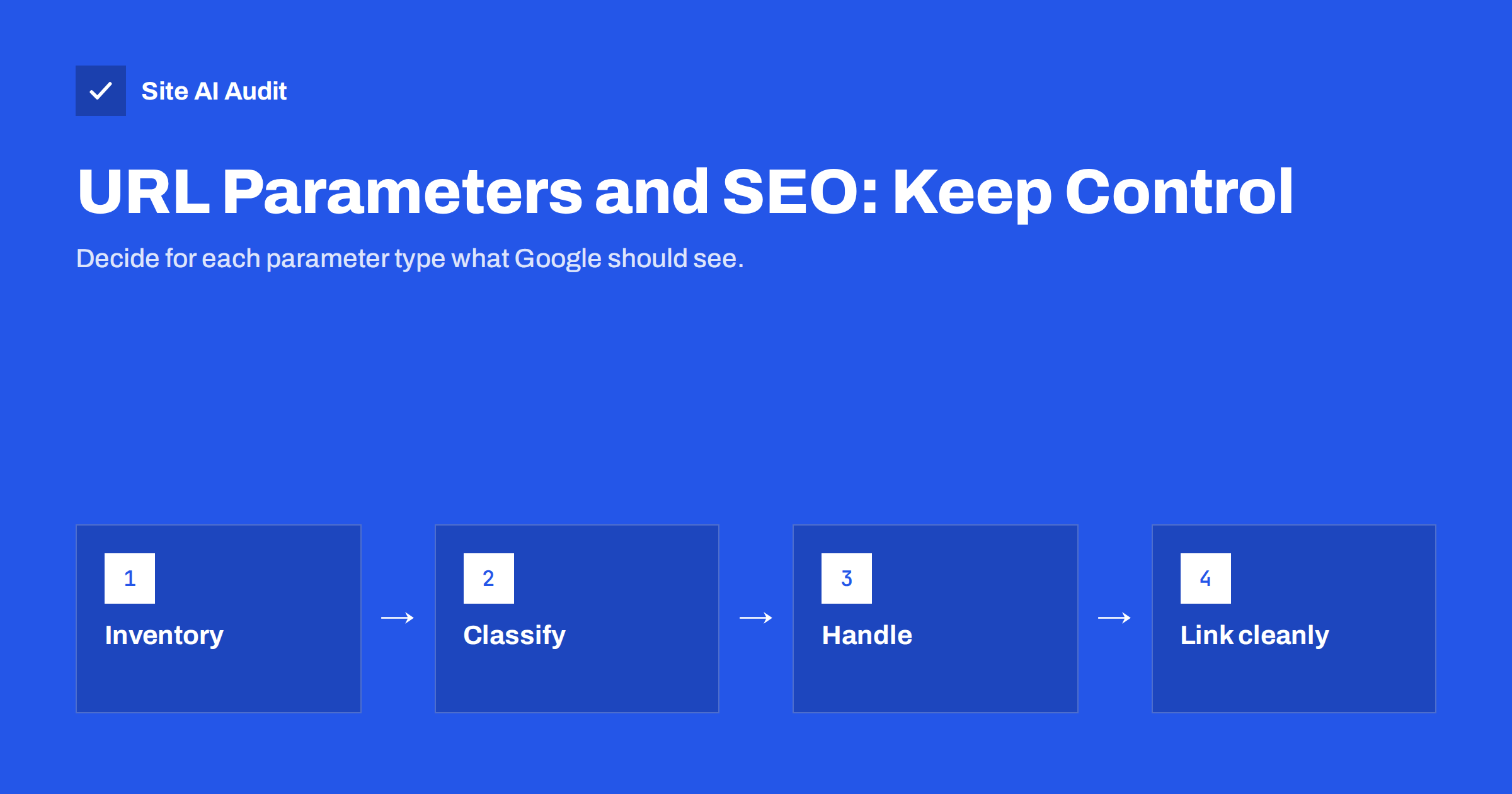
Short answer: URL parameters are the parts of a URL after the question mark, such as ?sort=price or ?utm_source=newsletter. They are normal, but each combination creates a separate URL that search engines may crawl and index, leading to duplicate content and wasted crawling. Point tracking and sorting URLs to the clean version with a canonical tag, decide deliberately which filter pages deserve to be indexed, keep internal links free of parameters, and block only truly endless combinations from crawling.
What URL parameters are and where they come from
A URL parameter is a key and value added to the end of an address, after a question mark. Several parameters are joined with ampersands: /shoes/?colour=red&size=42&sort=price. They are useful because they let one page show different views without creating a separate page for each.
On a typical business website, parameters come from a handful of sources:
- Tracking: campaign tags such as
utm_sourceandutm_campaign, and click IDs added by ad and social platforms. - Sorting:
?sort=price_asc,?order=newest. - Filtering: colour, size, brand, price range and other facets in shops and listings.
- Pagination:
?page=2on category and blog listings. - Internal search:
?s=or?q=for the site’s own search results. - Sessions and preferences: session IDs, currency or view settings (grid or list).
Some change what the page shows (filters, pagination), some only reorder it (sorting), and some change nothing at all (tracking, sessions). That difference decides how each should be handled.
Why parameters cause SEO problems
To a search engine, /shoes/ and /shoes/?sort=price are two different URLs. If both are crawlable and return almost the same content, three things happen:
- Duplicate content. Google has to pick which version to show. It usually does this well, but it may pick a parameter URL you did not intend, and signals such as links are split between versions. See duplicate content causes and fixes.
- Crawl waste. Filters multiply. Ten colours, eight sizes, five brands and four sort orders produce thousands of combinations for one category. Crawlers spend time on those instead of your important pages, which matters most on larger sites, as explained in crawl budget explained.
- Thin or empty pages. Some combinations show one product or none at all. Indexed, they look like low-quality pages.
Small sites with a few parameters rarely suffer much. Online shops, listings, booking sites and anything with faceted navigation are where parameters get out of hand.
Step 1: make an inventory of your parameters
Before changing anything, find out which parameters exist and how many URLs they generate:
- Search Console. In the Page indexing report, look at the example URLs under “Duplicate without user-selected canonical”, “Alternate page with proper canonical tag” and “Crawled – currently not indexed”. Parameter URLs often dominate these lists.
- A crawl of your site. A crawler shows which parameter URLs are linked internally and from which pages.
- Server logs or analytics. Page reports reveal parameter URLs that visitors and bots actually request.
- A site: search. Searching
site:yourdomain.com inurl:sortor similar gives a rough view of what is indexed.
Write each parameter down with its purpose and whether it changes the content. This list is your plan. It also helps to note who added each parameter: the shop platform, a filter plugin, a marketing tool or a developer. Parameters added by plugins can often be configured in the plugin settings, while those produced by the platform itself may need a template change or a developer’s help.
Step 2: decide how to handle each type
| Parameter type | Changes content? | Recommended handling |
|---|---|---|
| Tracking (utm, click IDs) | No | Canonical to the clean URL; never use in internal links |
| Session IDs | No | Avoid in URLs; use cookies instead; canonical to clean URL |
| Sorting | Order only | Canonical to the unsorted page; consider noindex |
| Pagination | Yes | Keep crawlable and indexable; self-referencing canonical |
| Valuable filters (e.g. a brand or main colour) | Yes | Make them proper indexable pages with unique titles |
| Low-value filter combinations | Yes | noindex, or block crawling if combinations are endless |
| Internal search results | Yes | Keep out of the index; block crawling if volume is high |
The Search Console tool that once let site owners tell Google how to treat each parameter was retired in 2022. Handling now has to happen on the site itself, through canonical tags, robots rules and links.
Step 3: use canonical tags for duplicates
For parameters that do not change the main content, the canonical tag is the standard fix. The page /shoes/?utm_source=newsletter should include:
<link rel="canonical" href="https://www.example.com/shoes/">Most CMS platforms output a canonical tag automatically, but check that it strips parameters instead of repeating the full current URL. Google treats canonical tags as a strong hint rather than a directive, and its guide on consolidating duplicate URLs explains the other signals it uses. For the details of writing canonical tags correctly, see canonical tags explained.
Pagination is the exception. Page 2 of a category is not a duplicate of page 1; it lists different products. Give each page a self-referencing canonical, as described in pagination and SEO.
Step 4: choose which filter pages to index
Faceted navigation is where the big decisions are. Some filtered views match real searches: “red running shoes” or “Nike trainers” may deserve their own indexable page. Most combinations, such as size 42 plus price under 50 plus sorted by newest, do not.
- Pick a small set of valuable filters. Base the choice on keyword research and on what customers actually filter by.
- Give them clean URLs. Ideally a path such as
/shoes/red/, with a unique title, heading and a short introduction. - Link to them. Include them in navigation or category text so they are discovered and treated as real pages.
- Keep the rest out of the index. Use noindex or a canonical to the parent category for other combinations.
- Block crawling only when needed. If combinations are effectively infinite, a robots.txt rule can stop crawlers from exploring them. Remember that blocked URLs cannot pass along a canonical or noindex, so do not block pages that are already indexed until they have dropped out.
The approach for category pages as a whole is covered in category page SEO for online shops.
Step 5: keep internal links and sitemaps clean
The most effective way to control parameters is to stop feeding them to crawlers:
- Never use UTM tags in internal links. They create duplicate URLs and also overwrite the original traffic source in analytics. Use them only in links from outside, such as newsletters and ads.
- Link to the canonical version everywhere. Menus, breadcrumbs, product links and related posts should point to clean URLs.
- Keep parameters in a consistent order.
?colour=red&size=42and?size=42&colour=redare different URLs to a crawler. - List only canonical URLs in the XML sitemap. A sitemap full of parameter URLs sends mixed signals.
- Use buttons or forms for low-value options. Sort and view controls implemented without crawlable links generate fewer URLs to explore.
Common mistakes
- Blocking everything with a question mark. A robots.txt rule like
Disallow: /*?can block pagination and important filters too, and leaves already indexed URLs stranded. - Canonicalising page 2 to page 1. This hides products deeper in the list from search engines.
- Letting sort orders be indexed. The same products in a different order add nothing for searchers.
- Forgetting parameters in external campaigns. Links in ads and newsletters should carry tracking tags, but the landing page must still declare the clean URL as canonical, or campaign URLs can end up competing in search.
- Changing too much at once. Adding noindex, canonicals and robots rules on the same day makes problems hard to trace. Change one parameter type at a time and watch the indexing reports.
How Site AI Audit helps
Site AI Audit crawls your site like a search engine and reports the issues parameters often cause or hide: duplicate titles and descriptions, noindex rules, robots.txt and sitemap problems, broken links and redirects. The report explains each finding in plain words and ranks it by impact, so you can see whether parameter URLs are creating duplicate pages on your site. You can run a free check of up to 50 pages.
Related reading
- SEO-Friendly URLs: How to Structure Them the Right Way
- Robots.txt Explained: A Beginner’s Guide With Safe Examples
- Product Page SEO: A Checklist for Online Shops
The bottom line
URL parameters are useful, but uncontrolled they multiply into duplicate and thin pages. List your parameters, classify them by purpose, canonicalise tracking and sorting to clean URLs, turn a few valuable filters into real pages, keep internal links and sitemaps clean, and block crawling only for endless combinations.
DUK
Do UTM parameters hurt SEO?
Not when used only in external links and when pages have a canonical tag pointing to the clean URL. They cause problems when used in internal links, which creates duplicate URLs and distorts analytics.
Should I block URL parameters in robots.txt?
Only for endless combinations such as deep filter mixes or internal search results. Blocking prevents Google from seeing canonical and noindex tags, so do not use it for pages that are already indexed or that should pass signals.
Can I still set URL parameter rules in Google Search Console?
No. Google retired the URL Parameters tool in 2022. Parameters now have to be handled on the site with canonical tags, noindex, robots.txt and clean internal linking.
Should filtered category pages be indexed?
Only the ones that match real searches and have enough products, such as a popular brand or colour. Give those clean URLs and unique content, and keep the remaining combinations out of the index.
Is ?page=2 a URL parameter problem?
Pagination parameters are fine. Keep paginated pages crawlable and indexable with a self-referencing canonical, because they list different content from page 1.


