 ENEnglish
 LTLietuviškai
 DEDeutsch
 FRFrançais
 RUРусский
 ESEspañol
 PLPolski
 ITItaliano
 UKУкраїнська
 CSČeština
 PTPortuguês
 JA日本語
JA日本語 LVLatviešu valoda
 ETEesti
 HUMagyar
 IDBahasa Indonesia
 TRTürkçe
 HIहिन्दी
 ELΕλληνικά
 ARالعربية
 THไทย
THไทย VITiếng Việt
 RORomână
 MSBahasa Melayu
 BNবাংলা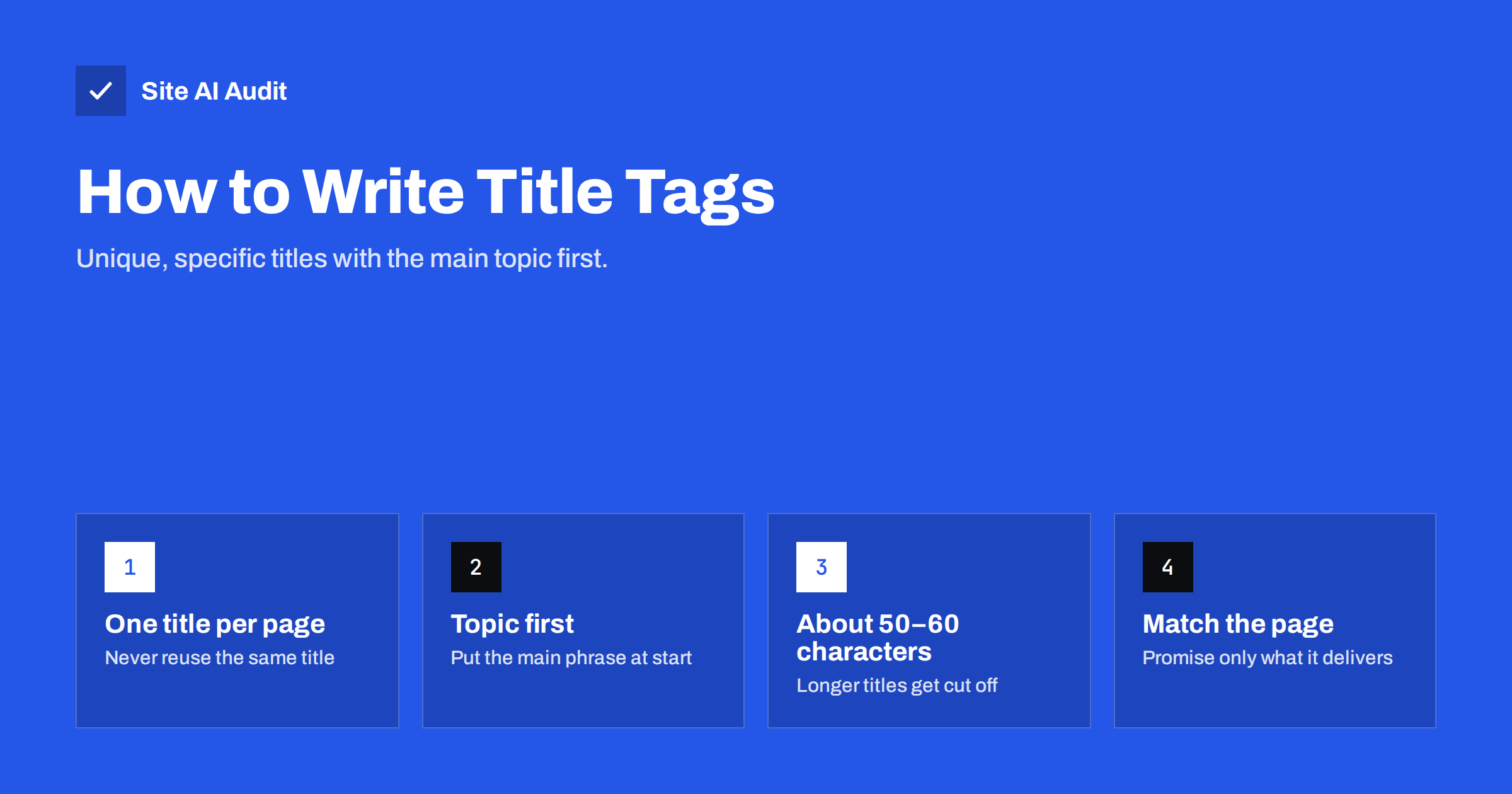
Short answer: A title tag is the HTML element that names a page, and search engines usually show it as the clickable headline in results. A good title is unique to its page, puts the main topic first, stays around 50–60 characters, and honestly describes what the page delivers. Fixing missing and duplicate titles is one of the quickest SEO wins on most small websites.
What a title tag is and where it appears
The title tag lives in the <head> section of every HTML page and looks like this: <title>Emergency Plumber in Leeds – 24/7 Call-Outs | Smith Plumbing</title>. Visitors rarely see it on the page itself, but it shows up in three important places:
- Search results. In most cases, the title tag becomes the blue clickable headline of your listing.
- Browser tabs and bookmarks. It names the tab, which matters when people have ten tabs open.
- Social shares and AI answers. Many platforms fall back to the title when no dedicated social title exists, and answer engines use it as a strong hint about the page topic.
Search engines treat the title as one of the clearest signals of what a page is about. It is not a magic ranking lever, but a vague or duplicated title makes it much harder for the right page to show for the right search.
Why title tags still matter
Title tags do two jobs at once. They help search engines match a page to a query, and they persuade a human to click. A page that ranks in position four with a clear, specific title can easily attract more visitors than a vague listing above it.
Titles also matter because they are fully under your control. You cannot decide how many sites link to you, but you can decide today what every page on your site is called. That makes titles one of the best returns on effort in basic SEO, especially on small business websites where pages were often published with whatever default the website builder suggested, such as “Home”, “Services” or “Untitled page”.
The anatomy of a good title tag
Most strong titles follow a simple pattern: main topic – specific detail or benefit | brand. Each part has a role:
- Main topic first. Start with the words a searcher would use, such as “Wooden Garden Sheds” or “Tax Return Help for Freelancers”. People scan the first few words, and they are the part least likely to be cut off.
- A specific qualifier. Add what makes the page different: a location, a size, an audience, a format or a benefit. “Wooden Garden Sheds – Made to Measure, Delivered in 2 Weeks” says far more than “Garden Sheds”.
- Brand at the end. On most pages, the brand name belongs at the end, separated by a pipe or dash. On the home page, the brand can come first because people searching for your name expect to see it.
A few practical rules keep titles readable:
- Aim for roughly 50–60 characters. Search engines truncate titles by pixel width, not by character count, so this is a safe guide rather than a hard limit.
- Write for people, not for a keyword counter. One clear phrase beats three variations crammed together.
- Use sentence case or title case consistently across the site.
- Avoid all caps, emoji clutter and phrases like “Best Ever!!!” that look like advertising.
Examples: weak titles vs better titles
The difference between a weak and a good title is usually specificity. Here are typical before-and-after examples from small business sites:
| Page | Weak title | Better title |
|---|---|---|
| Home page of a bakery | Pradžia | Rosa’s Bakery – Sourdough and Pastries in Bristol |
| Service page | Services | Company Ltd | Bookkeeping for Small Businesses | Company Ltd |
| Product category | Products | Women’s Waterproof Hiking Boots | TrailShop |
| Blog post | Tips | How to Store Winter Tyres Safely: 7 Simple Steps |
| Contact page | Kontaktai | Contact Smith Plumbing – Call, E-mail or Book Online |
Notice that none of the better titles are stuffed with keywords. They simply describe the page precisely, in the words a customer would use.
The most common title tag problems
When a website is audited, title problems almost always appear near the top of the list. The usual suspects are:
- Missing titles. The page has no title element, or an empty one. Search engines then invent a title from headings or link text, often badly.
- Duplicate titles. Several pages share the same title, typically because a theme or template uses the site name on every page. Search engines cannot tell these pages apart and may show only one of them.
- Titles that are too long. Long titles get cut off with an ellipsis, and the important part may disappear.
- Titles that are too short. A one-word title like “Services” wastes the most visible line of your listing.
- Keyword stuffing. Titles such as “Plumber, Plumbers, Plumbing, Cheap Plumber London” look spammy to both people and search engines.
- Titles that do not match the content. A misleading title may earn a click, but visitors leave quickly and search engines learn to distrust the page.
On larger sites, duplicate titles often come in groups: every page of a paginated blog archive called “Blog”, or hundreds of product variants with the same name. These deserve attention because they multiply quickly.
Why Google sometimes rewrites your title
You may notice that the headline in search results is not exactly what you wrote. Google may replace or adjust a title when it thinks the original is too long, stuffed with keywords, missing, or not a good description of the page. It often draws on the main heading, anchor text of links pointing to the page, or other prominent text.
You cannot fully prevent this, but you can make it much less likely. Google’s own guidance on title links recommends descriptive, concise titles, avoiding repeated boilerplate text, and making sure the main heading and the title tell the same story. If your title and H1 agree, the rewrite, if it happens, will usually still be accurate.
How to find and fix title problems on your site
Fixing titles is a straightforward process once you can see them all in one place.
- Collect every title. Crawl the site with an audit tool, or export page titles from your CMS or SEO plugin. You want a list of URLs with their current titles and lengths.
- Sort by problem. Group missing, duplicate, too long and too short titles. Duplicates matter most, followed by missing titles on important pages.
- Prioritise by value. Start with the pages that bring customers: home, main services or categories, best-selling products and contact. Old blog tags and test pages can wait.
- Rewrite using the pattern. Main topic first, a specific qualifier, brand at the end. Check the length and read each one aloud.
- Fix the template, not only the pages. If duplicates come from a theme setting, change the setting so new pages do not repeat the mistake.
- Re-check after publishing. Run the crawl again to confirm every title is now unique, and watch Search Console over the following weeks to see how impressions and clicks change.
In WordPress, most SEO plugins let you set a title template for each content type and override it on individual pages. In other builders, the title is usually labelled “SEO title” or “Page title” in the page settings.
How Site AI Audit checks your titles
Site AI Audit crawls your website from the outside, the way a search engine does, and checks titles and descriptions as part of its SEO section. It flags missing, duplicate, too long and too short titles, lists the pages affected, and explains each finding in plain words with a suggested fix, for example to give every page a unique title of 50–60 characters with its main topic first. The free check covers up to 50 pages, and paid plans add re-checks after every fix. You can run a free check of your website to see your own title findings.
Related reading
- Open Graph Tags: Control How Your Pages Look When Shared
- Technical SEO vs On-Page SEO vs Off-Page SEO: The Differences
- Service Page SEO: How to Build Pages That Rank and Convert
The bottom line
Title tags are small, but they sit at the most visible spot of your search listing. Give every page a unique, specific title with its main topic first, keep it around 50–60 characters, and make sure it matches the page content and the main heading. Fix duplicates and missing titles on your most valuable pages first, then correct the template so the problem does not come back.
DUK
How long should a title tag be?
Around 50–60 characters is a safe target for most pages. Search engines cut titles by pixel width, so a title with many wide letters may be shortened earlier. Put the most important words first so nothing essential is lost if it is truncated.
Should the title tag and the H1 be the same?
They do not have to be identical, but they should describe the same topic. The title is written for the search results page, while the H1 greets the visitor on the page. Keeping them consistent also makes it less likely that Google rewrites your title.
Do duplicate title tags cause a penalty?
No, duplicate titles do not trigger a penalty. The problem is that search engines cannot tell the pages apart, so they may show the wrong page or only one of them. Unique titles help each page compete for its own searches.
Should I put my brand name in every title?
Usually yes, at the end of the title, because it builds recognition in search results. On very long titles you can drop it to keep the main topic visible. On the home page the brand can come first.
How quickly do title changes show in search results?
Changes appear after the page is crawled again, which can take anywhere from a few days to several weeks. Important pages are usually recrawled faster. You can request indexing of a changed URL in Google Search Console to speed things up.


