 ENEnglish
 LTLietuviškai
 DEDeutsch
 FRFrançais
 RUРусский
 ESEspañol
 PLPolski
 ITItaliano
 UKУкраїнська
 CSČeština
 PTPortuguês
 JA日本語
JA日本語 LVLatviešu valoda
 ETEesti
 HUMagyar
 IDBahasa Indonesia
 TRTürkçe
 HIहिन्दी
 ELΕλληνικά
 ARالعربية
 THไทย
THไทย VITiếng Việt
 RORomână
 MSBahasa Melayu
 BNবাংলা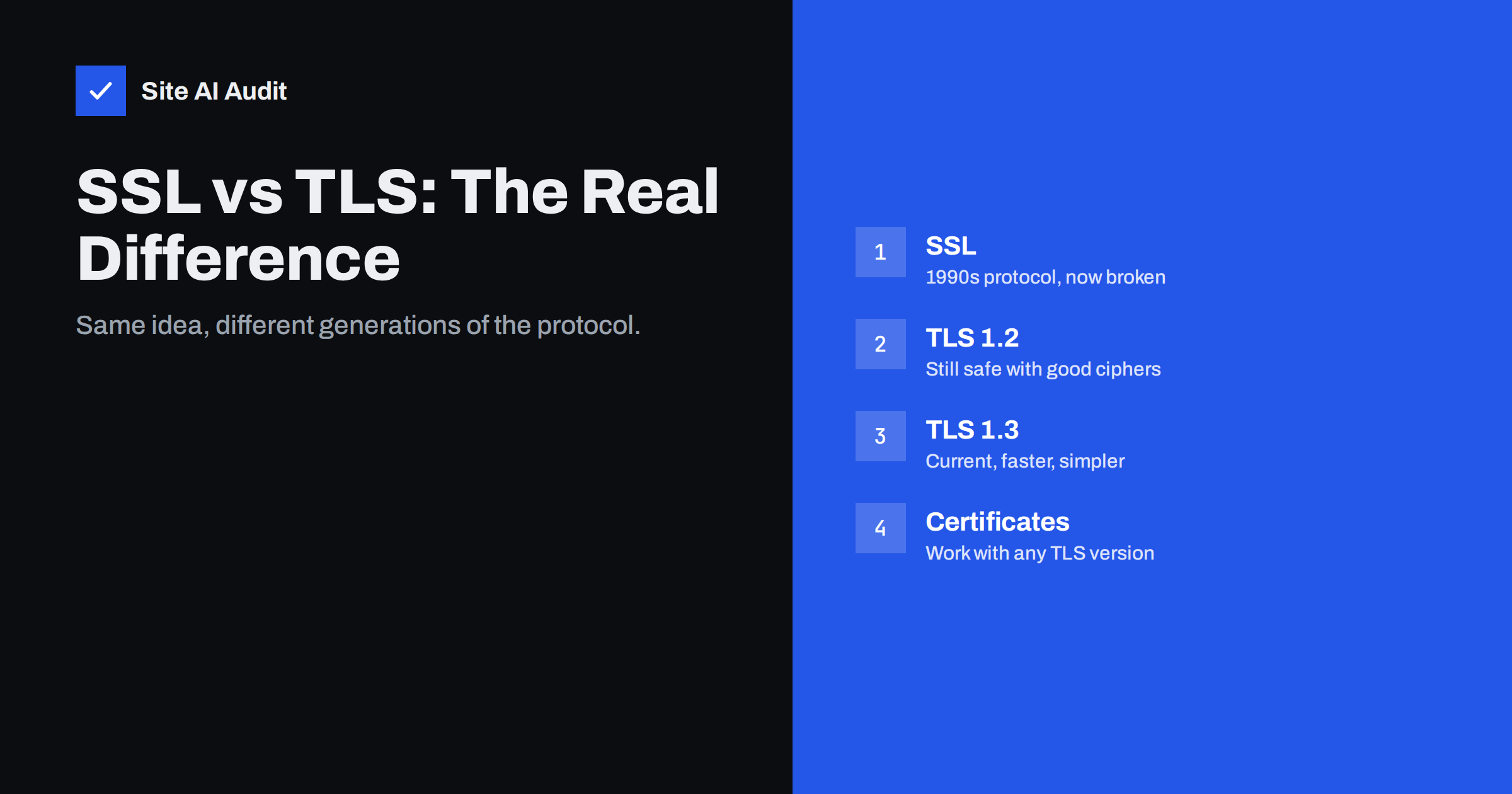
Short answer: SSL (Secure Sockets Layer) and TLS (Transport Layer Security) are successive versions of the same kind of protocol that encrypts connections between browsers and servers. SSL was created in the 1990s and every SSL version is now broken and disabled. TLS replaced it in 1999 and is what all HTTPS sites actually use today, ideally TLS 1.2 and 1.3. “SSL certificate” is simply the old, popular name for a certificate used with TLS; the certificate itself does not decide which protocol version is used – the server configuration does.
Hosting companies sell “SSL certificates”, security tools report “SSL errors”, and the padlock is often called “SSL”. At the same time, audits recommend disabling SSL and old TLS versions. It is understandable that website owners are confused about what they actually have and what they need. This article untangles the terms, explains what changed between versions, and shows what matters for your site in practice.
A short history: from SSL to TLS
- SSL 1.0 was designed at Netscape in the early 1990s and never released publicly because of security flaws.
- SSL 2.0 (1995) was the first public version. It had serious design weaknesses and was deprecated in 2011.
- SSL 3.0 (1996) was a redesign that lasted much longer, until the POODLE attack in 2014 showed it could not be made safe. It was formally deprecated in 2015.
- TLS 1.0 (1999) was the standardised successor, published by the IETF. The name changed partly for political reasons; technically it was an upgrade of SSL 3.0.
- TLS 1.1 (2006) fixed some weaknesses in 1.0.
- TLS 1.2 (2008) introduced modern cryptography such as authenticated encryption, and became the workhorse of the web for a decade.
- TLS 1.3 (2018) removed old options, made the handshake faster and made forward secrecy mandatory.
TLS 1.0 and 1.1 were deprecated by the IETF in 2021, after browsers had already stopped supporting them.
What actually differs between SSL and TLS
At a high level, both do the same three things: agree on encryption keys, authenticate the server with a certificate, and protect data against reading and tampering. The differences are in how securely they do it:
- Key exchange. Old versions allowed methods where a stolen server key could decrypt recorded past traffic. TLS 1.3 only allows key exchange with forward secrecy, so past sessions stay protected even if the key leaks later.
- Cipher choices. SSL and early TLS permitted weak ciphers such as RC4 and export-grade encryption. TLS 1.3 allows only a handful of strong, modern cipher suites.
- Integrity protection. Older versions used constructions later shown to be vulnerable, leading to attacks such as BEAST, POODLE and Lucky Thirteen. Modern TLS uses authenticated encryption (AEAD) that avoids those classes of problems.
- Handshake speed. TLS 1.3 completes the handshake in one round trip instead of two, and supports resumption with even less delay.
- Downgrade protection. Newer versions include mechanisms that make it much harder for an attacker to force a connection down to an older, weaker version.
Versions at a glance
| Protocol | Year | Status | Should your server offer it? |
|---|---|---|---|
| SSL 2.0 | 1995 | Broken, prohibited | No |
| SSL 3.0 | 1996 | Broken, prohibited | No |
| TLS 1.0 | 1999 | Deprecated | No |
| TLS 1.1 | 2006 | Deprecated | No |
| TLS 1.2 | 2008 | Secure with modern ciphers | Yes |
| TLS 1.3 | 2018 | Current standard | Yes |
The current specification, RFC 8446 for TLS 1.3, is the authoritative reference if you want the technical details.
What happens during a modern TLS handshake
It helps to see what the protocol actually does when a visitor opens your site. In TLS 1.3 the sequence is short:
- Client hello. The browser sends the TLS versions and cipher suites it supports, the hostname it wants (so a server hosting many sites can pick the right certificate), and a key share for the most likely key exchange method.
- Server hello. The server picks the version and cipher suite, sends its own key share, and from this point both sides can derive encryption keys. Everything after this message is already encrypted.
- Certificate and proof. The server sends its certificate chain and a signature proving it holds the matching private key.
- Verification. The browser checks the chain up to a trusted root, the hostname and the validity dates, then confirms the handshake.
- Application data. The page request and response travel encrypted and integrity-protected.
In older versions, the certificate was sent unencrypted and an extra round trip was needed before data could flow. That is why TLS 1.3 is not only safer but also noticeably faster on slow mobile connections, and why enabling it is one of the easiest improvements a server administrator can make.
So what is an “SSL certificate”?
A certificate is a signed document that ties a public key to your domain name. It is used during the TLS handshake to prove the server’s identity. The same certificate works with TLS 1.2 and TLS 1.3 – and would technically work with old SSL versions too, if a server still offered them. In other words:
- The certificate proves who you are. It has a validity period, a list of hostnames and an issuer.
- The protocol version and cipher suites determine how the connection is encrypted. They are chosen by your server configuration and the visitor’s browser.
That is why a site can have a perfectly valid, brand-new certificate and still receive a poor grade in a TLS test: the certificate is fine, but the server offers outdated protocols or weak ciphers. Vendors keep using the term “SSL certificate” because it is what customers search for; “TLS certificate” and “SSL/TLS certificate” mean the same thing.
Why the terminology matters in practice
Understanding the difference helps you ask the right questions and read reports correctly:
- “SSL certificate expired” is about the certificate: renew it.
- “SSL 3.0 / TLS 1.0 enabled” is about the server configuration: disable old protocol versions; the certificate is irrelevant.
- “Weak cipher suites” is also configuration: update the server’s cipher settings or software.
- “Certificate chain incomplete” is about installation: serve the intermediate certificates.
- “Buy a stronger SSL certificate” is almost always a sales pitch. Encryption strength comes from the protocol and cipher configuration, not from the price of the certificate.
How to see which version your site uses
In Chrome or Edge, open the developer tools, go to the Security tab and look at the connection details: they show the protocol (for example TLS 1.3) and the cipher. Firefox shows similar details under the padlock, in the connection information. From the command line, openssl s_client -connect example.com:443 -servername example.com prints the negotiated protocol and cipher at the end of its output. To see every version the server accepts – not just the one your browser picked – use an online TLS testing service or a scanner such as nmap with its SSL enumeration script.
What a good configuration looks like today
- A valid certificate for every hostname, renewed automatically.
- TLS 1.2 and TLS 1.3 enabled; SSL 2.0, SSL 3.0, TLS 1.0 and TLS 1.1 disabled.
- Modern cipher suites with forward secrecy for TLS 1.2 (ECDHE with AES-GCM or ChaCha20-Poly1305).
- A permanent redirect from HTTP to HTTPS and an HSTS header.
- Up-to-date server software and cryptographic libraries, so new protocol improvements and fixes arrive automatically.
Most current hosting platforms and web servers ship with sensible defaults close to this. Older servers configured years ago are where outdated protocols usually survive.
Beyond websites: e-mail and other services
TLS is not only for HTTPS. Mail servers use it to encrypt connections between each other and with mail clients (often via STARTTLS), and many other services – databases, FTP over TLS, VPNs, APIs – rely on it too. The same principles apply: current protocol versions, strong ciphers and valid certificates. Mail servers sometimes lag behind websites because they talk to a wider variety of old systems, so review them separately rather than assuming the website configuration applies.
How Site AI Audit helps
Site AI Audit checks the parts of HTTPS that visitors notice first: whether the SSL certificate is valid and when it expires, whether HTTP redirects to HTTPS, which security headers are sent and whether software versions are exposed. Each result is explained in plain language, without assuming you already know the difference between SSL and TLS. Run a free check.
Related reading
- TLS 1.0 and 1.1 Are Obsolete: How to Disable Them Safely
- What Is an SSL Certificate and Why Does Your Website Need One?
- Free vs Paid SSL Certificates: Which Does Your Site Need?
The bottom line
SSL is the historical name; TLS is the protocol every secure website really uses. All SSL versions and TLS 1.0 and 1.1 are obsolete, while TLS 1.2 and 1.3 are the safe choices today. Your certificate proves your identity, but your server configuration decides how strong the encryption is – so when a report mentions “SSL”, check whether it is talking about the certificate or the protocol.
DUK
Is SSL still used today?
No. All SSL versions are broken and disabled in modern browsers and servers. The term survives in product names and everyday language, but actual connections use TLS.
Do I need a different certificate for TLS 1.3?
No. The same certificate works with TLS 1.2 and TLS 1.3. Enabling TLS 1.3 depends on your web server and its cryptographic library, not on the certificate.
Is TLS 1.2 still safe to use?
Yes, when configured with modern cipher suites that provide forward secrecy and authenticated encryption. It is recommended to keep it enabled alongside TLS 1.3 for compatibility.
Why do hosting companies still say “SSL certificate”?
Because it is the name most customers know and search for. Technically it is a certificate used with TLS, and the terms SSL certificate and TLS certificate refer to the same product.
Can a paid certificate give stronger encryption than a free one?
No. Encryption strength depends on the protocol version, cipher suites and key chosen during setup. Free and paid certificates are equally capable.


