ENEnglish
 LTLietuviškai
 DEDeutsch
 FRFrançais
 RUРусский
 ESEspañol
 PLPolski
 ITItaliano
 UKУкраїнська
 CSČeština
 PTPortuguês
 JA日本語
JA日本語 LVLatviešu valoda
 ETEesti
 HUMagyar
 IDBahasa Indonesia
 TRTürkçe
 HIहिन्दी
 ELΕλληνικά
 ARالعربية
 THไทย
THไทย VITiếng Việt
 RORomână
 MSBahasa Melayu
 BNবাংলা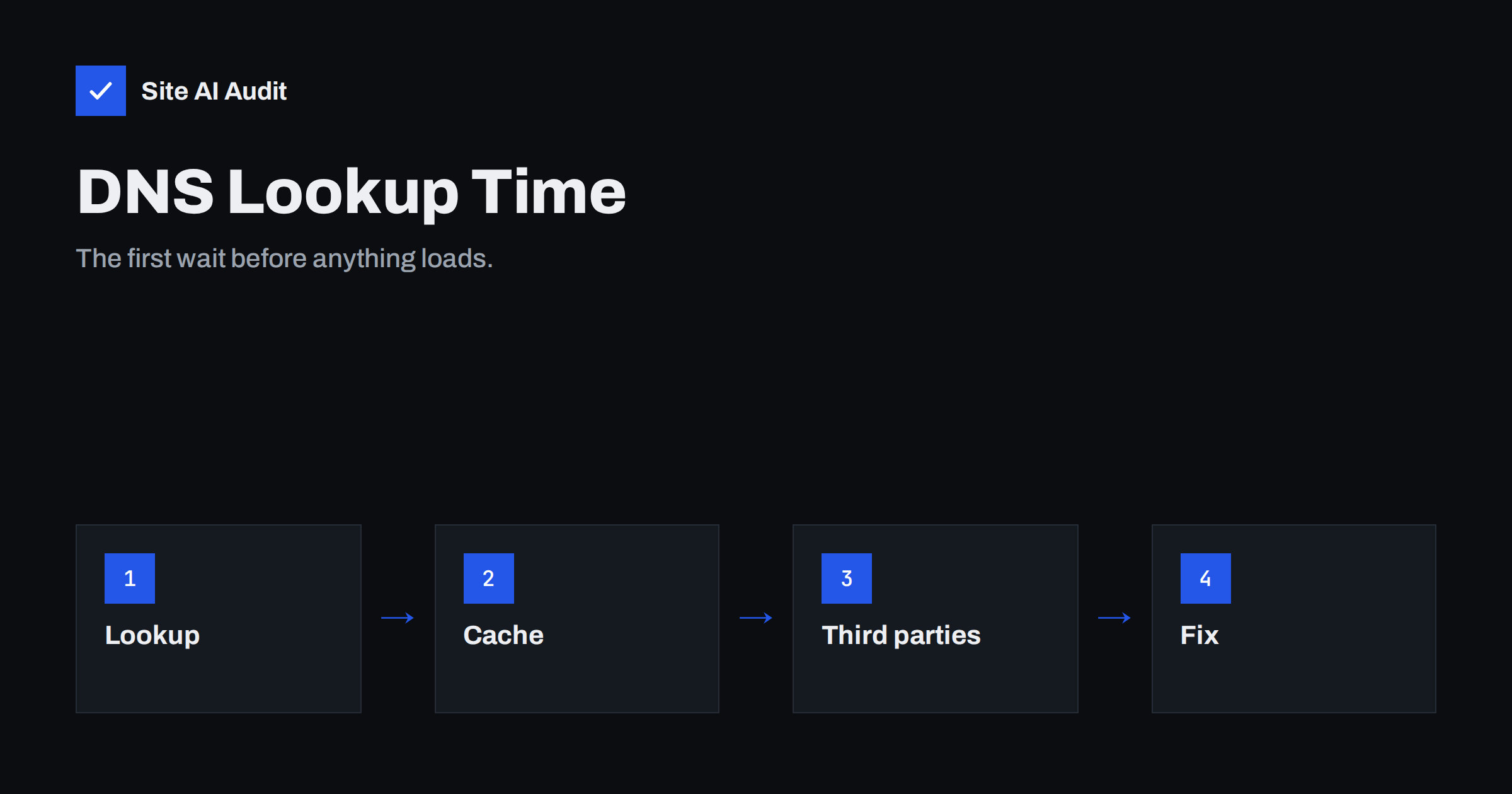
Short answer: DNS lookup time is the delay while the browser turns a domain name into a server address. It happens before the connection starts, so every millisecond adds to the time before the first byte. On a good setup a lookup takes a few tens of milliseconds and is often cached, but a slow DNS provider, a very low TTL or many third-party hostnames can add hundreds. You reduce it by using a fast DNS service, keeping a sensible TTL and cutting the number of different hostnames a page needs.
What happens during a DNS lookup
People type names, but computers connect to numbers. The Domain Name System is the phone book that connects the two. When a visitor opens your site for the first time, the browser needs the address for your domain, and it asks in steps.
- The browser checks its own cache. If it looked up the name recently, the answer is immediate.
- The operating system checks its cache.
- The request goes to a recursive resolver, usually run by the visitor’s internet provider or a public DNS service. It checks its cache too.
- If the resolver does not know the answer, it asks the authoritative name servers for your domain, the ones configured at your DNS provider, and caches the reply for the time set by the TTL.
Only the last step depends on your DNS provider. Steps one to three depend on the visitor’s device and network. That is why a lookup can take almost no time for a repeat visitor and noticeably longer for someone who arrives after the cache has expired.
How much delay is normal
A cached lookup is close to instant. An uncached lookup on a well-run, well-connected DNS service typically takes somewhere between 10 and 100 milliseconds, depending on how far the visitor is from the nearest server. On mobile networks and in distant regions it can take longer. Anything that regularly takes several hundred milliseconds deserves attention, because it comes before the TCP connection, the TLS handshake and the request itself. Nothing else can start until it finishes.
The lookup also affects the first byte metric. If you are working on that number, our guide to reducing server response time covers the other parts of the delay.
Why DNS can be slow
Most slow lookups come from a short list of causes.
- A weak DNS provider. Some registrar-supplied name servers run in one location with little capacity. Visitors far away wait longer, and busy periods make it worse. A DNS provider with servers in many regions, using anycast routing, answers from a nearby location.
- A very low TTL. TTL, or time to live, tells resolvers how long they may keep an answer. A TTL of 60 seconds forces frequent fresh lookups. Low values are useful before a planned change, but leaving them in place permanently costs speed.
- Long chains of CNAME records. Each alias can need another lookup. A name that points to another name that points to a third adds steps.
- Many different hostnames on one page. Fonts, analytics, chat widgets, ad networks, embedded videos and social buttons each live on their own domains. Every new hostname needs its own lookup, and the browser may handle several at the same time but not for free.
- Broken or slow secondary name servers. If the first name server in the list does not answer, the resolver waits before trying the next one.
How to measure DNS time
You can see the lookup in a request waterfall. Free speed test tools show a separate DNS segment for each request, usually next to the connection and TLS segments. Our guide to reading a waterfall chart explains how to find it. Look at two things: the DNS time for your main domain on the first request, and the number of different hostnames further down the list, each with its own DNS segment.
For a quick check from a computer, a command such as dig or nslookup shows the response time of the name servers for your domain. Run it a few times and from different networks. If one query is fast and another slow, caching is hiding the true cost.
Remember that tests from a data centre usually have a warm, fast resolver. Real visitors on mobile networks may see more. Treat the test as a floor, not a promise.
Ways to reduce DNS lookup time
Choose a fast DNS provider
If your name servers are provided free by an old registrar and your pages feel slow before they start, moving DNS hosting is often the single cheapest improvement. Look for a provider with servers in many locations and a good uptime record. When you move, follow a careful process so that website and email keep working; our guide to changing DNS provider without breaking email lists the records to copy.
Set a sensible TTL
For records that rarely change, such as your main A record, a TTL between one hour and one day is usual. Lower it a day before a planned migration and raise it again afterwards. For background on how TTL affects changes, see our article on DNS propagation and TTL.
Reduce the number of hostnames
Count the domains your home page contacts. Remove tools you no longer use. Host fonts and scripts on your own domain where licences allow, or use fewer providers. Every hostname you remove saves a lookup, a connection and a TLS handshake. Our guide to third-party scripts shows how to find the heaviest ones.
Use resource hints for the hosts you keep
The dns-prefetch hint tells the browser to resolve a hostname early, while preconnect also opens the connection. Use them for the few third-party hosts that matter for the first screen, such as a font provider. Do not add them for everything, because unused hints waste effort. Our article on preload, preconnect and prefetch explains where each one fits.
Keep CNAME chains short
Point your main names directly at the final address where you can. If a service insists on an alias, accept one step but avoid stacking several.
Does a CDN help?
A content delivery network helps in two ways. Many CDNs also provide fast DNS, so the lookup is answered from a nearby location. They also serve files from servers close to the visitor, which shortens the following connection steps. The lookup itself is still needed, so a CDN does not remove DNS time; it makes it small. See our guide on whether you need a CDN for the trade-offs.
A worked example
Imagine a small shop whose home page contacts eleven different hostnames: the shop itself, a font provider, an analytics service, a chat widget, two advertising tags, a video host, a review widget, a map, a social button and an image host. If each uncached lookup costs about 60 milliseconds and the browser resolves several in parallel, the page may still spend a quarter of a second or more waiting for names before the related files can even begin to download. Remove the two advertising tags and the social button, which nobody clicks, and add a preconnect hint for the font provider. The page now needs eight names, one of them is resolved early, and the first screen appears sooner without any change to the design.
The lesson is that DNS time rarely comes from one big problem. It comes from many small waits that add up, and cleaning the list of external hosts is the cheapest place to start.
Common mistakes
Blaming DNS for everything. If the lookup is 30 ms and the server takes two seconds to answer, DNS is not your problem. Look at the whole waterfall before you change providers.
Forgetting the second name server. Always list at least two name servers, on separate networks. One server makes the site unreachable when it fails.
Changing name servers during a launch. Move DNS in a quiet period, copy every record first, including mail records, and keep the old setup active until the change has spread.
What Site AI Audit can and cannot tell you
Site AI Audit’s speed results include the Google PageSpeed score, LCP, CLS and INP, server response time and the compression and weight of your pages. It does not break out DNS time or list your name servers, so use a waterfall from a speed test for that detail. The response time figure is still a useful signal: if it is high and your server is quiet, slow DNS and connection setup are worth checking. You can run a free check of your website or see the plans.
Related reading
- How to Reduce Server Response Time (TTFB) for Faster Pages
- Preload, Preconnect and Prefetch: Resource Hints Explained
- How Third-Party Scripts Slow Down Your Website (and Fixes)
- DNS Propagation and TTL: How Long Do Email Changes Take?
The bottom line
DNS lookup is a small delay that happens first and blocks everything after it. Use a fast, well-distributed DNS service, keep TTLs at a sensible value, shorten alias chains and cut the number of external hostnames a page needs. Measure it in a waterfall so that you fix the part of the delay that really exists.
DUK
How long should a DNS lookup take?
An uncached lookup on a good DNS service usually takes tens of milliseconds. Cached lookups are almost instant. Regular delays of several hundred milliseconds are worth investigating.
Does changing DNS provider make my site faster?
It can, if your current name servers are slow or in one location. It will not help when the delay is in your server or in heavy pages.
Is a low TTL bad for speed?
A permanently low TTL forces more fresh lookups, which costs time. Use low values only around planned changes, then return to a normal value.
What is dns-prefetch?
It is a browser hint that resolves a hostname in advance. It helps for third-party hosts you will certainly need soon, such as a font provider.
Do visitors’ DNS settings matter?
Yes. Their resolver affects the first steps, and you cannot control it. You control your own name servers, TTL and the number of hostnames.