ENEnglish
 LTLietuviškai
 DEDeutsch
 FRFrançais
 RUРусский
 ESEspañol
 PLPolski
 ITItaliano
 UKУкраїнська
 CSČeština
 PTPortuguês
 JA日本語
JA日本語 LVLatviešu valoda
 ETEesti
 HUMagyar
 IDBahasa Indonesia
 TRTürkçe
 HIहिन्दी
 ELΕλληνικά
 ARالعربية
 THไทย
THไทย VITiếng Việt
 RORomână
 MSBahasa Melayu
 BNবাংলা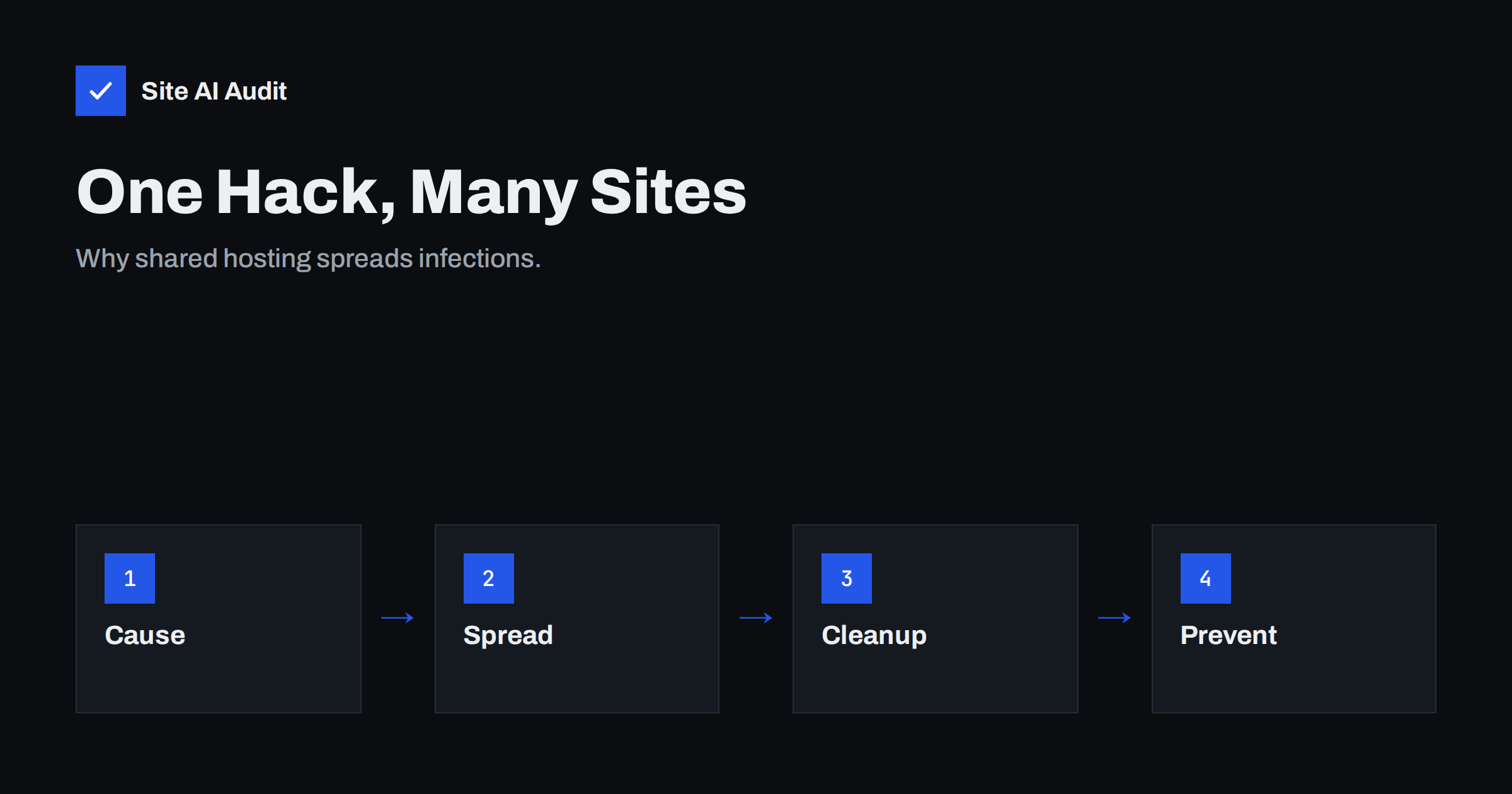
Short answer: When several websites share one hosting account, they often share the same file permissions, so malware that gets into one site can write into the others. An old test site, a forgotten demo or an unpatched plugin is enough. Protect yourself by keeping each important site in its own account or isolated space, removing unused sites, restricting file permissions, using separate database users and cleaning every site after an incident, not just the visible one.
Why websites in one account infect each other
Most hosting plans are built around an account, which has one system user. Everything inside it, including every website, runs under that same user. The web server software that runs your PHP files has the right to read and write all the files of that user.
That is convenient, because you can add many domains to one plan. It also means there is no wall between the sites in the account. If an attacker gets control of one of them, through an outdated plugin or a stolen password, the attacker’s code runs with the same rights as every other site in that account. It can read configuration files with database passwords, change other sites’ files and plant backdoors. The sites are neighbours with no locks between them.
What cross-site infection looks like
- You clean one site, and a few days later the same malware is back, because it was hiding in a second site and reinfected the first.
- Several websites show the same spam pages, the same redirects or the same unknown admin user at the same time.
- Files with the same odd names appear in the folders of different sites.
- The hosting company suspends the whole account, and not only one site.
- Search results show warnings for more than one of your domains.
If you see this, treat all sites in the account as compromised until proven otherwise. Our guides to the signs that your website has been hacked and hacked website recovery steps help you act in the right order.
The usual way in: forgotten sites
Attackers rarely target your main site first. They look for the weakest site on the same account. Typical weak points are:
- Old test and demo installations of WordPress, left in a folder such as /test/ or /old/, never updated and still reachable.
- A former site of a project that ended, with plugins that nobody has touched for years. See abandoned WordPress plugins.
- Nulled themes and plugins installed on a side project, which often contain backdoors. Read the risks of nulled themes and plugins.
- A staging copy of the live site, with weaker passwords and no protection. Staging copies can also appear in Google, as we explain in staging site indexed by Google.
- A small hobby site of a relative or a former employee that you host as a favour.
These sites hold nothing valuable, so nobody watches them. But once infected, they serve as a bridge to the important ones.
Permissions make it easier
Many compromises spread more easily because files and folders are open too wide. If everything is set to be writable by anyone (the setting often written as 777), then any process on the server can change it. Even in a correct setup, a folder that the web server may write to can store attacker files. Review your permissions with the guide to file permissions on a web server, and stop PHP code from running inside upload folders, as described in blocking PHP execution in uploads.
The hosting side: isolation differs
Good hosting providers put extra walls between accounts, using containers or file system isolation, so that one customer cannot read another’s files. That protects you from other customers on the same server. It does not protect sites inside your own account from each other, because they belong to the same customer and share the same user.
Ask your provider two questions: are accounts isolated from each other, and can I create separate accounts or isolated spaces for different sites? Some plans allow each website to run under its own user. If yours does, use it. If not, consider whether a virtual server is a better fit, as discussed in shared hosting versus VPS. A bigger step does not remove the need for care; a virtual server you manage yourself has security tasks of its own.
Reputation also gets shared
Sites in one account usually send mail from the same server and the same IP address. If one infected site starts sending spam, the address is added to blocklists, and legitimate mail from your other sites and your business is affected. Learn more in shared versus dedicated IP for email. Search engines can also react: when one hacked site shows spam, you may see warnings and lower rankings on that site while the others stay clean, but that is no reason to relax.
How to reduce the risk
- Make an inventory. List every site, folder and database in the account. Open the file manager and look for folders you do not recognise.
- Delete what you do not use. Remove old tests, former sites and unused plugins and themes. Take a backup first, and store it away from the server.
- Update everything. Core, plugins and themes for every site, not only the main one. Follow the WordPress security checklist.
- Separate important sites. Give your shop or main business site its own account or isolated space. Put hobby and experimental sites elsewhere.
- Use separate database users. Each site should connect with a user that can only reach its own database, with a different strong password.
- Use different logins. Never reuse the same admin password across sites, and limit who has an account. See user roles and least privilege.
- Keep working backups. A backup made before the infection is your best way back. Our website backup strategy explains how often and where to store them.
- Protect the entry points. Enable two-factor login and limit login attempts on every site.
A simple monthly routine
Once a month, spend twenty minutes on the whole account, not on one site. Open the file manager and sort the folders by modification date; a folder that changed when nobody worked on it deserves a look. Check the list of users in each website, the list of installed plugins and the date of the last update. Look at your hosting panel for unfamiliar scheduled tasks, extra database users and email forwarders you did not create. Write down what you checked, so that next month you can see what is new. This habit finds forgotten sites long before an attacker uses them.
Cleaning up after an incident
If you find malware in one site, do not stop at the first one. Check all the sites in the account, including those that look unrelated. Replace core files with fresh copies, remove unknown files and users, change every password (hosting panel, file transfer, database and admin logins) and look for hidden backdoors in upload and cache folders. Restore from a clean backup where possible. Then update everything before you bring the sites back online, or the attacker will return through the same hole.
Because the attacker may still have a way in, consider asking your host to scan the whole account and to tell you which file was changed first. That file usually shows how the intrusion began.
What Site AI Audit can and cannot tell you
Site AI Audit checks the security basics visible from outside: SSL certificate and expiry, redirect from HTTP to HTTPS, security headers and exposed software versions. It does not log in to your hosting account, so it cannot find a hidden test site or see file permissions. It can show whether the sites you give it follow the basics. Run a check on each domain you own: start with a free check or see the plans if you manage several sites.
Related reading
- Website Security for Small Businesses: Where to Start
- Website Security Audit Checklist: What to Check and in What Order
- Two-Factor Authentication for Website Owners: What to Protect
The bottom line
Websites in one hosting account live together without walls, so one weak site can open the door to all of them. Find and remove forgotten installations, keep everything updated, give important sites separate accounts or isolated spaces, use separate database users and passwords, and when a hack happens, clean every site in the account.
DUK
Can a hacked website infect other websites on the same hosting?
Yes, especially when the sites share one hosting account and one system user. Malware in one site can usually read and write the files of the others. Providers that isolate accounts reduce the risk between different customers, but not between sites inside your own account.
Should I put every website in a separate hosting account?
For important sites, yes if your plan allows it. Separate accounts or isolated spaces limit the damage of a single hack. Small, low-risk sites can share a space if they are kept updated.
Why does malware keep coming back after I clean my site?
Often a second infected site or a hidden backdoor in the same account reinfects it. Clean every site and every folder, change all passwords and update all software.
Are old test sites really a danger?
Yes. They are rarely updated and nobody checks them, which makes them a favourite entry point. Delete them or keep them updated and protected by a password.
Does my hosting company protect me from this?
Partly. Many hosts isolate customers from each other and scan for malware, but they usually cannot protect the sites inside your own account from one another. That part is your responsibility.