 ENEnglish
 LTLietuviškai
 DEDeutsch
 FRFrançais
 RUРусский
 ESEspañol
 PLPolski
 ITItaliano
 UKУкраїнська
 CSČeština
 PTPortuguês
 JA日本語
JA日本語 LVLatviešu valoda
 ETEesti
 HUMagyar
 IDBahasa Indonesia
 TRTürkçe
 HIहिन्दी
 ELΕλληνικά
 ARالعربية
 THไทย
THไทย VITiếng Việt
 RORomână
 MSBahasa Melayu
 BNবাংলা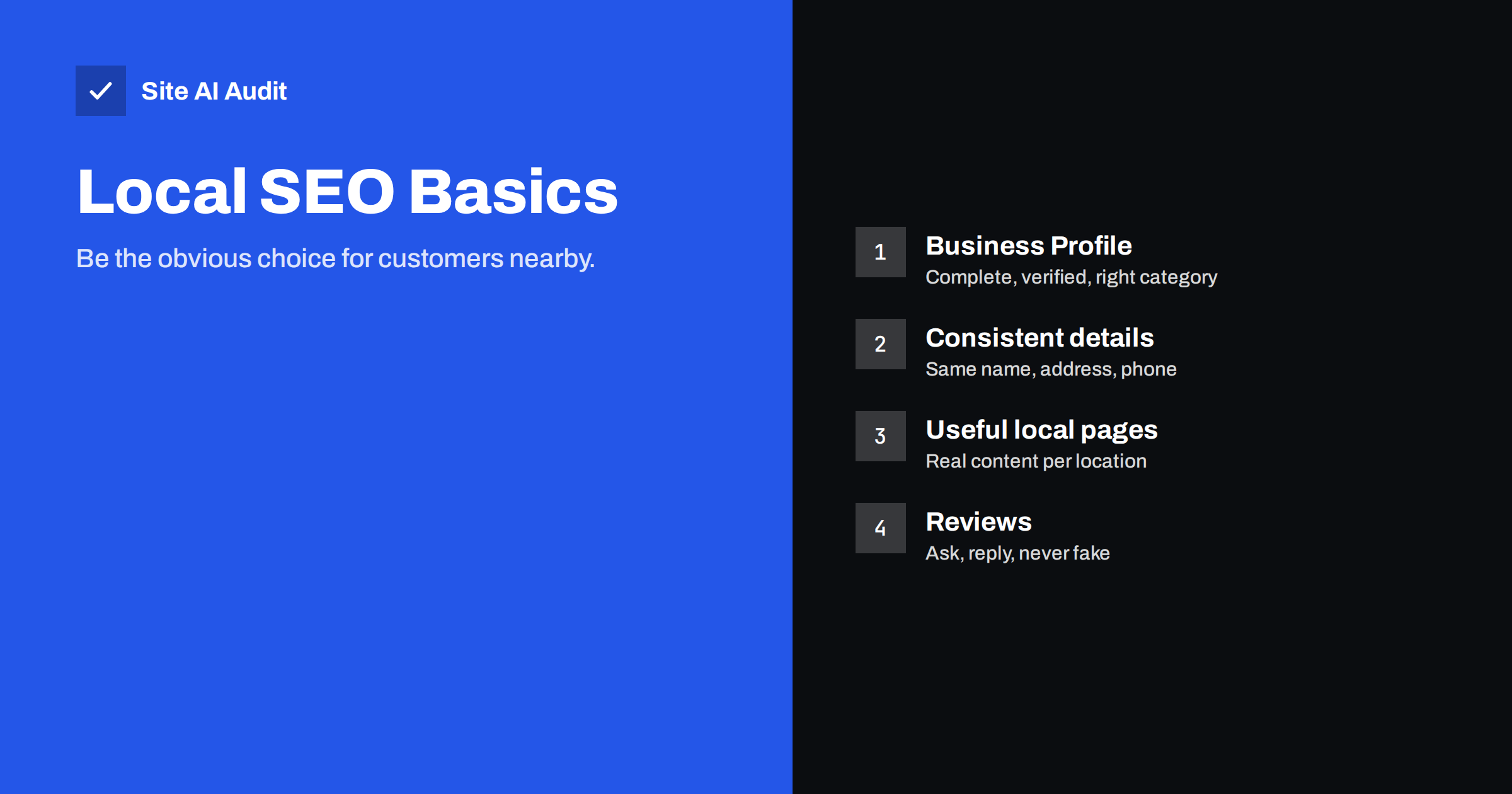
Short answer: Local SEO helps a business appear when people nearby search for what it offers, such as “dentist near me” or “bike repair Leeds”. The basics are a complete and verified Google Business Profile in the right category, the same business name, address and phone number everywhere, a website with clear location and service information, and a steady flow of genuine reviews. Google ranks local results mainly on relevance, distance and prominence, and the first and last are the ones you can influence.
How local search results work
When a search has local intent, Google usually shows a map with a short list of businesses, often called the local pack, above or among the regular results. Tapping a business opens its profile with address, hours, photos, reviews and buttons to call, get directions or visit the website.
Google explains that local results are based mainly on three factors:
- Relevance: how well a business profile matches what the person searched for.
- Distance: how far the business is from the searcher or from the location mentioned in the search.
- Prominence: how well known the business is, based on information such as reviews, links, articles and directory listings.
You cannot move your shop closer to every customer, but you can make your business clearly relevant and steadily more prominent. That is what local SEO is about.
Step 1: Claim and complete your Google Business Profile
For most local businesses, the Google Business Profile is the single most important local SEO asset. It is free. Work through it carefully:
- Claim and verify the profile for your business. Google offers several verification methods depending on the business type and location.
- Choose the right primary category. This is one of the strongest relevance signals. Pick the most specific category that describes your main business, such as “Emergency locksmith service” rather than just “Locksmith” if it fits, and add a few secondary categories for other services.
- Use your real business name. Do not add keywords or city names to the name unless they are part of your legal or trading name. Keyword-stuffed names break Google’s guidelines and can lead to suspension.
- Add accurate contact details: address (or service area if you visit customers), phone number, website and opening hours, including holiday hours.
- Describe your services and products. Fill in the services list, a clear description and product listings where available.
- Add real photos of your premises, team and work. Photos help customers decide and show the profile is active.
- Keep it updated. Change hours before holidays, post updates on news and offers, and answer questions people ask on the profile.
Step 2: Keep your name, address and phone consistent
Search engines compare what your website, your Business Profile and other sites say about you. When the details match, they are more confident the information is correct. When they differ, for example an old address in a directory or a different phone number on your contact page, confidence drops and customers get confused.
Check and align:
- your website footer and contact page;
- your Google Business Profile and Bing Places listing;
- major directories in your country and industry;
- social media profiles;
- maps and navigation apps that let businesses edit their listing.
Use exactly the same format everywhere where possible. After a move or rebrand, updating these listings is one of the most important tasks, and it is easy to forget old ones.
Step 3: Make your website support local search
Your website is where the Business Profile sends people, and it contributes to relevance and prominence. Make sure it covers the basics:
- Location in text. Show your address and phone as real text, not only in an image, in the footer and on the contact page. Embed a map if it helps visitors.
- Clear service pages. Each main service should have its own page describing what you do, for whom and where. A single “services” page listing everything in one paragraph gives search engines little to match.
- Area information. Mention the towns or districts you serve in a natural way, such as in a “service area” section.
- Titles that include location where relevant. “Emergency Plumber in Leeds – 24/7 Call-Outs | Smith Plumbing” is clearer than “Services”.
- LocalBusiness structured data with the same details as your profile.
- Mobile usability. Many local searches happen on phones. Click-to-call buttons, readable text and fast loading matter.
- Link to the right page. Your Business Profile’s website link should go to the most relevant page, usually the home page for single-location businesses or the specific location page for multi-location ones.
Step 4: Build location pages the right way
If you have several branches, each should have its own page with its own address, phone, hours, directions, team or photos, and a link from the matching Business Profile. These are genuinely useful pages.
If you have one location but serve several towns, be careful. Pages that repeat the same text with only the town name changed rarely help and can be seen as doorway pages. Create separate town pages only when you can say something genuinely specific: projects completed there, local conditions, travel times, local testimonials. Otherwise, one clear “areas we cover” page is the honest option.
Step 5: Earn and manage reviews
Reviews influence both prominence and the customer’s decision. A steady stream of genuine reviews tends to be better than a burst followed by silence.
- Ask at the right moment. Right after a job is completed or a purchase is collected, with a direct link to your review form.
- Make it easy. A short link or QR code on receipts, invoices and follow-up e-mails.
- Reply to reviews, both positive and negative, politely and specifically. A calm, helpful reply to a complaint often impresses future customers more than the complaint worries them.
- Never buy or fake reviews, and do not offer rewards for positive ones. Platforms remove fake reviews and can restrict profiles; in many countries, fake reviews also break consumer protection law.
Step 6: Build local prominence
Prominence grows from being mentioned and linked in your community and industry:
- listings in reputable local and industry directories;
- membership of trade associations and chambers of commerce, which often include a profile page with a link;
- local sponsorships, events and partnerships;
- mentions in local news and blogs when you do something newsworthy;
- useful content on your own site that local people and organisations want to share.
Quality matters more than quantity. A handful of relevant, real local links and mentions is worth more than hundreds of low-quality directory submissions.
How to measure local results
Local rankings vary street by street, so checking your position by searching on your own phone is misleading. Use these sources instead:
- Business Profile performance. The profile shows how many people viewed it, which searches found it, and how many called, asked for directions or visited the website.
- Search Console. Filter the Performance report by queries that include your town or “near me” to see how the website itself performs for local searches.
- Tracking links. Add a campaign parameter to the website link in your profile so analytics can separate profile visits from other search traffic.
- Ask customers. A simple “How did you find us?” question at booking or checkout often reveals more than any tool.
Review these numbers monthly. Trends matter more than single days, and seasonal businesses should compare with the same month of the previous year.
Common local SEO mistakes
- An unclaimed or half-filled Business Profile.
- Wrong or generic primary category.
- Keywords stuffed into the business name.
- Old addresses and phone numbers left in directories after a move.
- Contact details on the website only in images or in a map widget.
- Dozens of copy-paste town pages.
- Ignoring or arguing with negative reviews.
- Using a virtual office or PO box as an address, which usually breaks profile guidelines.
How Site AI Audit helps
The website side of local SEO depends on the same foundations as any other: pages that can be indexed, clear titles and headings, working links, a valid SSL certificate and good mobile speed. Site AI Audit checks these in one report and explains every finding in plain words, ranked by impact. Check your website for free before you invest time in local listings.
Related reading
- Structured Data for Small Business Websites: A Beginner Guide
- SEO Audit Checklist for Small Business Websites
- How to Write Title Tags: A Practical Guide for Small Sites
The bottom line
Local SEO starts with a complete, accurate Google Business Profile in the right category, the same name, address and phone number everywhere, and a website that clearly says what you do and where. Add genuine reviews and real local mentions over time, create location pages only when you have something specific to say, and keep every listing up to date when your details change.
DUK
Do I need a website for local SEO?
A Business Profile can appear without one, but a website adds relevance and prominence, gives customers more information and is often used by Google to understand your services. Most businesses benefit from having both.
How long does local SEO take to show results?
Profile changes can show within days. Building reviews, listings and local prominence takes months. Results vary by competition in your area and industry.
Can I rank in a town where I have no address?
It is harder, because distance is a major factor in local results. Service-area businesses can list the areas they cover, and useful content about those areas can help in regular search results.
Should I add my city to my business name?
Only if it is part of your real business name. Adding keywords or locations to the name on your profile breaks Google’s guidelines and can lead to suspension.
How many reviews do I need?
There is no magic number. A steady flow of recent, genuine reviews, with thoughtful replies, matters more than a total. Compare with competitors in your area for a sense of what is typical.


