 ENEnglish
 LTLietuviškai
 DEDeutsch
 FRFrançais
 RUРусский
 ESEspañol
 PLPolski
 ITItaliano
 UKУкраїнська
 CSČeština
 PTPortuguês
 JA日本語
JA日本語 LVLatviešu valoda
 ETEesti
 HUMagyar
 IDBahasa Indonesia
 TRTürkçe
 HIहिन्दी
 ELΕλληνικά
 ARالعربية
 THไทย
THไทย VITiếng Việt
 RORomână
 MSBahasa Melayu
 BNবাংলা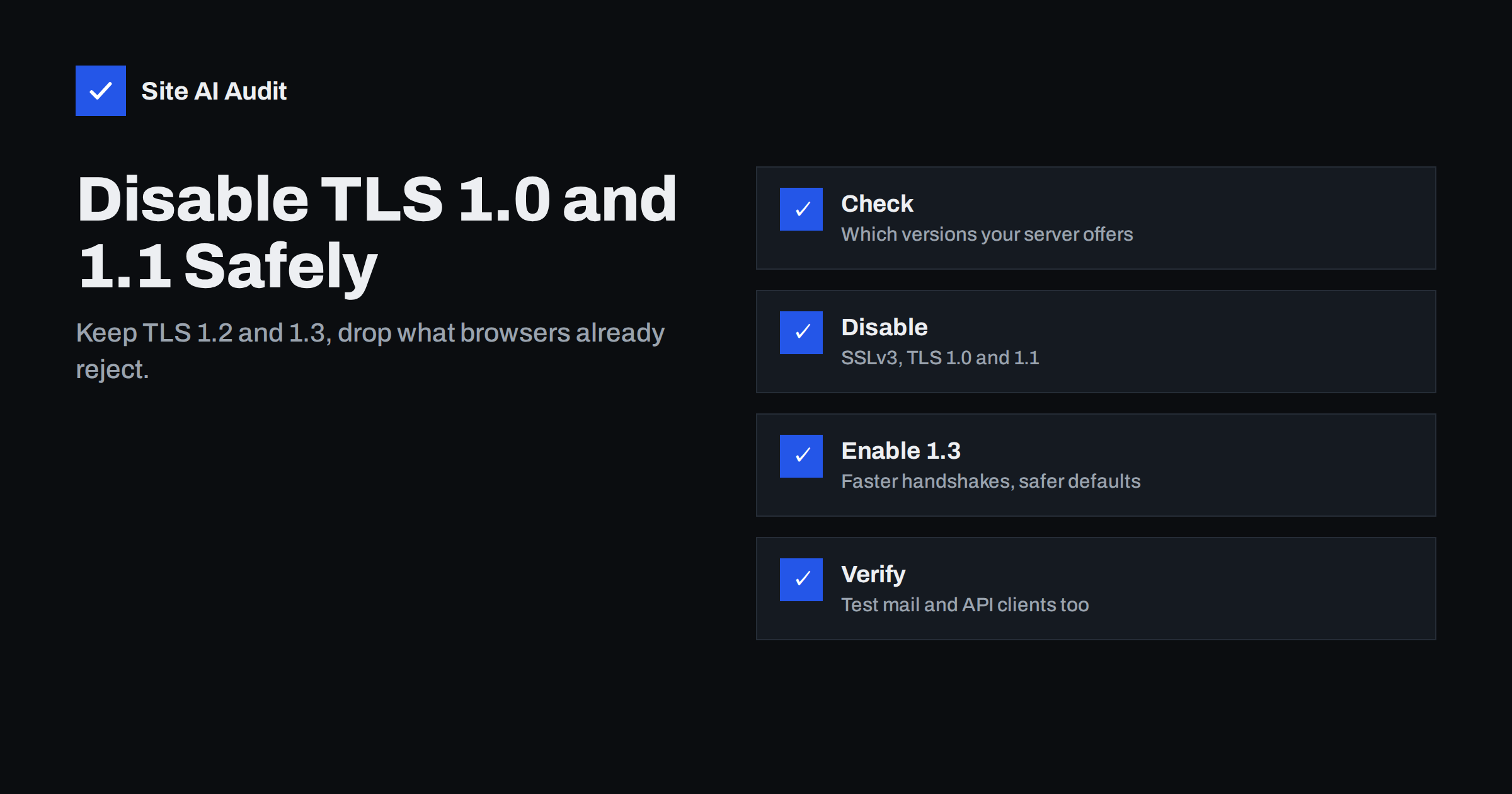
Short answer: TLS 1.0 and 1.1 were formally deprecated by the IETF in 2021 (RFC 8996), and all major browsers stopped supporting them in 2020. A public website should offer only TLS 1.2 and TLS 1.3. To get there, check which versions your server accepts, set the allowed protocols to TLS 1.2 and 1.3 in your web server, load balancer or CDN, keep modern cipher suites, reload, and test both the website and any other services on the same server, such as mail or APIs.
Security scanners and website audits regularly flag “TLS 1.0 enabled” or “weak protocol versions”. For many site owners this finding is confusing: the site works, browsers show a padlock, so what is the problem? The answer is that old protocol versions remain available for anyone who asks for them – including attackers attempting downgrade tricks and automated tools that grade your server. Disabling them is quick, but it is worth understanding what might break first. This guide covers the background, the configuration and the testing.
A short history of SSL and TLS versions
| Version | Released | Status today |
|---|---|---|
| SSL 2.0 and 3.0 | 1995–1996 | Broken; must be disabled |
| TLS 1.0 | 1999 | Deprecated (RFC 8996); not supported by modern browsers |
| TLS 1.1 | 2006 | Deprecated (RFC 8996); not supported by modern browsers |
| TLS 1.2 | 2008 | Secure with modern cipher suites; widely supported |
| TLS 1.3 | 2018 | Current version; faster and safer by design |
TLS 1.0 and 1.1 depend on older cryptographic building blocks, such as the SHA-1 and MD5 hash functions in parts of the handshake, and were affected by well-known attacks over the years. Rather than keep patching them, the industry retired them. The IETF’s RFC 8996 formally deprecates both versions.
Why it matters if browsers already refuse old versions
If modern browsers never use TLS 1.0, why switch it off on the server? Several reasons:
- Compliance. Payment card industry rules have required disabling early TLS for card data environments for years, and many security questionnaires ask about it.
- Attack surface. Every protocol version and cipher you offer is code that can contain vulnerabilities or be misused in downgrade attempts.
- Grades and audits. TLS testing tools cap the grade of servers that still accept old versions, and customers or partners may look at those grades.
- Signal of neglect. Old protocols often indicate an old server configuration overall – outdated software, weak ciphers, missing headers – which is worth reviewing anyway.
Before the change: check and plan
Step 1: Find out which versions you support
You can test each version individually with OpenSSL (the options depend on your OpenSSL build):
openssl s_client -connect example.com:443 -servername example.com -tls1   </dev/null
openssl s_client -connect example.com:443 -servername example.com -tls1_1 </dev/null
openssl s_client -connect example.com:443 -servername example.com -tls1_2 </dev/null
openssl s_client -connect example.com:443 -servername example.com -tls1_3 </dev/null
A successful handshake prints the certificate and a session summary; a refused version ends quickly with a handshake failure or “no protocols available”. Note that very recent OpenSSL builds may not be able to offer TLS 1.0 at all, so a failure on your side does not always prove the server refuses it. Online TLS testing services list all supported versions and ciphers in one report and avoid that ambiguity. Also check the nmap --script ssl-enum-ciphers -p 443 example.com output if nmap is available.
Step 2: Decide what to allow
For a public website, the recommendation is simple: TLS 1.2 and TLS 1.3. This matches the “intermediate” profile of widely used server configuration guides and supports every browser released in roughly the last decade.
Consider carefully before also disabling TLS 1.2 (the “modern” profile). TLS 1.3-only configurations are the most secure, but they can lock out some older operating systems, embedded devices, business software and API clients. Most sites keep TLS 1.2 with strong cipher suites.
Also think about non-browser clients that connect to your server: payment webhooks, partner integrations, monitoring tools, old point-of-sale or warehouse systems, and e-mail servers if mail runs on the same machine. These are the clients most likely to still use old versions.
Making the change and testing it
Step 3: Change the configuration
Nginx
ssl_protocols TLSv1.2 TLSv1.3;
ssl_prefer_server_ciphers off;
Put this in the http block so it applies to all sites, or in each HTTPS server block. Check for other ssl_protocols lines in included files, because a later directive can override yours. Test with nginx -t and reload.
Apache
SSLProtocol -all +TLSv1.2 +TLSv1.3Place it in the SSL configuration file or the virtual hosts. On older distributions, the TLS 1.3 option requires Apache 2.4.37 or later with OpenSSL 1.1.1 or later. Run apachectl configtest and reload.
Hosting panels, load balancers and CDNs
Many panels have a “minimum TLS version” setting per server or per site. Cloud load balancers use named security policies; choose one that allows only TLS 1.2 and 1.3. CDNs usually offer a minimum TLS version option in the SSL settings. Remember that when a CDN is in front of your site, visitors negotiate TLS with the CDN, so both the CDN setting and the origin server should be updated.
Windows servers
On Windows Server with IIS, protocol versions are controlled system-wide through the registry (SChannel settings) or with administrative tools that edit those settings. A reboot is usually required.
Step 4: Enable TLS 1.3 while you are there
TLS 1.3 is worth enabling for its own sake:
- Faster connections. The handshake needs one round trip instead of two, which helps on mobile networks.
- Safer defaults. Only modern cipher suites with forward secrecy exist in TLS 1.3; the weak options were removed from the protocol itself.
- Less to configure. TLS 1.3 cipher suites are few and all strong, so there is little room for misconfiguration.
Requirements are modest: a reasonably recent OpenSSL (1.1.1 or later) and a web server version that supports it. Most current Linux distributions and hosting platforms meet these.
Step 5: Review cipher suites for TLS 1.2
With TLS 1.2 you still choose cipher suites. Prefer AEAD ciphers with forward secrecy – ECDHE key exchange with AES-GCM or ChaCha20-Poly1305. Remove anything with RC4, 3DES, NULL, EXPORT or anonymous key exchange, and CBC-mode suites if your audience allows it. Rather than composing the list by hand, use a maintained configuration generator or the defaults of a current web server and OpenSSL version, which are already sensible.
Step 6: Test everything that connects
- Re-run the version tests from step 1 and confirm TLS 1.0 and 1.1 now fail while 1.2 and 1.3 succeed.
- Open the site in current browsers on desktop and mobile.
- Trigger each integration: a test payment, a webhook, a form that sends mail, API calls from partners.
- Check server logs for handshake errors over the following days. If a specific client appears, contact its owner to update it rather than re-enabling old TLS for everyone.
What if something breaks?
Occasionally a legacy client that cannot be updated quickly stops working – an old device, a supplier’s integration, a very old in-house tool. Options, in order of preference: update or replace the client; give that client a separate endpoint with its own configuration while the rest of the site stays strict; and only as a very short-term measure, re-enable TLS 1.1 or 1.0 with a deadline. Do not leave the exception in place indefinitely, and do not let it apply to the whole website.
A quick checklist before and after the change
- List every hostname and service on the server: websites, APIs, admin panels, mail, FTP over TLS.
- Record the current supported versions and ciphers so you can compare after the change.
- Notify partners that send webhooks or call your API, and ask them to confirm TLS 1.2 support.
- Make the change during a quiet period, with someone available to watch logs.
- Re-test each hostname, not only the main site, because separate configurations are common.
- Document the new minimum version in your server notes so a future rebuild keeps it.
This takes perhaps an hour for a typical small business server, and it turns a recurring audit finding into a closed item.
How Site AI Audit helps
Site AI Audit connects to your website at the start of every check and reports on the SSL certificate, the HTTPS redirect, security headers and exposed software versions, each explained in plain words with a fix. It gives a quick picture of your HTTPS setup from the outside, and re-checks on paid plans confirm that a configuration change had the intended effect. Run a free check.
Related reading
- Incomplete SSL Certificate Chain: How to Find and Fix It
- HSTS Explained: How to Enable Strict-Transport-Security Safely
- HTTP Security Headers Explained: What Each One Does
The bottom line
TLS 1.0 and 1.1 are retired, and browsers no longer use them. Offer TLS 1.2 and 1.3 only, with modern cipher suites, and enable TLS 1.3 for faster, safer connections. The change is a one-line configuration edit on most servers; the real work is testing the non-browser clients that connect to you, and replacing the rare legacy client instead of keeping old protocols alive for everyone.
DUK
Will disabling TLS 1.0 and 1.1 block any real visitors?
Very few, if any. Current browsers already refuse these versions, so only very old devices and outdated software would be affected. Non-browser integrations are a more likely source of problems and should be tested.
Is TLS 1.2 still secure?
Yes, when configured with modern cipher suites that use forward secrecy and authenticated encryption. It remains widely supported and is recommended alongside TLS 1.3 for most public websites.
Do I need to change my certificate to use TLS 1.3?
No. The same certificate works with TLS 1.2 and TLS 1.3. What you need is a web server and cryptographic library recent enough to support TLS 1.3.
Does my mail server also need old TLS disabled?
Mail servers negotiate TLS separately and often still see old clients. Review them separately: the same principle applies, but test with the mail clients and partner servers that actually connect to you before changing settings.
How do I know if a CDN is handling TLS for my site?
Look at the certificate issuer and at DNS: if your domain points to a CDN or proxy, visitors negotiate TLS with that service. In that case set the minimum TLS version in the CDN dashboard as well as on your origin server.


