 ENEnglish
 LTLietuviškai
 DEDeutsch
 FRFrançais
 RUРусский
 ESEspañol
 PLPolski
 ITItaliano
 UKУкраїнська
 CSČeština
 PTPortuguês
 JA日本語
JA日本語 LVLatviešu valoda
 ETEesti
 HUMagyar
 IDBahasa Indonesia
 TRTürkçe
 HIहिन्दी
 ELΕλληνικά
 ARالعربية
 THไทย
THไทย VITiếng Việt
 RORomână
 MSBahasa Melayu
 BNবাংলা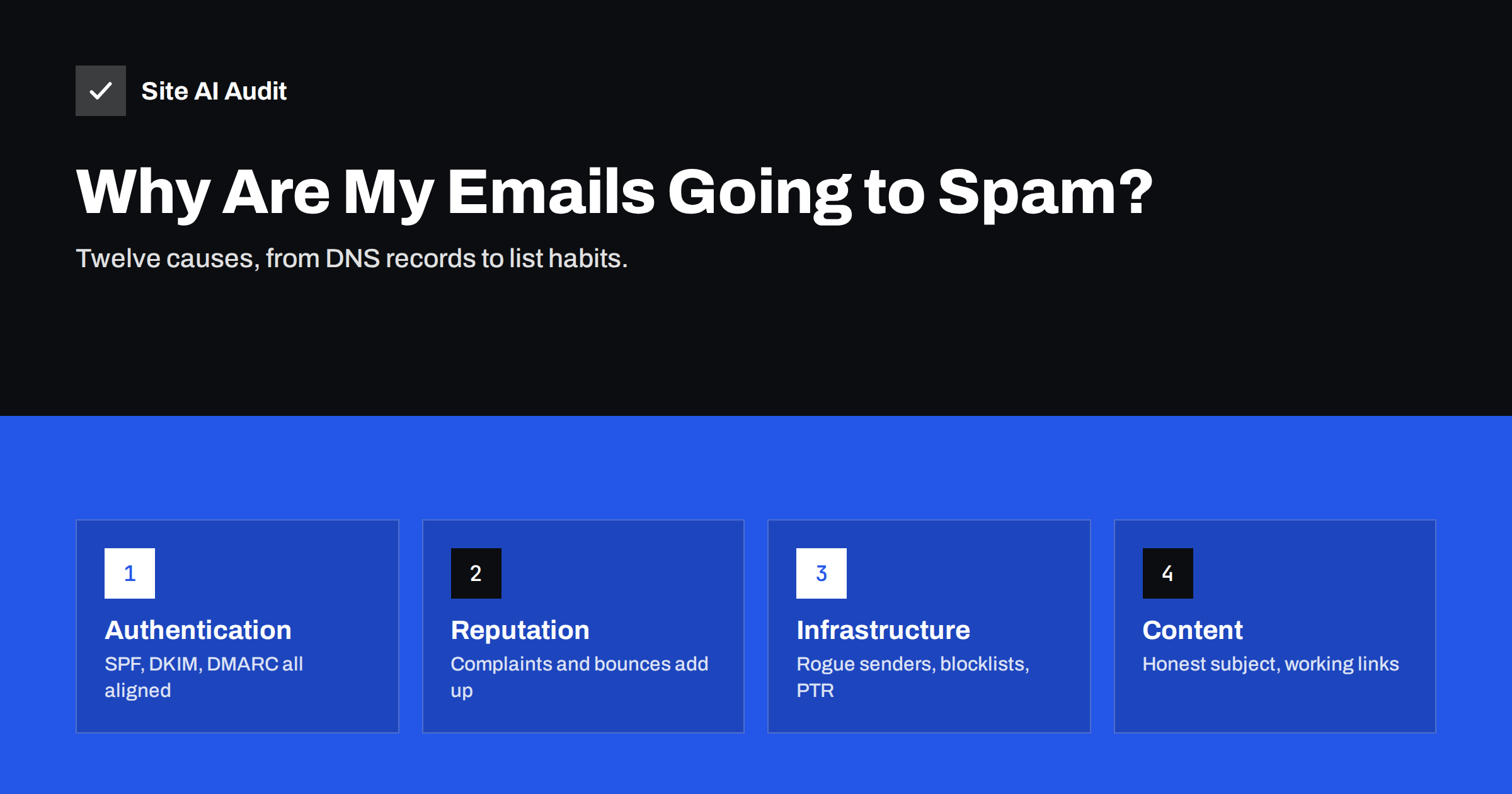
Short answer: E-mails usually go to spam for one of three reasons: the domain is not properly authenticated (missing or broken SPF, DKIM or DMARC), the sender’s reputation is weak because of complaints, bounces or sudden volume, or the message itself looks like something recipients did not ask for. Start by checking authentication in a real message header, then look at who you send to and how often, and only then at the content.
First, confirm what is actually happening
“Our e-mails go to spam” can mean very different things, and the fix depends on which one you have. Before changing anything, collect a few facts:
- Which mail goes to spam? Everyday replies from staff, website form notifications, invoices or newsletters? Each is often sent by a different system.
- At which providers? Only Gmail, only Outlook, only one corporate customer, or everywhere? A problem at one provider points to reputation or policy there; a problem everywhere points to authentication or infrastructure.
- Since when? A sudden change usually follows a DNS edit, a provider migration, a new tool or one bad campaign.
- Is it spam, or rejected? A bounce message with an error code is a different problem from a message that arrives in the junk folder.
Then send a test from the affected system to a Gmail or Outlook mailbox you control, open the original message source and find the Authentication-Results header. It tells you what the receiver thought of your SPF, DKIM and DMARC. Most of the causes below can be confirmed or ruled out from that one header.
Authentication causes (check these first)
1. No SPF record, or a broken one. Without SPF, receivers cannot tell whether your server is allowed to send. Two SPF records, a typo, or more than ten DNS lookups all produce errors. The header shows spf=none, spf=fail or spf=permerror. Fix: publish one correct record that includes every real sender.
2. DKIM not enabled. Many admin consoles let you publish the DKIM key and then forget to switch signing on. The header shows dkim=none. Fix: enable signing in the provider and in every tool that sends as you.
3. No DMARC record, or failing alignment. Large providers now expect DMARC, and they look for alignment between the From address and SPF or DKIM. If a newsletter tool signs with its own domain, the header shows dmarc=fail even though SPF and DKIM pass. Fix: publish DMARC and configure custom domain authentication in each tool.
These three causes are the most common and the cheapest to fix, which is why they come first. They also matter more every year, as providers tighten the rules for unauthenticated mail.
Infrastructure causes
4. The website sends mail by itself. Contact forms and online shops often send mail directly from the web server using PHP’s mail function, with your domain in the From address but from an IP address that is not in your SPF record and without DKIM. Those messages are among the most frequent spam-folder victims. Fix: send website mail through your mail provider or a transactional mail service over authenticated SMTP.
5. Missing or mismatched reverse DNS. If you run your own mail server, its IP address needs a PTR record pointing to a host name that resolves back to the same IP. Many receivers treat mail from servers without proper reverse DNS with strong suspicion. Hosted providers handle this for you.
6. The IP address or domain is on a blocklist. Shared hosting servers sometimes end up listed because of another customer’s behaviour, and a compromised mailbox can get your own domain listed. The bounce message or a public blocklist lookup usually names the list. Fix the cause first, then request removal through the list’s own procedure.
Reputation causes
7. Recipients mark your mail as spam. Complaints are one of the strongest negative signals. Google tells bulk senders to keep the spam rate reported in Postmaster Tools below 0.1% and never let it reach 0.3%. People complain when they do not remember subscribing, when mail comes too often, or when unsubscribing is hard.
8. Old or bought lists. Addresses that no longer exist cause hard bounces, and abandoned addresses can be turned into spam traps. Both tell providers that you do not maintain your list. Never buy lists; remove hard bounces immediately and re-confirm contacts who have not engaged for a long time.
9. Sudden changes in volume. A domain that normally sends a few hundred messages a week and suddenly sends tens of thousands looks like a compromised account. New domains and new IP addresses need to warm up gradually.
10. Low engagement. Providers watch whether people open, reply to, move or delete your mail without reading it. A list where most recipients ignore you slowly pushes future mail towards spam, even for those who want it.
Content and format causes
11. Misleading or low-quality content. Modern filters do not simply count “spammy words”, but they do notice patterns: subject lines that promise something the body does not deliver, fake “Re:” prefixes, a single large image with almost no text, or text that repeats known scam templates. Write like a real business writing to real customers.
12. Problematic links and attachments. URL shorteners, links to domains with poor reputation, links whose visible text shows a different address than the target, and unexpected attachments such as archives or macro-enabled documents all raise risk scores. Link to your own domain where possible, and make sure every linked site uses HTTPS and works.
Also check the basics that make a message look professional: a real reply-to address that someone reads, a recognisable sender name, a plain-text part alongside the HTML version, and a visible postal address and unsubscribe link in marketing mail. None of these guarantees the inbox, but their absence is typical of mail that recipients later report as spam.
A quick diagnostic order
| Step | What to check | Where |
|---|---|---|
| 1 | SPF, DKIM, DMARC results | Authentication-Results header of a test message |
| 2 | Published DNS records | DNS lookup or an external domain check |
| 3 | Which system sent the failing mail | Received headers, DMARC reports |
| 4 | Blocklist status and bounce codes | Bounce messages, blocklist lookup |
| 5 | Complaint and reputation data | Google Postmaster Tools, your sending platform |
| 6 | List age, frequency, engagement | Your newsletter or CRM statistics |
| 7 | Content and links | The message itself |
Working in this order saves time, because technical failures often explain everything, and no amount of rewording will fix a failing DMARC check.
How to confirm a fix worked
Spam placement rarely flips the minute you publish a DNS record. Receivers cache old records until the TTL runs out, and reputation adjusts over days or weeks. After each change:
- Wait for the old record’s TTL to pass.
- Send fresh test messages from each affected system and check the headers again.
- Ask two or three friendly recipients at different providers to check where the mail arrived, and to mark it as “not spam” if it landed in junk.
- Watch complaint and bounce numbers in your sending tools for the next few campaigns.
Avoid changing several things at the same time. If you fix SPF, rewrite the newsletter template and switch provider in one week, you will not know which change helped or hurt.
Where an outside check helps
Several causes on this list are visible from outside without logging in anywhere: the SPF record and its lookup count, the DKIM keys, the DMARC policy and the MX records. Site AI Audit runs these e-mail checks together with the website’s SEO, speed and SSL checks, and explains every finding with a concrete fix. It does not see your list quality or complaint rates, which live in your own sending tools, but it quickly rules the DNS side in or out. You can check your domain for free, and paid plans re-check regularly and send an alert when e-mail records break.
Related reading
- SPF vs DKIM vs DMARC: What Each One Does and Why You Need All
- SPF Record Explained: What It Does and How to Set It Up
- DMARC Explained: Policies, Alignment and a Safe Rollout
The bottom line
When e-mails go to spam, fix authentication first, then infrastructure, then reputation habits, and content last. Check real headers instead of guessing, change one thing at a time, and give reputation time to recover. Most small-business spam problems come from a missing record or a website that sends mail on its own, and both are quick to fix.
FAQ
Why do my e-mails go to spam only in Gmail?
Gmail relies heavily on authentication, domain reputation and recipient feedback. Check the headers of a message delivered to Gmail for failing SPF, DKIM or DMARC, and look at Google Postmaster Tools if you send in volume to see your domain reputation and spam rate.
Can a single word in the subject send my e-mail to spam?
Rarely on its own. Modern filters weigh many signals together, and authentication and reputation usually matter far more. Misleading subjects still hurt, mostly because they lead recipients to complain.
How long does it take to get out of the spam folder?
Technical fixes take effect once DNS caches expire, often within hours. Reputation recovery after complaints or blocklisting typically takes days to weeks of consistent, wanted sending.
Why do my website contact form e-mails go to spam?
Usually because the web server sends them directly with your domain in the From address but without SPF authorisation or DKIM. Route website mail through an authenticated SMTP service or your mail provider.
Does asking recipients to whitelist me help?
It helps for those individual recipients, because adding you to their contacts is a positive signal. It does not fix underlying authentication or reputation problems, so treat it as an extra, not a solution.


