 ENEnglish
 LTLietuviškai
 DEDeutsch
 FRFrançais
 RUРусский
 ESEspañol
 PLPolski
 ITItaliano
 UKУкраїнська
 CSČeština
 PTPortuguês
 JA日本語
JA日本語 LVLatviešu valoda
 ETEesti
 HUMagyar
 IDBahasa Indonesia
 TRTürkçe
 HIहिन्दी
 ELΕλληνικά
 ARالعربية
 THไทย
THไทย VITiếng Việt
 RORomână
 MSBahasa Melayu
 BNবাংলা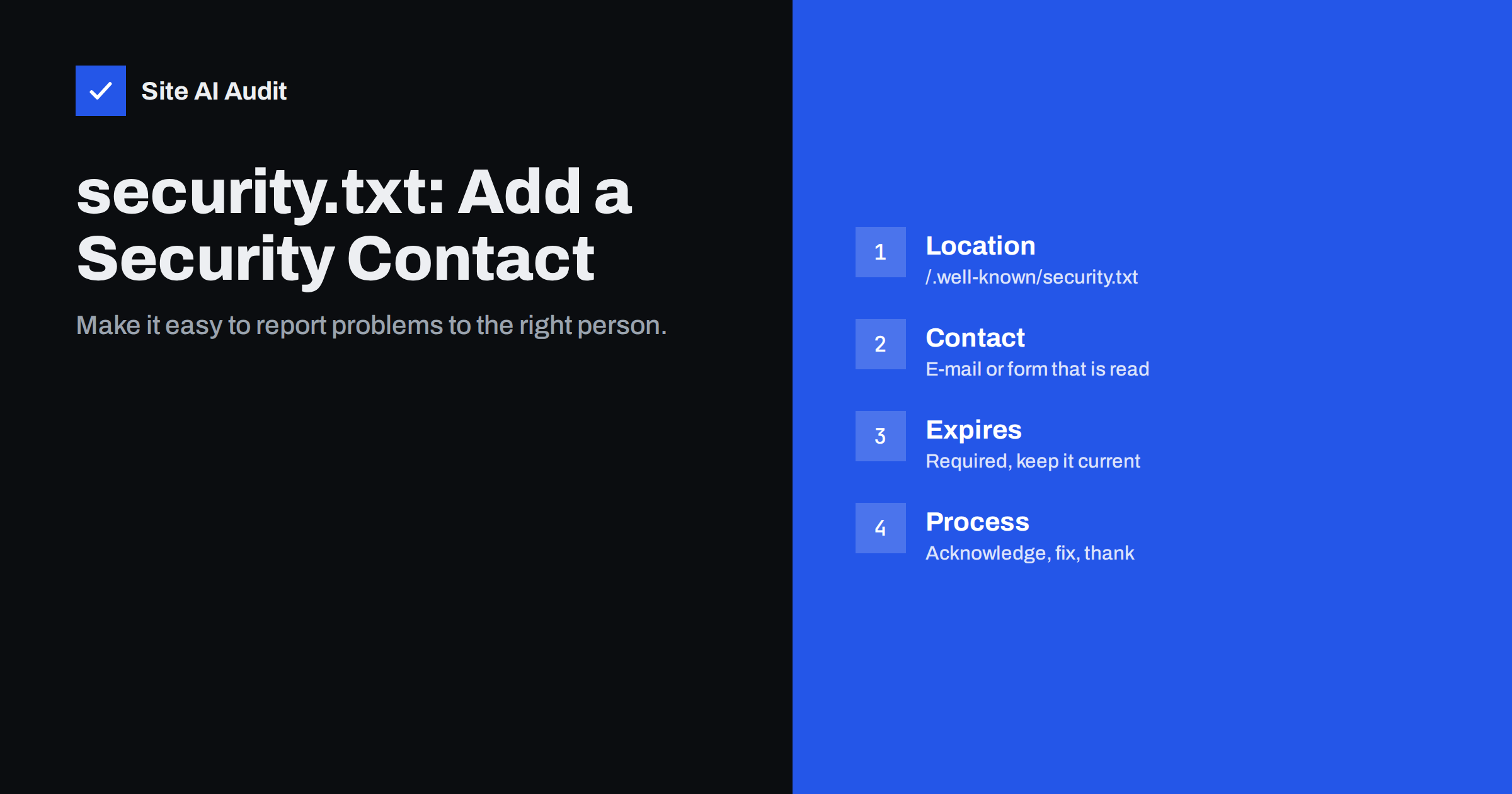
Short answer: security.txt is a small plain-text file, placed at /.well-known/security.txt, that tells security researchers how to report a vulnerability on your website. It is defined in RFC 9116 and needs only two fields: お問い合わせ (an e-mail address or URL that someone actually reads) and Expires (a date, less than a year ahead, after which the file should be considered stale). Optional fields add a policy link, preferred languages and an encryption key. It takes ten minutes to publish and gives well-meaning people a clear way to warn you before others exploit a problem.
Every now and then, someone notices a security problem on a website that is not theirs: an exposed backup file, a login page without HTTPS, a plugin vulnerability, a misconfigured form that leaks data. Many of them would like to tell the owner – but where? The contact form goes to sales, the info@ address to an unread shared inbox, and social media messages are ignored. security.txt solves that with a standard, predictable location. This guide explains what to put in the file, where to host it, and how to handle the reports it brings.
What security.txt is
The idea is similar to robots.txt: a well-known file at a standard location that tools and people can check automatically. The format was standardised by the IETF in RFC 9116 in 2022. Security researchers, vulnerability scanners and bug bounty platforms look for it, and some national cybersecurity agencies recommend it for public organisations. It does not change how your website works and is invisible to normal visitors.
A minimal example
Contact: mailto:[email protected]
Expires: 2027-06-30T23:00:00.000Z
Preferred-Languages: en, lt
Canonical: https://example.com/.well-known/security.txt
Policy: https://example.com/security-policy/
That is a complete, valid file. Only お問い合わせ and Expires are required; the rest is optional but useful.
The fields explained
| Field | Required? | Purpose |
|---|---|---|
| お問い合わせ | Yes (one or more) | How to report: mailto: address, https: URL of a form, or tel: number |
| Expires | Yes (exactly one) | Date after which the file should not be trusted; recommended less than a year ahead |
| Encryption | No | Link to a public key for encrypted reports |
| Acknowledgments | No | Link to a page thanking people who reported issues |
| Preferred-Languages | No | Languages your team can read reports in |
| Canonical | No | The URL(s) where this file officially lives |
| Policy | No | Link to your vulnerability disclosure policy |
| Hiring | No | Link to security job openings |
お問い合わせ should lead to a person or team that reads it within days, not weeks. A dedicated address such as security@ that forwards to the responsible people is common. If you list several contacts, put the preferred one first.
Expires exists because outdated contact details are worse than none: a report sent to an address nobody reads gives a false sense of having warned you. The date format is ISO 8601, for example 2027-06-30T23:00:00.000Z. Put a reminder in your calendar to update it before it passes.
Where to put the file
- The official location is
https://example.com/.well-known/security.txt, served over HTTPS. - Serve it as
text/plain, with UTF-8 encoding. - Optionally place a copy or redirect at
/security.txtin the root, for older tools. - Each hostname that people might check – for example your shop or app subdomain – can have its own file or redirect to the main one.
On a typical Apache or Nginx site, create the .well-known folder in the web root if it does not exist and upload the file. Many servers block hidden folders for security reasons; make sure your rules allow /.well-known/, which is also used for certificate validation. On WordPress, you can upload the file via SFTP or the hosting file manager; some security plugins also create it. On hosted platforms without file access, check whether the platform supports custom files in .well-known.
Optional: sign the file
RFC 9116 allows the file to be digitally signed with OpenPGP, so readers can verify that the contact details were not tampered with. For small businesses this is rarely necessary. For organisations that are likely targets of impersonation – where an attacker might try to divert reports – signing adds assurance.
Handling the reports you receive
Prepare for the reports
Publishing a contact is a promise that someone will listen. Before you publish, agree internally:
- Who reads the inbox and how quickly. Acknowledging a report within a few working days is a reasonable target.
- Who assesses and fixes. For many small businesses, that is the web agency or developer; make sure they know reports may come to them.
- How you communicate. Thank the reporter, tell them you are looking into it, and let them know when it is fixed.
- What you will not do. Many organisations state in their policy that they do not pay rewards and do not take legal action against good-faith researchers who follow the policy. Be clear, so expectations match.
Handling low-quality and “beg bounty” reports
Once a security contact is public, you may receive automated or low-effort messages: generic scanner output, reports that a missing header is “critical”, or requests for payment before details are shared. These are common and not a reason to avoid security.txt. A short policy page helps: state what you consider in scope, that you do not offer paid rewards (if that is the case), and what information a useful report should contain. Then evaluate each report on its merits – sometimes a clumsy message does point to a real problem worth fixing. Never feel obliged to pay for a report you did not agree to.
A simple vulnerability disclosure policy
If you link a Policy, it can be short. Cover:
- Which domains and services are in scope.
- How to report and what to include (URL, description, steps to reproduce).
- What researchers should not do: access or modify other people’s data, disrupt service, use social engineering or physical attacks.
- Your commitment: acknowledgement time, keeping the reporter informed, and not pursuing good-faith research that respects the rules.
- Whether you offer rewards or public acknowledgement.
What a good first reply looks like
The first reply shapes the whole exchange. Researchers who feel ignored sometimes go public sooner than planned; researchers who feel respected usually give you the time you need. A good acknowledgement is short and specific:
- Thank the reporter and confirm that the report arrived and is being reviewed.
- Name a realistic time frame for an initial assessment, for example within one or two weeks.
- Ask for missing details if the report is unclear, such as the exact URL or steps to reproduce.
- Ask them not to share details publicly until the issue is fixed, and promise to tell them when it is.
When the fix is live, send a brief note confirming it, and credit the reporter on an acknowledgements page if they wish. Keep a simple record of each report, what you found and what you changed. Over time that record shows which parts of your website attract the most problems and where preventive work pays off.
Common mistakes
- Listing an address nobody reads, or one that bounces.
- Forgetting the
Expiresfield or letting the date pass. - Serving the file as HTML (for example, a CMS page) instead of plain text.
- Blocking
/.well-known/with a rule meant for hidden files. - Publishing the file on the main domain only, while the most exposed application runs on a subdomain.
How to test your file
Open https://yourdomain/.well-known/security.txt in a browser and confirm that it shows plain text, not a web page or a 404. From the command line, curl -sI should show status 200 and Content-Type: text/plain. Check that the date in Expires is in the future and less than a year away, and send a test message to the contact address to make sure it arrives with the people who should read it. Repeat the test for each hostname where you published the file, and whenever the site moves to new hosting or a new CMS.
How Site AI Audit helps
Site AI Audit focuses on the problems a researcher would most likely report first: an invalid or expiring SSL certificate, a missing HTTPS redirect, missing security headers and exposed software versions. Each finding is explained in plain words with the fix. Running a check before publishing security.txt means fewer of those reports ever need to be written. Run a free check.
Related reading
- HTTP Security Headers Explained: What Each One Does
- Exposed .env, .git and Backup Files: How to Find and Block Them
- Website Security for Small Businesses: Where to Start
The bottom line
security.txt is a tiny file with an outsized benefit: it tells people who find a problem exactly how to reach you. Publish it at /.well-known/security.txt with a monitored contact and a current expiry date, make sure someone is ready to respond, and keep the date updated. Combined with a short disclosure policy, it turns accidental discoveries into early warnings instead of public incidents.
FAQ
Is security.txt required by law?
Generally no, although some governments recommend or require it for public sector websites. For businesses it is a voluntary best practice that makes vulnerability reporting easier.
Will security.txt attract attackers?
It does not reveal anything about your systems, only how to contact you. Attackers scan sites regardless; the file mainly helps people who want to report problems responsibly.
What should the Expires date be?
A date less than a year in the future, as recommended by RFC 9116. Update the file before the date passes, and confirm at the same time that the contact details are still correct.
Can I use a contact form instead of an e-mail address?
Yes. The Contact field accepts an https URL, for example a dedicated reporting form. Make sure the form accepts enough text and attachments for technical reports and that submissions reach the right people.
Do I need to pay people who report vulnerabilities?
No, unless you choose to run a reward programme. State your approach in your policy so reporters know what to expect, and thank good-faith reporters even when you do not pay.


