ENEnglish
 LTLietuviškai
 DEDeutsch
 FRFrançais
 RUРусский
 ESEspañol
 PLPolski
 ITItaliano
 UKУкраїнська
 CSČeština
 PTPortuguês
 JA日本語
JA日本語 LVLatviešu valoda
 ETEesti
 HUMagyar
 IDBahasa Indonesia
 TRTürkçe
 HIहिन्दी
 ELΕλληνικά
 ARالعربية
 THไทย
THไทย VITiếng Việt
 RORomână
 MSBahasa Melayu
 BNবাংলা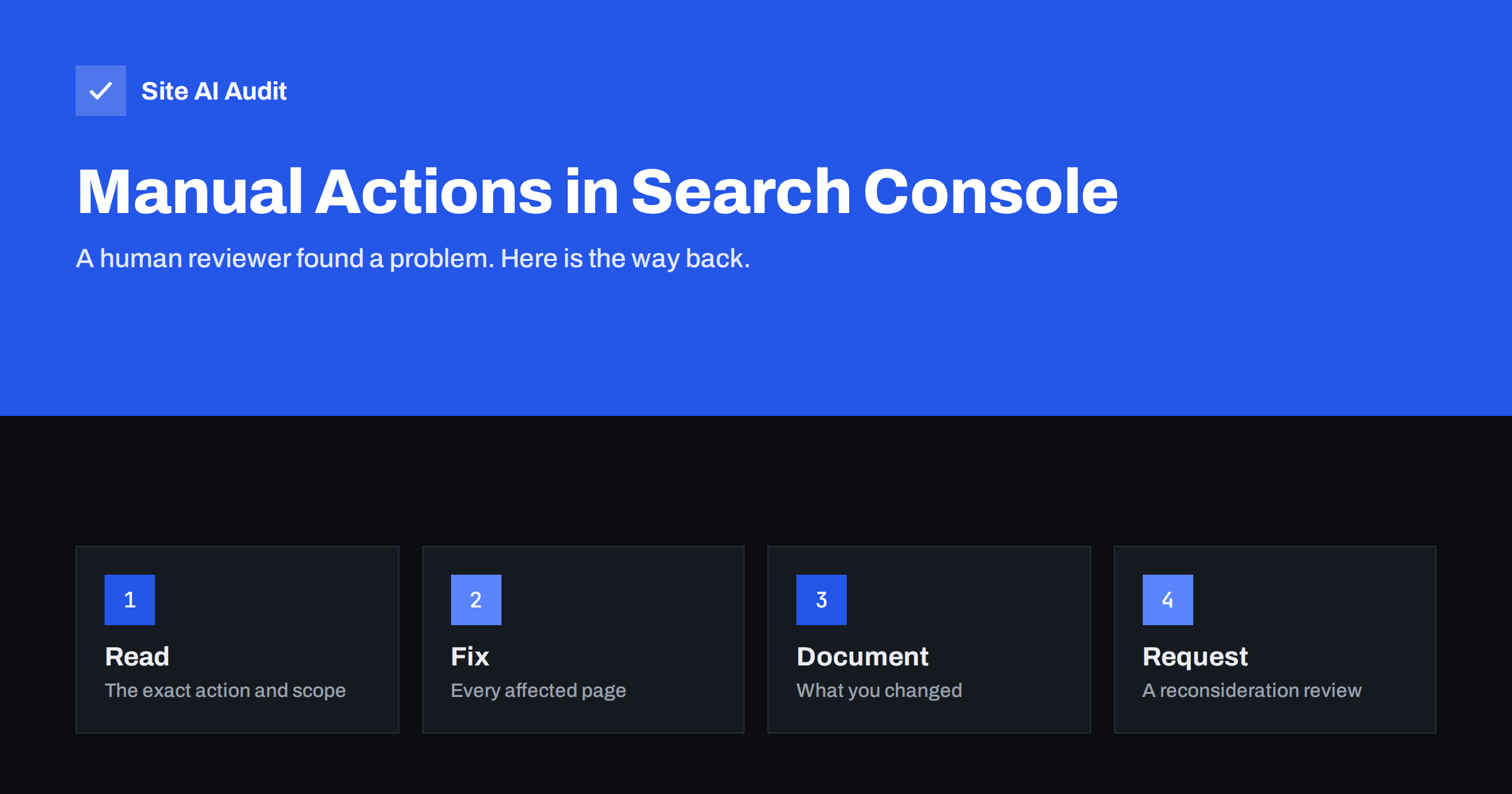
Short answer: A manual action is a penalty applied by a person at Google, not by an algorithm, after they found that pages on your site break Google’s spam policies. Affected pages, or the whole site, can rank lower or disappear from results. You will find it in Search Console under Security and Manual Actions, then Manual actions. To recover, read exactly which action applies and to which part of the site, fix every instance of the problem, document what you did, and submit a reconsideration request. Most actions can be lifted once the site is genuinely clean.
What a manual action is, and what it is not
Google ranks pages mostly through automated systems. Some of those systems detect spam and demote it without telling you. A manual action is different: a human reviewer has looked at your site and applied an action, and Google tells you about it in Search Console and usually by email to the site owners.
That makes manual actions rare for normal small business websites, but also unambiguous when they happen. A sudden traffic drop without a manual action is usually caused by an algorithm update, a technical problem or competition. Check the Manual actions report first anyway, because it takes seconds and rules out one possible cause. Our guide on diagnosing a traffic drop walks through the other causes.
Security issues, such as hacked content or malware, appear in a separate report next to manual actions. They need a cleanup first, and the review process is similar.
Where to find manual actions and how to read them
Open Search Console, choose your property and go to Security and Manual Actions, then Manual actions. If the report says “No issues detected”, there is no manual action on that property. Check every property you have, including the domain property and separate HTTP, HTTPS, www and non-www properties if you use them.
If there is an action, the report shows:
- The type of action, such as unnatural links or thin content.
- Whether it affects the whole site or only some pages, often shown as site-wide or partial matches.
- Example URLs in some cases. They are examples, not a complete list.
- A link to the relevant policy and a button to request a review once you have fixed the problem.
Read the description carefully. A partial action on a forum section needs a different response than a site-wide action for pure spam.
The most common types and what they mean
- Unnatural links to your site. Google found links pointing to you that look bought or built to manipulate rankings: paid links, link exchanges, private blog networks, keyword-stuffed links in directories or guest posts.
- Unnatural links from your site. Your site sells links or links out in ways that pass ranking credit without the proper
rel="sponsored"ornofollowattributes. Our guide to link attributes explains the correct markup. - Thin content with little or no added value. Pages that add nothing original: automatically generated text, scraped or spun content, doorway pages for every town, or affiliate pages that only repeat product feeds.
- User-generated spam. Spam posted by others in comments, forums or profiles on your site.
- Cloaking and sneaky redirects. Showing different content to Google than to visitors, or redirecting visitors somewhere unexpected. Hacked sites often trigger this without the owner knowing.
- Hidden text and keyword stuffing. Text hidden from visitors, or pages crammed with repeated keywords.
- Structured data issues. Markup that does not match visible content, such as fake review stars, which can lead to the loss of rich results.
- Pure spam. Aggressive spam techniques throughout the site. This is the most severe type.
- Site reputation abuse. Third-party content published on a site mainly to exploit the host site’s ranking signals.
How to fix the common problems
Unnatural links to your site. Make a list of links from Search Console’s Links report and any other link data you have. Identify links you or an agency bought, exchanged or built in bulk. Ask the sites to remove them where possible. For links you cannot remove, create a disavow file listing those domains and upload it through Google’s disavow tool. Keep a record of every removal request.
Unnatural links from your site. Remove paid links or mark them with rel="sponsored". Check templates, widgets and footers for links added by theme or plugin authors.
Thin content. Improve, merge or remove the affected pages. Doorway pages for many locations should become fewer, genuinely useful pages, or be removed. Our guide to fixing thin content covers the options, and the one on location pages explains how to do them properly.
User-generated spam. Delete the spam, then prevent new spam with moderation, spam filters, CAPTCHAs on sign-up and rel="ugc" on user links. Remove abandoned forums or comment sections you cannot moderate.
Cloaking, redirects and hacked content. Find and remove the code responsible. If you did not add it, treat the site as hacked and follow a full cleanup; our hacked website recovery plan explains the steps.
Structured data. Remove markup that is not supported by visible content and follow Google’s guidelines for each rich result type.
How to write a reconsideration request
When the problem is fixed across the whole site, not just on the example URLs, click “Request review” in the Manual actions report. A good request is short, factual and complete:
- Explain the problem in your own words, showing you understand what was wrong.
- Describe what you did, with numbers: how many pages you removed or rewrote, how many link removal requests you sent, which plugins you changed.
- Document the evidence, for example in a shared spreadsheet or document with the list of removed links or changed pages, and link to it.
- Explain how you will prevent it, such as moderation rules or a decision to stop buying links.
Do not argue with the reviewer or claim the problem never existed if it did. Requests that fix only the examples, or promise fixes instead of describing completed ones, are usually rejected. Reviews can take from days to several weeks. You will receive a message in Search Console with the result. If the request is rejected, the message usually explains what remains, and you can fix it and try again.
After the action is lifted
Rankings do not always return to where they were. If your previous rankings depended on bought links or thin pages, those signals are now gone, and the site will rank on what remains. Use the moment to strengthen the basics: useful content, a clear structure, technical health and trustworthy pages. Our guide to E-E-A-T for small business websites explains what helps Google trust a site.
Keep the documentation from the cleanup. If a new agency or freelancer suggests a shortcut, it reminds everyone why it is not worth it.
How to avoid a manual action in the first place
- Do not buy links or use link schemes, even when a service promises they are “safe”.
- Check what an SEO agency actually does for you, including link building methods.
- Mark sponsored and affiliate links correctly.
- Moderate comments, forums and user profiles, or switch them off.
- Keep the CMS and plugins updated to prevent hacks that create spam.
- Publish content written for people, not hundreds of near-identical pages.
- Check the Manual actions and Security issues reports from time to time, and make sure Search Console notification emails reach someone.
How Site AI Audit helps
Site AI Audit cannot see manual actions; only Search Console shows those. What it does is crawl your site and report technical and on-page problems that often go along with low-value pages: pages with very little text, missing or duplicate titles and meta descriptions, missing main headings, broken internal links and pages without structured data. On the security side, it reports a visible WordPress or server version and missing security headers, which matter because hacked sites are a common source of cloaking and spam actions. You can run a free check, and the pricing page lists the plans with full details for every page.
Related reading
- How to Set Up Google Search Console for a Small Business
- Japanese Keyword Hack: How to Find and Remove SEO Spam Pages
- SEO Myths Small Businesses Still Believe, and What Is True
The bottom line
A manual action is a clear message from a human reviewer that part of your site breaks Google’s spam policies. Find it in Search Console, read exactly what and where it applies, fix the problem everywhere it occurs, document the work and submit an honest reconsideration request. Once the action is lifted, rebuild on genuinely useful content and clean technical foundations, and avoid the shortcuts that caused it.
FAQ
How do I know if my site has a manual action?
Open Search Console and go to Security and Manual Actions, then Manual actions. If there is no action, the report says that no issues were detected.
Can a manual action be removed?
Yes. Fix the problem across the site and submit a reconsideration request. If the reviewer agrees that the site complies, the action is lifted.
How long does a reconsideration review take?
Usually from a few days to several weeks. Google sends the result as a message in Search Console.
Will my rankings come back after the action is lifted?
Often partly or fully, but not always to the previous level, especially if those rankings relied on bought links or thin content that has now been removed.
Is a traffic drop always a manual action?
No. Most traffic drops come from algorithm updates, technical problems or competition. The Manual actions report tells you quickly whether a penalty is involved.