ENEnglish
 LTLietuviškai
 DEDeutsch
 FRFrançais
 RUРусский
 ESEspañol
 PLPolski
 ITItaliano
 UKУкраїнська
 CSČeština
 PTPortuguês
 JA日本語
JA日本語 LVLatviešu valoda
 ETEesti
 HUMagyar
 IDBahasa Indonesia
 TRTürkçe
 HIहिन्दी
 ELΕλληνικά
 ARالعربية
 THไทย
THไทย VITiếng Việt
 RORomână
 MSBahasa Melayu
 BNবাংলা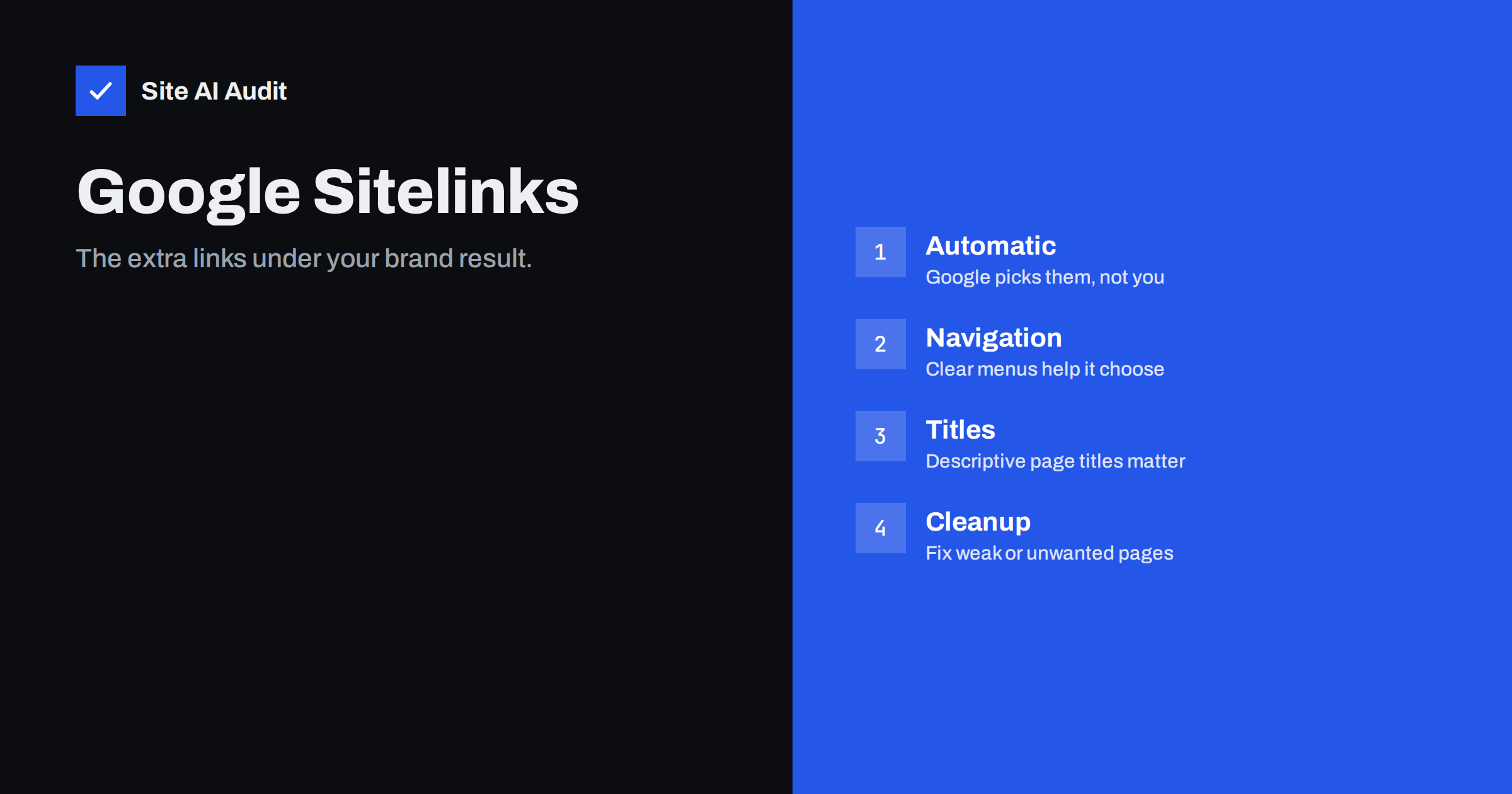
Short answer: Sitelinks are the additional links that Google sometimes shows under a search result, usually for a brand search that leads to your homepage. Google creates them automatically and there is no markup or setting that requests specific ones. You can make good sitelinks more likely by giving your site a clear structure, descriptive titles, consistent internal links and a working sitemap, and you can reduce unwanted ones by fixing, redirecting or removing the pages behind them.
What sitelinks are and when they appear
Sitelinks are short links to inner pages that appear below the main result for a website. They often show up when someone searches for a company name or a domain, because Google then assumes that the person wants to reach that site and offers shortcuts to its most useful sections: contact, pricing, services, a login page or a specific product category.
They are shown only when Google decides they help the searcher. A small or new site often has none, and a site can have them for one query and not for another. The links appear in different forms: a row of links under the result, a list with short descriptions or a compact set under a result in the middle of the page.
It helps to separate them from related search features. A site name and favicon are shown at the top of the result, as described in our guide to site names and favicons in Google. Breadcrumbs appear in the address line of a result and are explained in our breadcrumbs guide. Sitelinks are the extra links below it.
You cannot choose them directly
Google says that sitelinks are automated. There is no structured data type, meta tag or setting in which you name the pages that should appear. Old advice to demote or pick sitelinks in Search Console no longer applies, as Google removed that tool years ago. The retired sitelinks search box, which once let people search a site from the result, is not available any more either.
Because the system is automatic, any service that promises to place chosen sitelinks for you is not telling the truth. What you can do is to give Google clear signals and a clean structure, and then let its systems decide.
What helps Google choose good sitelinks
Google looks at the structure of your site and at how pages relate to each other. These practical steps support it.
- Clear site navigation. A main menu with simple, descriptive labels such as Services, Pricing, Contact and Blog shows which sections matter. Avoid labels that need explanation.
- Descriptive page titles. The title of each page often becomes the text of the sitelink. A title such as “Pricing” or “Contact” is clear, while a keyword-stuffed title is not. Our guide to title tags shows how to write them.
- Internal links with meaningful anchor text. Pages that are linked from the homepage and from many other pages look more important. See internal linking and anchor text.
- A logical hierarchy. Group related pages and keep important pages close to the homepage in the number of clicks.
- Indexable, working pages. A page that is blocked, redirected or noindexed cannot appear. Read about the noindex tag if you are unsure.
- A good sitemap. It supports discovery, although it does not choose sitelinks. See our XML sitemap guide.
- Unique, useful pages. Pages that carry real content are more likely to be considered than empty ones.
A strong homepage is the starting point
Sitelinks usually belong to the homepage result, so the homepage should work as a map of the site. It should link to every major section in plain text, not only through images, sliders or scripts that Google may not follow reliably. Keep the number of links in the main menu manageable. Ten clear links are more useful than forty, because too many options make every link look equally important.
Use the same names consistently. If the menu says Prices, the title says Rates and the footer says Packages, Google has no clear idea of what the page is called. Choose one word for each section and use it in the menu, the title, the heading and the internal links. Our homepage SEO guide gives more ideas on how to structure it.
How to handle unwanted sitelinks
Sometimes a sitelink shows a page you would rather not highlight: an old offer, a login page, a thank-you page or a policy page. You cannot remove it with a tool, but you can change what leads to it.
- Check the page. Is it outdated, thin or confusing? Improve or update it first.
- Redirect or remove it if it no longer serves a purpose. A permanent redirect to the right page is the cleanest way. See 301 and 302 redirects.
- Use noindex for pages that must exist but should not appear in search, such as a thank-you page.
- Reduce internal links that make the page look important, for example a prominent footer link to a minor page.
- Improve the better page. A stronger alternative, with a clear title and more links, can take the place of a weak one.
- Wait. Google needs to recrawl and reprocess your site, so changes take days or weeks to show.
Why you may not have sitelinks yet
If your result has none, the usual explanation is that Google does not see a need. Common reasons include a young or small site, little search demand for your name, a flat structure with few distinct sections, weak or duplicate titles and few internal links. A brand with no searches rarely gets them, and sitelinks mostly appear for navigational queries.
The way to change that is the unglamorous one. Build real demand for your name through marketing and good service, keep the site tidy and give every important page a clear purpose. Do not create extra pages only in the hope of getting sitelinks, since that makes the structure worse.
How to check what Google shows for your brand
Search for your company name and for your domain in a private browser window, so that your history does not change what you see. Do it on a phone as well as on a computer, because the layout of sitelinks differs. Write down which links appear, which titles Google displays and whether any of them surprise you. Repeat the search once a month, and after every larger change to your menu or page titles.
Search Console can help you see the other side of the story. In the performance report, filter the queries by your brand name and look at which pages receive the clicks. If a page that you consider minor gets many brand clicks, that is a sign that visitors want it, and it may deserve a clearer place in your navigation. If an important page gets none, check whether it is linked clearly enough from the homepage. Treat this as research about visitor behaviour and not as a way to control the display. The links that Google shows are a mirror of how clear your site looks to a stranger who has never seen it before. Keep a short record of what you see each month, so that you can tell whether a change in structure had any effect.
A quick checklist
- Do the main menu labels describe the destinations in plain words?
- Does every key page have a unique title that makes sense on its own?
- Is each key page reachable within one or two clicks from the homepage?
- Are broken links, redirect chains and thin pages cleaned up?
- Is the sitemap current and free of redirected or blocked URLs?
- Are pages you do not want to show marked noindex or removed?
What Site AI Audit can and cannot tell you
Site AI Audit crawls up to 50 pages and reports on titles and descriptions, headings, alt texts, broken links, redirects, the sitemap, robots.txt and noindex tags. Those are the building blocks that sitelinks depend on, so it is a quick way to find duplicate titles, broken navigation and blocked pages. It cannot predict whether Google will show sitelinks for your brand or which ones it will choose. You can run a free check of your website or look at the plans.
Related reading
- How to Write Title Tags: A Practical Guide for Small Sites
- Internal Linking for SEO: A Practical Guide for Small Sites
- Homepage SEO: What Your Home Page Needs to Be Found
- Why Google Rewrites Your Title Tags and How to Prevent It
The bottom line
Sitelinks are earned, not requested. Make your navigation simple, your titles descriptive and your internal links consistent, remove weak pages and let your brand grow. Google then has the information it needs to show helpful shortcuts for your name.
FAQ
Can I choose which sitelinks Google shows?
No. Sitelinks are generated automatically and there is no setting or markup to select them. You can influence them through navigation, titles, internal links and by removing or fixing unwanted pages.
Why do I have no sitelinks?
Google may not see a need, especially for new or small sites and for names that few people search. A clear structure and a stronger brand over time increase the chance, but nothing guarantees them.
How long do changes take to show in sitelinks?
Google has to recrawl and reprocess your pages, so changes usually take days to weeks. Keep the changes consistent and avoid altering menu labels and titles repeatedly.
Does structured data create sitelinks?
No. No structured data type produces sitelinks. Markup can help with other features, such as breadcrumbs, but the extra links are chosen from your pages and structure.
Can a page in sitelinks be removed quickly?
You can use a temporary removal in Search Console for urgent cases, but the lasting fix is to redirect, noindex or delete the page, or improve the alternatives. Otherwise Google may choose it again later.